Prince MobileService Center · Kota
- Home
-
Repair Services
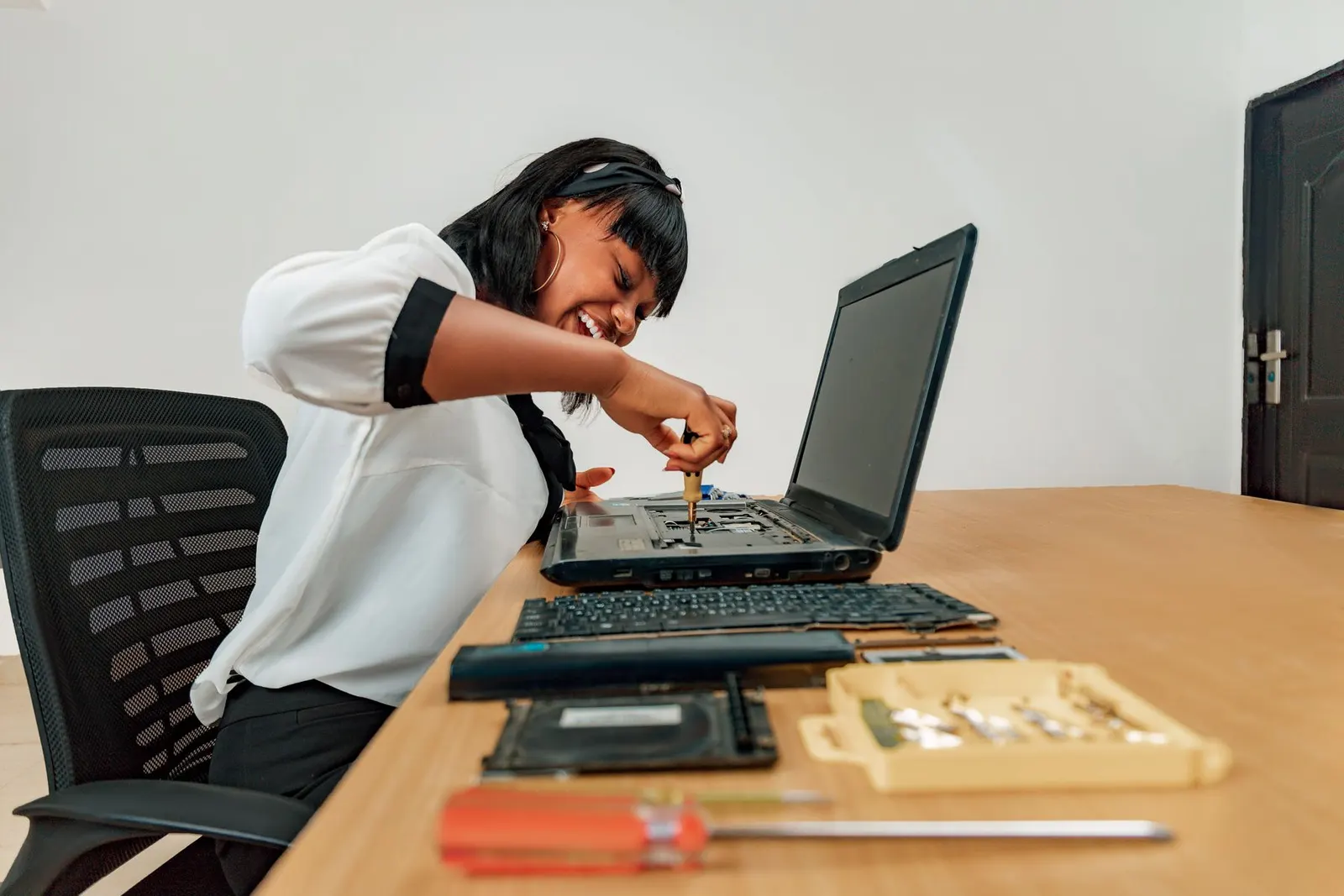
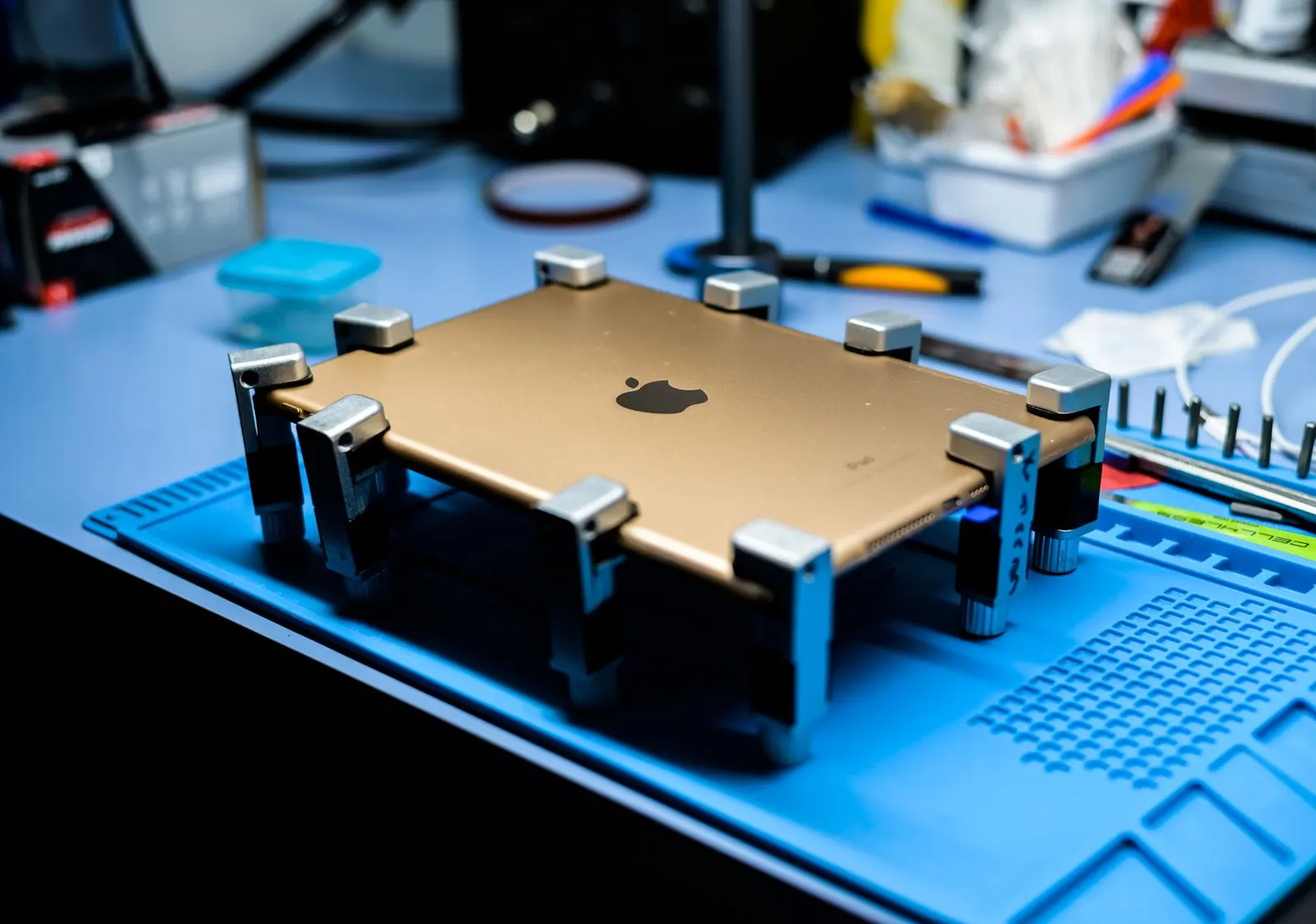
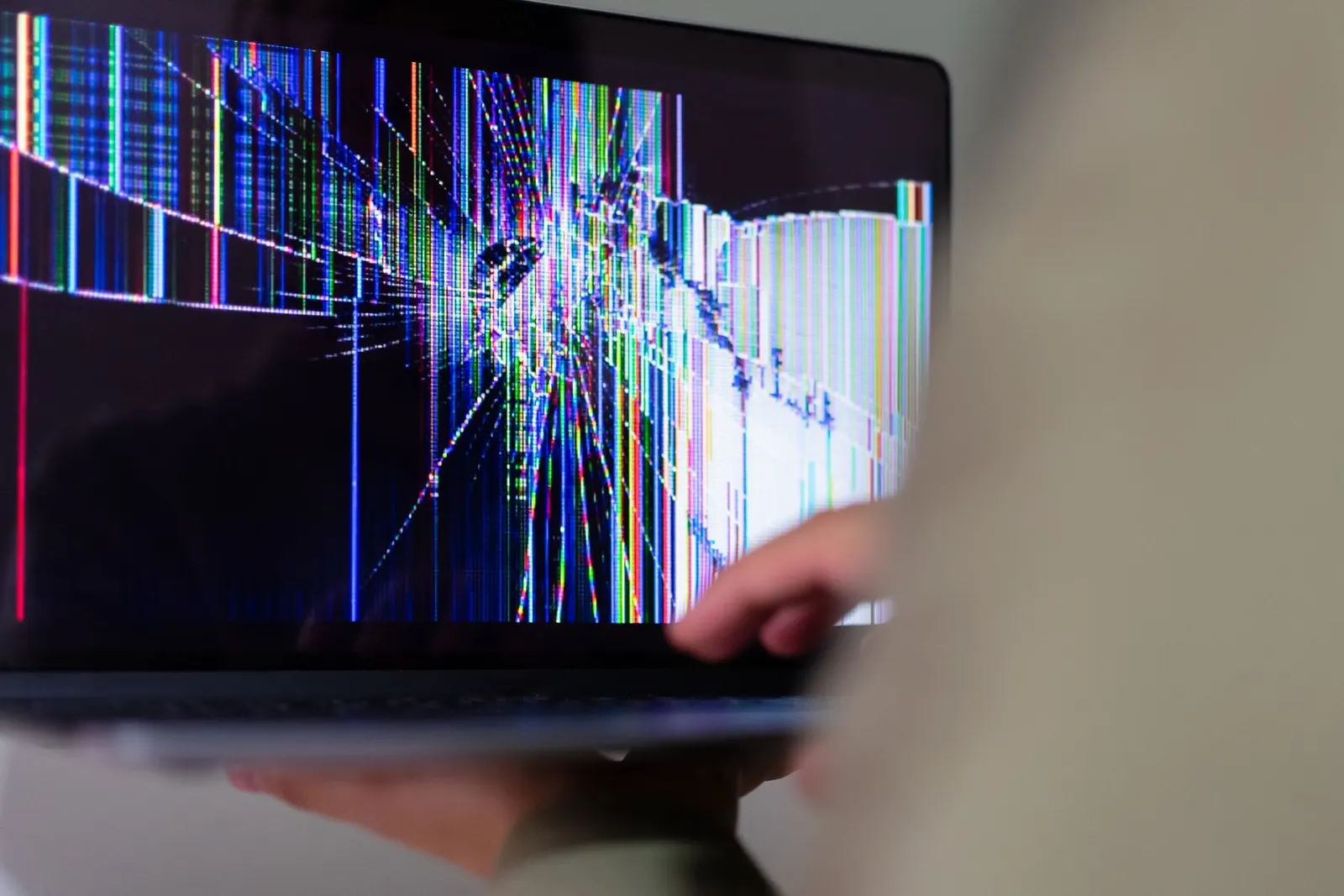
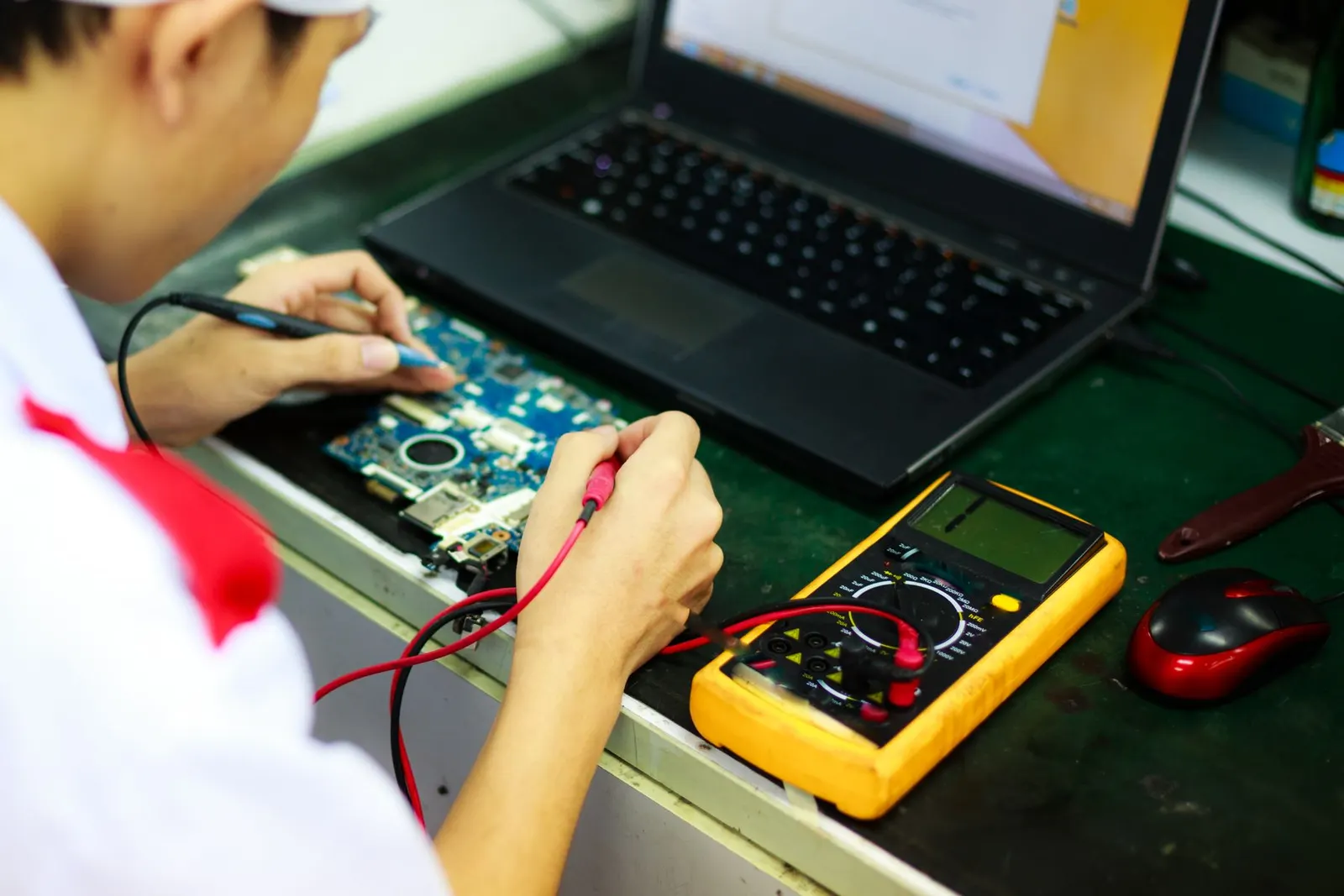
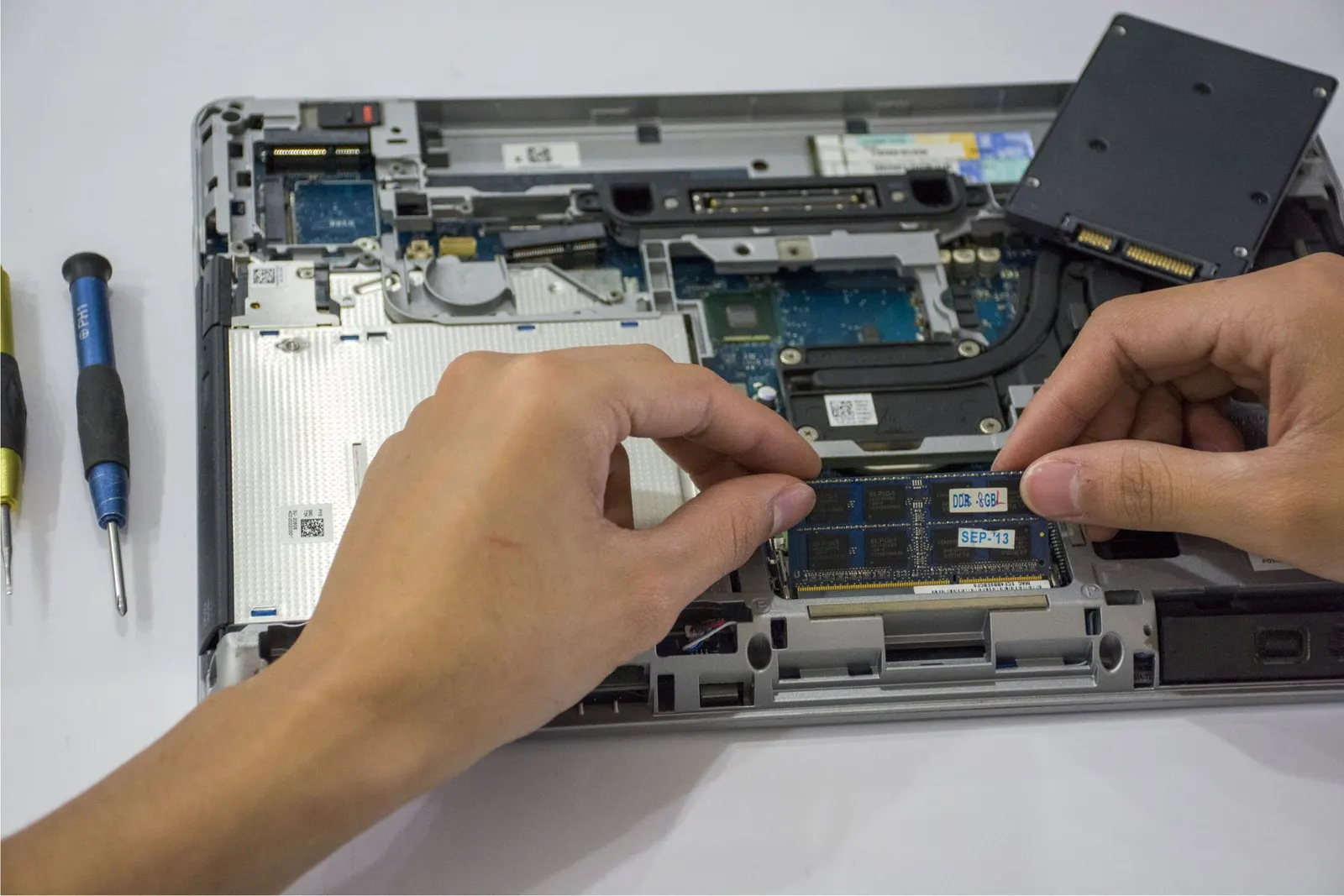
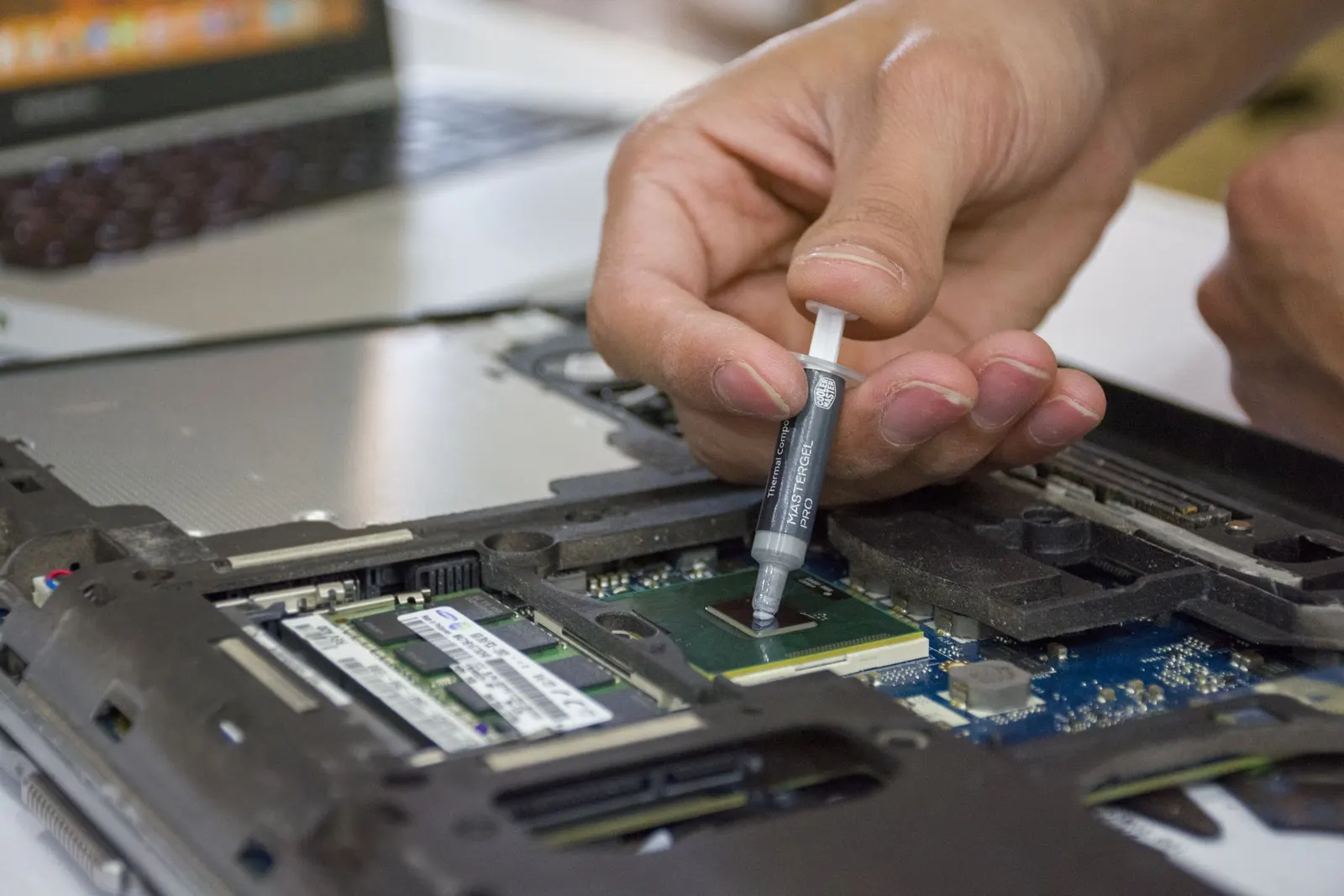
Screen / Combo ReplacementLCD, AMOLED, folder & touch Broken Glass ReplacementGlass-only, keep original display Battery ReplacementOriginal-grade cells, 30 min Water Damage RepairUltrasonic board cleaning Charging Port / Jack RepairType-C, Lightning, micro-USB Network / No Signal RepairSIM, IMEI, baseband Chip-Level Motherboard RepairDead phone, short, no power IC Reballing & Micro-SolderingCPU, power, charging IC Software Update & Zero FormatUnlock, flash, secure wipe Camera RepairBlurry, black, glass cracked Speaker & Mic RepairNo sound, low volume Back Glass & Body ReplacementiPhone, Samsung, OnePlus Laptop Repair (pickup & delivery)Screen, keyboard, battery, board Windows InstallationFormat, drivers, Office, tune-up Data Recovery. PriorityLaptop, HDD, SSD, pen drive, phone, remote Tablet & iPad RepairScreen, battery, charging View all repair services & prices
- Brands
- Pickup & Delivery
- Spare Parts
-
More
Doorstep Pickup & Delivery₹40 + ₹40 · free above ₹500 Live Video-Call RepairWatch your phone being opened Data Privacy & Parts PromiseYour data. Your parts. Your consent. Sell Your Old / Dead PhoneUp to ₹4,000 for 5G phones Courier Repair (100+ km)Baran, Bundi, Jhalawar & more Areas We Serve in KotaVigyan Nagar, Dadabari, Talwandi… Brochure & Price List (PDF)Download or share on WhatsApp About Prince MobileServing Kota since 2005 Contact & DirectionsKeshavpura Circle, Kota · 11 AM–8 PM Help Center: 100 free repair guides
- Contact