
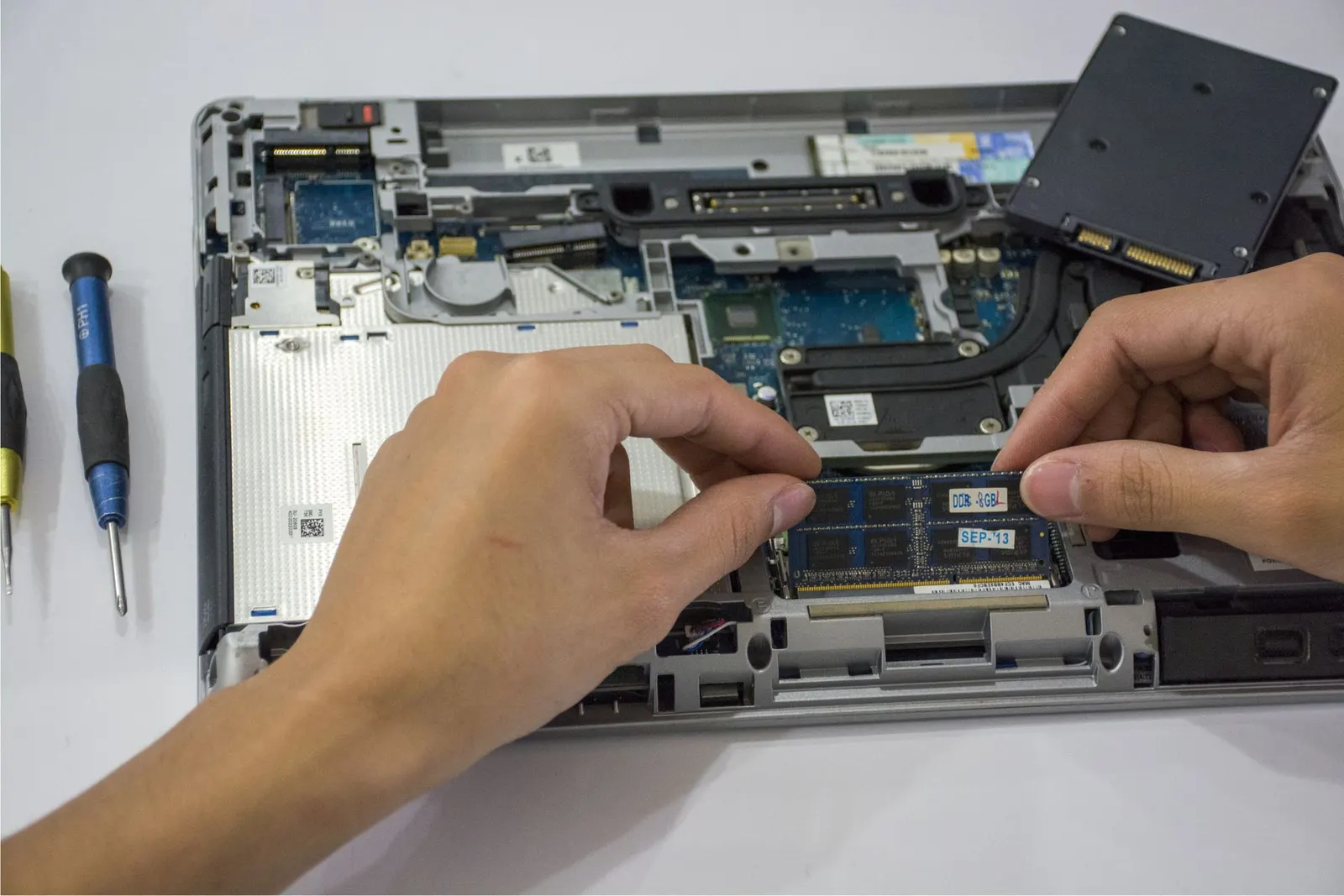
A glass of water knocked over during a late-night study session, a cup of chai tipped onto the keyboard, a bottle that leaked inside a college bag: liquid spills are among the most common laptop problems we see at our Keshavpura shop. The good news is that a spill is very often recoverable. The bad news is that the things most people do in the first few minutes, pressing keys to "check" the laptop, drying it with a hair dryer, or charging it to see if it turns on, are exactly what turn a recoverable spill into a dead motherboard. This guide explains what to do, in order, and why each step matters.
Step 1: Cut the Power Immediately
Liquid on its own rarely kills a laptop instantly. What causes the real damage is electricity flowing through the liquid, which creates short circuits between tiny components and speeds up corrosion. So the first job is to remove every source of power:
- Unplug the charger from the laptop first, then from the wall. Do not touch the plug with wet hands.
- Hold the power button for about ten seconds until the laptop switches off completely. Do not wait for Windows to shut down normally and do not save your work first. Your files are safer on a switched-off laptop than on a running one.
- Remove the battery if it is removable. Many older laptops have a clip-out battery on the bottom. Most modern slim laptops have an internal battery that you cannot remove without opening the case, so simply keep the machine switched off.
- Disconnect everything else: USB drives, mouse, external hard disk, HDMI cable and headphones.
Step 2: Get the Liquid Out, Not Deeper In
Once power is off, your aim is to stop liquid travelling further into the laptop, especially towards the motherboard, which usually sits directly under the keyboard.
- Open the lid as wide as it safely goes and turn the laptop upside down into a tent shape, keyboard facing down, on a dry towel. This lets liquid drain out through the keyboard gaps instead of soaking down.
- Gently blot the outside, keyboard surface and screen edges with a soft cotton cloth or tissue. Blot, do not rub, and do not press keys down.
- If the spill was large and you can see liquid in the ports, tilt the laptop so those ports face downwards.
Leave it upside down while you arrange to get it checked. Do not shake it hard; shaking spreads liquid sideways across the board.
What NOT to Do After a Spill
These are the mistakes we see most often, and each one makes the repair harder:
- Do not switch it on "just to test". Even if the laptop seems fine, liquid may be sitting under a chip. Powering it on can short the board in seconds.
- Do not charge it. Charging pushes current through the power circuits, which are often the first parts to fail after a spill.
- Do not use a hair dryer or heater. Hot air can warp the keyboard and plastic parts, and it does nothing about liquid trapped under components. It mostly dries the surface while the residue stays inside.
- Do not put it in rice. Rice does not pull moisture out from inside a sealed laptop, and dust and starch can get into the fan and ports. We explain this in detail in our article on why rice does not really save a wet device; the same logic applies to laptops.
- Do not open the bottom case yourself unless you are trained. Modern laptops have fragile ribbon cables and, sometimes, a battery connector that must be disconnected in the right order.
Why the Type of Liquid Matters
Plain drinking water is the "best" liquid to spill, because it leaves relatively little residue once it evaporates. Tap and bottled water do contain dissolved minerals, though, so even water can leave deposits on the board that conduct electricity over time.
Tea, coffee, cold drinks, juice and milk are much worse. They contain sugar, milk solids or acids that stay behind as a sticky, conductive layer after the water part dries. That residue is what causes the problems people notice days or weeks later: keys that repeat, a trackpad that clicks by itself, the laptop shutting down randomly, or a sudden refusal to power on. When you bring the laptop in, please tell us exactly what was spilled and roughly how much. It changes how we clean it.
"It Still Works, So It Must Be Fine" - Not Always
Many customers tell us the laptop worked normally after the spill, so they kept using it. Then, a week or two later, it stopped charging or would not turn on. This delayed failure is typical of liquid damage. Corrosion starts slowly where liquid touched the board, especially around power components and connectors, and it keeps spreading while the laptop is in use.
If a noticeable amount of liquid went into the keyboard, it is worth having the laptop opened and inspected even if it seems to work. Catching corrosion early is far simpler than repairing a board after it has shorted.
What Happens When You Bring It to Us
At our Keshavpura bench, a liquid-damaged laptop goes through a careful process:
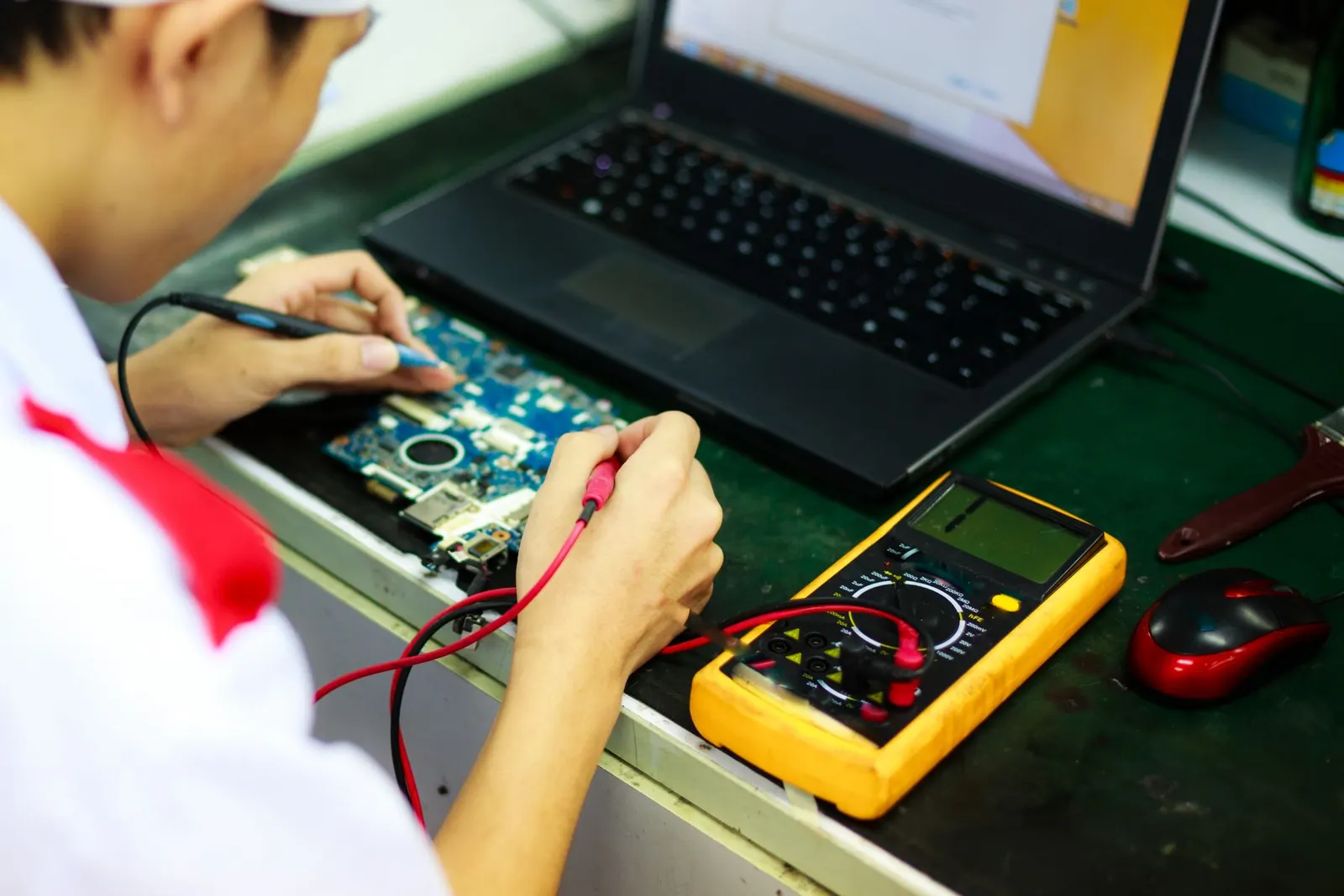
- Inspection before power. We open the laptop, disconnect the battery and look for liquid trails, residue and corrosion under good light and magnification. We do not power it on first.
- Cleaning. Affected areas of the motherboard and connectors are cleaned with suitable electronics cleaning solutions to remove residue and corrosion, then dried properly.
- Testing in stages. We check the power circuits before connecting the battery or charger, so that a hidden short does not cause further damage.
- Parts assessment. The keyboard is the part most often damaged by spills. Sometimes it recovers after cleaning; often it needs replacement. See our guide to laptop keyboard problems and replacement for what that involves.
- A clear quote. Once we know which parts are affected, we explain the options and give you the exact price before any repair work starts.
We will be honest with you: we cannot promise that every spilled laptop will come back to life. It depends on the liquid, how long the laptop stayed on afterwards, and which components were reached. What we can promise is a straight answer about what is repairable and whether it is worth repairing.
What About My Files?
For most students and professionals, the data matters more than the laptop. The storage drive (SSD or hard disk) is often unharmed even when the motherboard is badly damaged, because it may sit away from where the liquid landed. If the laptop cannot be repaired economically, the drive can usually be removed and the files copied to another device. Our laptop data recovery service covers cases where the drive itself has been affected. As always, the most reliable protection is a regular backup to cloud storage or an external drive.
How to Reduce the Risk Next Time
- Keep drinks on a separate side table or at least on the side away from the laptop's hinge and vents.
- Use bottles with a proper screw cap in your laptop bag, and keep them in a separate pocket.
- A thin silicone keyboard cover can stop small splashes reaching the board.
- During the monsoon, carry the laptop in a bag with a water-resistant layer.
Getting Help in Kota
If liquid has gone into your laptop, switch it off, keep it upside down and get it checked without trying to power it on. You can bring it to our Keshavpura shop, or if you cannot come in, use our doorstep pickup within Kota city. We check it for free, tell you honestly what has been affected, and quote before any work starts. For general laptop repairs, see our laptop repair service page.
Frequently asked questions
My laptop still works after a water spill. Do I need to get it checked?
If only a few drops landed on the surface and were wiped away quickly, it is usually fine. If liquid went into the keyboard, it is worth an inspection, because corrosion can develop over days or weeks and cause the laptop to stop charging or switching on later.
Should I use a hair dryer to dry my laptop?
No. Hot air can warp plastic and keyboard parts, and it only dries the surface. Liquid and residue trapped under chips stay behind. Keep the laptop switched off and upside down, then get it opened and cleaned properly.
Can the keyboard be saved after tea or coffee spills?
Sometimes it recovers after professional cleaning, but sugary or milky drinks often leave sticky residue inside the key mechanisms. In many cases the keyboard needs replacement. We test it after cleaning and tell you which option makes sense.
Will I lose my files if my laptop got wet?
Not necessarily. The storage drive is often unaffected even when the motherboard is damaged. If the laptop cannot be repaired, the drive can usually be removed and the files copied. Recovery is never guaranteed, which is why regular backups matter.
Is it okay to charge the laptop to see if it turns on?
Please do not. Charging sends current through the power circuits, which are often the first parts affected by liquid. Wait until the laptop has been opened, cleaned and checked before connecting the charger.
Questions & comments
Ask our Kota technicians anything about this repair. All posts are reviewed before they appear. For an urgent quote, WhatsApp us.
No comments yet, be the first to ask a question.
Leave a comment or ask a question
First, verify your email. We send a 6-digit code so we know you are a real person. Your email is never shown publicly.
Enter the 6-digit code we emailed to .