
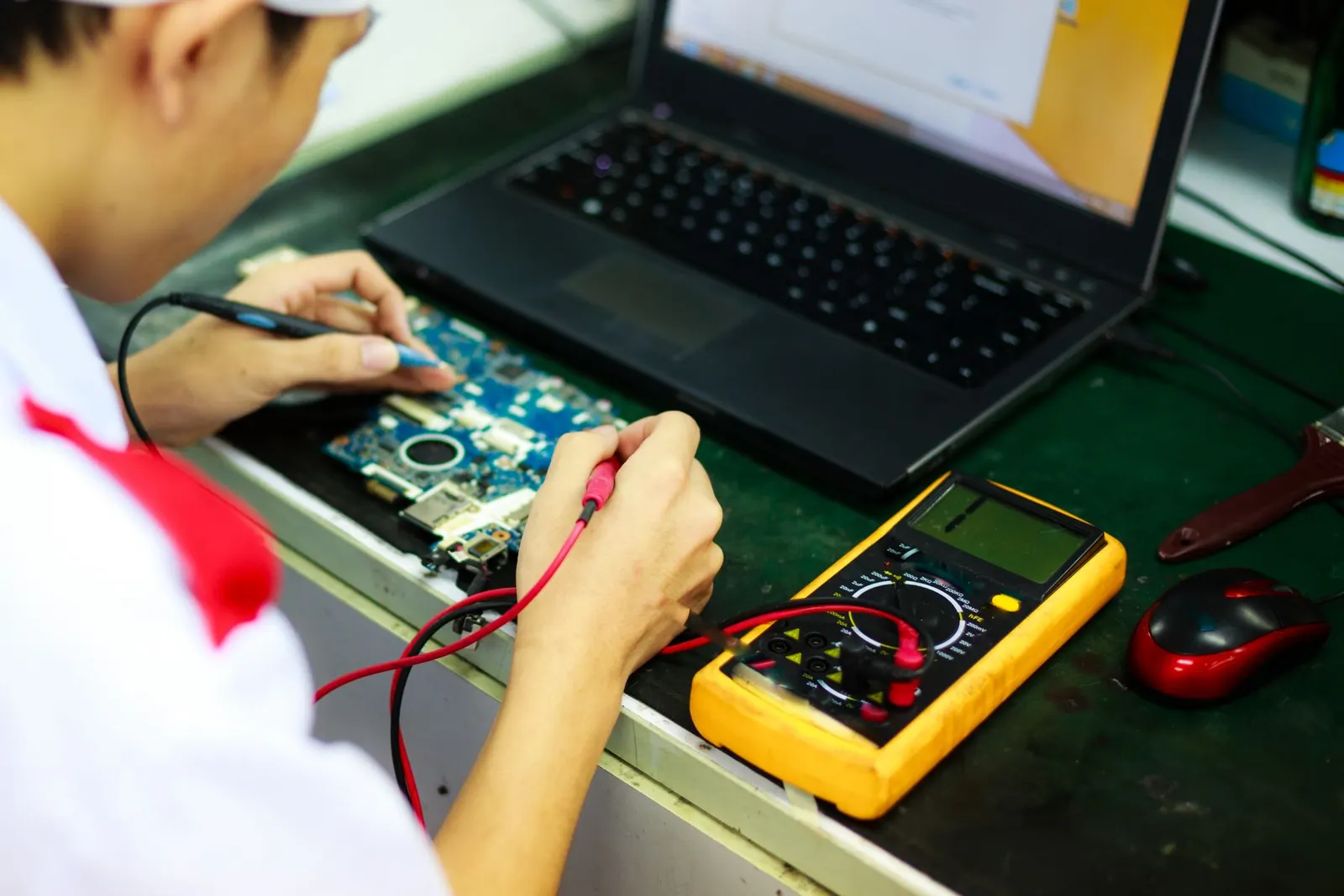
Few things are more frustrating than pressing the power button on your laptop and getting absolutely nothing, no light, no fan spin, no boot screen. At our Keshavpura shop we see this almost every day, and in a good number of cases the fix is simpler than the customer expected. Let us walk you through the safe checks to do at home before you make the trip.
Start With the Power Supply
The most common reason a laptop will not turn on is a power delivery problem, not a dead machine. Check each of these in order:
- Try a different wall socket. Power fluctuations are common in Kota, and a tripped socket or extension board that looks fine may not actually be delivering power.
- Inspect the charger cable and brick. Look for any bends, fraying, or burnt smell near the connector. A visibly damaged cable should not be used.
- Check the charging indicator light. When you plug in, does the laptop's charging LED come on? If it does not, the charger or the charging port may be the issue.
- Try a compatible charger from a friend or family member if you can borrow one that matches your laptop's wattage and connector.
Remove the Battery and Hard-Reset
If your laptop has a removable battery, take it out, hold the power button for 30 seconds with the battery out, then reconnect only the AC adapter (no battery) and try to power on. This clears any residual charge from the capacitors. Some laptops will boot on AC power alone even when the battery is fully dead.
For laptops with sealed batteries (most modern thin models), there is often a small reset pinhole on the base, check your model's manual. If you are not sure, do not pry open the bottom panel yourself.
What the Lights and Sounds Tell You
| Symptom | Likely Cause |
|---|---|
| No lights, no fan, no sound | No power reaching motherboard, charger, port, or fuse |
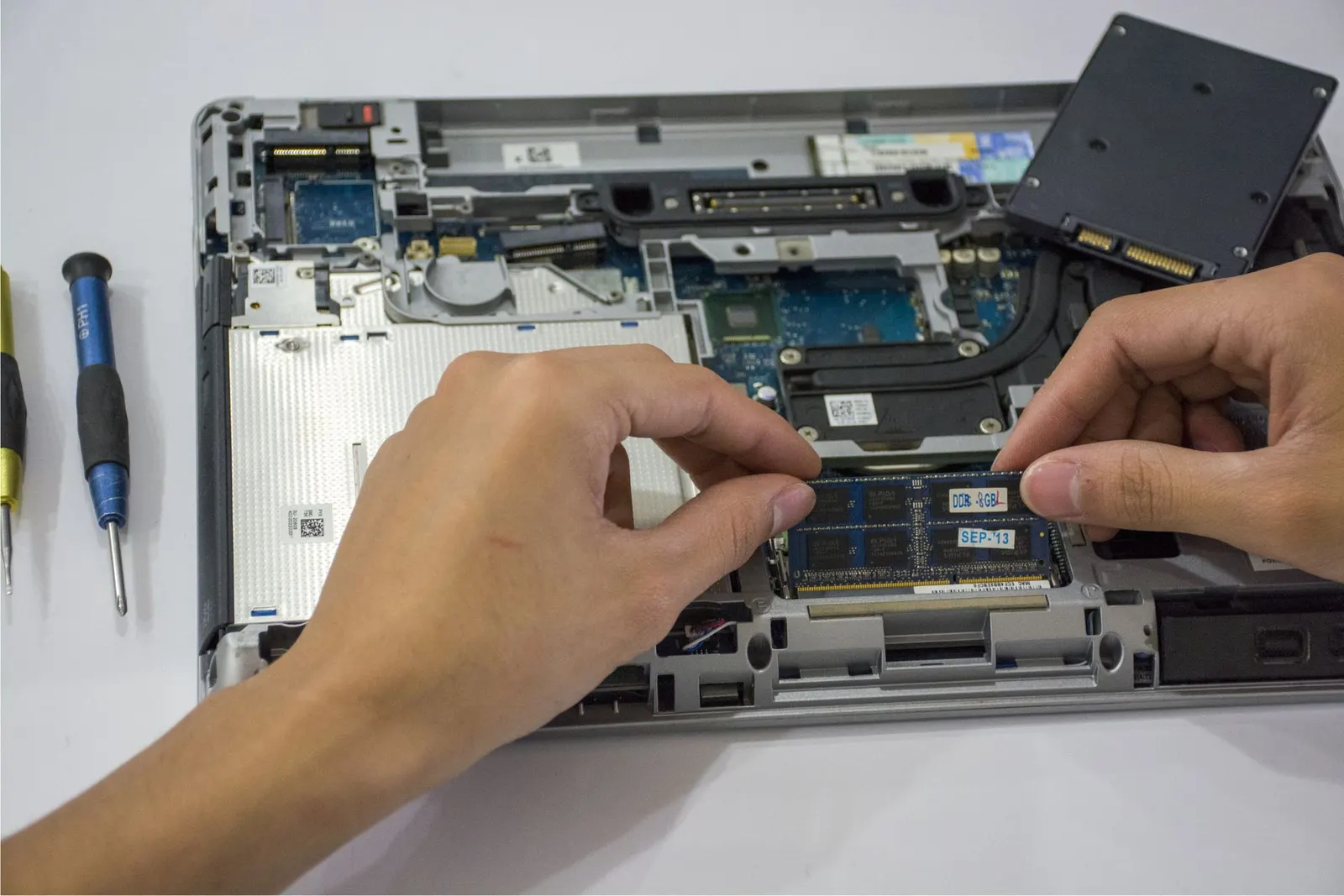
| Charging light on but no boot | Dead CMOS battery, RAM issue, or motherboard |
| Fan spins then shuts off | Overheating shutdown or RAM/boot failure |
| Beep codes on power-on | RAM slot issue, count the beeps and note the pattern |
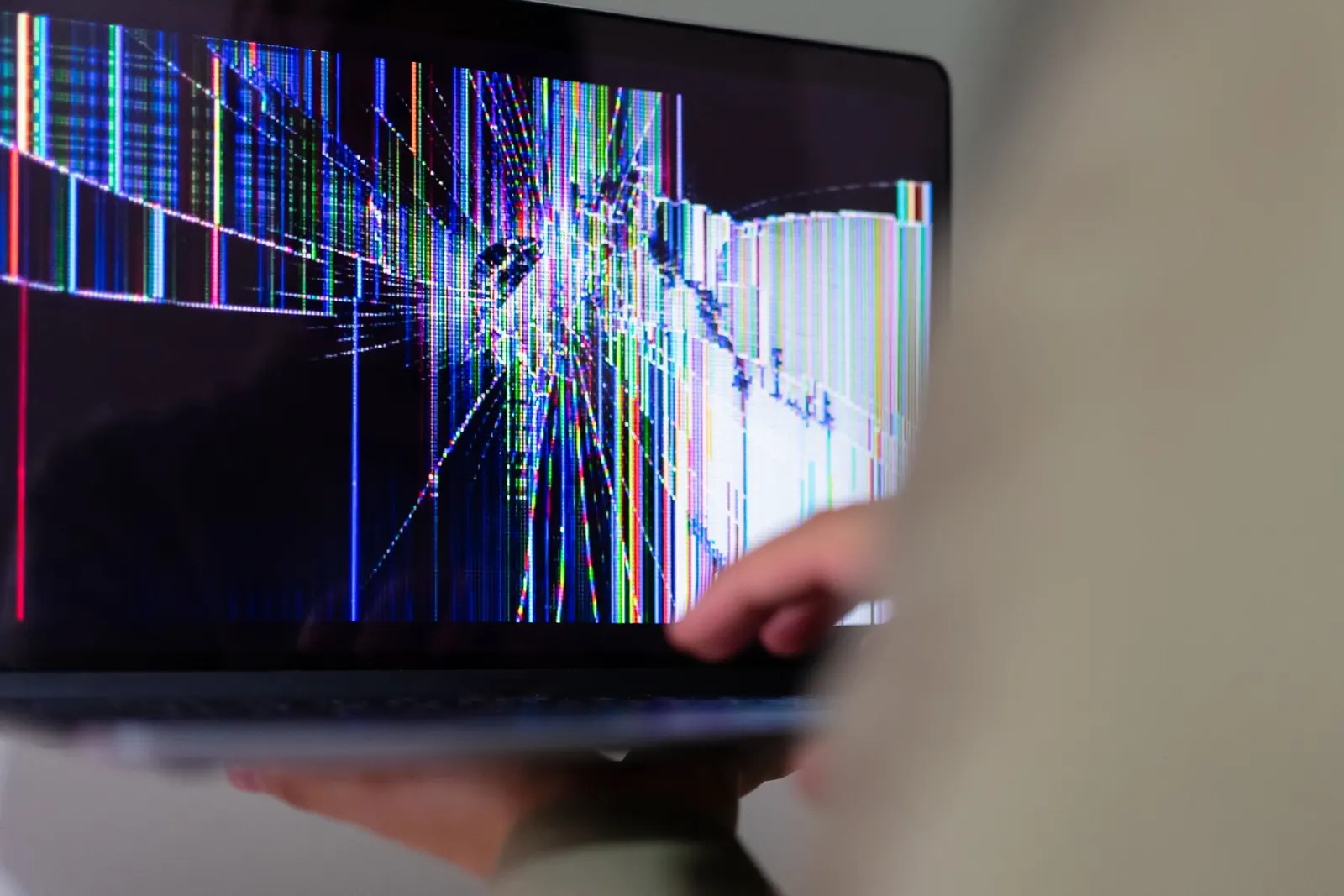
| Screen stays black but keyboard lights on | Display issue, not a power issue, see screen guide |
When to Bring It to Us
If none of the above steps reveal an obvious fix, it is time for a proper diagnosis. Our technicians will check the charger output with a multimeter, inspect the DC jack for damage, test the battery with diagnostic software, and if needed, check the motherboard for blown fuses or short circuits. Kota's summer heat and voltage spikes can cause the charging IC on the motherboard to fail, we see this regularly in May and June.
Common Repair Costs
| Issue Found | Typical Repair Range |
|---|---|
| Charger replacement (third-party) | ₹800 - ₹2,500 |
| DC charging port replacement | ₹600 - ₹1,800 |
| Battery replacement | ₹2,000 - ₹6,000 |
| CMOS battery replacement | ₹200 - ₹500 |
| Motherboard repair (chip level) | ₹2,000 - ₹8,000+ |
These ranges are indicative. The exact figure is confirmed after a free diagnostic check, because different laptop brands and models have very different part prices. Bring your charger along when you visit, it helps us narrow down the problem faster.
What Not to Do
- Do not keep pressing the power button repeatedly, this will not help and can mask symptoms we need to observe.
- Do not open the laptop base yourself unless you are experienced; accidental damage to the ribbon cables or motherboard connector can turn a simple fix into an expensive one.
- Do not use a charger with a higher or lower wattage than specified, this can damage the charging circuit.
If your laptop is completely dead or showing any of the above symptoms, bring it to our Keshavpura shop for a free check. In most cases we can give you a clear diagnosis and cost estimate the same day.
Frequently asked questions
My laptop charges but still won't turn on. What could it be?
If the charging light works but the laptop will not boot, the issue is likely with the RAM, CMOS battery, or the motherboard's boot circuit. A quick diagnostic at our shop will narrow it down.
Can a software problem cause a laptop to not turn on at all?
A fully corrupt BIOS or a failed update can prevent booting, but this usually still shows some screen activity. A completely dark, no-power situation is almost always a hardware issue.
Is it safe to leave a dead laptop plugged in?
If the charger is in good condition and you see no smoke or burning smell, leaving it plugged in is generally safe. However, do not plug in a damaged charger, replace it first.
How long does a laptop power diagnosis take?
We usually complete a basic power diagnosis within 30-60 minutes at our Kota shop. We will explain what we find and give you a quote before doing any paid work.
Questions & comments
Ask our Kota technicians anything about this repair. All posts are reviewed before they appear. For an urgent quote, WhatsApp us.
No comments yet, be the first to ask a question.
Leave a comment or ask a question
First, verify your email. We send a 6-digit code so we know you are a real person. Your email is never shown publicly.
Enter the 6-digit code we emailed to .