
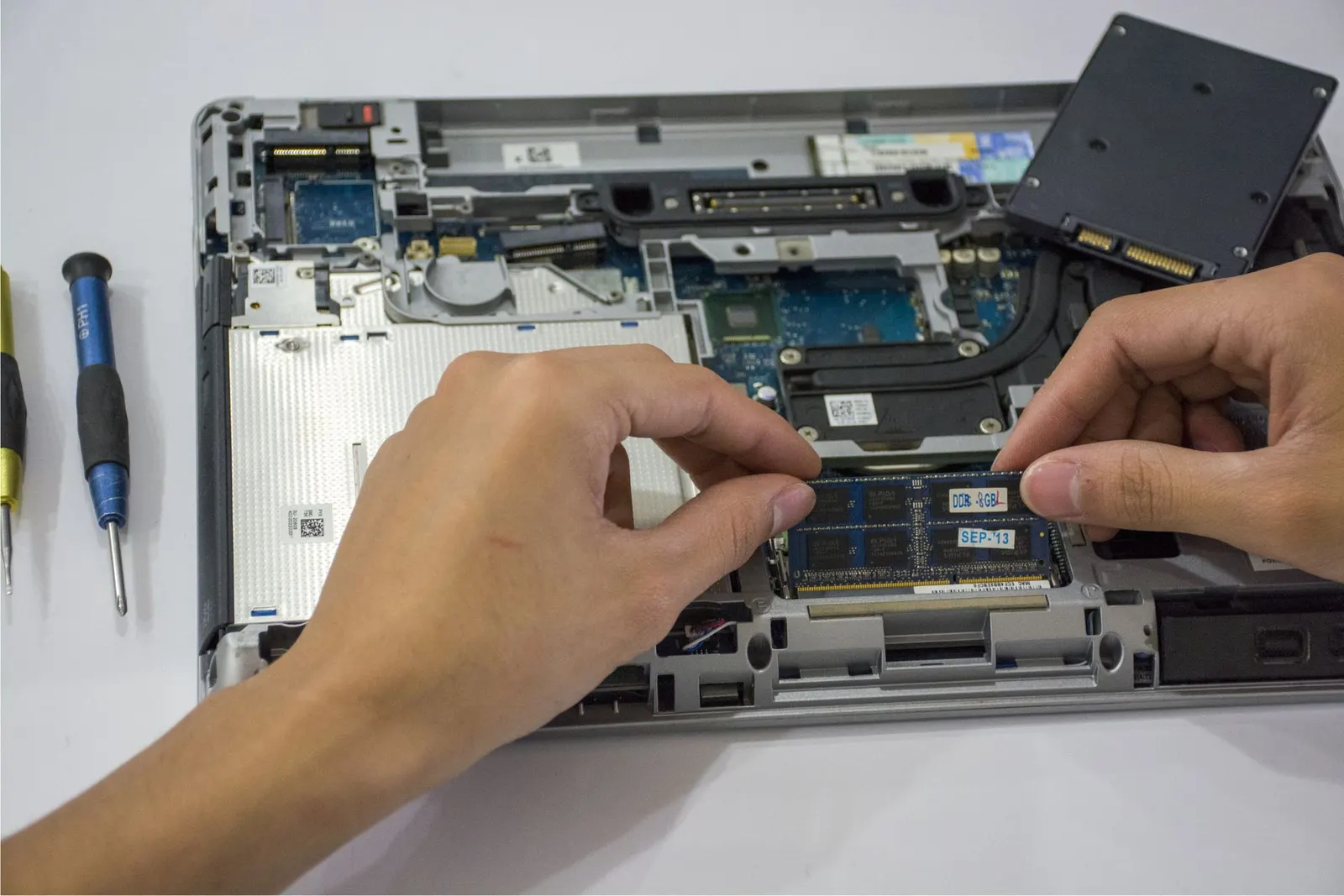
You plug in your laptop and see the frustrating message: Plugged in, not charging, or the battery percentage just never moves. This is one of the most common issues we handle at our Keshavpura shop, and the cause can be anything from a worn-out charger cable to a faulty battery or even a Windows driver glitch. Let us walk through it step by step.
Step 1. Rule Out the Obvious
- Try a different socket. This sounds basic, but Kota's older buildings sometimes have weak contacts on extension boards. Plug directly into a wall socket to eliminate the variable.
- Check the adapter LED. Most charger bricks have a small indicator light. If it is off, the adapter itself may be faulty.
- Inspect the cable. Look at the full length of the cable for kinks, fraying, or melted insulation near either end. A damaged cable should be replaced immediately.
- Clean the laptop charging port. Dust and lint collect in the DC jack or USB-C port. Use a dry toothbrush or a wooden toothpick gently, never metal objects.
Step 2, Check the Battery Status in Windows
Right-click the battery icon in the taskbar. If it says Battery not detected or the charging indicator is missing, the battery may have disconnected internally or failed entirely. In Windows you can also run a battery report: open Command Prompt as Administrator and type powercfg /batteryreport, this creates an HTML report showing battery design capacity versus current full charge capacity. If the current capacity is below 40% of design capacity, the battery is due for replacement.
Step 3. Try the BIOS Reset Trick
For many Dell, HP, and Lenovo laptops, removing the battery (if removable), unplugging the AC adapter, and holding the power button for 30 seconds drains residual power and can reset the charging controller. After this, reconnect only the AC adapter first and see if charging resumes. This works surprisingly often for intermittent charging faults.
Step 4. Update or Reinstall the Battery Driver
On Windows, open Device Manager, expand Batteries, right-click Microsoft ACPI-Compliant Control Method Battery, and choose Uninstall device. Then restart. Windows will reinstall the driver automatically. This resolves software-reported charging issues on many laptops without any hardware work at all.
When It Is a Hardware Problem
If all the above steps fail, the cause is likely hardware. The most common hardware culprits are:
| Component | Typical Replacement Cost |
|---|---|
| Laptop charger / adapter | ₹800 - ₹2,500 |
| USB-C or DC charging port | ₹600 - ₹1,800 |
| Laptop battery pack | ₹2,000 - ₹6,000 |
| Charging IC on motherboard | ₹1,500 - ₹5,000 |
The exact price is confirmed after a free check-up, because costs vary quite a bit by brand and model. Dell and HP batteries, for example, are priced differently from Asus or Acer equivalents of the same capacity.
How to Extend Your Laptop Battery Life
- Avoid leaving the laptop plugged in at 100% for days at a time if your model does not have a charge limiter setting.
- Use the laptop's own power management to set maximum charge to 80%, most modern Lenovo, Dell, and HP laptops offer this in their battery management software.
- Keep the vents clear so the battery does not overheat while charging. Kota summers are hard on laptop batteries.
- Do not let the battery drain to zero regularly; partial discharge cycles are better for longevity.
If your laptop is still not charging after trying these steps, bring it to our Kota shop for a free diagnosis. We carry common laptop batteries in stock and can often do same-day replacements for popular models.
Frequently asked questions
My laptop charges only when I hold the cable at a certain angle. What does that mean?
This almost always means the DC jack or USB-C port is loose or damaged. The port needs to be resoldered or replaced. Continuing to use it at an angle puts more stress on the connection and can damage the motherboard if left too long.
Can I use my laptop with a dead battery if I keep it plugged in?
For most laptops, yes, you can use it on AC power alone. However, any power interruption will immediately shut the machine down, risking data loss. We recommend replacing the battery rather than relying on AC only.
Is it safe to use a third-party replacement battery?
Quality third-party batteries from reputable suppliers are generally safe and cost less than OEM packs. We only source from trusted suppliers and test all replacements before fitting.
How long does a laptop battery typically last before needing replacement?
Most laptop batteries start showing significant degradation after 2-4 years or 300-500 full charge cycles, whichever comes first. Heavy users in Kota who charge daily may see this sooner in hot summers.
Questions & comments
Ask our Kota technicians anything about this repair. All posts are reviewed before they appear. For an urgent quote, WhatsApp us.
No comments yet, be the first to ask a question.
Leave a comment or ask a question
First, verify your email. We send a 6-digit code so we know you are a real person. Your email is never shown publicly.
Enter the 6-digit code we emailed to .