
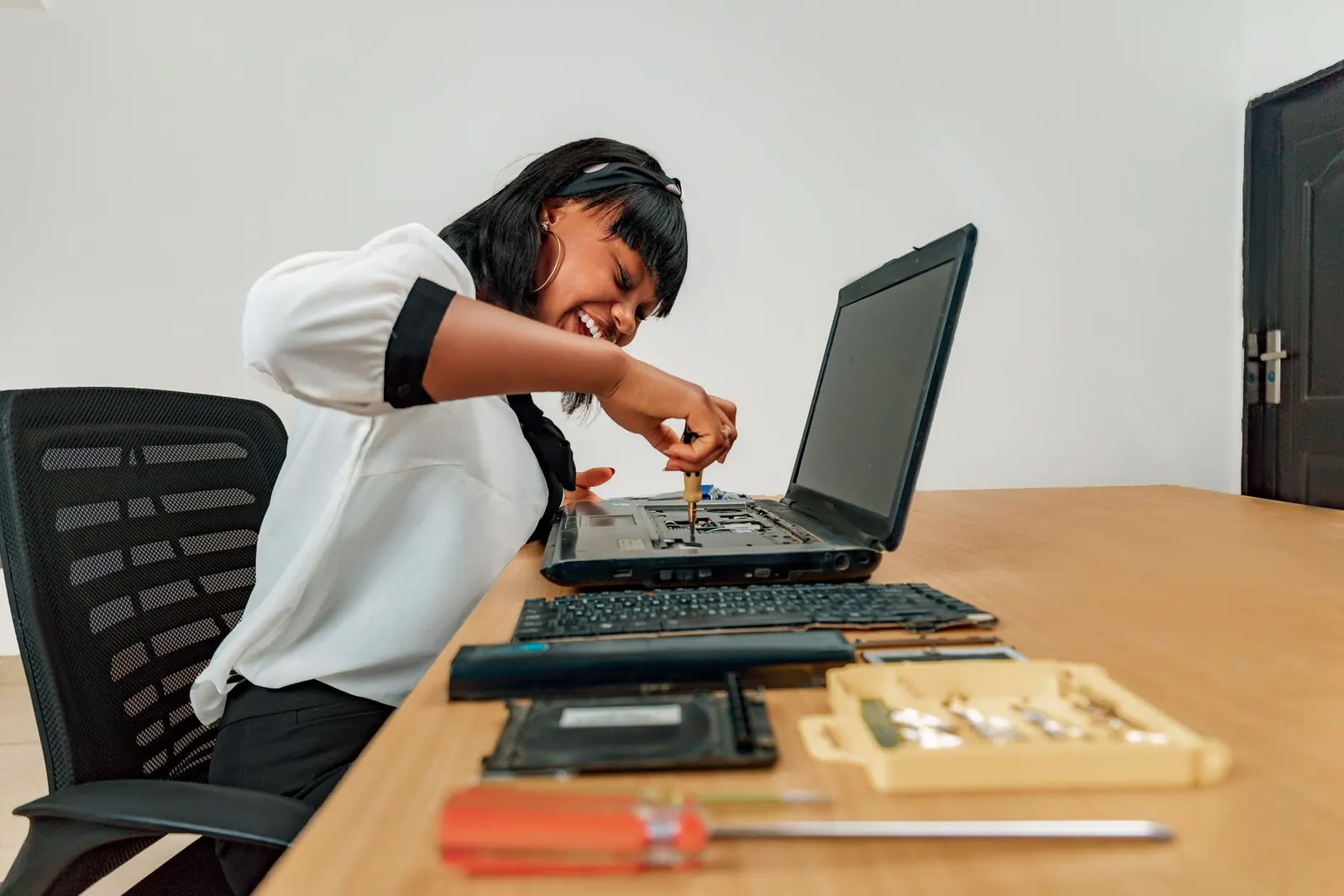
A broken laptop keyboard can stop your work completely, whether a few keys are not registering, the whole keyboard is dead, or a drink spill has left several keys sticky and unreliable. We see all of these at our Keshavpura repair shop, and many can be fixed affordably. Let us help you understand the problem before you decide what to do.
First, Rule Out Software Causes
Before assuming a hardware problem, try these quick checks:
- Try an external USB keyboard. If the external keyboard works perfectly, the issue is definitely with the built-in keyboard or its connector, not with Windows or your software.
- Check the Filter Keys setting. Windows has an accessibility feature called Filter Keys that ignores brief or repeated keystrokes. If it is accidentally enabled, keys will seem to not respond. Go to Settings > Accessibility > Keyboard and make sure Filter Keys is off.
- Check if the Fn Lock is on. Many laptops have an Fn Lock that changes the behaviour of the top row, some keys may stop doing what you expect. Look for an Fn Lock key or try holding Fn while pressing the key.
- Restart the laptop. A stuck software driver can cause some keys to stop working. A restart often clears this.
Spill Damage. What to Do Immediately
If liquid has spilled on the keyboard, time matters. Immediately power off the laptop (do not just close it, actually shut it down), turn it upside down to let liquid drain away from the motherboard, and bring it to us as soon as possible. Do not try to dry it with a hairdryer. Do not power it on again to see if it still works.
Depending on what was spilled and how much, the damage can range from a few sticky keys to a shorted motherboard. Water is the best case; sugary drinks, tea, and coffee are worse because they leave conductive residue that keeps causing problems even after drying.
Physical Key Damage
Individual keycaps can sometimes be clipped back on if the scissor mechanism underneath is intact. However, if the mechanism is broken or the key is missing, replacing a single keycap is possible on some models but not all. On many modern slim laptops, the entire keyboard assembly must be replaced as one unit, individual key kits are not available for every model.
Laptop Keyboard Replacement Costs
| Laptop Type | Typical Replacement Cost |
|---|---|
| Budget laptop (Acer, Lenovo IdeaPad, HP 15) | ₹1,200 - ₹3,000 |
| Mid-range (Dell Vostro, Asus VivoBook) | ₹1,800 - ₹4,000 |
| Premium / ultrabook (ThinkPad, HP Spectre) | ₹3,500 - ₹8,000 |
| MacBook keyboard assembly | ₹6,000 - ₹18,000+ |
The exact price is confirmed after a free check, because keyboard availability varies by model and whether backlit or non-backlit variants are needed.
Can You Use an External Keyboard While Waiting?
Absolutely. A USB keyboard costs as little as ₹300-500 and lets you keep working while we source your replacement part. Many coaching students in Kota do exactly this, they plug in an external keyboard and bring the laptop in when the part arrives, so there is no downtime.
If your laptop keyboard is giving you trouble, bring it to our Keshavpura shop. We will test it for free, tell you whether it is a software fix or a hardware replacement, and give you an exact quote with no obligation.
Frequently asked questions
Can you replace just a few keys instead of the whole keyboard?
It depends on the laptop model. On some older or mid-range models individual keycaps or scissor mechanisms can be replaced. On many modern thin laptops the entire keyboard deck must be swapped. We will check your model and advise.
How long does a keyboard replacement take?
Most keyboard replacements take 1-3 hours, depending on the model. Some laptops are straightforward to access; others require more disassembly. We will give you a time estimate when you drop it off.
My backlit keyboard no longer lights up but the keys still work. Is that a separate issue?
Sometimes the backlight stops working due to a connector issue or a failed backlight driver, while the key functionality remains fine. In other cases the keyboard itself needs replacement. Our technicians will diagnose the specific cause.
Will a keyboard replacement affect my laptop's warranty?
If your laptop is under manufacturer warranty, contact the brand's service center first, as our repair may affect that warranty. If it is out of warranty or was purchased used, come to us for a fast and affordable fix.
Questions & comments
Ask our Kota technicians anything about this repair. All posts are reviewed before they appear. For an urgent quote, WhatsApp us.
No comments yet, be the first to ask a question.
Leave a comment or ask a question
First, verify your email. We send a 6-digit code so we know you are a real person. Your email is never shown publicly.
Enter the 6-digit code we emailed to .