
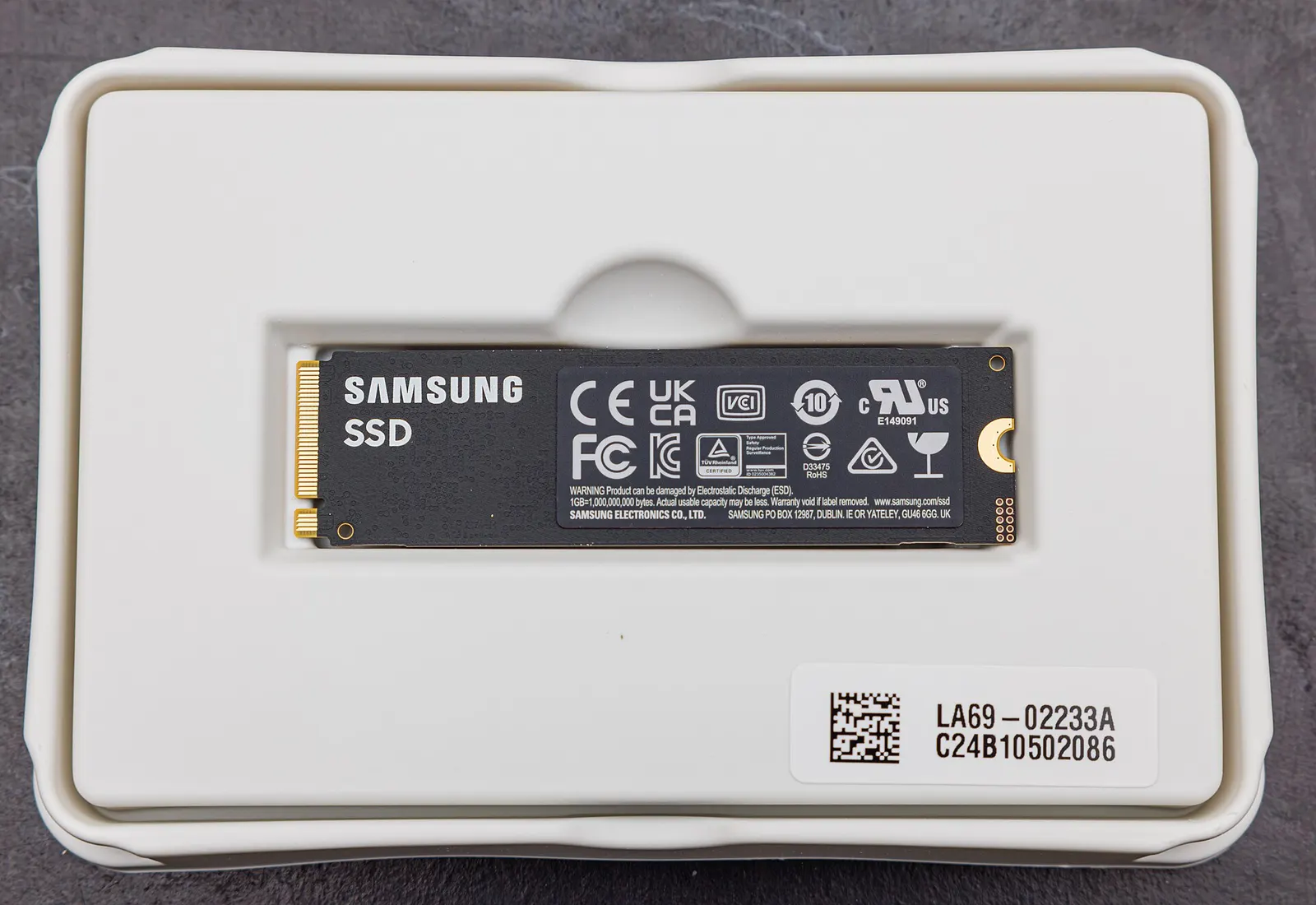
Nothing is more frustrating than a laptop that takes five minutes to start up and freezes every time you open a browser tab. Before you buy a new machine, consider this: in most cases, a slow older laptop can be transformed with two affordable upgrades, an SSD and, sometimes, more RAM. At our Keshavpura shop, this is one of the most satisfying jobs we do, because the change is dramatic and the cost is a fraction of buying new.
Why HDDs Make Laptops Slow
Most laptops sold before 2020, and many budget laptops sold even today, come with a traditional spinning hard disk drive (HDD). HDDs are mechanical, they have spinning platters and a moving read/write head. They are slow to read small files (which is exactly what Windows does constantly during startup), prone to failure after 3-5 years, and very sensitive to shocks. An SSD (Solid State Drive) has no moving parts and can read data 4-10 times faster than a typical HDD. Boot times drop from 3-5 minutes to under 30 seconds.
What Kind of SSD Does Your Laptop Need?
Not all SSDs are the same, and not all laptops accept the same type. The main options are:
- 2.5-inch SATA SSD, fits the same slot as the old HDD in most older laptops. Easy swap, widely available, affordable. Roughly 5x faster than a typical HDD.
- M.2 SATA SSD, a stick-form-factor drive that plugs into an M.2 slot. Same speed as 2.5-inch SATA, but slimmer. Many mid-range laptops from 2016 onward have this slot.
- M.2 NVMe SSD, much faster than SATA (up to 30x faster than an HDD), suitable for laptops with an NVMe-compatible M.2 slot. Ideal for video editing or heavy multitasking.
We check your laptop's exact model to confirm which type is compatible before recommending a drive. Getting this wrong is a common and avoidable mistake.
SSD Upgrade Costs
| Drive Type and Capacity | Typical Part + Labour Range |
|---|---|
| 2.5-inch SATA SSD, 240-256 GB | ₹2,500 - ₹3,500 |
| 2.5-inch SATA SSD, 480-512 GB | ₹3,500 - ₹5,000 |
| M.2 SATA SSD, 256 GB | ₹2,800 - ₹4,000 |
| M.2 NVMe SSD, 256 GB | ₹3,000 - ₹4,500 |
| M.2 NVMe SSD, 512 GB | ₹4,500 - ₹7,000 |
These are approximate 2026 part-plus-labour ranges. The exact price is confirmed after a free check-up based on the specific drive needed. We transfer your existing Windows installation and data to the new SSD, so you do not lose anything.
Should You Also Upgrade RAM?
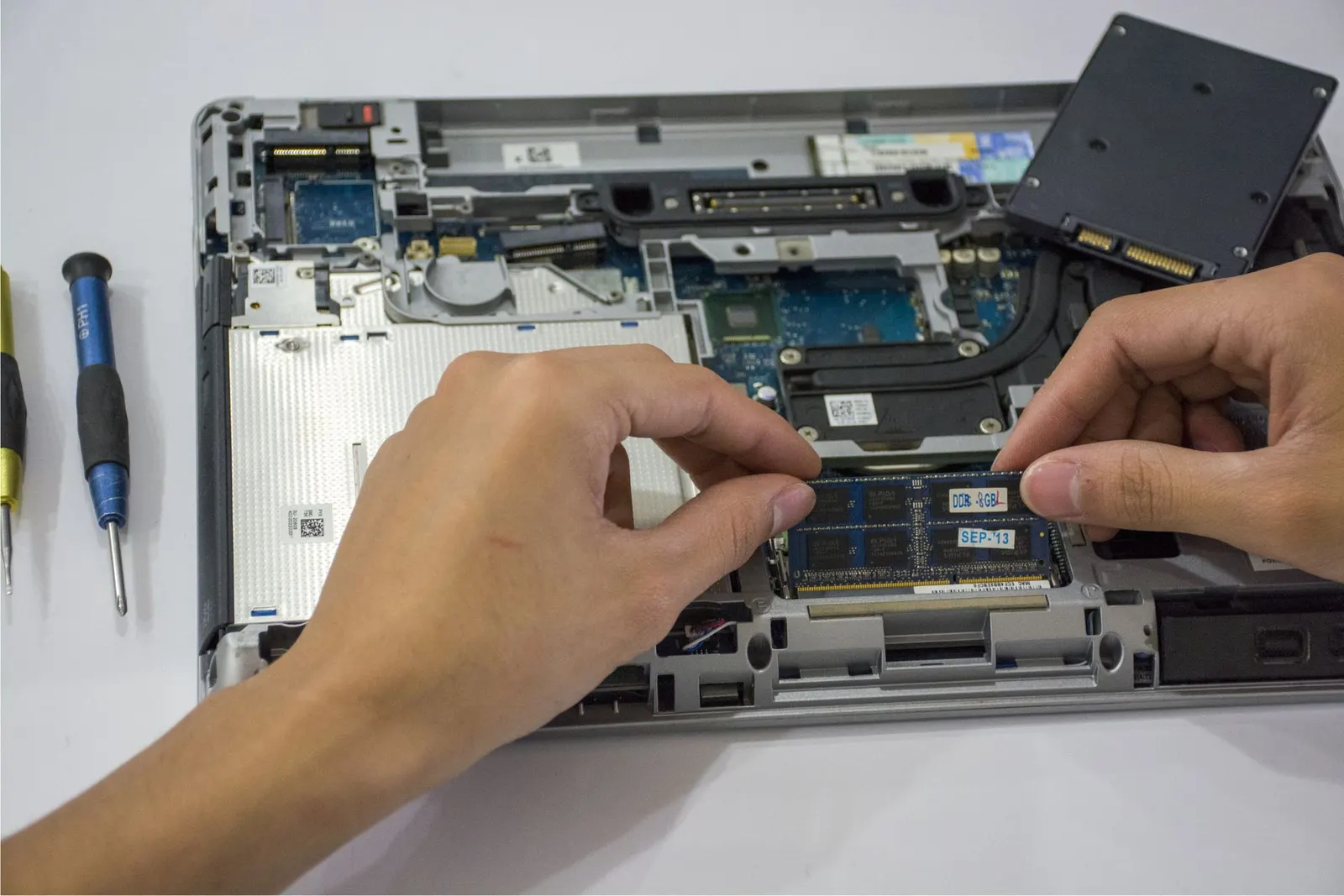
If your laptop has 4 GB of RAM, upgrading to 8 GB makes a significant difference for everyday tasks like web browsing, email, and using multiple tabs. Going from 8 GB to 16 GB is worthwhile if you do video editing, run multiple heavy applications, or use virtual machines. Many laptops allow RAM upgrades; some modern thin laptops have soldered RAM that cannot be upgraded, we will check this for your model.
| RAM Upgrade | Typical Cost Range |
|---|---|
| 4 GB to 8 GB (DDR4) | ₹1,500 - ₹2,500 |
| 8 GB to 16 GB (DDR4) | ₹2,500 - ₹4,500 |
Is the Data Migration Safe?
Yes. We clone your existing Windows installation and all your files to the new SSD before removing the old drive. The old drive is tested and returned to you, many customers keep it as an external backup drive with a cheap USB enclosure (₹200-400). None of your installed software, settings, or personal files are lost in the process.
If your laptop has become painfully slow or you are tired of waiting for it to start up, bring it to our Kota shop for a free check. In most cases, an SSD upgrade gives a laptop a productive second life for another 3-5 years, and it costs far less than a new machine.
Frequently asked questions
Will upgrading to an SSD make Windows 11 run better?
Dramatically so. Windows 11 startup and shutdown times, app loading, and browser responsiveness all improve significantly on an SSD. The difference is most noticeable on laptops that previously had a slow 5400 RPM HDD.
Can every laptop be upgraded with an SSD?
Most laptops made after 2010 can accept a 2.5-inch SATA SSD. Some very thin ultrabooooks have only an M.2 slot, and a handful of older models have unusual connectors. We check compatibility first, at no charge.
Do I lose my Windows license when swapping to an SSD?
No. We clone your existing Windows installation to the new drive, so your license key and all your software remain intact and activated.
How long does an SSD upgrade take?
The physical swap takes under an hour. The data cloning process depends on how much data is on the old drive, typically 1-3 hours. We usually have the laptop ready the same day.
My laptop is 8 years old. Is an upgrade still worth it?
It depends on the rest of the hardware. If the processor is a Core i3/i5 from 2016 onward and the motherboard is healthy, an SSD + RAM upgrade can give it several productive years. We will assess it honestly during the free check.
Questions & comments
Ask our Kota technicians anything about this repair. All posts are reviewed before they appear. For an urgent quote, WhatsApp us.
No comments yet, be the first to ask a question.
Leave a comment or ask a question
First, verify your email. We send a 6-digit code so we know you are a real person. Your email is never shown publicly.
Enter the 6-digit code we emailed to .