
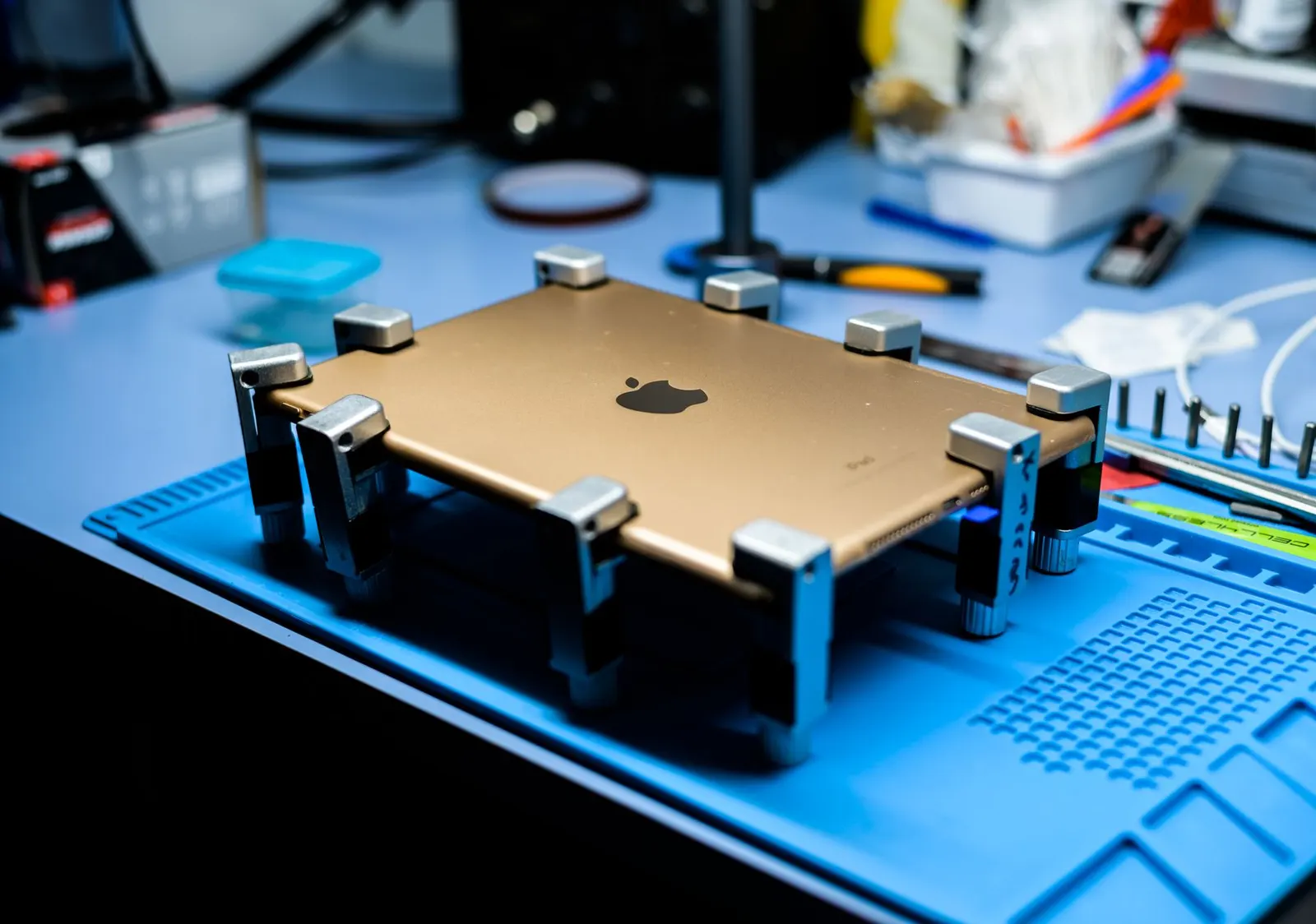
Tablets, whether iPad, Samsung Galaxy Tab, Lenovo, or any other brand, charge more slowly than phones by design, because their large batteries take more time to fill. But if your tablet is not charging at all, or if it is losing battery faster than the charger is filling it, there is a real problem to address. At our Keshavpura shop we handle tablet charging issues across all major brands, and the fix is usually one of a small set of causes.
Start With the Basics
- Use the original charger and cable. This is especially important for tablets. Using a phone charger on an iPad or Samsung Tab will charge extremely slowly or not at all, because tablets require higher wattage (10W-20W or more) than most phone chargers provide.
- Try a different socket or power strip. A weak power supply can prevent charging even with a good charger.
- Inspect the cable carefully. Tablet cables, especially USB-C and older Lightning cables, often fray near the connector ends. A visually fine-looking cable can have an internal break.
- Clean the charging port. Lint and dust pack tightly into tablet charging ports, the large flat port on older iPads (Lightning) is particularly prone to this. Use a wooden toothpick or a soft dry brush; never use metal.
Soft Reset and Software Checks
On iPads and Android tablets, a soft restart can sometimes resolve a charging indicator that is stuck or incorrect. Hold the power button and restart the device, then reconnect the charger. On Android tablets you can also check Settings > Battery to see if the device recognises the charging status correctly.
Common Hardware Problems
| Problem | Symptom | Typical Fix Cost |
|---|---|---|
| Dirty or bent charging port | Intermittent charging, cable needs specific angle | ₹300 - ₹600 (cleaning); ₹800 - ₹2,000 (port repair) |
| Damaged USB-C or Lightning port | No charging, connector feels loose | ₹800 - ₹2,500 |
| Swollen or aged battery | Charges to 100% very fast or holds very little | ₹2,500 - ₹6,000 |
| Faulty charging IC | Recognises charger but never charges | ₹1,500 - ₹4,000 |
All costs above are indicative ranges for 2026. The exact price is confirmed after a free check-up, since tablet models vary significantly in part cost and repair complexity.
iPad Charging Specifics
Apple iPads can be particular about their charging cables. Only Apple-certified or MFi-certified cables will charge reliably. Cheap uncertified cables may show the charging icon briefly and then stop. If you are using a Lightning-to-USB cable that is not MFi certified, that is your likely culprit, try a certified replacement before assuming a hardware fault.
When to Come to Us
If you have tried a known-good charger and cable, cleaned the port, and restarted the tablet with no improvement, it is time for a professional look. Tablet charging port replacements and battery replacements are routine jobs at our Kota shop, we stock parts for the most popular iPad and Samsung Tab models. Bring your charger along so we can test the full charging chain.
Frequently asked questions
My tablet charges when I hold the cable at a certain angle. What does that mean?
The charging port is loose or has a broken solder joint. Continuing to use it this way can damage the motherboard connector over time. A port replacement now is far cheaper than a motherboard repair later.
Can I use a phone fast-charger on my tablet?
You can, but it will charge slowly since the tablet draws more current than the phone charger provides. For normal tablet charging speed, always use the original adapter or one with equivalent wattage.
My iPad says 'Accessory not supported' and won't charge. Why?
This usually means the cable is not MFi-certified or has a damaged chip inside. Try a genuine Apple cable or a certified replacement. If the issue persists with a known-good cable, the Lightning port may need cleaning or replacement.
How long does a tablet charging port repair take?
Most tablet port repairs are completed within 1-2 hours at our Kota shop. We test charging fully before handing the device back.
Questions & comments
Ask our Kota technicians anything about this repair. All posts are reviewed before they appear. For an urgent quote, WhatsApp us.
No comments yet, be the first to ask a question.
Leave a comment or ask a question
First, verify your email. We send a 6-digit code so we know you are a real person. Your email is never shown publicly.
Enter the 6-digit code we emailed to .