
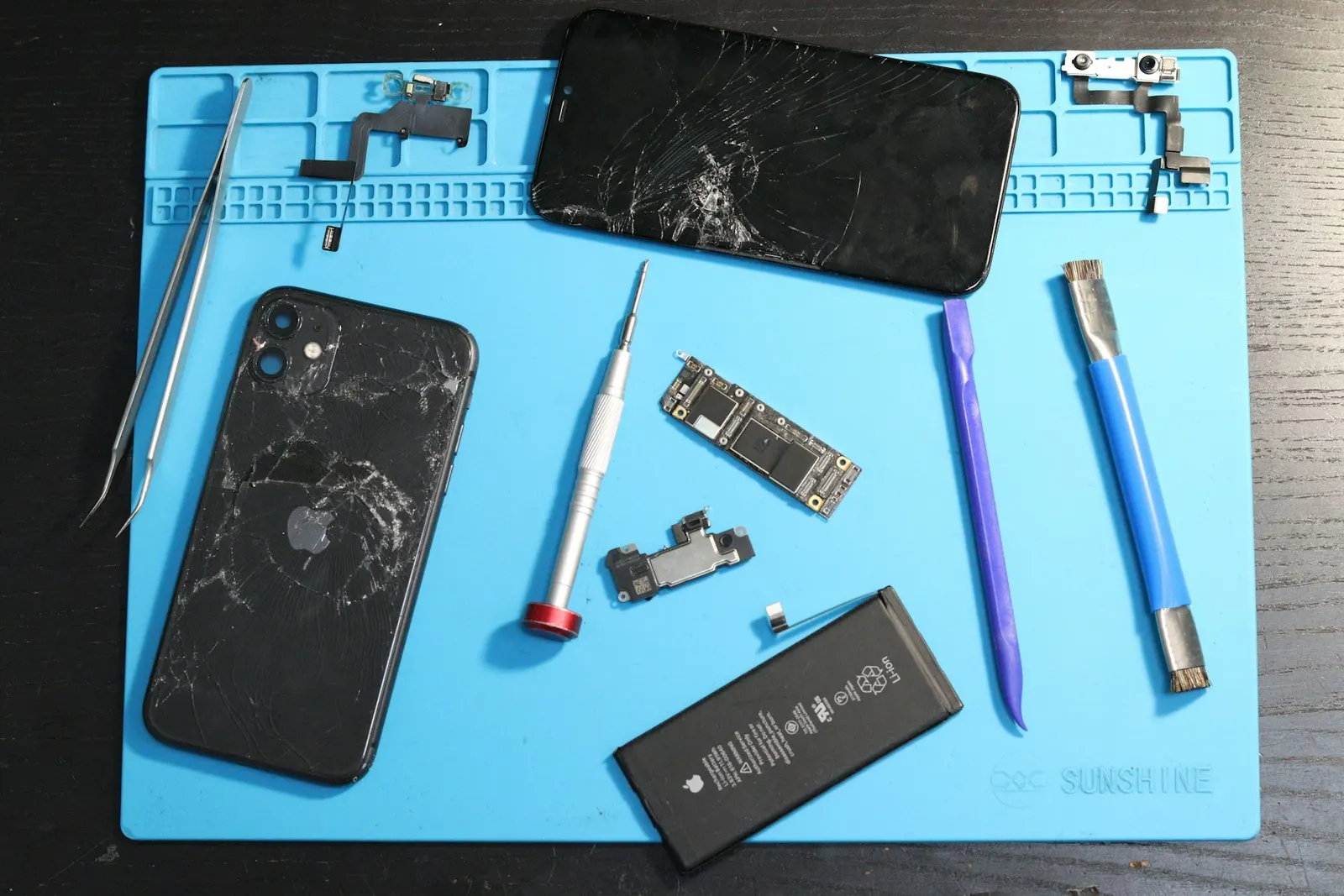
A phone that refuses to charge is one of the most common complaints we hear at our Keshavpura centre, and we always ask customers to try a few things before assuming it needs a repair. The good news is that a fair number of charging failures are caused by something simple, a damaged cable, a faulty adapter, or a port blocked with lint, and you can resolve these yourself without spending anything.
Step 1: Rule Out the Cable and Adapter First
This sounds obvious, but it is overlooked surprisingly often. Try charging with a different, known-good cable and a different adapter. Cables fail far more frequently than charging ports, the insulation at the connector end flexes every time you plug and unplug, and eventually the internal wires break even if the outer jacket looks intact. Adapters can also fail silently, outputting no power or intermittent power.
If your phone charges with a different cable and adapter, the problem is the accessory, not the phone. Buy a quality replacement cable from a reputable brand rather than the cheapest option available, poor-quality cables can actually damage the charging port over time.
Step 2: Clean the Charging Port
Lint and dust from pockets are the single most common cause of charging failure after cable problems. Kota's dry climate and dusty environment mean our customers' charging ports fill up faster than those in coastal cities. When lint compacts in the port, the cable connector cannot seat fully and makes only partial contact, the phone may show "charging" briefly and then stop, or not respond at all.
To clean the port safely: power the phone off, then use a dry wooden toothpick or a non-metallic tool to gently loosen compacted lint. Do not use metal pins or needles, you can damage the contact pins inside the port. A puff of compressed air after loosening the lint helps clear it out. If the port looks clean but charging is still intermittent, the issue is likely inside the port itself.
Step 3: Try a Wireless Charger (If Your Phone Supports It)
If your phone supports wireless charging, try it. If the phone charges wirelessly but not via cable, this confirms the port is the issue rather than the battery or charging circuit. This helps us diagnose the problem faster when you bring the phone in.
Step 4: Restart the Phone
Occasionally a software glitch can cause the phone to stop recognising that a charger is connected. A full power-off restart (not just lock and unlock) can resolve this. This is rare but worth trying before anything else.
Step 5: Check for Moisture Warning
Both Android phones and iPhones detect moisture in the charging port and deliberately block charging to prevent a short circuit. During Kota's monsoon season, phones get damp from rain or condensation and trigger this protection. The phone will show a moisture warning notification. If you see this, leave the phone in a dry area for 30-60 minutes with the port facing downward, then try again.
When It Is a Hardware Problem
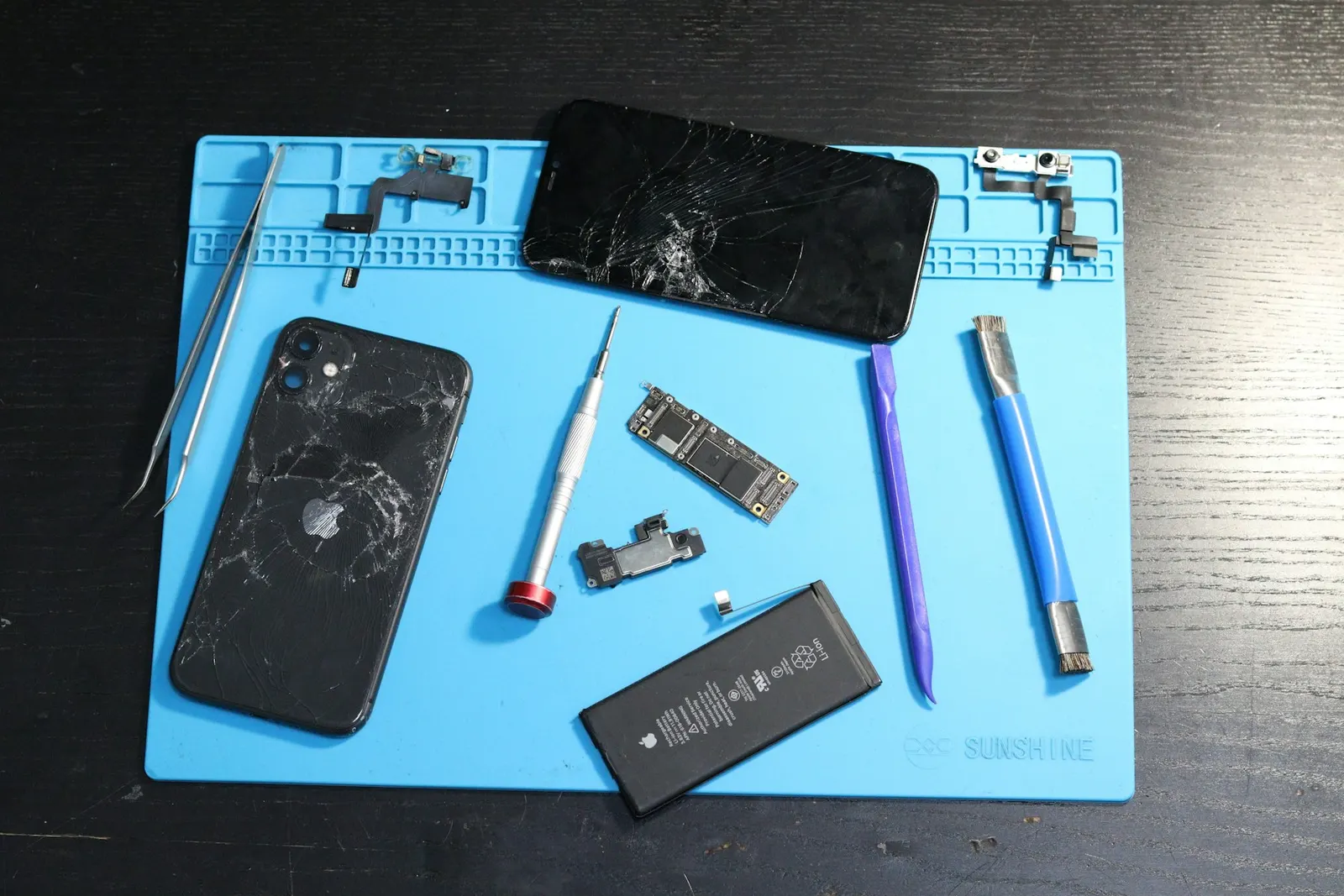
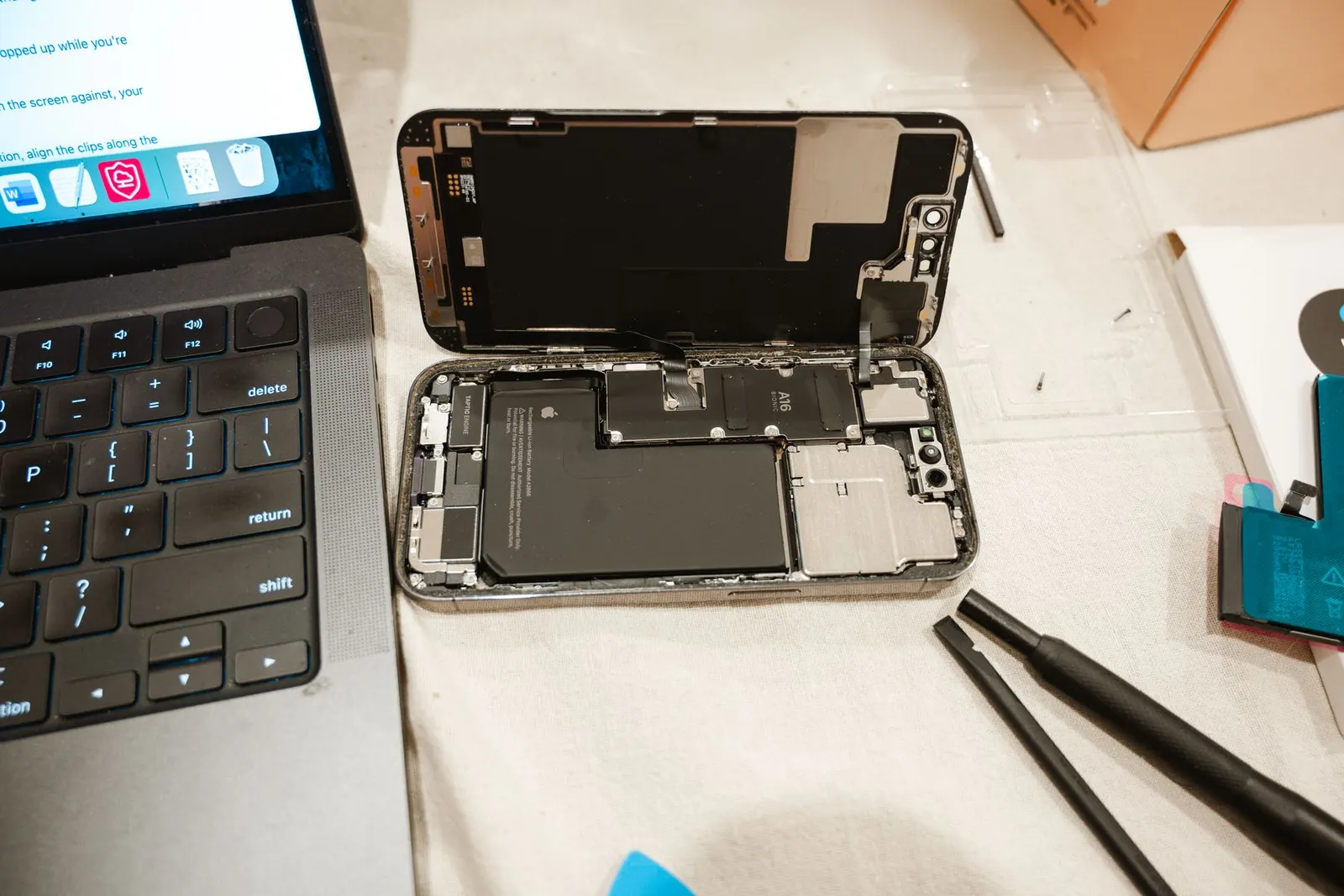
If none of the above resolves the issue, the problem is internal. Common hardware causes include:
- Worn or damaged charging port, the port's contact pins bend or break with repeated use, or the port assembly itself becomes loose.
- Failed charging IC, a chip on the motherboard manages the charging circuit. If this fails, the phone will not charge even with a perfect cable and port.
- Dead or deeply discharged battery, a battery that has been fully drained for a long time may not respond immediately to a charger. Bring it in and we can attempt a direct charge to the battery.
| Symptom | Most Likely Cause |
|---|---|
| No charging with any cable or adapter | Port damage or charging IC |
| Charges only at certain angles | Loose or bent port pins |
| Charges wirelessly but not via cable | Port is the issue |
| Moisture warning on screen | Moisture in port, wait and try again |
| Phone completely dead, no response | Deeply discharged battery or board issue |
Port Repair vs Board Repair
Charging port replacement is generally affordable and quick, most ports are replaced within 30-60 minutes. A charging IC or board-level fault is more involved and costs more. We diagnose which is at fault before quoting you anything, so you know exactly what you are paying for. Bring your phone to our Keshavpura service centre for a free check-up and we will identify the cause at no cost.
Frequently asked questions
How much does charging port repair cost in Kota?
Charging port replacement typically ranges from ₹400 to ₹1,800 depending on the phone model and whether the port is a replaceable component or soldered to the board. We confirm the exact cost after a free inspection.
My phone shows it is charging but the percentage does not increase. What is wrong?
This can mean the charge coming in is less than what the phone is consuming, or the battery percentage calibration is off. Try charging the phone while it is powered off. If the percentage still does not rise, bring it in for diagnosis.
Can I damage my phone by using a different brand's charger?
Using a quality USB-C or Lightning charger from a different brand is generally fine. Avoid extremely cheap unbranded adapters, they sometimes deliver inconsistent voltage that can harm the charging IC over time.
My phone stopped charging after getting wet in the rain. What should I do?
Do not try to charge it. Power it off if it is still on, dry the exterior, and leave it in a dry place with the port facing down for a few hours. If it still does not charge after drying, bring it in for a board inspection.
Is it safe to use a phone while it is charging if the port feels warm?
A slightly warm port is normal. If the port or cable feels hot to the touch, stop charging immediately, this can indicate a damaged cable or a port fault that needs attention.
Questions & comments
Ask our Kota technicians anything about this repair. All posts are reviewed before they appear. For an urgent quote, WhatsApp us.
No comments yet, be the first to ask a question.
Leave a comment or ask a question
First, verify your email. We send a 6-digit code so we know you are a real person. Your email is never shown publicly.
Enter the 6-digit code we emailed to .