
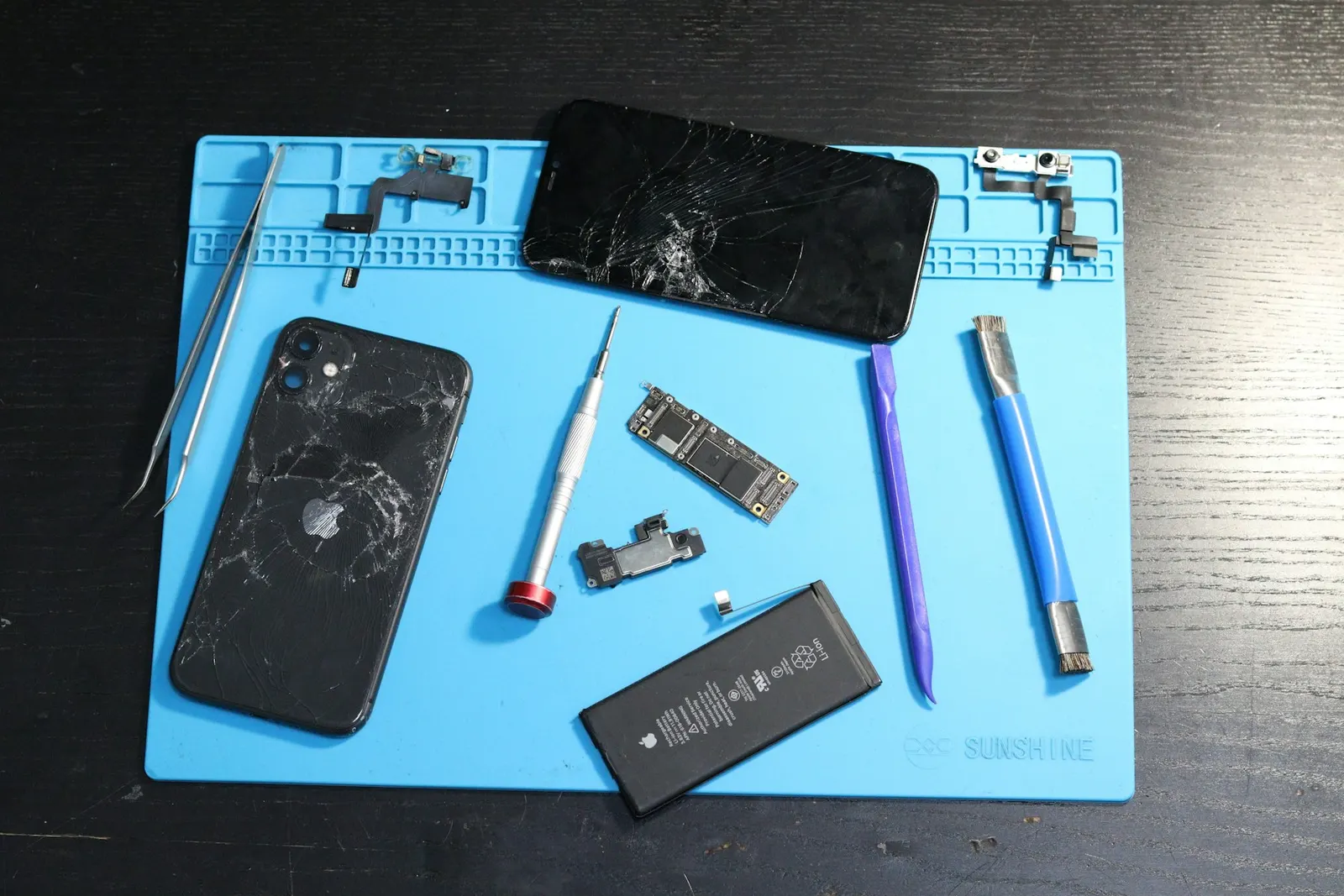
If your phone used to charge from empty to full in an hour and now takes three or four hours, something has changed. Slow charging is one of the most common issues we troubleshoot at our Keshavpura shop, and in most cases the fix is simple once we identify the actual cause.
The Most Common Cause: Wrong or Degraded Charger
The single most frequent reason for slow charging is using a charger that does not match your phone's fast-charging standard. A phone that supports 65W fast charging will charge very slowly, often less than 5W, if connected to a standard 10W USB adapter or a computer's USB port. Always use the charger that came with your phone, or a replacement that explicitly supports the same fast-charging standard (Qualcomm Quick Charge, Warp Charge, VOOC, USB Power Delivery, etc.).
Even original chargers degrade over time. The adapter's internal components can deteriorate, delivering less power than rated. If you have been using the same adapter for 2-3 years, try a fresh one and see if charging speed improves.
Cable Quality Matters Enormously
Not all USB cables are equal. A cheap USB-C cable rated for USB 2.0 data transfer may only carry 5W of power, even if your adapter and phone support much higher wattage. Fast charging requires a cable rated for the appropriate current, typically at least 3A for most fast-charging standards, and higher for some. If you replaced your original cable with a cheap third-party one, this could be the entire reason for slow charging.
Dirty or Damaged Charging Port
Partial lint blockage in the port does not always prevent charging entirely, sometimes it just causes a poor connection that limits power transfer. The charger and phone negotiate the charging speed when first connected; if the connection is intermittent due to lint or bent pins, they may settle on a slower rate. Cleaning the port (with a dry wooden toothpick, not a metal pin) can restore full-speed charging.
During Kota's dusty months, we see port blockage far more than coastal areas. It is worth checking the port every few months as routine maintenance.
Charging While Using the Phone Heavily
If you are gaming, streaming video, or keeping the screen at full brightness while charging, the phone may be consuming nearly as much power as it is receiving. The net result is very slow charge gain, or even slow discharge despite being plugged in. For fastest charging, lock the screen and put the phone face-down. Enabling Airplane Mode while charging is even faster if you do not need connectivity.
Phone or Battery Temperature
Lithium batteries charge more slowly at high temperatures to protect the cell. If your phone is warm from use or from a hot room, the charging system deliberately reduces power input. This is protective behaviour, not a fault. Let the phone cool down before charging for faster results. During summer in Kota, charging a phone that has been sitting in sunlight will always be slow until it cools.
Software Issues
Occasionally a software bug or a runaway background process consumes enough power to make charging appear slow. Check your battery usage screen to see if any app is using an abnormal amount of power in the background. A restart often resolves this temporarily; a proper fix may require updating or uninstalling the offending app.
| Cause | Typical Fix |
|---|---|
| Wrong or old charger | Use original or correct-spec fast charger |
| Low-quality cable | Replace with a rated fast-charging cable |
| Dirty port | Clean with wooden toothpick |
| Heavy use while charging | Lock screen, use Airplane Mode |
| Phone too warm | Let it cool before charging |
| Aged battery | Battery replacement |
When Slow Charging Points to a Hardware Fault
If you have tried all of the above, correct charger, good cable, clean port, phone cool and idle, and charging is still unusually slow, the fault is likely hardware. The charging port may have damaged pins, or the charging IC on the motherboard may be partially failing. Both are diagnosable and repairable; the cost depends on which component is at fault.
Bring your phone to our Keshavpura service centre and we will test it with known-good accessories to isolate the cause. Most slow-charging diagnoses are completed quickly, and we will not recommend a repair unless it is genuinely needed.
Frequently asked questions
Does using a higher-wattage charger damage my phone?
No. The phone's charging circuit controls how much power it draws from the adapter. If you use a 65W charger on a phone that supports 18W, it will only draw 18W, you cannot force more power in than the phone is designed to accept.
My fast charging suddenly stopped working. What happened?
First check the cable, fast charging requires a cable rated for high current and they wear out faster. Also try a different power socket and clean the port. If fast charging stops working after an update, check if a software setting was changed.
Is it bad to charge slowly overnight?
Slow charging actually generates less heat than fast charging, which is gentler on the battery. The concern with overnight charging is staying at 100% for many hours, if your phone has optimised charging (which learns your schedule), this is managed automatically.
How long should a phone take to charge from 0 to 100%?
A phone with fast charging should reach 100% in 60-90 minutes with the correct charger. Standard 10-15W charging typically takes 2-3 hours. If yours is taking 4+ hours, something is wrong.
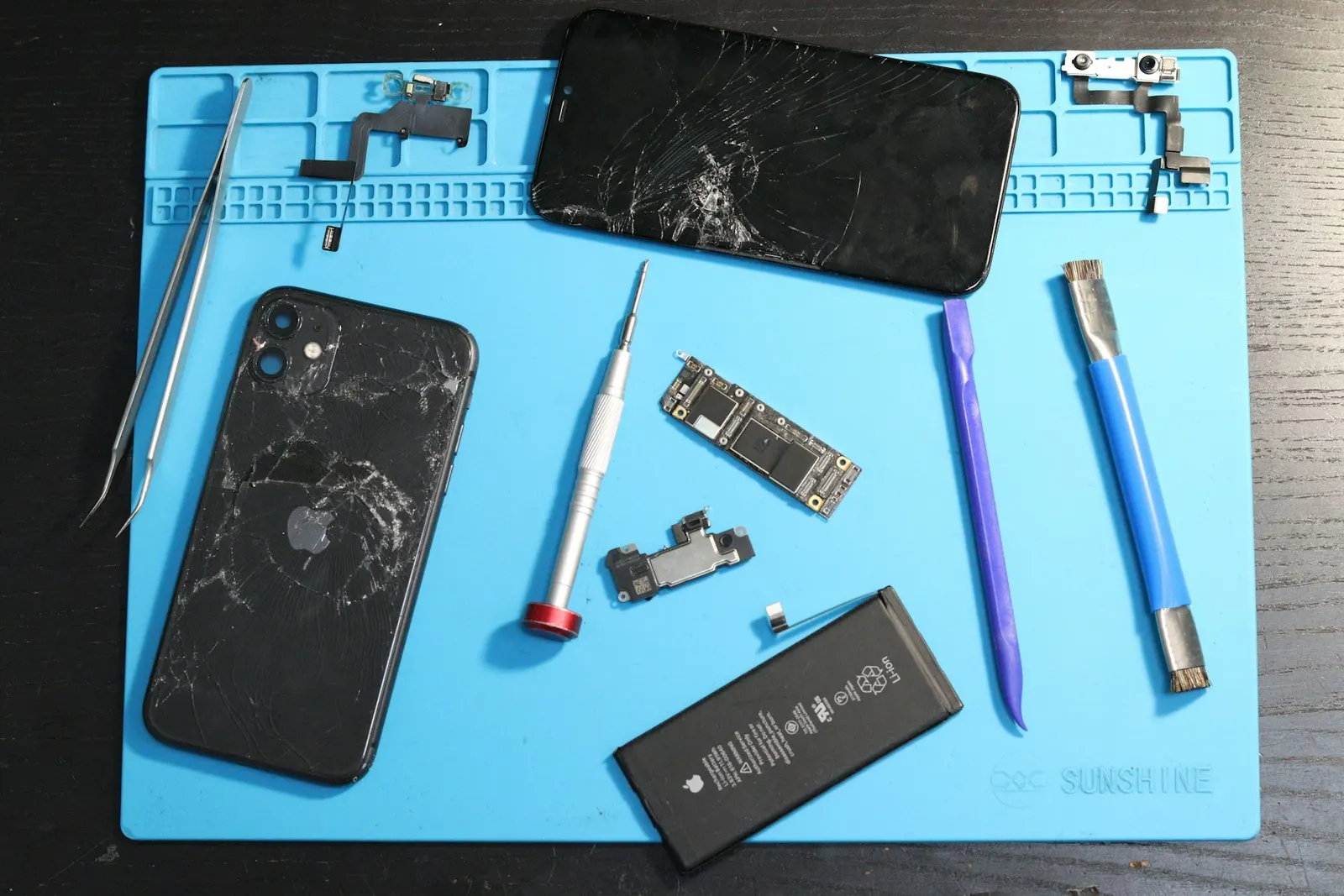
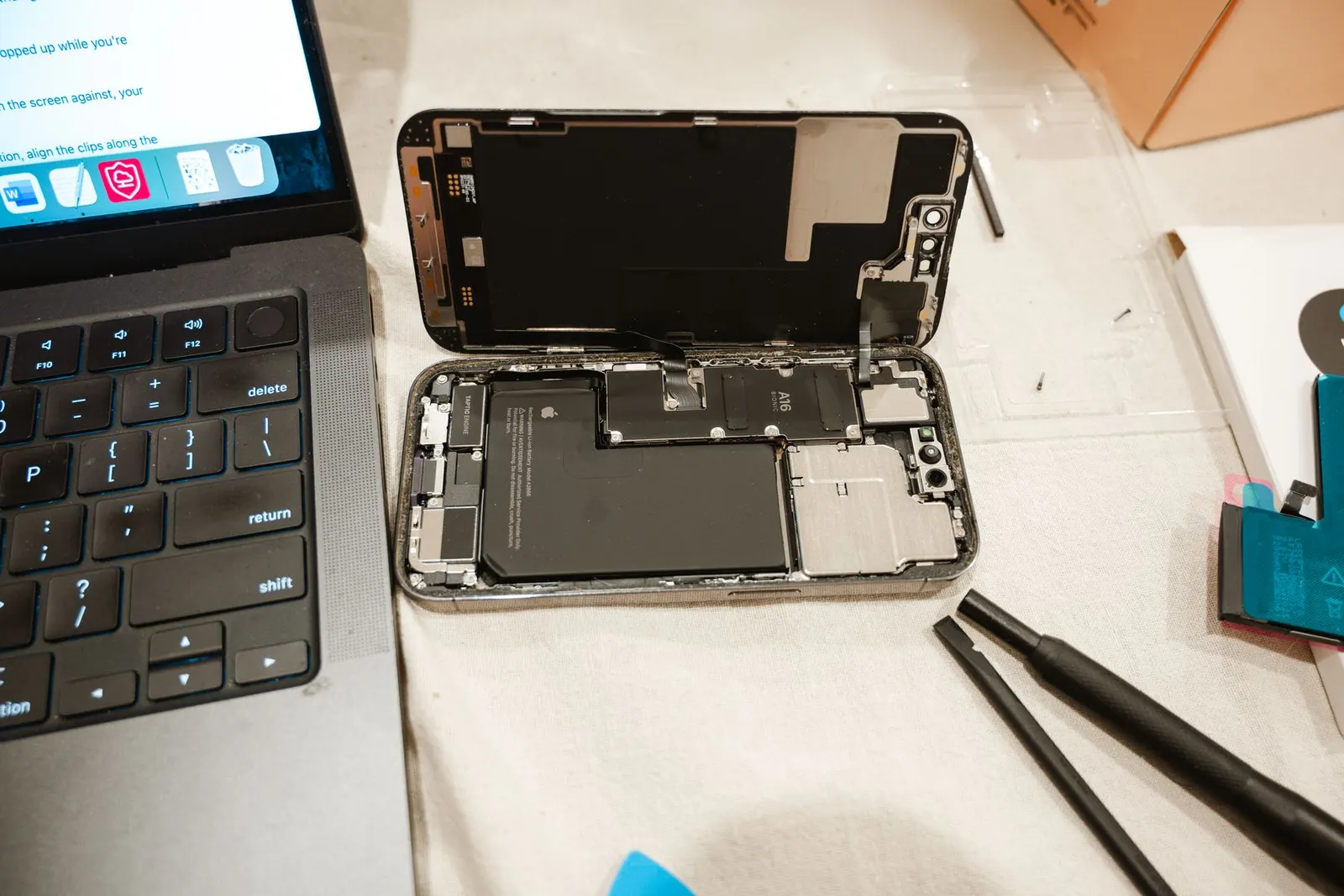
Questions & comments
Ask our Kota technicians anything about this repair. All posts are reviewed before they appear. For an urgent quote, WhatsApp us.
No comments yet, be the first to ask a question.
Leave a comment or ask a question
First, verify your email. We send a 6-digit code so we know you are a real person. Your email is never shown publicly.
Enter the 6-digit code we emailed to .