
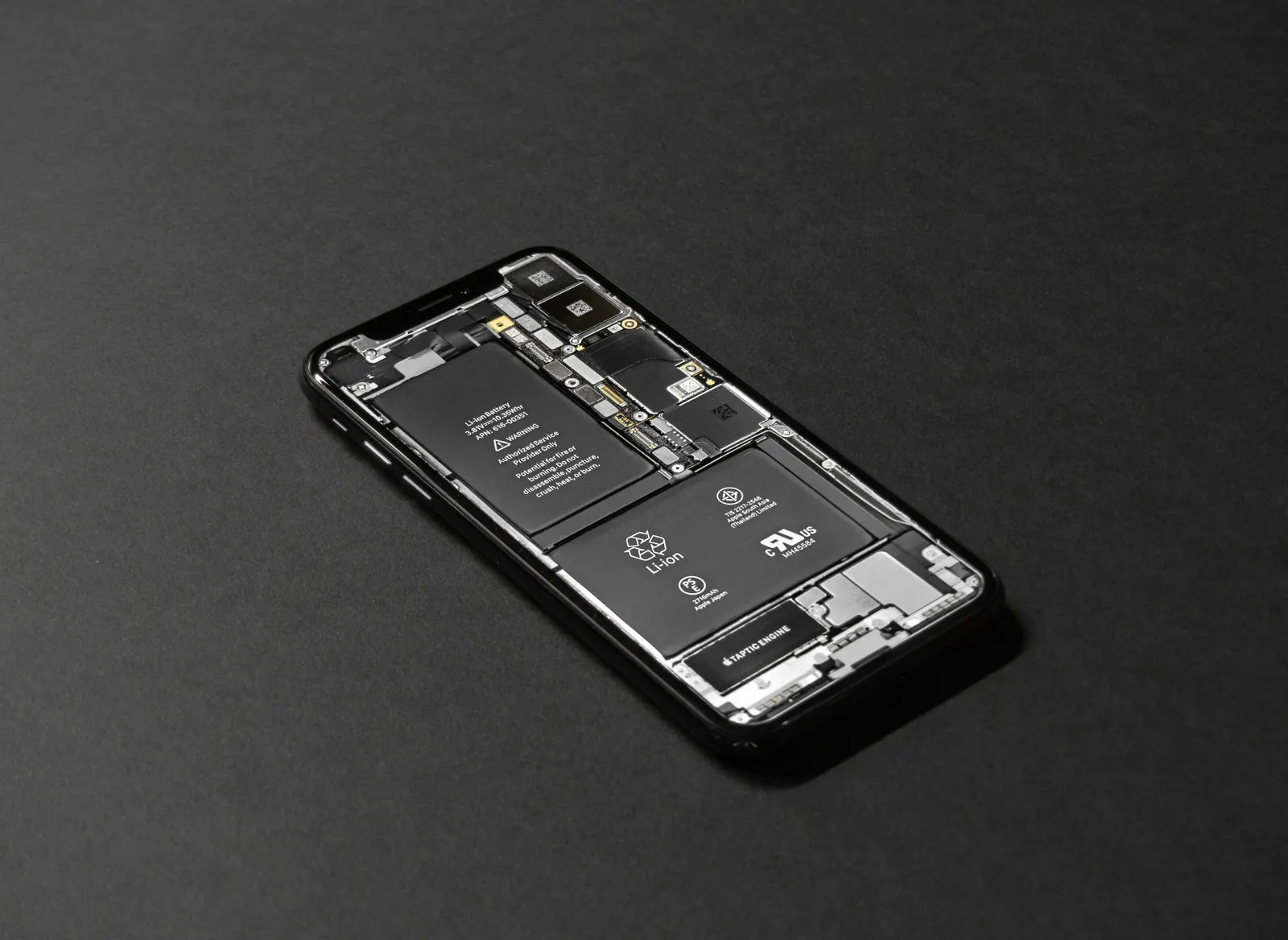
At our Keshavpura shop, we see it every week: a customer comes in convinced their charging port has failed, and after we look closely, the problem is a dense plug of lint and dust sitting inside the port, pushing the cable away from the contacts. A careful cleaning, no parts, no cost, fixes it completely. Before you come to us, try this yourself.
Why Ports Get Blocked
Your phone spends most of its time in your pocket or bag. Pockets contain lint from fabric; bags contain dust, crumbs, and loose fibres. Over weeks and months, these get packed into the port by the repeated action of inserting and removing the cable. In Kota's dusty environment, this happens faster than in many other cities. The result is a layer of compacted material that either makes the cable sit at a slight angle (causing intermittent charging) or blocks contact entirely.
Signs That Lint Is the Problem
- The charger only works at a specific angle
- You have to wiggle the cable for charging to start
- Charging is slower than it used to be
- The cable feels loose in the port when it used to sit snugly
If you look into the port with a torch and see a grey or brown layer at the back, that is lint, and cleaning is very likely to help.
What You Will Need
- A wooden or plastic toothpick, do NOT use a metal pin or paperclip
- A can of compressed air (optional but helpful)
- Good lighting, a torch or bright lamp
- Steady hands and patience
The Safe Cleaning Process
- Power off your phone completely before touching the port. This is important, no exceptions.
- Shine a torch into the port and look at the back wall. If you can see a layer of material, proceed.
- Hold the phone with the port facing downward (so debris falls out rather than deeper in).
- Using a wooden or plastic toothpick, gently loosen the compacted lint from the sides and back of the port. Use very light pressure and short strokes. You are not scraping, you are loosening.
- Tip the phone so the debris falls out, and blow gently into the port, or use a short burst of compressed air from a safe distance.
- Shine the torch in again. If the back of the port is now visibly cleaner with shiny metal contacts, you have done well.
- Power the phone on and try charging.
What NOT to Do
- Do not use a metal pin, needle, or SIM tool: Metal can scratch or short the charging contacts, turning a simple lint problem into a real repair.
- Do not use liquids: Water, alcohol, or any liquid inside the port can damage the connector or the board. The port is not sealed.
- Do not apply force: If something is truly stuck, come to us rather than risk bending the pins inside the port.
- Do not hold compressed air cans tilted: They can release liquid propellant, which is harmful to electronics.
When Cleaning Is Not Enough
If the port is clean but charging still does not work, the problem is likely one of these:
- A damaged cable or adapter, try a different one first
- Bent or corroded pins inside the port, visible on close inspection
- A loose port connector internally, the port physically moves when you insert the cable
- A charging IC or board issue
| Problem | Solution | Typical cost |
|---|---|---|
| Lint blockage | Cleaning (DIY or at shop) | ₹0 - ₹200 |
| Damaged USB-C / Micro-USB port | Port replacement | ₹300 - ₹800 |
| iPhone Lightning / USB-C port | Port replacement | ₹800 - ₹1,800 |
| Charging IC on board | Board-level repair | ₹1,200 - ₹3,500 |
All costs are approximate and confirmed after a free diagnostic at our shop.
If you are not confident doing this yourself, come to our Keshavpura shop. We clean ports for free when you visit us, and we will tell you honestly whether it needs further repair. No guesswork, no unnecessary charges.
Frequently Asked Questions
How often should I clean my charging port?
There is no fixed schedule. If you carry your phone in a trouser pocket daily, cleaning once every few months is sensible. Check visually every month or so.
Can I use a cotton swab to clean the port?
We do not recommend it. Cotton fibres can shed and make the problem worse. A toothpick with a wiping motion is cleaner and safer.
My port was cleaned but the cable still feels loose. What is wrong?
Over time, the port's spring tension weakens with repeated insertions. The port may need to be replaced. This is a common, affordable repair at our shop.
Is USB-C harder to clean than Micro-USB?
USB-C ports are narrower and collect lint just as readily. The same toothpick technique works, though you need to be careful not to disturb the smaller pins in the centre.
Will cleaning the port void my warranty?
Careful external cleaning with a toothpick does not void warranties. Opening the phone or using liquid inside the port may, check your specific manufacturer's terms if you are still under warranty.
Frequently asked questions
How often should I clean my charging port?
There is no fixed schedule, but checking every month or two is sensible if you carry the phone in a pocket daily.
Can I use a cotton swab to clean the port?
We do not recommend it, cotton fibres can add to the problem. A wooden toothpick is safer and more effective.
My port was cleaned but the cable still feels loose. What is wrong?
The port's spring tension may have weakened, or the port is slightly loose internally. This is a common, affordable repair.
Is USB-C harder to clean than Micro-USB?
Not significantly, the same gentle toothpick technique works. Be careful not to disturb the centre pins.
Will cleaning the port void my warranty?
Gentle external cleaning with a toothpick does not void warranties. Using liquids inside the port might, check your manufacturer's terms if still under warranty.
Questions & comments
Ask our Kota technicians anything about this repair. All posts are reviewed before they appear. For an urgent quote, WhatsApp us.
No comments yet, be the first to ask a question.
Leave a comment or ask a question
First, verify your email. We send a 6-digit code so we know you are a real person. Your email is never shown publicly.
Enter the 6-digit code we emailed to .