

A broken laptop hinge usually starts with a small warning: a creak when you open the lid, a screen that wobbles when you type, or a thin crack near the corner of the screen frame. Many people ignore it because the laptop still works. Unfortunately, hinge problems almost never fix themselves. Every time the lid is opened and closed, the damage spreads, and what began as a loose screw can end with a cracked case, a torn display cable, or a broken screen. At our Keshavpura shop we repair hinges on all the common laptop brands, and this guide explains what is going on and what your options are.
How a Laptop Hinge Works
A laptop has two metal hinges, one at each corner where the screen meets the base. Each hinge is bolted into the screen's back cover at one end and into the bottom case at the other. The bolts usually screw into small brass inserts or threaded posts that are glued or moulded into the plastic. The hinge itself is quite strong. The weak point is almost always the plastic around those inserts.
The display cable, and on many models the Wi-Fi antenna cables, run through or next to the hinge area. That is why hinge damage so often leads to screen problems as well.
Signs Your Hinge Is Failing
- The lid feels stiffer or looser than before, or one side moves before the other.
- You hear cracking or popping sounds when opening or closing the lid.
- The screen bezel (front frame) is separating from the back cover near a corner.
- The bottom case lifts near the back when you open the lid.
- The screen will not stay at the angle you set and slowly falls backwards.
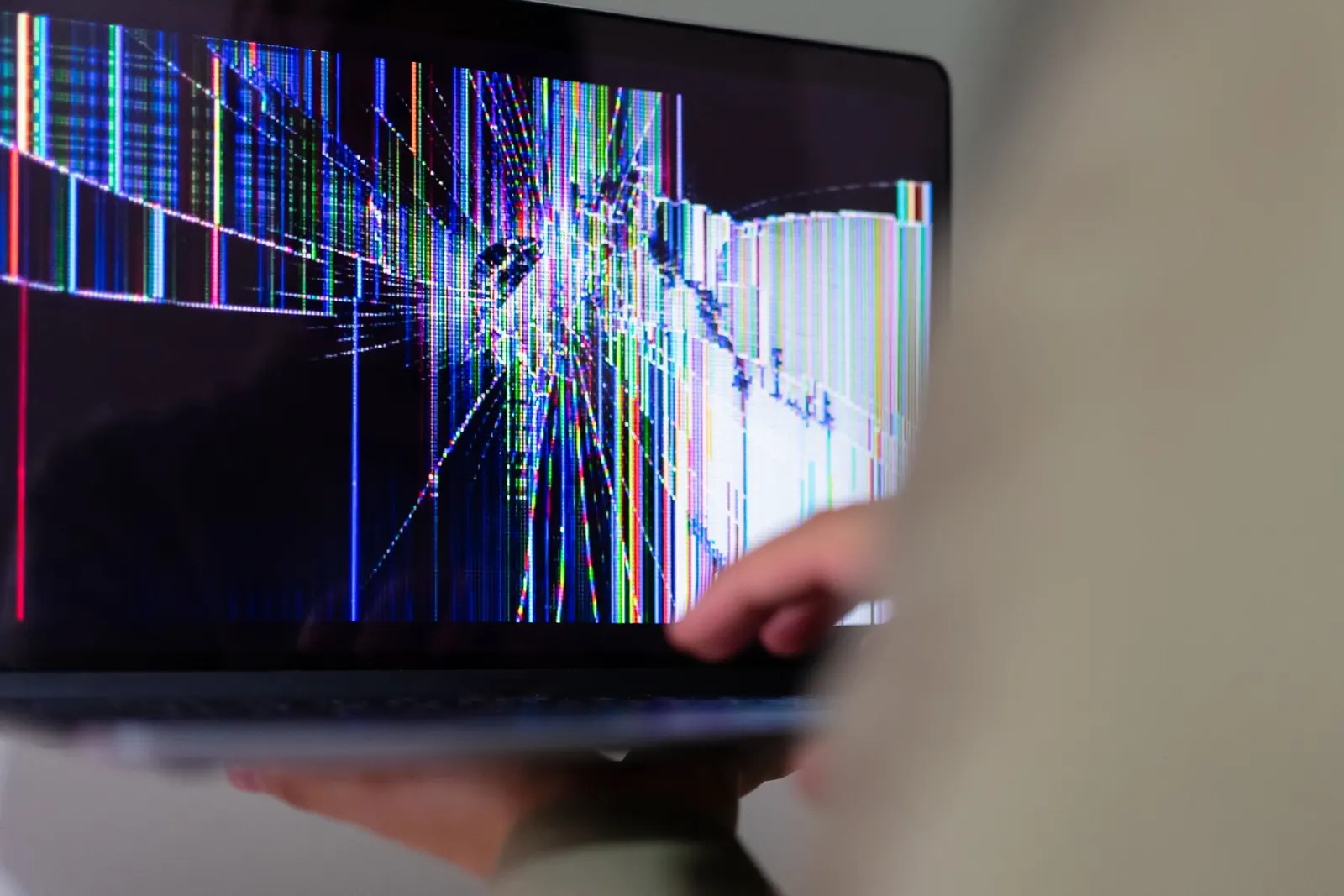
- The display flickers or goes blank when you move the lid. This means the display cable may already be getting strained. Our guide on laptop screen replacement explains what happens if the panel or cable gets damaged.
What Causes Laptop Hinges to Break
Opening the lid from one corner
This is the most common cause we see. Opening the laptop by lifting one corner of the lid twists the whole screen assembly and puts all the force on one hinge. Over months, this cracks the plastic around the hinge mounts. Always open the lid from the middle of the front edge.
Stiff hinges by design
Some models come with fairly tight hinges. As the plastic ages, especially in Kota's hot summers when the laptop also runs warm, the mounting points become brittle and cannot handle the force any more.
Drops and bag pressure
A laptop dropped while open, or squeezed in an overstuffed bag between books, can crack the hinge mounts even if nothing looks broken at first.
Loose screws left unattended
Sometimes the hinge screws simply work loose. If caught early, tightening them is a quick fix. If ignored, the moving hinge chews through the plastic around the screw holes.
Previous poor repairs
We regularly see hinges "fixed" with super glue or with screws that are too long. Glue fails again quickly and makes a proper repair harder, and long screws can push through and damage the screen.
What You Can Safely Do at Home
- Stop forcing the lid. If the hinge is clearly cracked, open the laptop as little as possible and very gently, holding the screen from the centre.
- Use an external monitor if you have one. Keep the lid at a fixed angle and work through the external display until the repair is done.
- Back up your files. If the display cable is already being strained, the screen could stop working suddenly. A backup means you are not stuck.
- Do not glue the hinge. Glue on the hinge mechanism or mounting posts makes the proper repair harder and usually fails again.
- Tighten visible screws only if you are confident. On some laptops the hinge screws are reachable from the bottom case. Use the correct screwdriver and do not overtighten. On most slim laptops the screws sit behind the screen bezel or under the base cover, and opening them is better left to a technician.
How We Repair a Broken Hinge
The right repair depends on what exactly has failed, so we always open and inspect first. The common situations are:
| What we find | Usual repair |
|---|---|
| Loose hinge screws, plastic intact | Tighten and secure the screws, check hinge tension |
| Cracked hinge mount or broken brass insert | Rebuild the mount with a proper structural repair, or replace the affected cover |
| Hinge metal bent or seized | Replace the hinge pair for that model |
| Back cover or bottom case badly cracked | Replace the screen back cover (A-panel) or bottom case, depending on availability |
| Display cable damaged by the hinge | Replace the display cable along with the hinge repair |
Parts availability differs by brand and model. For popular models of HP, Dell, Lenovo, Asus and Acer, hinges and covers are usually available; for less common or very new models it can take longer. We tell you what is in stock and what needs to be ordered before starting. You can read more about our laptop keyboard and hinge repair service, and see brand-specific information on our laptop repair by brand pages.
Repair or Replace the Casing?
When the plastic around the hinge mounts is only lightly cracked, a structural repair of the mount can hold well. When the cover is shattered in several places, or the screw posts are completely gone, replacing the cover is the more durable option. We explain both options and the trade-offs, and the final price is confirmed after the free check-up because it depends heavily on the exact model and whether a cover is available.
The repair includes our warranty on the part and labour; the period depends on the part used, and we tell you exactly what applies before you decide.
Is It Worth Repairing an Old Laptop's Hinge?
In most cases, yes. A hinge or cover repair is far cheaper than a new laptop, and if the rest of the machine is healthy it can keep working for years. If your laptop is also very slow, consider combining the hinge repair with an SSD upgrade; we cover that in our SSD and RAM upgrade guide. If the laptop has several major faults at once, such as a failing motherboard plus a broken hinge plus a damaged screen, we will tell you honestly if replacement makes more sense.
Preventing Hinge Damage
- Open and close the lid from the centre of the front edge, never from a corner.
- Do not lift or carry the laptop by the screen.
- Avoid opening the lid past its natural stopping point.
- Use a padded laptop sleeve and do not overpack your bag.
- Get a creaking or loose hinge checked early; tightening screws is much simpler than rebuilding a cracked mount.
Get Your Hinge Checked in Kota
If your laptop hinge is creaking, loose or cracked, bring the laptop to our Keshavpura shop before the damage spreads to the screen. We inspect it for free, show you what has failed, and give you the exact price before any work starts.
Frequently asked questions
Can I keep using my laptop with a broken hinge?
You can use it carefully for a short time, ideally with the lid kept at one angle and an external monitor. Repeatedly opening and closing a broken hinge spreads the crack and can damage the display cable or screen, so it is best to get it repaired soon.
Can a broken laptop hinge be fixed with glue?
Glue is not a durable fix. The hinge puts a lot of force on its mounting points every time the lid moves, and glued plastic usually cracks again. Glue residue also makes a proper repair harder later.
Why does my screen flicker when I move the lid?
The display cable runs through the hinge area. If the hinge is loose or broken, the cable can get pinched or stretched, causing flicker or a blank screen when the lid moves. Getting the hinge repaired early can save the cable and the screen.
Do you replace the whole screen when fixing a hinge?
No. In most cases only the hinge, its mounting points, or the back cover need attention. The screen panel is replaced only if it has been cracked or damaged. We inspect first and quote only what is actually needed.
Questions & comments
Ask our Kota technicians anything about this repair. All posts are reviewed before they appear. For an urgent quote, WhatsApp us.
No comments yet, be the first to ask a question.
Leave a comment or ask a question
First, verify your email. We send a 6-digit code so we know you are a real person. Your email is never shown publicly.
Enter the 6-digit code we emailed to .