
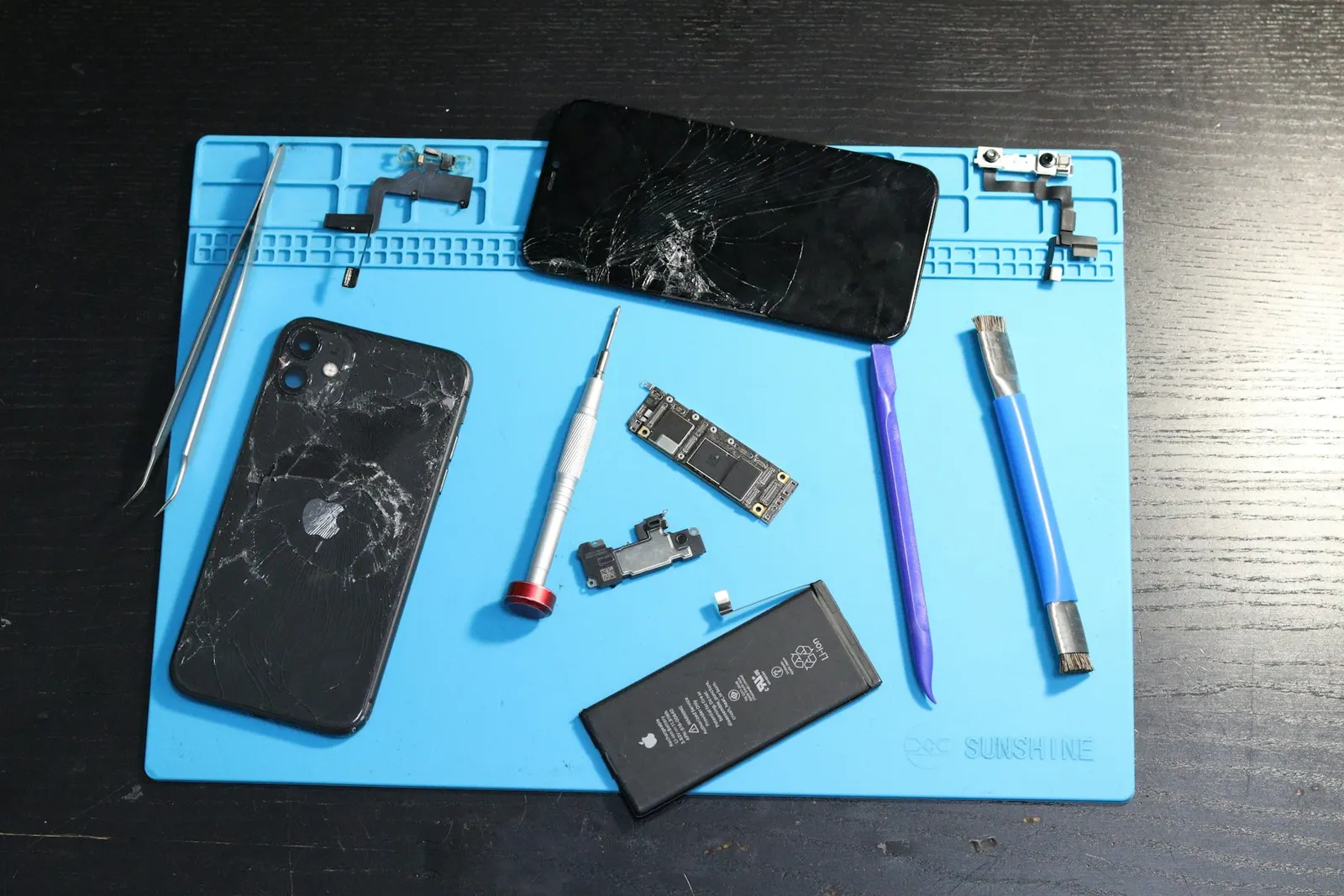
Fingerprint not working after screen replacement usually has one of four causes: the new screen does not support an in-display sensor (common with copy or LCD-type "incell" panels), the sensor needs recalibration or your fingerprints need re-enrolling, a screen protector is blocking it, or a cable or sensor was damaged or not reconnected during the repair. Start by deleting and re-adding your fingerprints and removing any screen protector. If it still fails, the screen type or the fitting needs to be checked by the technician.
First, Where Is Your Fingerprint Sensor?
The fix depends on where the sensor sits on your phone:
- Under the display (in-display): most AMOLED phones from Samsung, Vivo, Oppo, Realme, OnePlus, Xiaomi, iQOO and Google Pixel 6 and later. A screen replacement directly affects this type.
- Side-mounted (in the power button): many LCD phones. A screen change should not affect it unless a flex cable was disturbed.
- Rear-mounted: older and budget phones. A screen replacement rarely affects it.
- Touch ID Home button: older iPhones and the iPhone SE models. The button is moved from the old screen to the new one during repair.
Optical vs Ultrasonic In-Display Sensors
There are two main in-display sensor types:
- Optical sensors work like a tiny camera under the screen. The display lights up your finger and the sensor reads the image through gaps between the pixels. This only works through an OLED/AMOLED panel that lets enough light pass.
- Ultrasonic sensors use sound waves to map your fingerprint. Samsung uses this type on its flagship Galaxy S models. They are sensitive to what sits on top of the screen, including air gaps and protector material.
This is why the type of replacement screen matters so much. Many lower-cost replacement screens for AMOLED phones are LCD-type panels (sold as "incell", "TFT" or "copy"). They do not let light pass the way an AMOLED panel does, so an optical sensor under them generally cannot read your finger at all. Our guides on display combo meaning and AMOLED vs LCD screen replacement explain the panel types.
Common Causes After a Screen Replacement
| Sign | Likely cause |
|---|---|
| Fingerprint option missing or "hardware not available" | Sensor cable not connected, damaged sensor, or software not detecting it |
| Icon appears but never reads the finger | LCD-type copy screen, or sensor not calibrated for the new panel |
| Works sometimes, fails often | Old fingerprint data, screen protector, or a gap or glue layer above the sensor |
| Worked before a new protector was applied | Protector thickness, material or air bubbles |
| Touch ID fails on an older iPhone | Home button replaced or its cable damaged, instead of the original being moved |
Fixes You Can Try at Home
- Restart the phone and update the software in Settings.
- Clean the screen over the sensor area and dry your fingers.
- Remove the screen protector for a test. If the fingerprint works without it, the protector is the problem.
- Delete all saved fingerprints and add them again. The old fingerprint data was recorded through the old screen. Google and Samsung both advise re-enrolling after changing a screen protector, and the same logic applies after a new screen.
- Register the same finger more than once if your phone allows several fingerprints, and press firmly and still during setup.
- Increase touch sensitivity if your phone has a "screen protector mode" or touch sensitivity setting in Display settings.
- Test in a shaded place. Google notes that direct sunlight can affect under-display sensor scanning.
If none of this helps, the cause is almost always the screen itself or the fitting, not a setting.
Recalibration After a Display Change
Some phones need the in-display sensor calibrated to the new screen. Google lists an option to adjust the Under-Display Fingerprint Sensor (UDFPS) through its Pixel Update and Software Repair tool on its Repair your own Pixel device page. Other brands use their own service tools. Calibration can only help when the new screen is a suitable panel; it cannot make an LCD-type copy screen pass light to an optical sensor. Google's own fingerprint sensor troubleshooting page also covers screen protectors, re-enrolling and backup unlock methods.
Samsung Ultrasonic Sensors and Screen Protectors
Samsung's support guidance says thick protective films or tempered glass may reduce fingerprint performance, and that protectors not certified by Samsung may reduce recognition accuracy. It advises deleting your fingerprints and registering them again after fitting a new protector. On Galaxy phones with ultrasonic sensors, even a small air gap or bubble over the sensor can cause failed reads. If your Galaxy worked well before the repair:
- Remove the protector and test.
- If it works, fit a protector that the maker says supports in-display or ultrasonic fingerprint sensors, and apply it without bubbles.
- Delete and re-register your fingerprints after fitting it.
For more on choosing a protector, see tempered glass vs screen guard. For Galaxy screens specifically, read Samsung AMOLED screen replacement.
iPhone Touch ID After a Screen Replacement
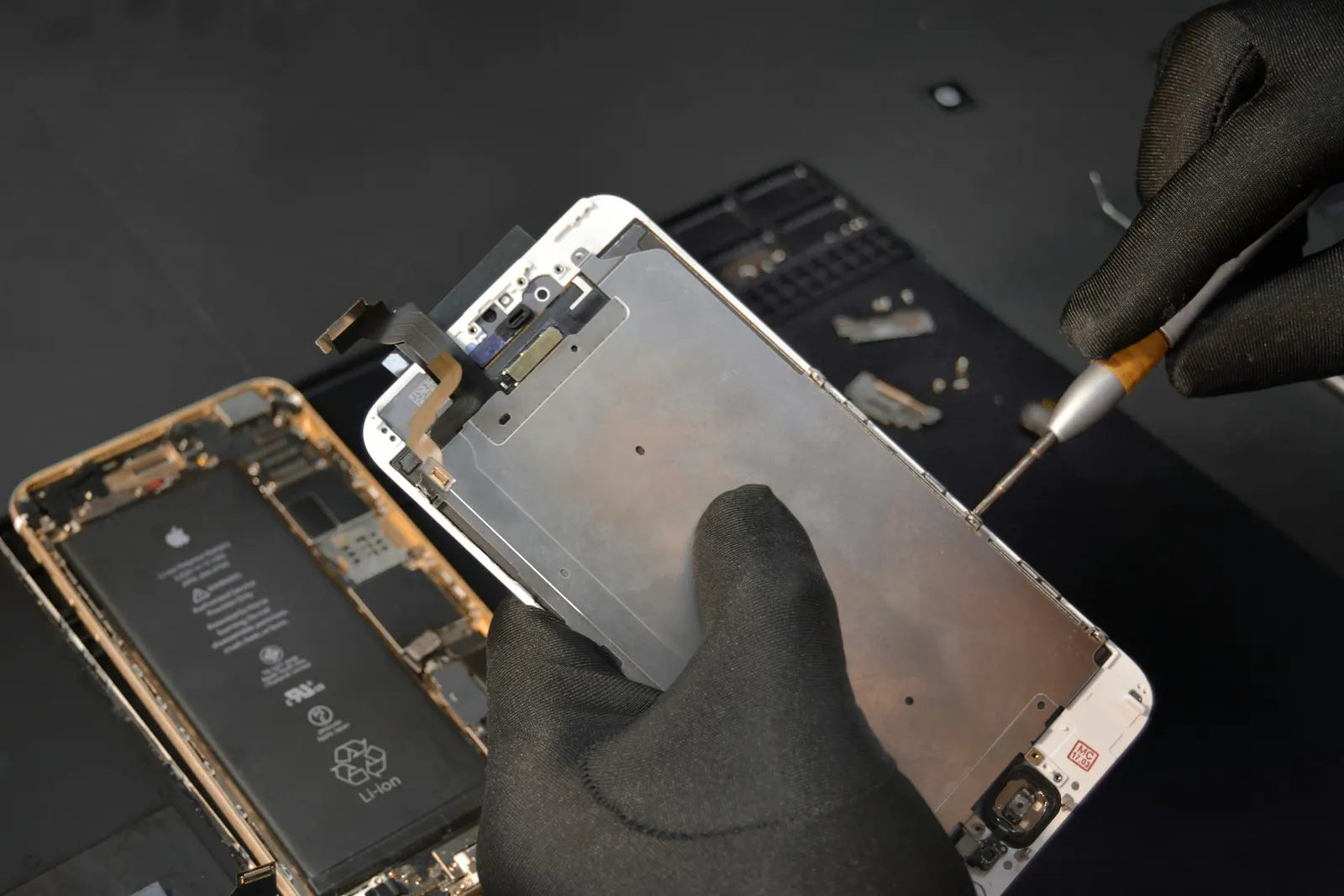
On iPhones with a Home button, Touch ID is linked to the phone itself. A replacement Home button will not give you working Touch ID unless it goes through Apple's own repair process. So during an independent screen replacement, the technician must carefully move your original Home button and its bracket to the new screen. If the button cable tears or a different button is fitted, the button may click but Touch ID will not work. Apple's Touch ID troubleshooting page covers the basic checks, and says to get service if Touch ID cannot be turned on or setup fails. Newer iPhones use Face ID instead; see iPhone Face ID not working if that stopped after a repair.
If You Rely on Fingerprint for Accessibility
Some people depend on fingerprint unlock because typing a PIN or pattern is hard for them. While the fingerprint is not working:
- Set up Face Unlock if your phone supports it, as Google suggests for Pixel phones.
- Use a simpler but still safe PIN rather than a long password for a short time, and change it back once fingerprint works.
- Check that banking and payment apps still let you log in with your PIN, as many ask you to re-enable fingerprint login after re-enrolling.
- When getting a screen replaced, tell the shop that fingerprint is important to you, so they quote a screen that supports it.
Prevent It Next Time
- Before the repair, ask: "Will the in-display fingerprint work with this screen?" Get the answer before paying.
- Ask for the sensor to be tested before the phone is glued shut.
- Test fingerprint, touch and brightness before leaving the shop. Our screen replacement warranty and care guide lists what to check.
- If touch is also faulty, see touch not working after screen replacement.
- Read original vs duplicate mobile screens so you know which grade you are being offered. For in-warranty phones, the brand's authorised service centre, found through its official support website, is the place to start; our guide on original display price in service center explains how to check its price.
How Our Keshavpura Shop Handles Fingerprint Problems
At our Keshavpura shop in Kota we begin with a free check-up to find out whether the issue is the screen type, the sensor, a cable, calibration or a protector. We tell you before any repair whether the screen we are offering supports your in-display fingerprint, and the exact price is confirmed before any work begins. The phone is opened in front of you. Every part repair comes with our warranty on the part and labour; the period depends on the part. Doorstep pickup is available in Kota. You can browse our Samsung and iPhone repair pages or contact us.
Frequently asked questions
Why does in-display fingerprint not work with an incell screen?
Incell and other LCD-type copy screens do not let light pass the way an AMOLED panel does. An optical sensor under the display needs that light to see your finger, so it generally cannot read through these panels.
Do I need to add my fingerprints again after a new screen?
Yes, it is a good first step. Delete all saved fingerprints and register them again, because the old data was recorded through the previous screen.
Can a screen protector stop the fingerprint sensor working?
Yes. Samsung and Google both say thick or non-certified protectors can reduce fingerprint recognition. Remove the protector to test, and re-enrol fingerprints after fitting a new one.
Can Touch ID be fixed if the Home button was replaced?
A replacement Home button does not restore Touch ID unless it goes through Apple's own repair process. The best chance is that the original button was kept and can be refitted undamaged.
Will calibration fix fingerprint on a copy screen?
Usually not. Calibration helps a suitable AMOLED panel work with the sensor, but it cannot make an LCD-type panel pass light to an optical sensor.
Questions & comments
Ask our Kota technicians anything about this repair. All posts are reviewed before they appear. For an urgent quote, WhatsApp us.
No comments yet, be the first to ask a question.
Leave a comment or ask a question
First, verify your email. We send a 6-digit code so we know you are a real person. Your email is never shown publicly.
Enter the 6-digit code we emailed to .