
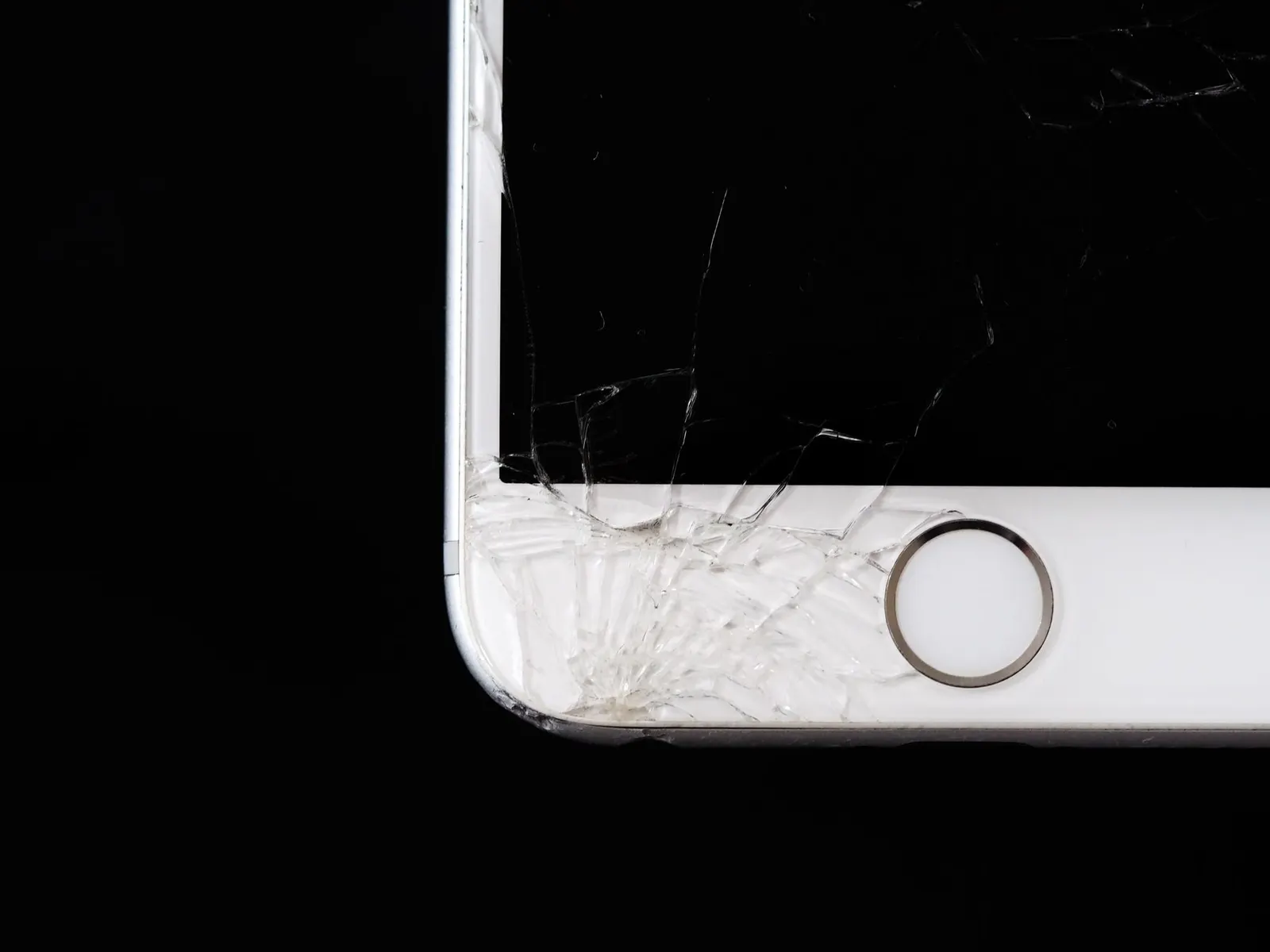
When a screen replacement is needed, one of the most common questions we hear at our Keshavpura shop is: does it matter what type of display I get? Especially for mid-range and premium phones that originally came with AMOLED screens, there is a tempting cheaper option, replacing with an LCD panel. This article explains the real differences and when each choice makes sense.
What Is the Difference Between AMOLED and LCD?
These are two fundamentally different display technologies:
- LCD (Liquid Crystal Display / IPS LCD): Uses a backlight that shines through liquid crystal cells and colour filters. The backlight is always on when the screen is active. Colours are generally accurate but slightly flatter compared to AMOLED.
- AMOLED / OLED: Each pixel emits its own light. When a pixel should be black, it simply turns off, producing true blacks and much higher contrast. Colours appear more vivid. Most Samsung Galaxy, OnePlus, and many Vivo and Oppo mid-range phones use AMOLED or OLED displays.
Key Practical Differences After Replacement
| Feature | AMOLED / OLED | LCD / IPS |
|---|---|---|
| Black levels | True black (pixel off) | Slight glow (backlight always on) |
| Colour vibrancy | Very vivid, saturated | More natural, less saturated |
| Sunlight visibility | Excellent on high-brightness models | Good, depends on panel |
| Always-On Display | Supported (uses very little power) | Not possible |
| In-display fingerprint | Supported on many models | Not compatible |
| Battery use | Saves power on dark themes | Consistent regardless of content |
| Replacement cost | Higher | Lower |
When Replacing AMOLED with LCD Is a Bad Idea
For many phones, downgrading from AMOLED to LCD is not just a visual compromise, it can break features entirely:
- In-display fingerprint sensor: If your phone uses an optical in-display fingerprint sensor (common on Samsung A-series, Vivo, Oppo), this feature requires an AMOLED panel. An LCD replacement will disable this sensor permanently, forcing you to use only PIN or pattern.
- Always-On Display: AOD works because AMOLED can light individual pixels while the rest are off. LCD panels cannot replicate this and will simply not show AOD.
- Display profile settings: Some phones calibrate their display settings around AMOLED. An LCD swap can cause colour temperature and brightness settings to behave unexpectedly.
When an LCD Replacement Is Acceptable
There are situations where an LCD replacement is a reasonable and practical choice:
- Your phone originally had an LCD panel and an LCD replacement is simply a like-for-like swap
- Your phone is old, its resale value is low, and you need a functional screen at minimum cost
- You do not use in-display fingerprint or AOD features
- It is a secondary or backup phone used for basic calls and messages
In Kota we often see students on a tight budget who need a working screen before their exams and cannot afford the full AMOLED replacement right now. In such cases, a quality LCD swap can keep them going, as long as they understand the trade-offs.
What We Recommend at Our Shop
Our advice is always to match or exceed the original display type where possible. If your phone came with AMOLED, the best replacement is an AMOLED panel, either original OEM or a high-grade AMOLED-compatible part. Going down to LCD should be a deliberate, informed choice, not something that happens by default because it is cheaper.
We always tell customers what type of replacement we are using before we begin. If budget is a concern, we will explain your options honestly and let you decide. Come into our Keshavpura shop for a free check-up and we will show you both options side by side if needed.
Frequently asked questions
Will my phone work normally if AMOLED is replaced with LCD?
Basic functions will work, but features that depend on AMOLED, such as in-display fingerprint and Always-On Display, will stop working. Visual quality will also be different from what you were used to.
Is an AMOLED replacement much more expensive than LCD?
Yes, typically two to three times more expensive for mid-range and premium phones. However, if your phone has an in-display fingerprint sensor, the AMOLED replacement is the only option that preserves full functionality.
Are cheap AMOLED panels available for replacement?
Yes, but quality varies greatly. Very cheap AMOLED copy panels often have poor colour accuracy, lower brightness, or shorter lifespan. We always recommend a quality-graded compatible or original part over the cheapest available option.
My replacement LCD looks different from my old AMOLED, is that normal?
Yes. LCD and AMOLED have inherently different colour rendering. An LCD will look cooler, less saturated, and will not have true blacks. This is expected and not a defect in the replacement.
Can I switch back to AMOLED later after getting an LCD replacement?
Yes. If you want to upgrade to an AMOLED panel later, it is possible, you would just pay for another screen replacement. We can do this at our Keshavpura shop whenever you are ready.
Questions & comments
Ask our Kota technicians anything about this repair. All posts are reviewed before they appear. For an urgent quote, WhatsApp us.
No comments yet, be the first to ask a question.
Leave a comment or ask a question
First, verify your email. We send a 6-digit code so we know you are a real person. Your email is never shown publicly.
Enter the 6-digit code we emailed to .