
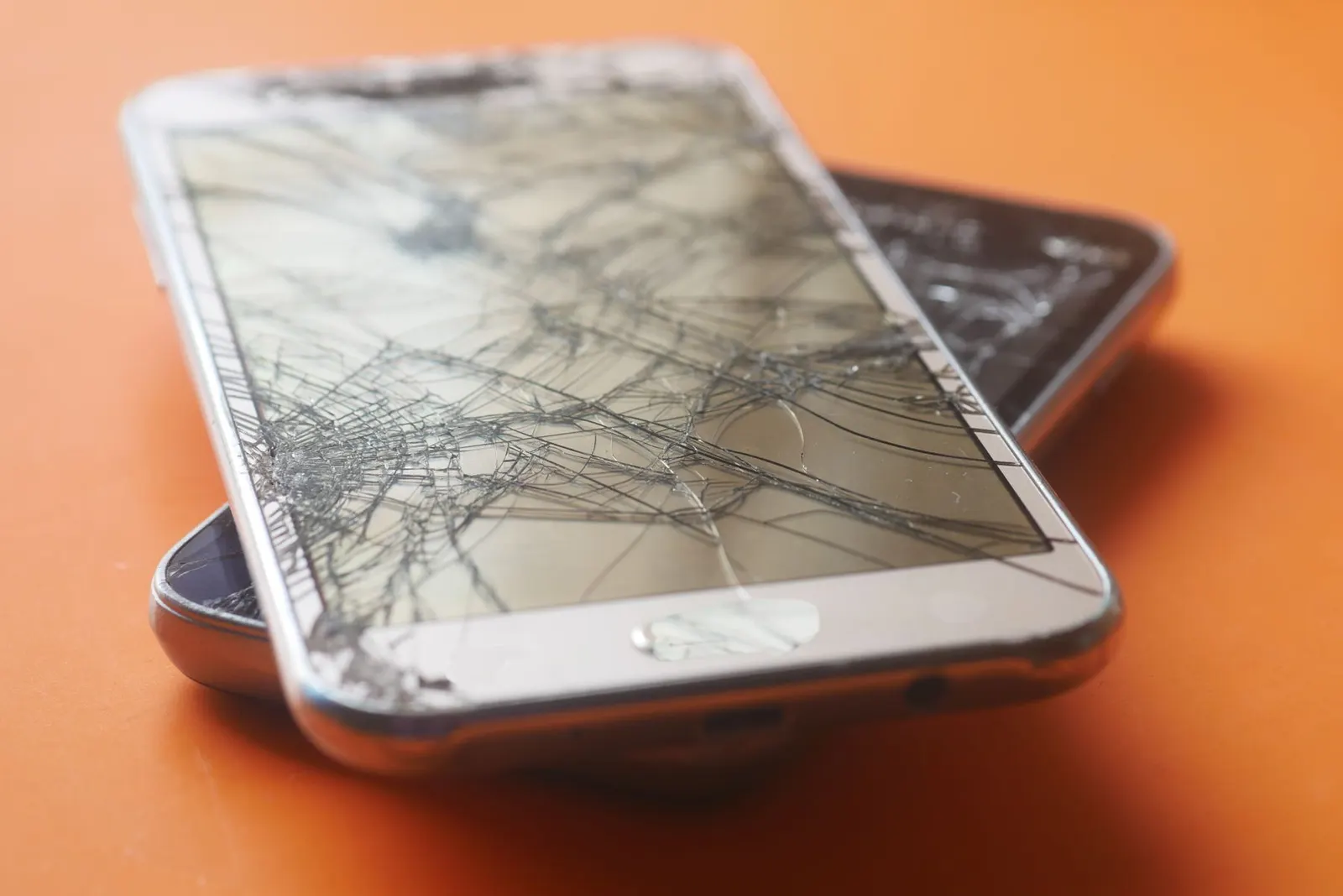
Getting your screen replaced is an investment. At our Keshavpura shop we always spend a few minutes explaining aftercare to every customer before they leave, because how you treat the phone in the first days significantly affects how long the new screen lasts. This guide covers what to do, what to avoid, and what is, and is not, covered by a warranty.
First Week: The Most Important Period
The adhesive that bonds the display assembly to the phone frame needs 24-48 hours to fully cure. During this time the screen is slightly more susceptible to pressure and impacts than it will be once the adhesive has set completely. Our advice for the first 48 hours:
- Do not press hard on the screen edges or corners
- Do not drop the phone, obvious, but worth saying
- Avoid putting the phone in a tight trouser pocket where the frame can flex
- Do not use the phone in heavy rain or wash your hands with it in your pocket, let the adhesive seal fully
Apply a Tempered Glass Immediately
This is the single most important thing you can do after a screen replacement. A quality tempered glass protector:
- Absorbs the energy of scratches and minor drops before they reach the actual screen
- Prevents micro-scratches from keys, coins, and dusty surfaces in pockets
- Is far cheaper to replace than a screen, typically ₹100 to ₹400 versus ₹1,500 to ₹16,000 for a screen
We apply tempered glass at our shop after every screen replacement. It takes about 5 minutes and we do it carefully to avoid bubbles. If you leave without a tempered glass on, you are essentially leaving the new screen unprotected.
Choose a Case With a Raised Lip
A phone case protects the sides and back, but more importantly a case with a raised lip around the screen edge means that when you place the phone face-down, the screen does not touch the surface. This is called a raised bezel or lip. It prevents scratches from rough surfaces and protects the screen edge if the phone lands face-down.
Avoid ultra-slim cases with no lip. They look stylish but offer essentially no screen protection.
Avoid These Situations
Direct Pressure on the Screen
Do not stack anything heavy on top of a face-down phone. Do not keep the phone under a pillow or under clothing. Prolonged pressure, even from soft objects, can affect AMOLED display uniformity over time.
Extreme Heat
Kota summers are intense. Never leave your phone on a car dashboard, on a window ledge in direct sunlight, or near any heat source. Temperatures above 45-50 degrees Celsius inside a car can damage the display adhesive and in severe cases cause AMOLED burn or delamination. This applies to the monsoon season too, trapped heat and humidity together are hard on displays.
Cleaning with Harsh Chemicals
Do not clean your screen with alcohol wipes, acetone, or harsh cleaners. Use a dry or slightly damp microfibre cloth. Many screen coatings and oleophobic (fingerprint-resistant) layers are dissolved by alcohol over time.
What Is Covered Under Our Warranty
We give a warranty on the part and labour for every screen replacement. The warranty covers:
- Dead pixels appearing shortly after replacement
- Touch issues that develop without physical damage
- Display defects such as colour banding or brightness irregularity
- Any installation fault (connector not seated, adhesive failure from our end)
The warranty does not cover:
- New cracks or damage from dropping the phone after repair
- Water damage after repair
- Physical pressure damage
If you are unsure whether an issue is covered, bring the phone in and we will assess it honestly, we do not look for reasons to avoid honouring a legitimate warranty claim.
Checking the Screen After Repair
Before you leave our shop, we test the screen with you present. Check these things together:
- Touch responsiveness across the full screen (all corners, centre, edges)
- Display brightness, colour uniformity, and no dead pixels
- Any in-display fingerprint sensor working
- Proximity sensor functioning (screen goes off during a test call)
If you notice anything wrong after you have left, come back promptly. Warranty claims are easiest to resolve quickly, the longer you wait, the harder it is to confirm whether a new issue came from the repair or from subsequent use.
| Protection Step | Cost | Benefit |
|---|---|---|
| Tempered glass application | ₹100 - ₹400 | Protects from scratches and minor drops |
| Raised-lip phone case | ₹150 - ₹600 | Protects edges and back; keeps screen off surfaces |
| Microfibre cleaning cloth | ₹50 - ₹150 | Safe cleaning without chemical damage |
We carry tempered glass and cases for most popular phone models at our Keshavpura shop. After your screen is replaced, let us help you protect it properly so this repair is the last one you need for a long time.
Frequently asked questions
How soon after a screen replacement can I use the phone normally?
You can use it immediately for normal touch operations. We recommend avoiding submerging it in water or applying heavy pressure to the edges for the first 48 hours to let the adhesive cure properly.
My new screen has a small bubble near one edge, is that a problem?
Small bubbles at the very edge of a new screen can be adhesive-related and often settle within 24-48 hours. If the bubble persists or is in the main display area, come back and we will check it under warranty.
Can I use my phone in Kota monsoon weather after a screen replacement?
Yes, with sensible precautions. Keep it in a zip-lock bag or waterproof pouch in heavy rain. The screen is sealed by adhesive but is not waterproof. Avoid letting water flow over exposed ports and seams.
Do I need to reapply the tempered glass if mine breaks?
Yes, a shattered tempered glass has done its job (it absorbed an impact) but is no longer protecting the screen. Replace it promptly. This is exactly what it is designed for.
The screen warranty, how long does it last?
The warranty period depends on the part type and quality. We explain this at the time of repair. Any issue that appears to be a manufacturing or installation defect should be brought to us promptly and we will assess it fairly.
Questions & comments
Ask our Kota technicians anything about this repair. All posts are reviewed before they appear. For an urgent quote, WhatsApp us.
No comments yet, be the first to ask a question.
Leave a comment or ask a question
First, verify your email. We send a 6-digit code so we know you are a real person. Your email is never shown publicly.
Enter the 6-digit code we emailed to .