
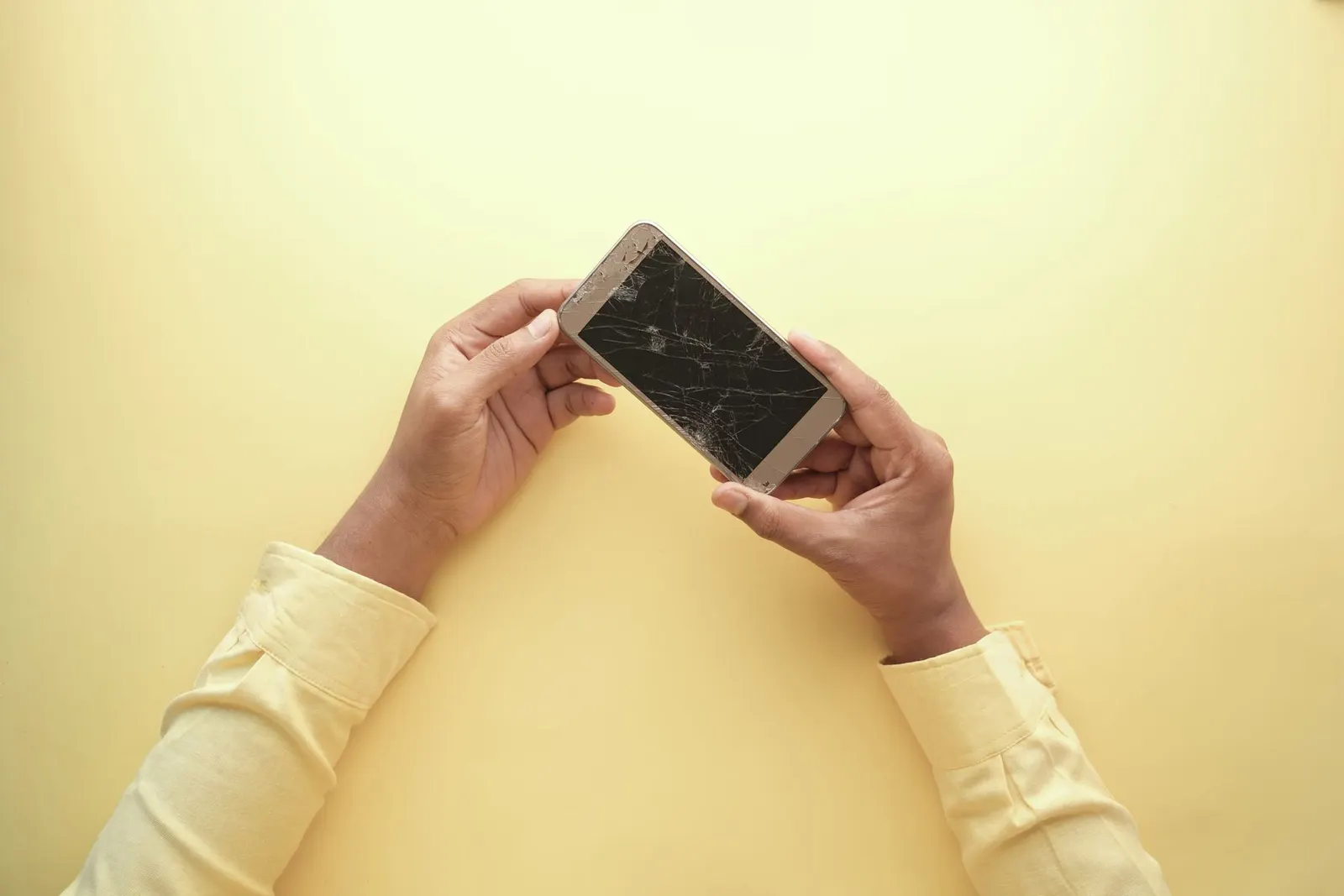
Getting your screen replaced and then finding that the touch does not work, or works erratically, is one of the most frustrating repair outcomes. It happens, and when it does, there is usually a clear reason. At our Keshavpura shop we have diagnosed and fixed this specific problem many times. Let us explain what causes it and what should be checked.
Most Common Causes
1. Loose or Incorrectly Seated Connector
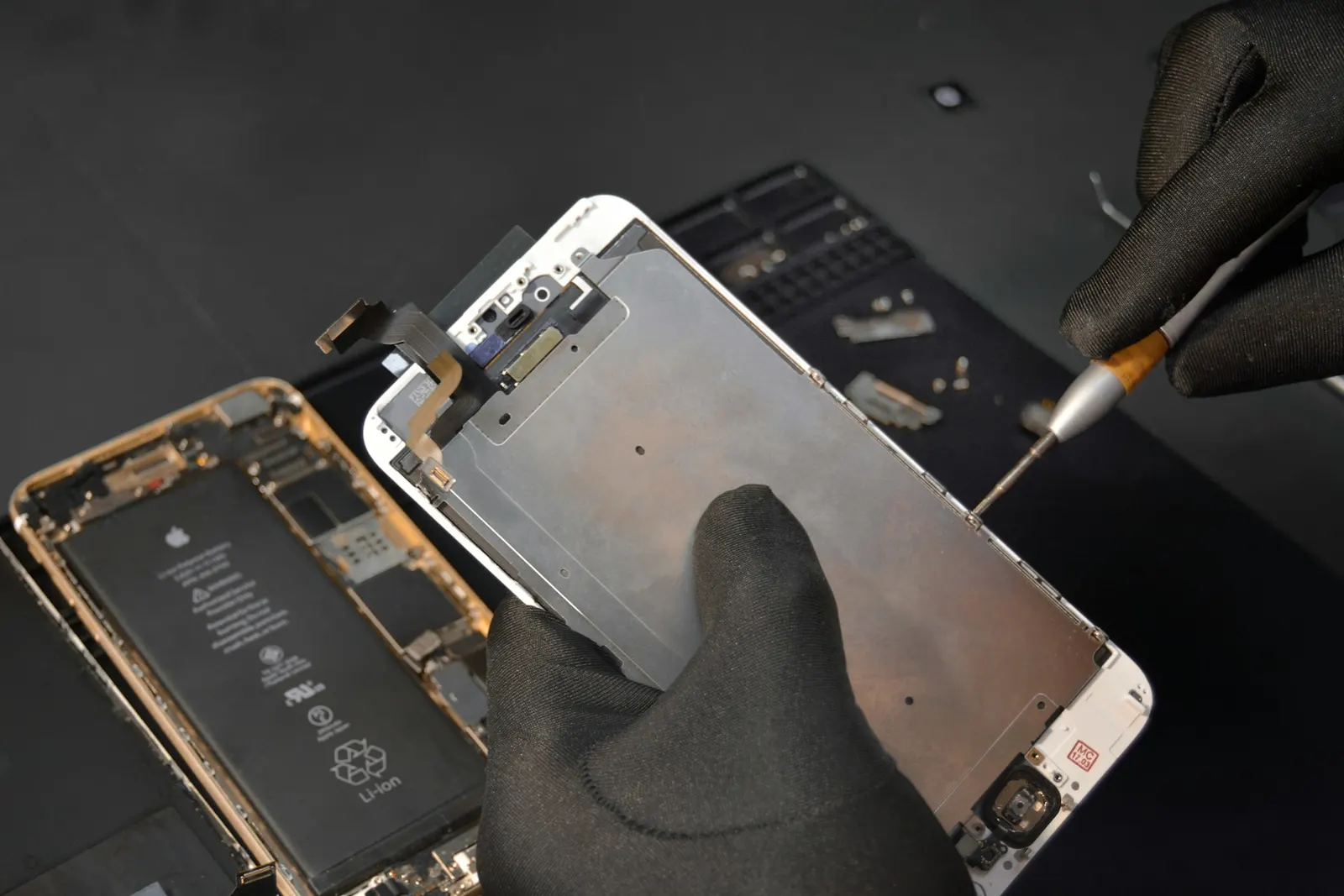
The display assembly connects to the phone's motherboard through one or more flex cable connectors. If a connector is not fully seated, or was not latched properly after the screen was fitted, the touch layer (digitizer) may not receive power or signal correctly. This is the most common cause of touch issues right after a replacement.
The fix is straightforward: open the phone again, disconnect and firmly re-seat the display connectors. A good shop checks this before handing the phone back to you. If you got the repair done elsewhere and the touch is now faulty, come to us and we will check the connectors as the first step, usually at no charge if the previous repair was recent.
2. Low-Quality Replacement Panel
Not all replacement screens are equal. Very cheap copy panels often have poor digitizer sensitivity, ghost touches, or dead zones straight out of the box. If the touch worked fine on your old screen and the new one is already having problems, the panel quality is a likely culprit. This is especially common when a repair was done at a very low price.
In Kota, we have seen coaching students who got their Redmi or Realme screens replaced at small roadside shops for unusually low prices, only to find the touch became unreliable within days. The only real solution in this case is replacing the panel with a better-quality one.
3. Digitizer Flex Cable Damage During Repair
The digitizer ribbon cable is thin and fragile. If it was bent too sharply, pinched under the frame, or nicked by a tool during the repair, it can fail. This kind of damage is visible under magnification and requires replacing the display assembly again.
4. Software or Calibration Issue
Some phones, particularly certain Samsung and Xiaomi models, need a brief touch calibration or a software restart after a screen replacement. If the touch is partially working but feels off (for example, tapping one spot registers a different location), try the following before assuming a hardware fault:
- Force restart the phone (hold power + volume down for 10 seconds)
- Check if there is a pending software update and install it
- On Samsung phones, go to Settings, then Accessibility, and look for touch sensitivity settings
5. Incompatible Screen Model
Some phone models have multiple hardware revisions that use slightly different display assemblies. If the wrong variant of a screen was installed, the touch layer may not be fully compatible. This is rare but does happen. The technician should always verify the exact hardware version before ordering a part.
What a Good Shop Checks Before Returning Your Phone
Before handing a phone back to a customer after a screen replacement, our technicians at the Keshavpura shop run through these checks:
- Test touch response across the full screen in a grid pattern
- Check for ghost touches (touches registering without being pressed)
- Test multi-touch (two fingers simultaneously)
- Verify brightness, colour, and display uniformity
- Test proximity sensor and any in-display fingerprint sensor
What to Do If Your Touch Is Not Working After a Repair
If you just got a screen replacement and the touch is misbehaving, do these things in order:
- Force restart the phone and test again
- Return to the shop that did the repair, they should re-open and check connectors free of charge under warranty
- If the shop refuses or cannot fix it, bring it to us for a second opinion, we will diagnose it and tell you exactly what the problem is
Touch problems after a screen replacement are almost never permanent. They have a specific cause that can be found and fixed. Bring your phone to our shop in Keshavpura for a free inspection and we will get to the bottom of it quickly.
Cost of Fixing Touch Issues After a Replacement
| Cause | Typical Action | Typical Cost |
|---|---|---|
| Loose connector | Re-open and re-seat (if under warranty) | No charge |
| Low-quality panel | Replace with better panel | Cost of better panel |
| Damaged digitizer cable | New display assembly | ₹800 - ₹5,000+ (model-dependent) |
| Software/calibration | Restart, update, or reset settings | No or minimal charge |
Frequently asked questions
My phone has ghost touches after the screen was replaced, what is happening?
Ghost touches (the screen responding without you touching it) usually indicate either a low-quality digitizer panel or a loose connector. Return to the shop for a check. If they used a cheap panel, upgrading to a better one should fix it.
Can a software update fix touch problems after a screen replacement?
Occasionally yes, especially on Samsung and Xiaomi phones. A pending system update can resolve touch driver compatibility issues. Try updating first, then bring it in if the problem persists.
The top part of my screen does not respond to touch after replacement, is this normal?
No, this is not normal. A partial dead zone after replacement usually means a connector is not fully seated or the digitizer was damaged. Bring it back to the shop immediately.
Is it safe to use a phone with ghost touches?
Not really. Ghost touches can open apps, send messages, or make calls accidentally. Get it checked as soon as possible rather than trying to live with it.
How long should a screen replacement warranty last?
We give a warranty on the part and labour; the duration depends on the part quality chosen. Any touch problem that appears right after a replacement should be covered, do not wait.
Questions & comments
Ask our Kota technicians anything about this repair. All posts are reviewed before they appear. For an urgent quote, WhatsApp us.
No comments yet, be the first to ask a question.
Leave a comment or ask a question
First, verify your email. We send a 6-digit code so we know you are a real person. Your email is never shown publicly.
Enter the 6-digit code we emailed to .