
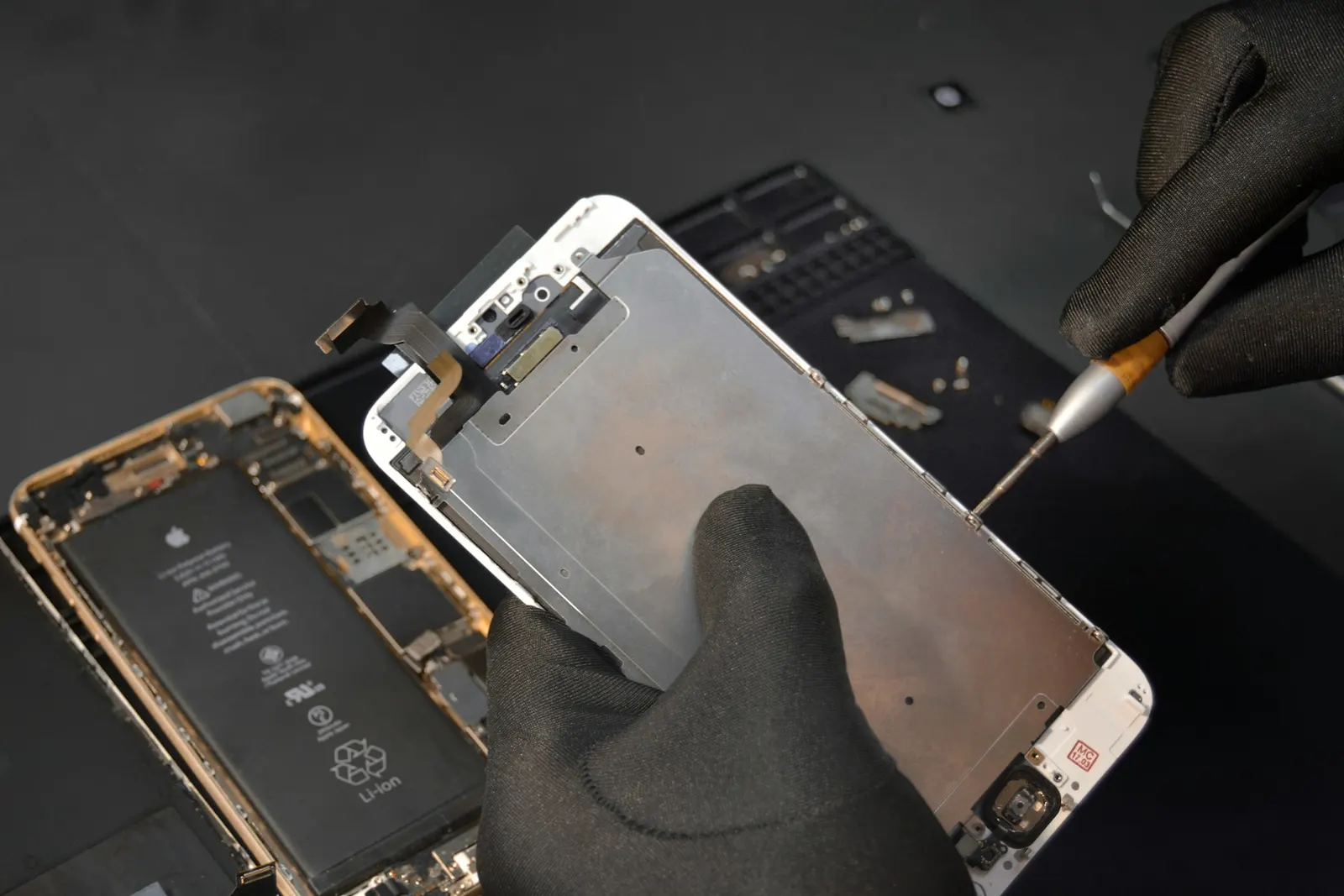
When a section of your touchscreen stops responding to touch, whether it is the top half, the bottom strip, the left or right side, or just a patch somewhere in the middle, it is a specific and diagnosable problem. At our Keshavpura shop we deal with this regularly, and in most cases there is a clear cause and a straightforward fix. Here is what you need to know.
Quick Test: Is It Really Hardware?
Before concluding it is a hardware problem, do this simple test:
- Restart your phone. Sometimes a display driver crash causes a temporary dead zone that clears on reboot.
- Remove any case or screen protector, a poorly fitted case can apply pressure to the frame and affect the digitizer at the edges.
- Clean the screen surface with a slightly damp cloth, moisture, oil, or a dirty screen protector can interfere with capacitive touch at the edges.
- If you have a screen protector with air bubbles, the bubbles can create non-responsive areas directly above them.
If after these steps the dead zone persists in exactly the same area, the cause is almost certainly hardware.
What Is the Digitizer?
Your phone screen has two main layers: the display (which shows the image) and the digitizer (which senses touch). On most modern phones these are fused together into a single assembly. The digitizer is a transparent grid of capacitive sensors, when you touch it, the change in electrical charge at that point is detected and registered as a touch.
When a section of the digitizer fails, touches in that area are simply not detected, while the display behind it continues to show the image normally. This is why you can see your screen perfectly but cannot interact with that zone.
Common Causes of Partial Touch Failure
Physical Impact or Drop
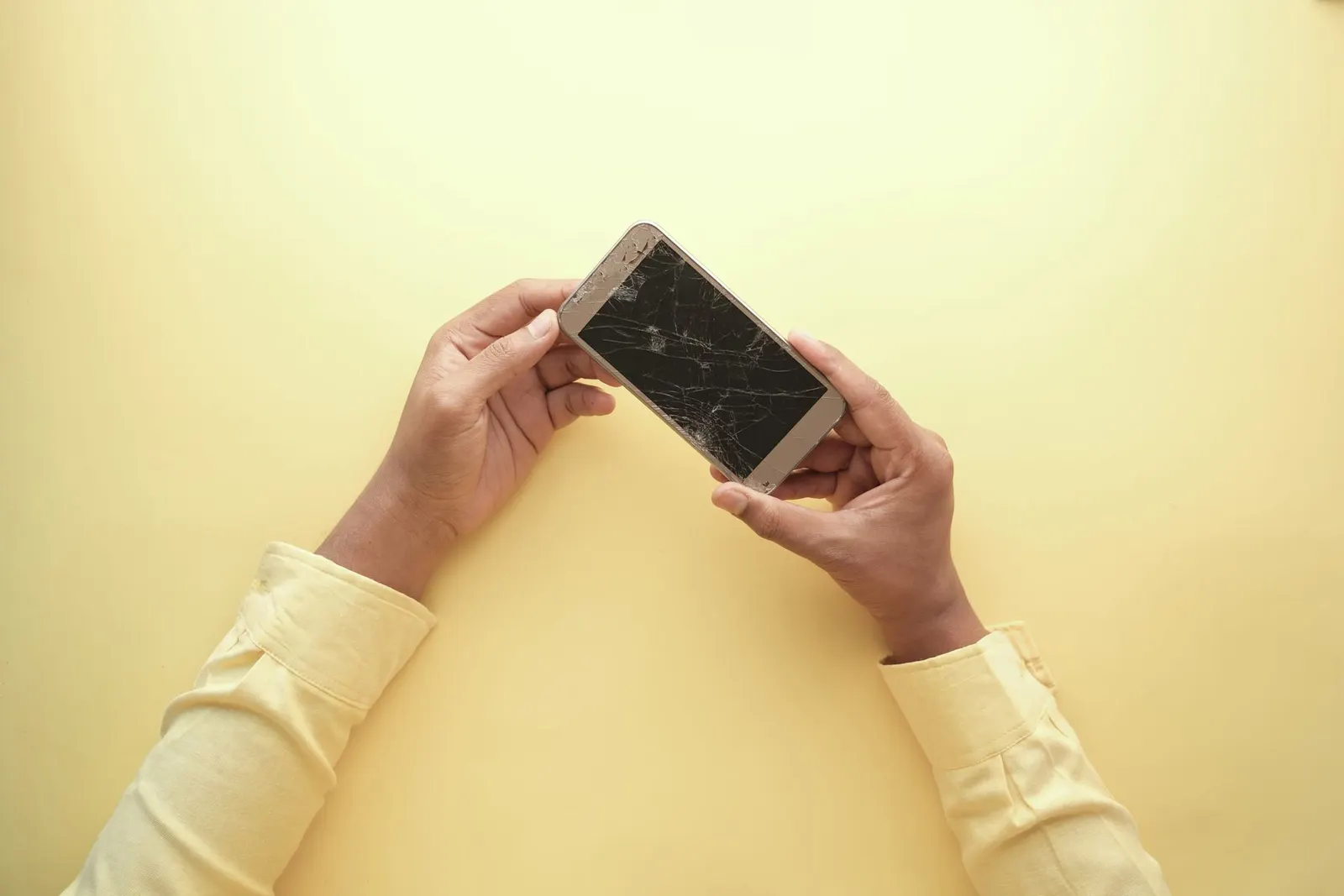
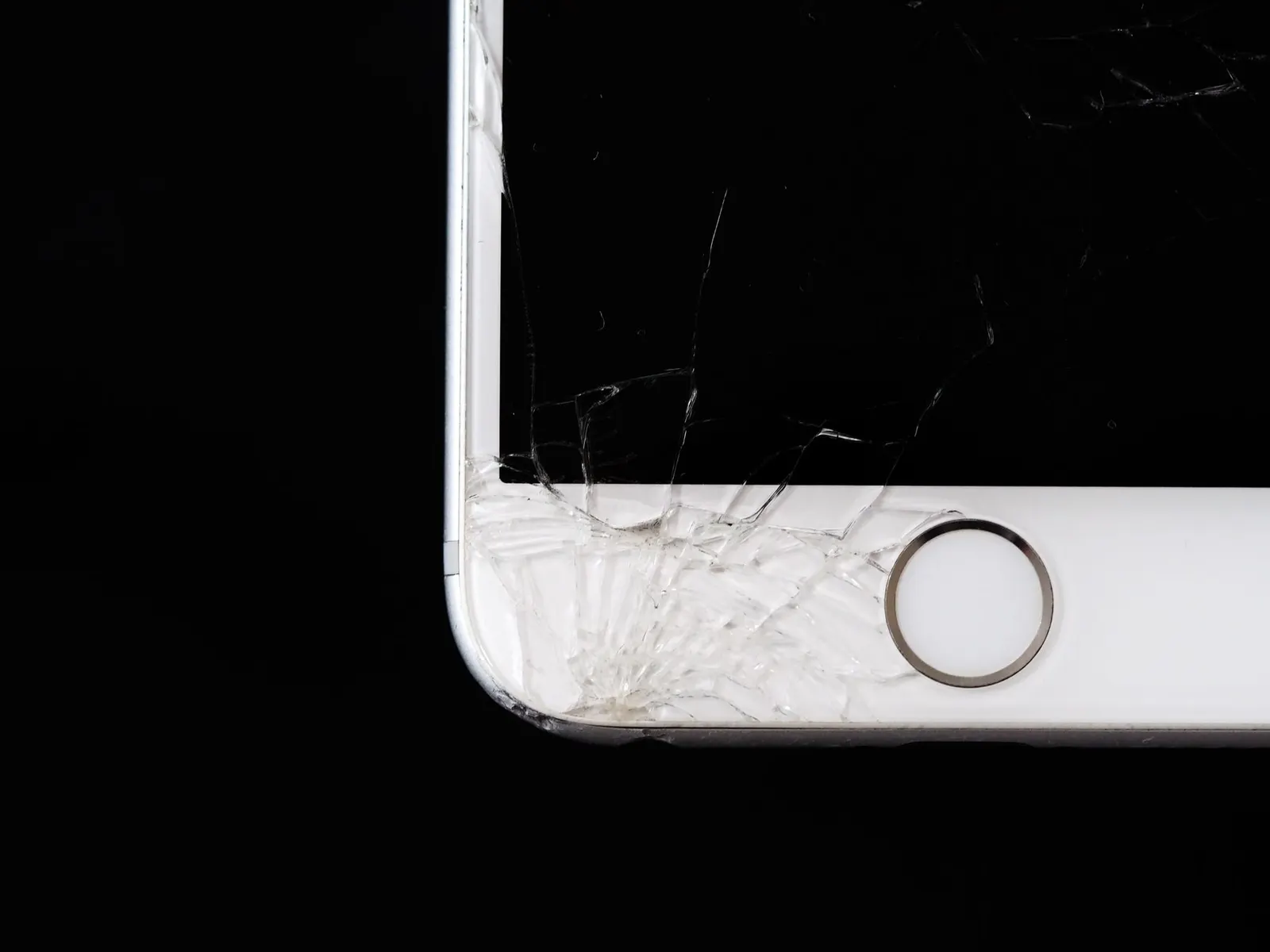
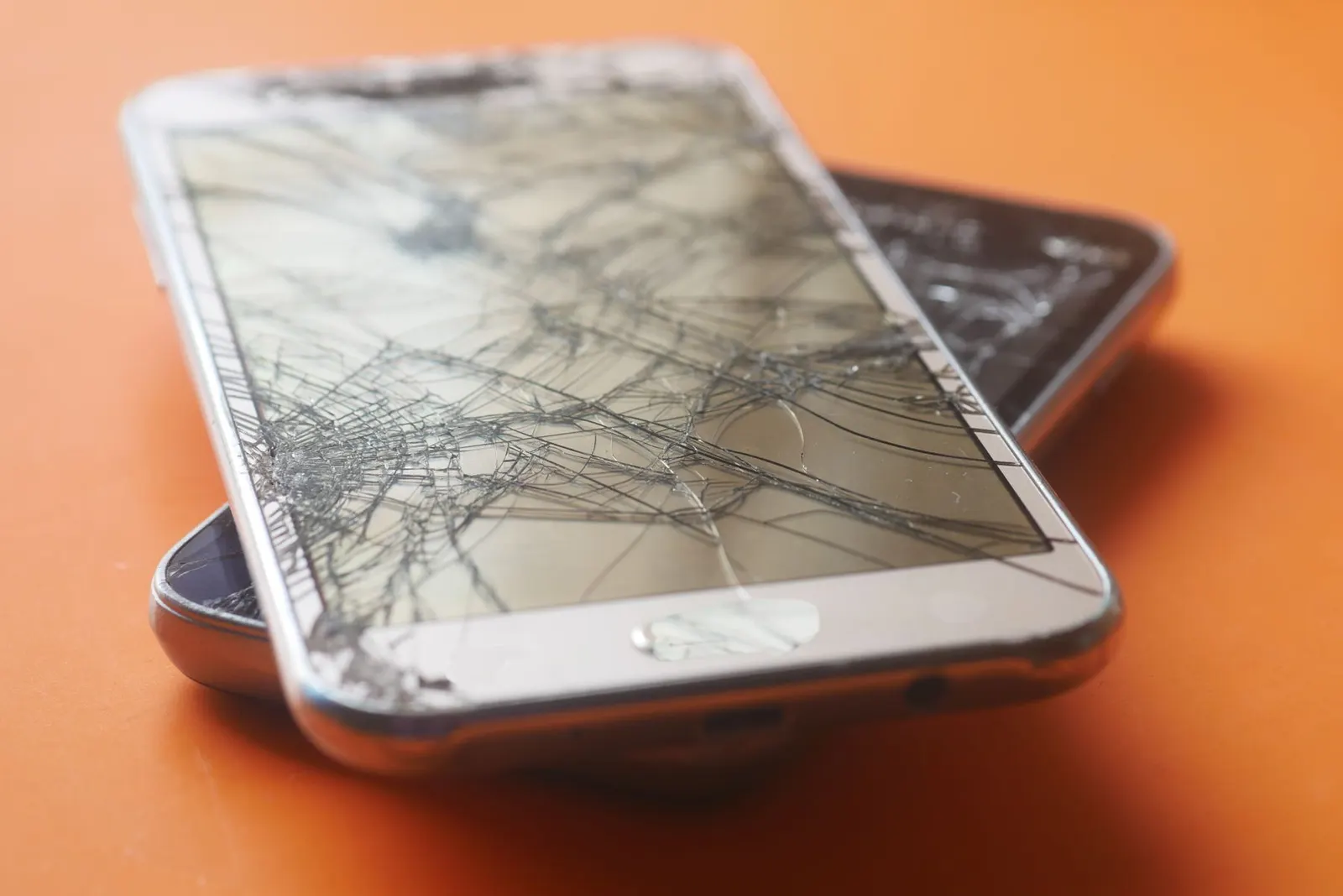
This is the most common cause. A corner or edge drop can crack the digitizer layer without cracking the outer glass, or can crack the glass in a way that severs some digitizer circuits. The dead zone is often, but not always, near the point of impact.
Loose or Partially Disconnected Digitizer Connector
On some phones the digitizer has its own connector to the motherboard, separate from the display connector. If this connector is partially dislodged, from a drop, a previous repair, or the phone being subjected to pressure, one section of the touch grid loses signal. Re-seating the connector can fix this without any parts cost.
Previous Low-Quality Screen Replacement
If your phone had a screen replacement done recently and this problem appeared afterward, the replacement panel may have a faulty digitizer section, or the connector was not seated correctly during the repair. This is covered under the repair warranty and should be taken back to the shop that did the work.
Water or Moisture Damage
Moisture that enters through a cracked screen or port can corrode the digitizer contacts over time. This is more likely after the monsoon season or if the phone has been exposed to sweat or rain. The dead zone from moisture damage often expands gradually over weeks.
Ageing or Delamination
On older phones (typically 3-5 years old), the adhesive between the glass and digitizer can delaminate, causing sections to lose proper contact. This is more common with heat cycling over many summers.
Can You Use the Phone with Half the Touch Not Working?
It depends on which half. If the dead zone covers essential keys, the keyboard area, the back button strip, or the notification bar, the phone becomes very difficult to use. Some students in Kota who depend on their phones for online study materials manage by rotating the phone to landscape mode, which shifts the dead zone to a less critical position temporarily. This is a workaround, not a solution.
What the Repair Involves
We begin with a free check to identify whether the cause is a connector issue (quick, inexpensive fix) or a damaged digitizer (requires a display assembly replacement). Here is a rough guide:
| Cause | Repair | Typical Cost Range |
|---|---|---|
| Loose digitizer connector | Re-seat connector | ₹150 - ₹400 |
| Damaged digitizer / display assembly | Full display replacement | ₹800 - ₹8,000 (model-dependent) |
| Previous repair fault | Replacement under warranty | Should be no charge |
Bring your phone to our Keshavpura shop and we will diagnose it in a few minutes. We will always check the connector first before recommending a more expensive fix.
Frequently asked questions
My phone screen display looks fine but one area does not register my touch, why?
The display and the digitizer are separate layers. Your display is working correctly, but the digitizer circuit covering that area has failed. This requires a repair to the digitizer or the full display assembly.
Can software cause a permanent dead zone?
A software crash can cause temporary dead zones that resolve on restart. A permanent dead zone in the same fixed location is always a hardware issue, software does not create fixed physical zones of unresponsiveness.
My screen protector has a bubble, could that cause a dead zone?
Yes. Large air bubbles under a screen protector can create a gap between the protector and the screen that prevents touch detection in that area. Remove the protector, clean the screen, and retest before concluding there is a hardware fault.
Half my screen stopped working after getting wet in the Kota monsoon rain, is it fixable?
Possibly yes, but it depends on the extent of corrosion on the digitizer contacts. Come in quickly, the sooner moisture damage is addressed, the better the chances of a clean repair. Do not try charging or using the phone extensively before bringing it in.
How long will a partial touch repair take?
A connector re-seat takes about 30 minutes. A full display replacement typically takes 45 to 90 minutes. Most repairs are completed same-day at our shop.
Questions & comments
Ask our Kota technicians anything about this repair. All posts are reviewed before they appear. For an urgent quote, WhatsApp us.
No comments yet, be the first to ask a question.
Leave a comment or ask a question
First, verify your email. We send a 6-digit code so we know you are a real person. Your email is never shown publicly.
Enter the 6-digit code we emailed to .