
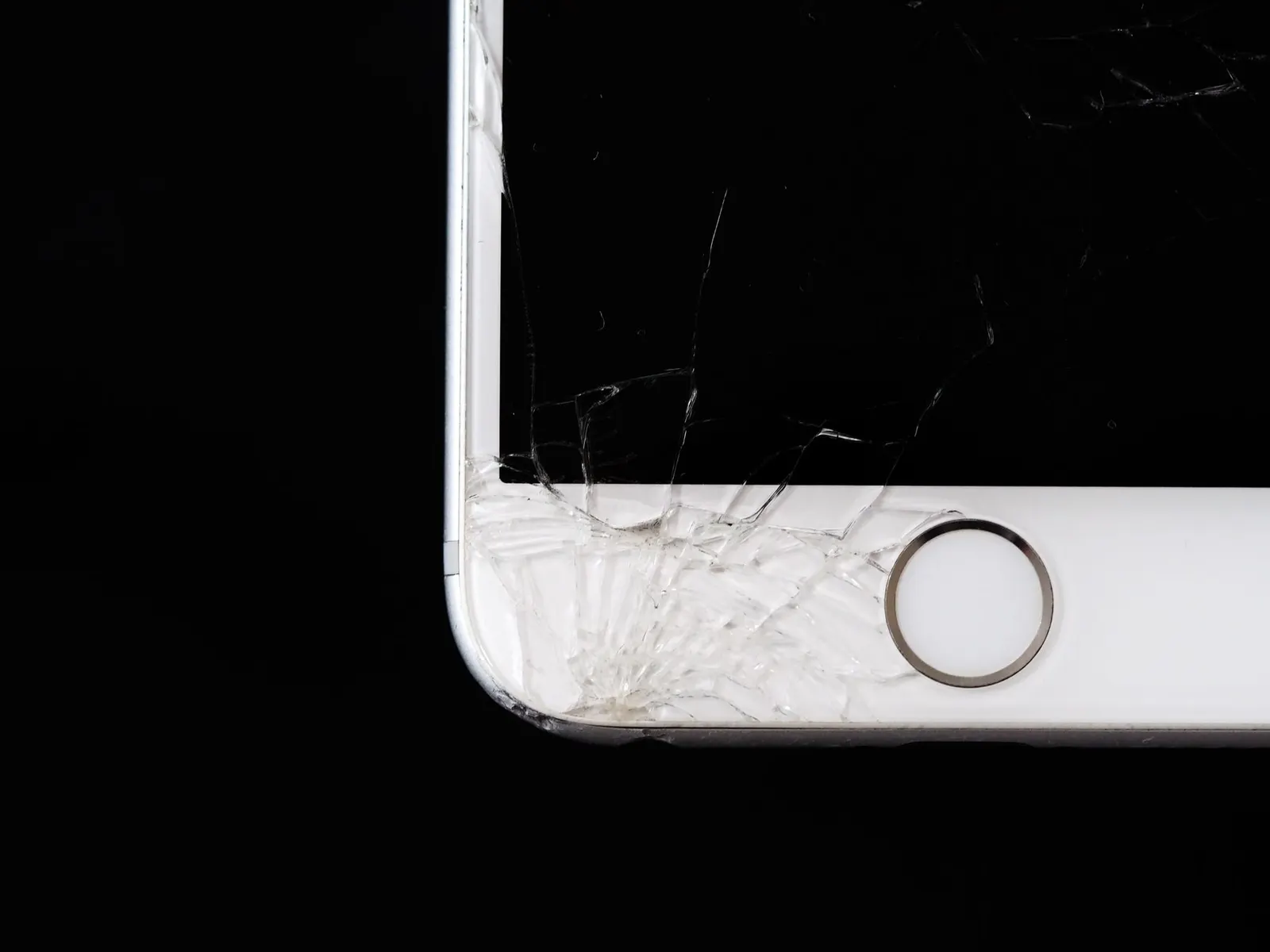
Few things are as alarming as picking up your phone to find the screen is completely black, but then your phone vibrates, rings, or you hear a notification. This situation is actually reassuring in one way: it tells us the phone itself is alive and working. The problem is the display, not the core electronics. At our Keshavpura shop, we handle this kind of case regularly, and in many situations there is a quick fix.
First: Confirm the Phone Is Actually On
Before anything else, confirm the phone is powered on and the display is specifically at fault:
- Call your number from another phone. Does it ring or go to voicemail? If it rings, the phone is on.
- Ask someone to send a message. Does it deliver?
- Press the power button. Does the vibration motor give a short pulse? Some phones vibrate on lock and unlock.
- Connect a charger. Does the phone show any sign, a sound, a light, or a vibration, of recognising the charger?
If the phone is responding to calls, charges, and vibrates normally, the screen is the only failing component. This is good news, it means a screen replacement will very likely restore the phone completely.
Step 1: Force Restart
Before assuming hardware failure, always try a force restart. This clears any software state that may have frozen the display driver:
- Most Android phones: Hold Power + Volume Down for 10-15 seconds until the phone restarts
- Samsung Galaxy: Hold Power + Volume Down for about 10 seconds
- iPhone 8 and later: Quick-press Volume Up, quick-press Volume Down, then hold the Side button until you see the Apple logo
- iPhone 7: Hold Volume Down + Side button for 10 seconds
If the screen comes back after a force restart, the cause was a software crash of the display system, rare but it does happen. Monitor the phone for recurrence.
Step 2: Check Brightness and Auto-Lock
It sounds obvious, but check that the screen brightness has not been set to zero by accident (some phones allow this), and that the phone is not stuck in a locked state with a very dark theme. Connect to a power source and wait, occasionally an extremely low battery can cause display failure before the phone powers off.
Step 3: Check for a Recent Drop or Impact
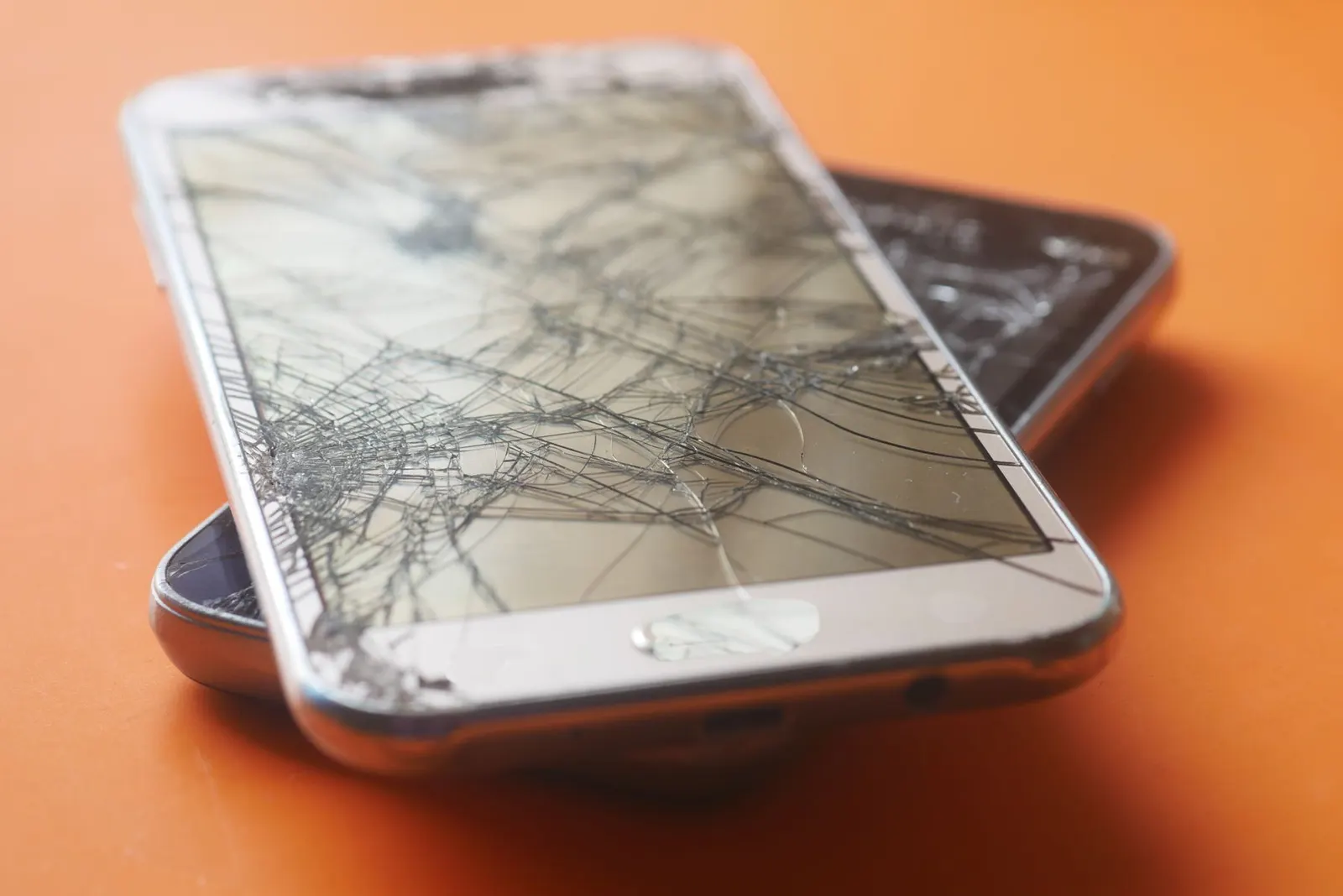
Did the screen go black after dropping the phone, even if the outer glass looks fine? A hard impact can sever the display connector or crack the display panel internally without breaking the glass. In Kota, we see this often, a phone dropped on hard flooring with no visible crack, but the screen stops working entirely.
What Could Be Causing It?
Damaged Display Panel
The most common hardware cause. After an impact, the display layer can crack internally, causing it to stop showing an image entirely. The phone continues working normally behind the black screen.
Disconnected Display Connector
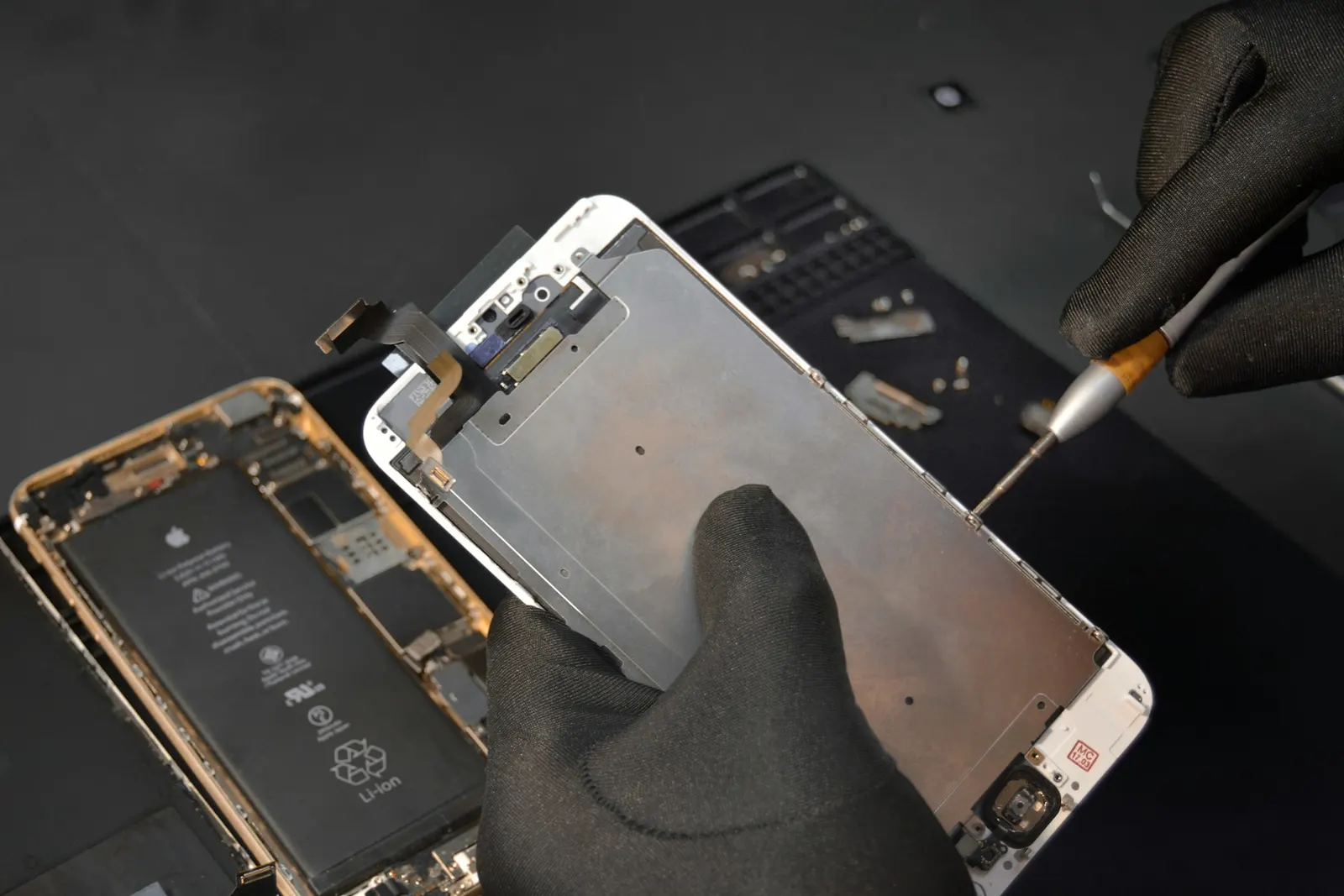
A drop or severe flex of the phone body can knock the display connector loose inside. This is often fixable without replacing the display itself, just re-seating the connector. It is worth checking this first as it is the least expensive option.
Backlight Failure (LCD phones)
On phones with LCD screens, the display has a separate backlight. If the backlight circuit fails, the screen appears black but if you shine a bright torch at an angle, you may faintly see the image on screen. This is backlight failure. It can be a display replacement or in some cases a board-level repair depending on whether the fault is in the display unit or the power circuit on the motherboard.
Motherboard Fault
Less commonly, the display power or signal circuit on the motherboard fails. This is a more involved repair but is diagnosable once the display connector has been confirmed to be working.
What to Do Next
If the force restart did not help and the screen remains black, bring the phone to our Keshavpura shop. We will open it, check the connector first (the quickest and cheapest possible fix), and if needed, test with a known-good display to confirm whether the issue is the panel or the board. The free check-up takes about 15-20 minutes and gives you a clear repair plan with honest costs before you decide anything.
Coaching students who depend on their phones for study materials and video calls should not leave this kind of problem unresolved. A black screen is almost always fixable, the sooner you bring it in, the more likely we can find the least expensive solution.
Frequently asked questions
My screen went black overnight with no drop or impact, what happened?
This can happen due to a display connector that was already slightly loose and finally lost contact, or a display panel that has reached the end of its life. Software crashes can also cause it but are less common. A force restart is the first thing to try; then bring it to us.
Can I still use my phone with a black screen?
Technically the phone functions, but you cannot see anything. You could use voice assistants in an emergency, but for normal use you need to get the screen repaired.
If the phone vibrates when I press power, is the screen definitely repairable?
Almost always yes. A vibrating phone with a black screen means the main electronics are fine and only the display chain is broken. This is much better than a completely dead phone.
I shone a torch at the screen and can faintly see the image, what does this mean?
This is backlight failure. The display itself is working but the backlight that illuminates it is not. This can be a display replacement or a board repair depending on where the fault lies, come in for a free check.
How much does fixing a black screen cost in Kota?
If it is a loose connector, the cost is minimal, often just a service charge. If the display panel needs replacing, costs range from around ₹700 for budget phones to ₹10,000 or more for flagship models. We confirm the exact price after the free inspection.
Questions & comments
Ask our Kota technicians anything about this repair. All posts are reviewed before they appear. For an urgent quote, WhatsApp us.
No comments yet, be the first to ask a question.
Leave a comment or ask a question
First, verify your email. We send a 6-digit code so we know you are a real person. Your email is never shown publicly.
Enter the 6-digit code we emailed to .