
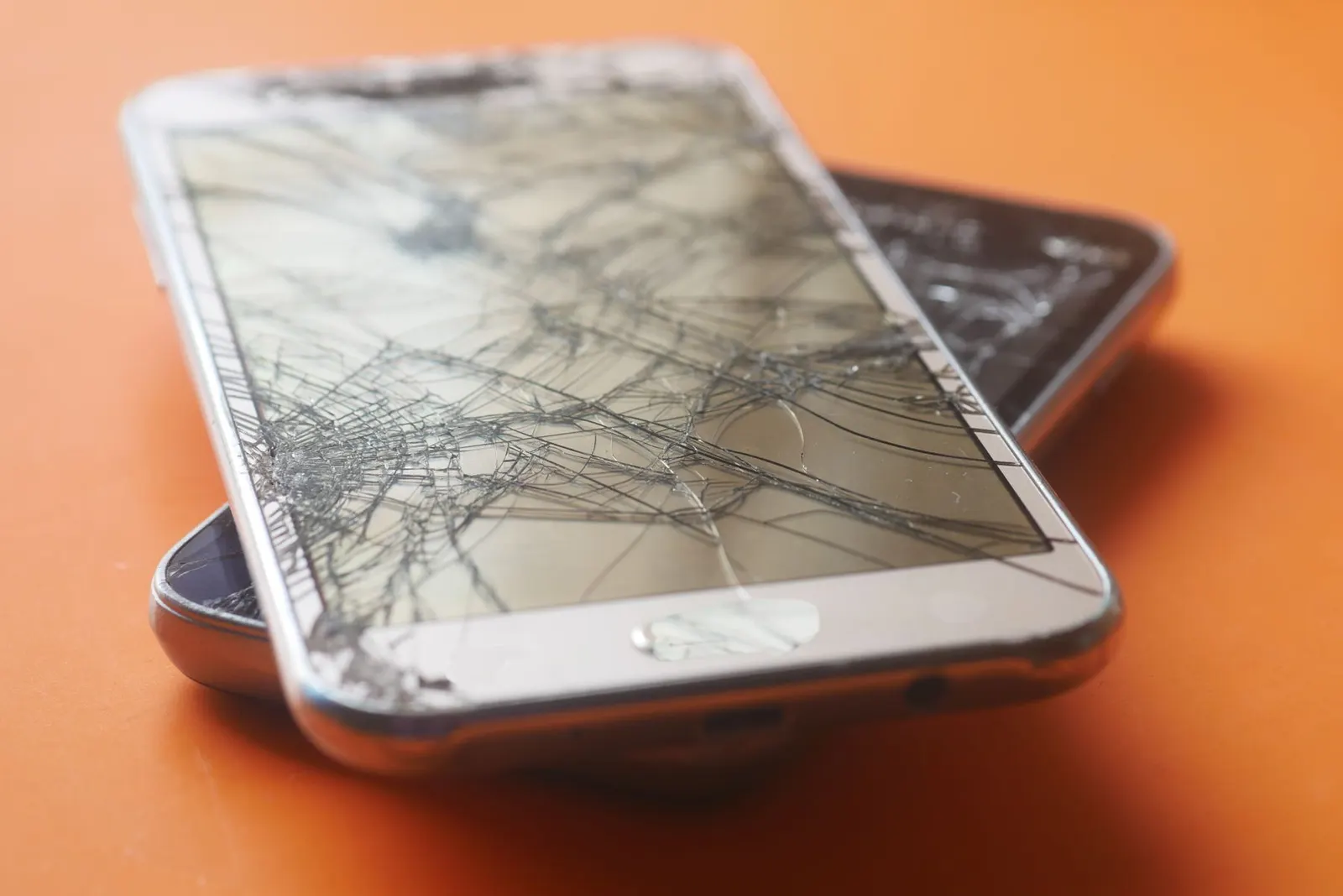
A flickering phone screen is annoying and, depending on the cause, can be a warning sign of something more serious. At our Keshavpura shop we see both kinds, screens that flicker because of a software setting and screens that need a hardware repair. This guide helps you figure out which category you are in before spending money unnecessarily.
Software Causes of Screen Flickering
Before assuming a hardware problem, try these software checks. A significant number of flickering complaints we receive turn out to have simple software causes:
1. Auto-Brightness or Adaptive Brightness
If the flicker happens mainly in changing light conditions, for example, when you move from a bright room to a darker one, adaptive brightness is likely adjusting too aggressively. Try turning off auto-brightness in Settings and manually set a fixed level. If the flickering stops, the sensor was the culprit, not the display.
2. Screen Refresh Rate Setting
Many modern phones let you choose between 60Hz, 90Hz, and 120Hz refresh rates. Switching between these, especially on some AMOLED panels, can cause brief flickering at certain brightness levels. Try setting a fixed refresh rate instead of the automatic adaptive mode.
3. Faulty App or Recent Software Update
Sometimes a particular app causes the flicker, especially video streaming apps, games, or system tools with screen overlay permissions. Boot your phone into Safe Mode (hold power, then hold the Power Off option) and check if the flicker disappears. If it does, a third-party app is responsible. Uninstall recently added apps one by one to find the culprit.
A buggy system update can also trigger display driver issues. Check if an update is available and install it, or search online for whether other users with your phone model are reporting the same issue after a recent update.
4. Developer Options or Accessibility Settings
If Developer Options are turned on, settings like GPU rendering debug modes can cause screen anomalies. Also check that no unusual Accessibility display settings are active.
Hardware Causes of Screen Flickering
If the software checks above do not resolve the problem, the cause is likely hardware:
1. Failing Display Panel
AMOLED panels can develop flickering at low brightness levels as they age, especially after 2-3 years. This is a gradual deterioration of the panel's ability to regulate pixel brightness at low power. It typically appears at brightness settings below 30-40%. If your flicker only happens at low brightness but goes away when you increase brightness, this is the likely cause.
2. Loose or Damaged Display Connector
A drop or impact can partially dislodge the display connector inside the phone. The screen may work fine most of the time but flicker when the phone flexes slightly, for example, when held firmly in the hand or placed in a tight pocket. If your flicker started after a drop, this is worth checking immediately.
3. Damaged Display Flex Cable
The ribbon cable connecting the display to the board can be partially damaged, by a previous repair, a drop, or bending of the phone frame. A partially working flex cable causes intermittent signal loss, which shows up as flickering.
4. Motherboard or Power Circuit Issue
In rarer cases, the display power supply circuit on the motherboard is failing. This is harder to diagnose and more expensive to repair. It is worth ruling out the display itself first before concluding the board is at fault.
Quick Diagnosis Steps
- Turn off auto-brightness and set a fixed brightness. Does flicker stop?
- Boot into Safe Mode. Does flicker stop?
- Check if flicker is only at low brightness levels (likely ageing AMOLED)
- Check if flicker started after a drop or impact (likely connector)
- Check if flicker started after a software update (likely software)
If none of these resolve it, bring the phone to our Keshavpura shop. We will open it up, check the connector, and test the display. Many flicker issues, especially connector-related ones, can be fixed quickly and inexpensively. We offer a free check-up to confirm the cause before you commit to a repair.
Typical Repair Costs for Screen Flickering in Kota
| Cause | Repair Needed | Typical Cost |
|---|---|---|
| Software / settings | Adjustment or reset | No charge |
| Loose connector | Re-seat connector | ₹200 - ₹500 |
| Failing AMOLED panel | Display replacement | ₹1,500 - ₹8,000 (model-dependent) |
| Damaged flex cable | Display assembly replacement | ₹1,500 - ₹8,000 |
Frequently asked questions
My screen flickers only at low brightness, what does that mean?
This is a classic symptom of an ageing AMOLED panel. AMOLED screens use a pulsing method (PWM) to dim at low brightness, and as the panel ages, this can cause visible flickering. A display replacement is the fix.
The flicker started after I dropped my phone, is it the screen or something else?
After a drop, the most likely cause is a partially dislodged display connector. Come in for a free check, re-seating the connector is a quick and inexpensive fix if that is the cause.
Can screen flickering damage my eyesight?
Prolonged exposure to a flickering screen can cause eye strain and headaches. It is worth resolving quickly both for comfort and because it often indicates a display issue that will worsen over time.
Will a factory reset fix screen flickering?
If the cause is a software issue or a problematic app, a factory reset may help. However, back up your data first. If the flicker is hardware-related, a factory reset will not help at all.
My phone is still under brand warranty, should I go to the official service center or to your shop?
If you are within the brand warranty period and the damage is not physical, the official service center may replace the screen free of charge. Check your warranty status first. If warranty is expired or the phone has physical damage, come to us for a faster, cost-effective repair.
Questions & comments
Ask our Kota technicians anything about this repair. All posts are reviewed before they appear. For an urgent quote, WhatsApp us.
No comments yet, be the first to ask a question.
Leave a comment or ask a question
First, verify your email. We send a 6-digit code so we know you are a real person. Your email is never shown publicly.
Enter the 6-digit code we emailed to .