
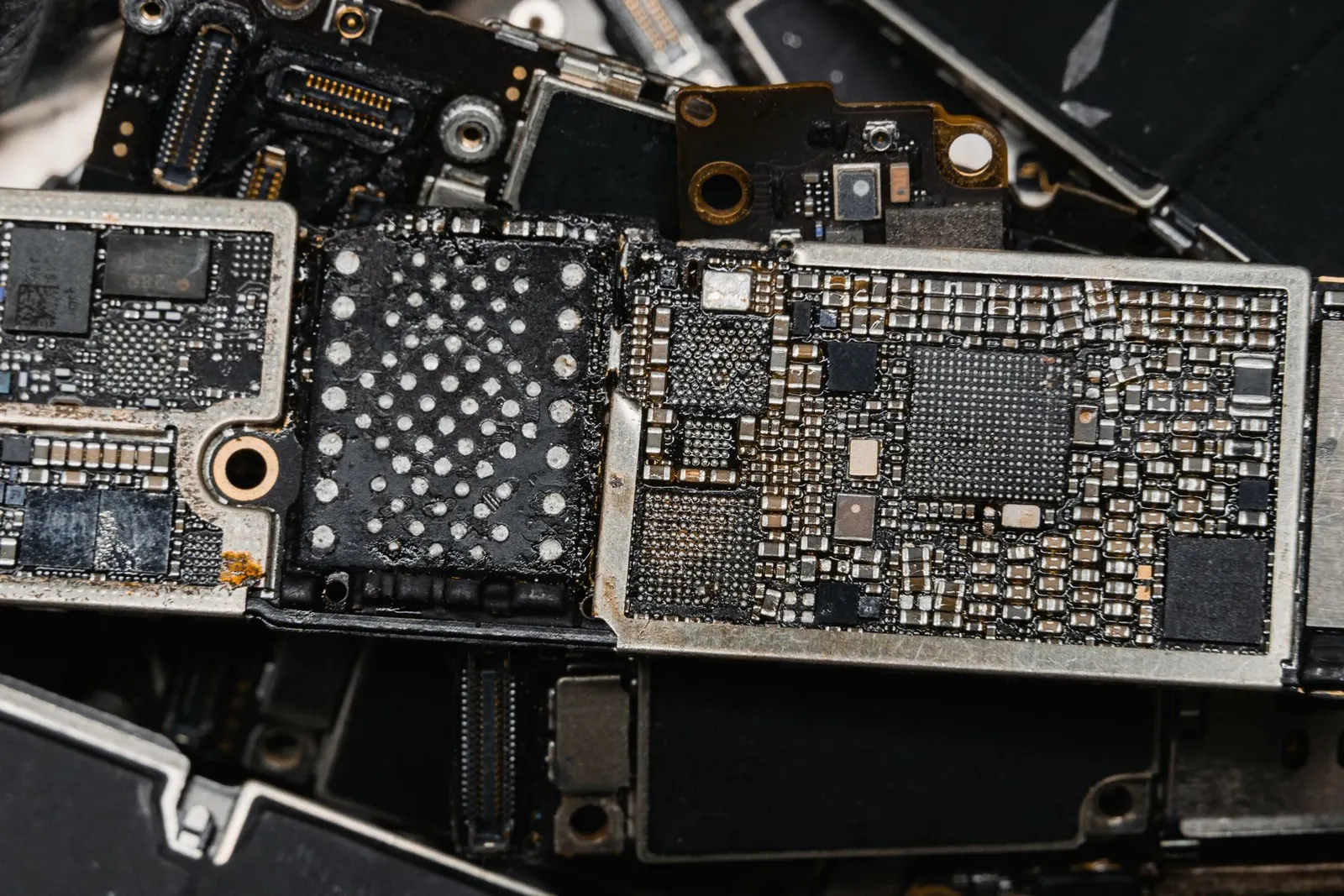
Seeing No SIM Card Inserted or SIM Card Not Detected on your phone is a common issue that our Keshavpura shop handles every week. The message can come from several different causes, ranging from a misaligned SIM card to a damaged SIM reader inside the phone. Let us help you narrow it down before you come in.
Step 1. Remove, Inspect, and Reseat the SIM
This is the most effective first step and fixes the issue in a good proportion of cases:
- Power off the phone before touching the SIM tray.
- Use the eject tool or a paper clip to carefully open the SIM tray.
- Remove the SIM card and look at the gold contact area. If there is any greenish corrosion or visible dirt, gently clean it with a dry cotton cloth or a soft pencil eraser, just the metal contacts.
- Reinsert the SIM firmly so it sits flat and fully in the tray. Sometimes a micro-SIM in a nano-SIM slot with a poor-fitting adapter is the culprit.
- Power on and wait 2-3 minutes.
Step 2. Test the SIM in Another Phone
This is the quickest way to determine whether the problem is with the SIM card or with your phone. Borrow a friend's phone, insert your SIM, and see if it works. If it does, the SIM is fine and the problem is in your phone. If it does not, the SIM card itself may be damaged or deactivated, contact your operator to get a replacement SIM (usually free).
Step 3. Try a Different SIM in Your Phone
If possible, insert a different SIM (from another person or a spare) into your phone. If that SIM is also not detected, it confirms the phone's SIM reader or motherboard is at fault, not the SIM card itself.
Step 4. Check for Physical Damage to the Tray
SIM trays can bend slightly after a drop, preventing the SIM from making proper contact with the reader pins. Examine the tray carefully, if it looks bent or if the SIM sits at an angle, the tray may need to be replaced (usually inexpensive: ₹150-400).
Step 5. Network and Operator Settings
Occasionally, after a software update or a network change, the APN settings get disrupted and the phone cannot register the SIM correctly even though it is detected. Try resetting network settings: Settings > General Management > Reset > Reset Network Settings. This clears and rebuilds the network configuration.
Hardware Causes and Repair Costs
| Cause | Typical Repair Range |
|---|---|
| Bent or damaged SIM tray | ₹150 - ₹400 |
| Dirty or bent SIM reader pins (cleaning) | ₹200 - ₹500 |
| SIM reader / SIM slot replacement | ₹800 - ₹2,500 |
| Motherboard-level SIM IC repair | ₹2,000 - ₹5,000+ |
Costs above are indicative 2026 ranges and are confirmed after a free check-up at our shop. The SIM reader is a small component that can be replaced on most phones without replacing the whole board.
SIM Not Detected After Water Damage
If the SIM error appeared after the phone got wet, even briefly during Kota's monsoon, corrosion on the SIM reader pins is likely. This is best handled with a professional board cleaning at our shop rather than trying to dry or clean it yourself, since the corrosion can spread and cause additional faults if left untreated.
If your SIM is still not detected after going through the steps above, bring your phone and SIM card to our Keshavpura shop. We will diagnose which part of the chain is failing and give you a clear quote within minutes.
Frequently asked questions
Can a software update cause a SIM not to be detected?
Rarely, but it does happen. A botched update can corrupt the network modem firmware. In such cases a factory reset or re-flash of the phone software resolves it. We will check software before assuming a hardware fault.
My phone has two SIM slots. One works, one does not. What does that mean?
The SIM reader for the second slot is likely damaged, either physically bent pins or a failed IC for that specific slot. This is a repairable fault in most cases.
I got a new SIM from my operator but the phone still doesn't detect it. Why?
If a brand new SIM from the same operator is also not detected in your phone, the phone's SIM reader hardware is definitively the issue, not the SIM. Bring it in for a repair.
Is SIM reader repair risky for my phone's data?
No. SIM reader repair does not involve the storage chip, so your photos, apps, and contacts are not at risk. We always recommend a backup before any repair as a precaution, however.
Questions & comments
Ask our Kota technicians anything about this repair. All posts are reviewed before they appear. For an urgent quote, WhatsApp us.
No comments yet, be the first to ask a question.
Leave a comment or ask a question
First, verify your email. We send a 6-digit code so we know you are a real person. Your email is never shown publicly.
Enter the 6-digit code we emailed to .