
Picking up your phone and seeing No Service or an empty signal bar can be alarming, especially for coaching students in Kota who depend on their phones for study materials, calls home, and online tests. The cause could be as simple as a network setting that got disrupted, or as serious as a damaged antenna. Let us work through it in order.
Step 1. Toggle Airplane Mode
This is the fastest first fix. Pull down the notification panel and turn Airplane Mode on, wait 10-15 seconds, then turn it off again. This forces the phone's radio to re-register with the nearest tower. It resolves a surprisingly large number of temporary "no signal" issues, especially after coming out of a building, tunnel, or area with weak coverage.
Step 2. Restart the Phone
A full power-off and restart resets the modem chip inside the phone. If Airplane Mode toggle did not work, this is the next step. After the restart, give the phone 2-3 minutes to find and connect to the network before concluding there is still a problem.
Step 3. Check and Reseat the SIM
Power off the phone, use the SIM eject tool (or a bent paper clip) to remove the SIM tray, take the SIM out, inspect it for any damage or dirt on the gold contacts, gently wipe the contacts with a dry cloth, and reinsert. A slightly displaced SIM, common after a drop, can cause exactly this symptom.
Step 4. Manual Network Selection
Go to Settings > Mobile Network > Network Operators and tap Search Networks. If your phone finds networks but fails to connect to the correct one automatically, you can select your operator manually. This is especially useful if the phone has switched to a roaming or weak network and gotten stuck on it.
Step 5. Reset Network Settings
On Android, go to Settings > General Management > Reset > Reset Network Settings. On iPhone, Settings > General > Transfer or Reset iPhone > Reset > Reset Network Settings. This clears all saved Wi-Fi passwords, Bluetooth pairings, and APN settings, and resets the mobile data configuration to defaults. It is a safe step that often restores network connectivity when manual selection does not.
Step 6. Check for a Network Outage
Before assuming it is your phone, confirm that your SIM works in another phone or that other people in the same area have service. Network outages do happen, and Kota's towers are occasionally overloaded during major coaching exam periods when student traffic spikes.
When It Is a Hardware Problem
| Symptom | Likely Cause | Typical Repair Range |
|---|---|---|
| No signal on all networks and SIMs | Antenna cable disconnected or damaged | ₹400 - ₹1,500 |
| Signal disappears after a drop | Antenna connector knocked loose inside | ₹400 - ₹1,200 |
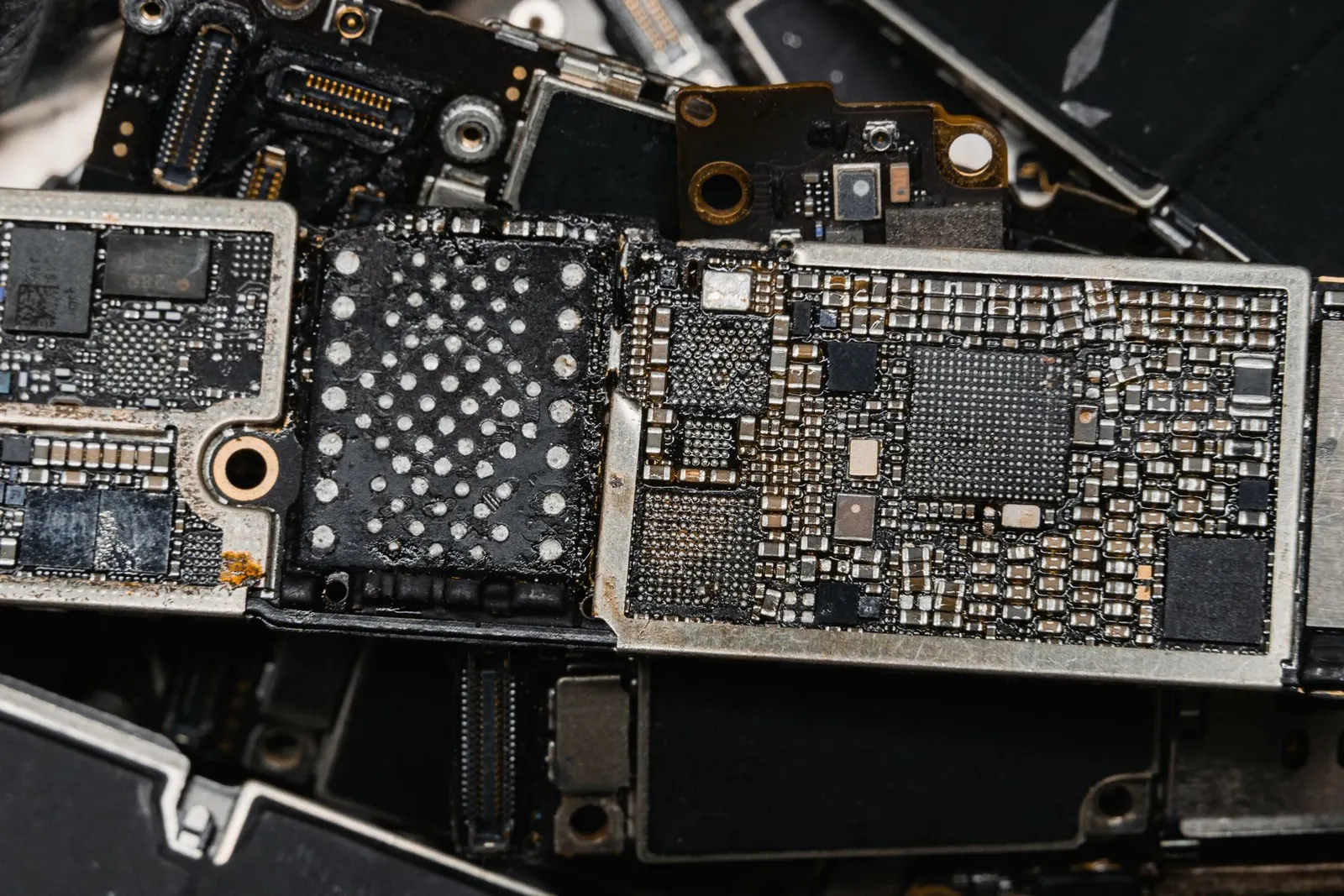
| Baseband or IMEI shows as unknown | Motherboard chip issue | ₹2,000 - ₹6,000+ |
| One SIM slot works but not the other | SIM reader for that slot faulty | ₹800 - ₹2,500 |
These are indicative ranges, exact costs depend on the phone model and the specific component involved. All prices are confirmed after a free diagnostic check at our shop.
A Note on IMEI Issues
If your phone shows Baseband Unknown or Invalid IMEI in the settings, the antenna problem is deeper, it is a motherboard-level issue. This sometimes happens after unofficial repairs or software flashing. Our technicians can diagnose this and advise on whether a chip-level fix is feasible for your model.
If your phone has lost its signal and the basic steps above have not restored it, come to our Keshavpura shop for a free check. We will identify whether it is a simple antenna reconnection or something that needs deeper work.
Frequently asked questions
My phone has no signal only in certain buildings. Is that a phone problem?
Not necessarily. Some buildings, especially older concrete structures in Kota, have poor indoor coverage. If your phone has normal signal outdoors, the phone is fine, that is just weak indoor coverage from the tower.
I changed my SIM to a new operator and now have no signal. What happened?
The APN settings for the new operator may not have been configured automatically. Go to Settings > Mobile Network > Access Point Names and check if the correct APN for your operator is set. We can help you configure this at the shop quickly.
My phone fell and now has no signal. Can it be fixed?
Very often yes. A drop can disconnect the antenna cable from the motherboard, a minor repair. Bring it in for a free check and we will tell you exactly what happened.
Does switching from 4G to 3G help when there is no signal?
Switching to 3G/2G can help in areas where 4G coverage is weak, as the lower frequency bands travel farther. Try Settings > Mobile Network > Preferred Network Type and select 3G or 2G if 4G is not connecting.
Questions & comments
Ask our Kota technicians anything about this repair. All posts are reviewed before they appear. For an urgent quote, WhatsApp us.
No comments yet, be the first to ask a question.
Leave a comment or ask a question
First, verify your email. We send a 6-digit code so we know you are a real person. Your email is never shown publicly.
Enter the 6-digit code we emailed to .