
A call that drops in the middle of an important conversation is one of the most frustrating experiences with a phone. At our Keshavpura shop in Kota, we see customers with this complaint regularly, and the cause is not always the phone itself. Before you bring it in for repair, it helps to narrow down whether the problem is the network, the SIM, or the phone's hardware.
Is It a Coverage Problem?
The first thing to establish is whether calls drop only in certain places or everywhere. Coverage in parts of Kota can vary significantly depending on your operator. If calls drop mainly in one building, basement, or area, and work fine elsewhere, the issue is almost certainly coverage rather than your phone.
- Check how many signal bars show during the call. One or two bars in an area with weak coverage is a natural cause of drops.
- Test in an open outdoor area with full signal. If calls are stable there, it is a coverage problem in your usual spot.
- Ask a friend with the same operator if they experience drops in the same location.
SIM Card Checks
A worn or dirty SIM card can cause intermittent call drops even when signal looks strong. Try these steps:
- Eject the SIM tray, remove the SIM card, wipe the gold contacts gently with a dry cloth, and reinsert it carefully.
- If you have a dual-SIM phone, try moving the active SIM to the other slot.
- Insert your SIM into another phone and make a test call. If calls drop on that phone too, the SIM itself may be faulty and needs replacing at your operator's store (usually free or very low cost).
Software and Settings Checks
Some settings can cause call drops without any hardware fault at all.
- Check whether VoLTE (Voice over LTE) is enabled. On some networks in Kota, enabling or disabling VoLTE can affect call stability depending on local tower configuration. Try toggling it in Settings > SIM & Network.
- Update your phone's software, call drop bugs are fixed in system updates fairly often.
- Try a Network Settings Reset (Settings > General Management > Reset > Reset Network Settings on Android). This clears saved network preferences and often improves call stability.
When It Is a Hardware Problem
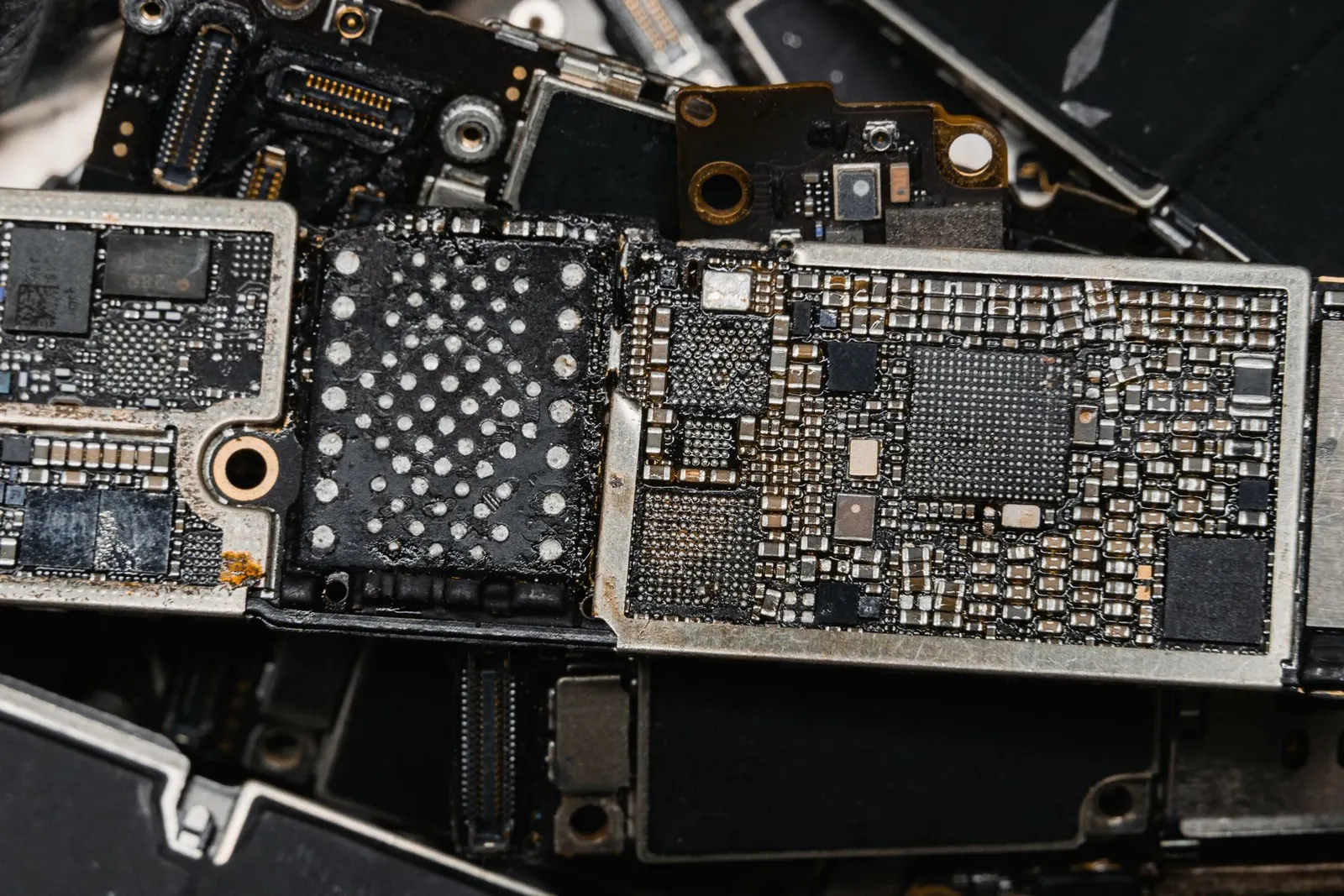
If calls drop consistently in areas with good signal, on multiple networks, and after trying all the above steps, the phone's antenna or baseband chip may be at fault. Physical damage, a drop, water exposure, or a poor-quality prior repair, can damage the antenna connection and cause intermittent signal loss during calls.
Coaching students in Kota who use their phones heavily for hours each day sometimes see antenna flex cables loosen over time due to repeated small movements. This can cause calls to drop specifically when the phone is held in a certain position.
Typical Repair Cost in Kota
| Cause | Typical Price Range |
|---|---|
| SIM card replacement (operator) | ₹25 - ₹50 (from your operator) |
| Network settings reset (DIY) | Free |
| SIM tray / reader repair | ₹200 - ₹600 |
| Antenna flex cable | ₹300 - ₹900 |
| Baseband / RF chip repair | ₹1,000 - ₹3,000 |
Exact prices depend on your phone model and the specific component. We always do a free diagnosis before any work, so you know what is wrong and what it will cost before we start.
Quick Diagnostic Checklist
- Does it drop only in one location?, Coverage issue.
- Does it drop with the SIM in another phone?, SIM is faulty.
- Does it drop in all locations, with all SIMs?. Phone hardware.
If you have worked through these steps and calls are still dropping, bring your phone to our Keshavpura shop for a free check-up. We will identify the exact cause and give you a clear quote.
Frequently asked questions
Why do calls drop only at home but not outside?
This is almost always a coverage issue inside your building. Concrete walls and thick floors absorb mobile signals. Try using Wi-Fi Calling if your operator supports it, it routes calls over your home Wi-Fi instead of the mobile network, giving much better in-home call quality.
Can a software update fix call drops?
Yes, this happens more often than people expect. Operators push network protocol updates, and phone manufacturers fix baseband firmware bugs through software updates. Always keep your phone updated and check if a new update is available before assuming hardware is at fault.
Does Wi-Fi Calling help with dropped calls?
Wi-Fi Calling can be very helpful if you have strong Wi-Fi at home but weak mobile coverage there. Most major Indian operators now support it. Enable it in Settings > SIM > Wi-Fi Calling. The call travels over Wi-Fi rather than the mobile tower, so indoor drops reduce dramatically.
My calls drop when I move the phone slightly. What does that mean?
Calls dropping when you shift the phone's position strongly suggest a loose antenna connection inside the phone. This is a hardware issue, the antenna flex cable may be partially disconnected. Bring it in for us to open and check; it is usually a straightforward fix.
Questions & comments
Ask our Kota technicians anything about this repair. All posts are reviewed before they appear. For an urgent quote, WhatsApp us.
No comments yet, be the first to ask a question.
Leave a comment or ask a question
First, verify your email. We send a 6-digit code so we know you are a real person. Your email is never shown publicly.
Enter the 6-digit code we emailed to .