
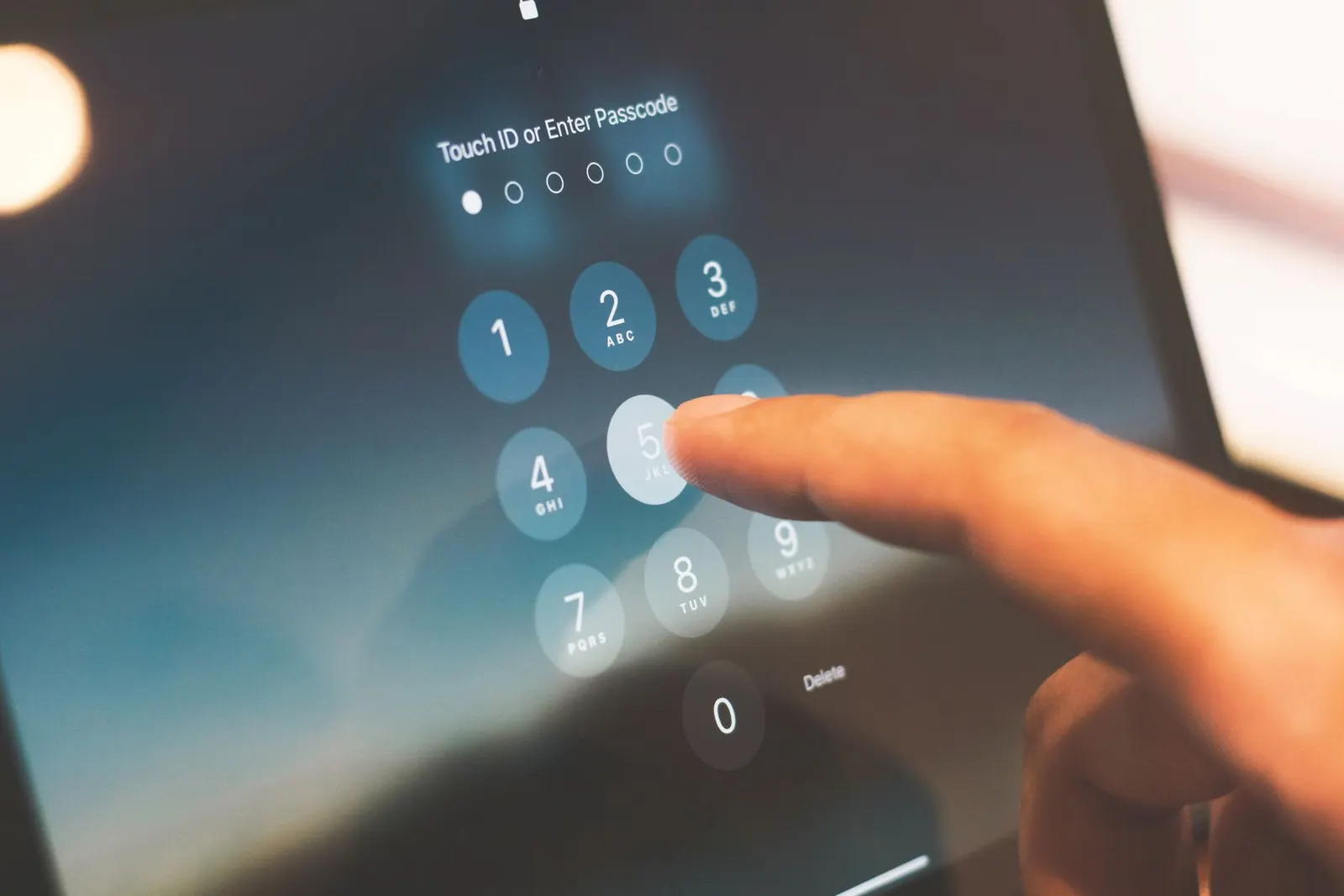
A phone that refuses to connect to Wi-Fi can be incredibly frustrating, especially when you depend on it for work, classes, or entertainment. At our Keshavpura shop in Kota, this is one of the most common complaints we hear, and the good news is that at least seven out of ten cases can be fixed without opening the phone at all.
Start With the Basics
Before assuming a hardware problem, work through these quick software checks in order. They cost nothing and solve the majority of cases we see.
- Toggle Airplane mode on and off. Turn it on, wait five seconds, then turn it off. This forces the phone to re-establish all wireless radios.
- Forget and reconnect the network. Go to Wi-Fi settings, tap the network name, choose Forget, then reconnect fresh and type the password again.
- Restart your phone. A simple reboot clears memory and resets wireless stack processes.
- Restart your router. Unplug it for 30 seconds and plug it back in. Sometimes the problem is the router, not the phone.
- Check if another device connects. If a laptop or another phone connects to the same network fine, the issue is definitely on your phone's side.
Network Settings and IP Issues
Sometimes the phone saves old network settings that no longer work. If the basic steps above didn't help, try these.
- Check the IP address setting. Go to Wi-Fi settings, tap the connected or saved network, and see if it says Static IP. Switch it to DHCP so the router assigns the IP automatically.
- Reset Network Settings. On most Android phones this is under Settings > General Management > Reset > Reset Network Settings. On iPhone it is Settings > General > Transfer or Reset > Reset > Reset Network Settings. Warning: this also forgets all saved Wi-Fi passwords and clears Bluetooth pairings, so note them down first.
- Check date and time. A wrong date or time can cause certificate errors that block Wi-Fi. Set both to automatic.
Software Conflicts and Updates
Coaching students in Kota often notice Wi-Fi problems after a system update, this is because updates sometimes reset permissions or change driver behaviour. Check your phone has the latest software version, as manufacturers push fixes for Wi-Fi bugs regularly. Also check if any recently installed VPN or network-management app is interfering; disabling it temporarily is a quick test.
When Hardware Could Be the Cause
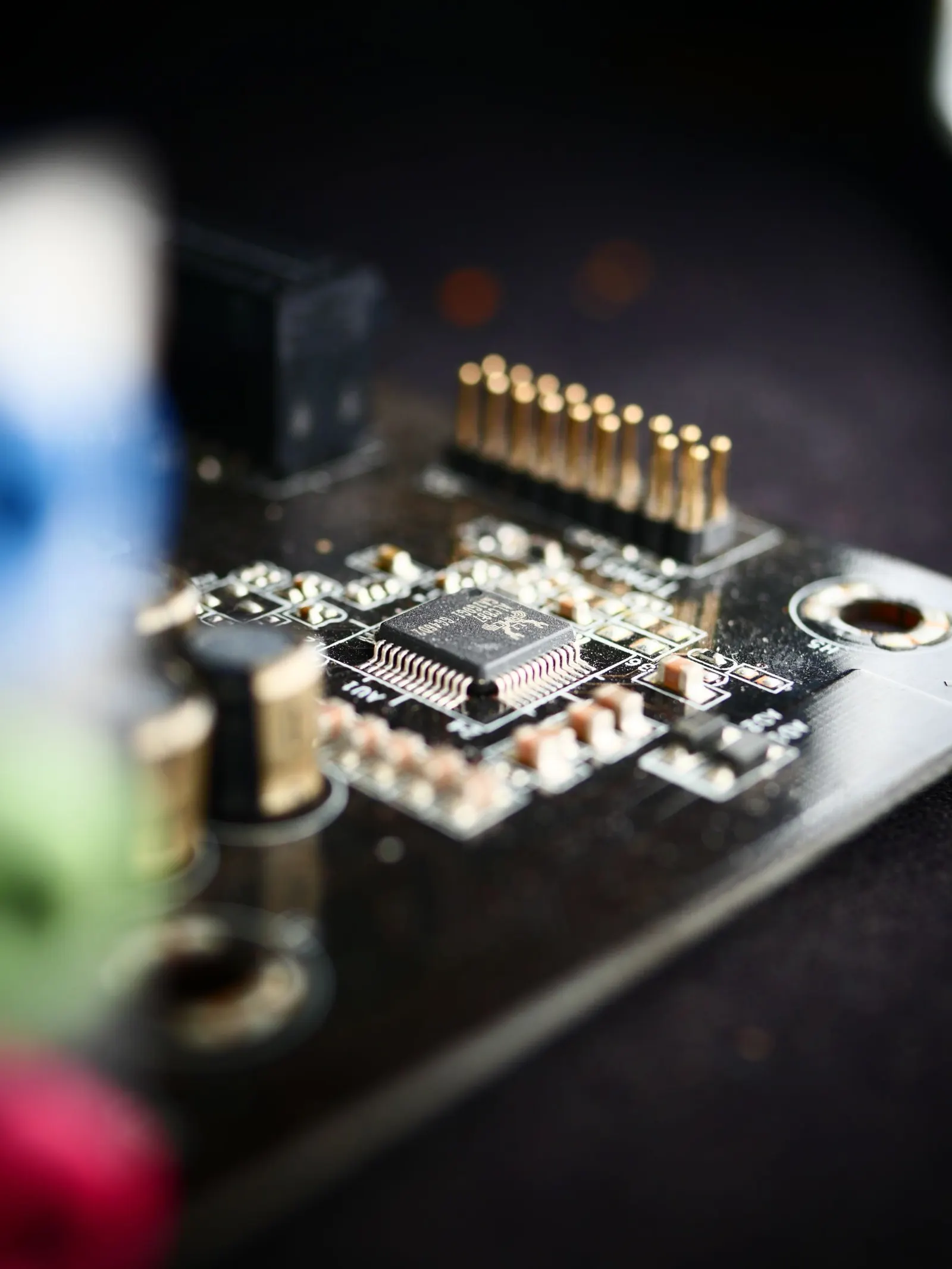
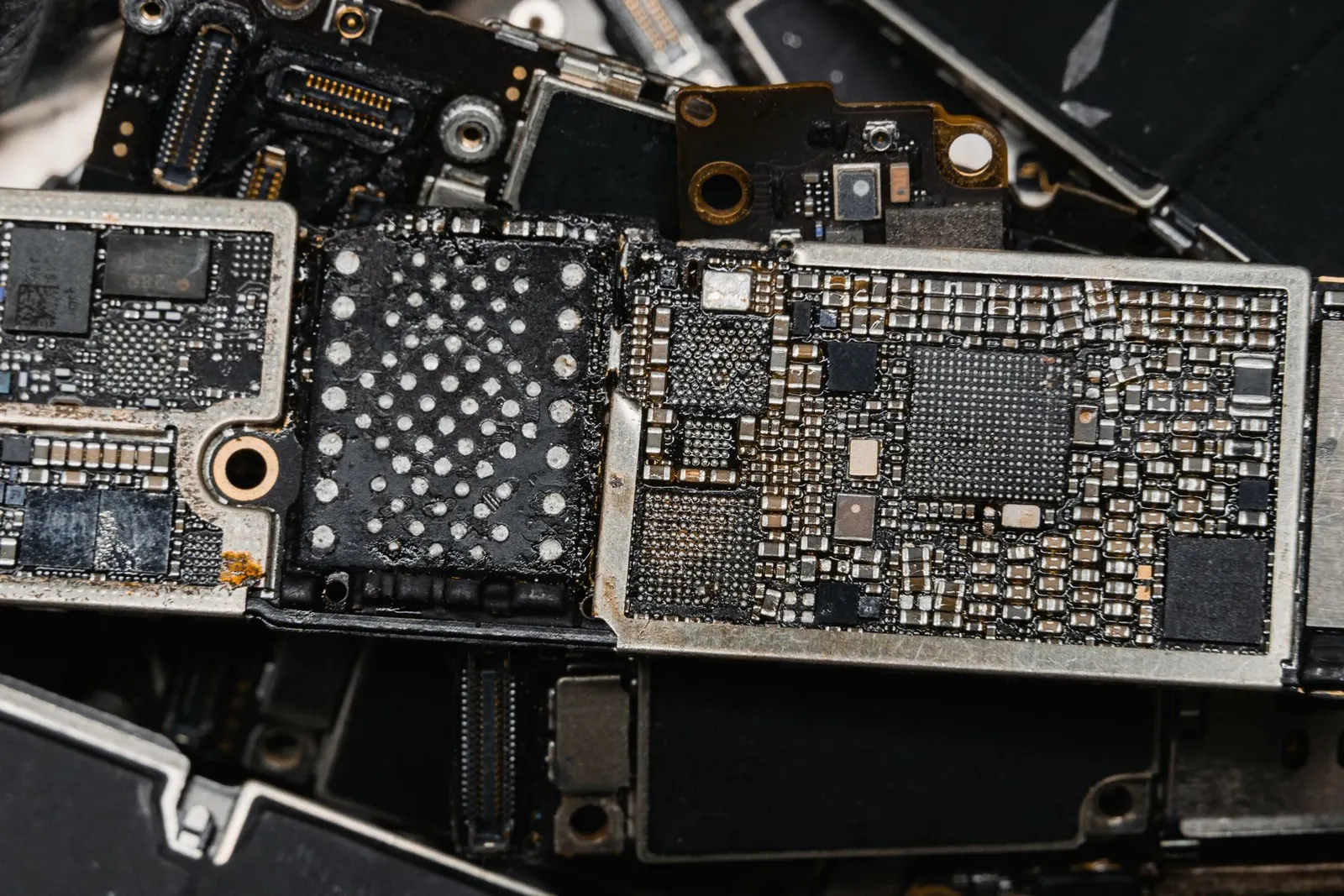
If you have tried all the above and the phone still won't connect to any Wi-Fi network, even hotspots from other phones, there may be a hardware issue. The Wi-Fi antenna is usually a small flex cable running near the back cover or the charging port area. Physical drops can disconnect or damage this antenna. Water exposure can corrode the Wi-Fi chip on the motherboard.
Signs that point to hardware: the Wi-Fi option is greyed out in settings even after a reset, the phone detects no networks at all, or it connects briefly and then drops immediately every time, on all networks.
Typical Repair Cost in Kota
| Issue | Typical Price Range |
|---|---|
| Network settings reset (software) | No charge, do it yourself |
| Wi-Fi antenna flex cable replacement | ₹300 - ₹800 |
| Wi-Fi IC chip repair (board-level) | ₹800 - ₹2,500 |
| Full motherboard replacement (rare) | ₹2,000 - ₹6,000 |
The exact cost always depends on your phone's model and the specific fault found. We do a free diagnosis first at our Keshavpura shop before quoting anything, so you know exactly what you are paying for and why.
Tips to Avoid Wi-Fi Problems
- Keep your phone's software updated, most Wi-Fi bugs are fixed in updates.
- Avoid exposing your phone to moisture, which can corrode wireless components over time.
- If you use a case, ensure it is not pressing on the side of the phone in a way that bends the frame near antenna lines.
If the software steps above have not helped and you are near Kota, bring your phone to our shop for a free check. We will diagnose the exact fault, antenna, chip, or something else, and give you an exact quote before any work begins.
Frequently asked questions
Why does my phone connect to Wi-Fi but show no internet?
This usually means the router has an issue rather than your phone. Try restarting the router, or test whether other devices on the same network have internet. If only your phone lacks internet, try forgetting the network and reconnecting, or check if a VPN app is redirecting traffic incorrectly.
Why does my phone connect to Wi-Fi but immediately disconnect?
This can happen if the saved password is wrong, if the router has MAC filtering enabled, or if there is a hardware fault with the Wi-Fi antenna. Try forgetting the network and reconnecting with the correct password. If it still drops, bring it to us for a hardware check.
Does resetting network settings delete my photos or contacts?
No. Resetting network settings only removes saved Wi-Fi passwords, Bluetooth pairings, and mobile data settings. Your photos, apps, contacts, and personal data are completely safe.
Can a phone case block Wi-Fi signal?
Most plastic and silicone cases do not affect Wi-Fi noticeably. However, some thick metal cases or cases with built-in magnets can weaken the signal. If you recently changed your case and Wi-Fi problems started, try removing the case and testing.
How long does a Wi-Fi antenna repair take?
In most cases we can do the antenna flex cable replacement the same day, usually within one to two hours. Board-level chip repair may take longer depending on the fault.
Questions & comments
Ask our Kota technicians anything about this repair. All posts are reviewed before they appear. For an urgent quote, WhatsApp us.
No comments yet, be the first to ask a question.
Leave a comment or ask a question
First, verify your email. We send a 6-digit code so we know you are a real person. Your email is never shown publicly.
Enter the 6-digit code we emailed to .