
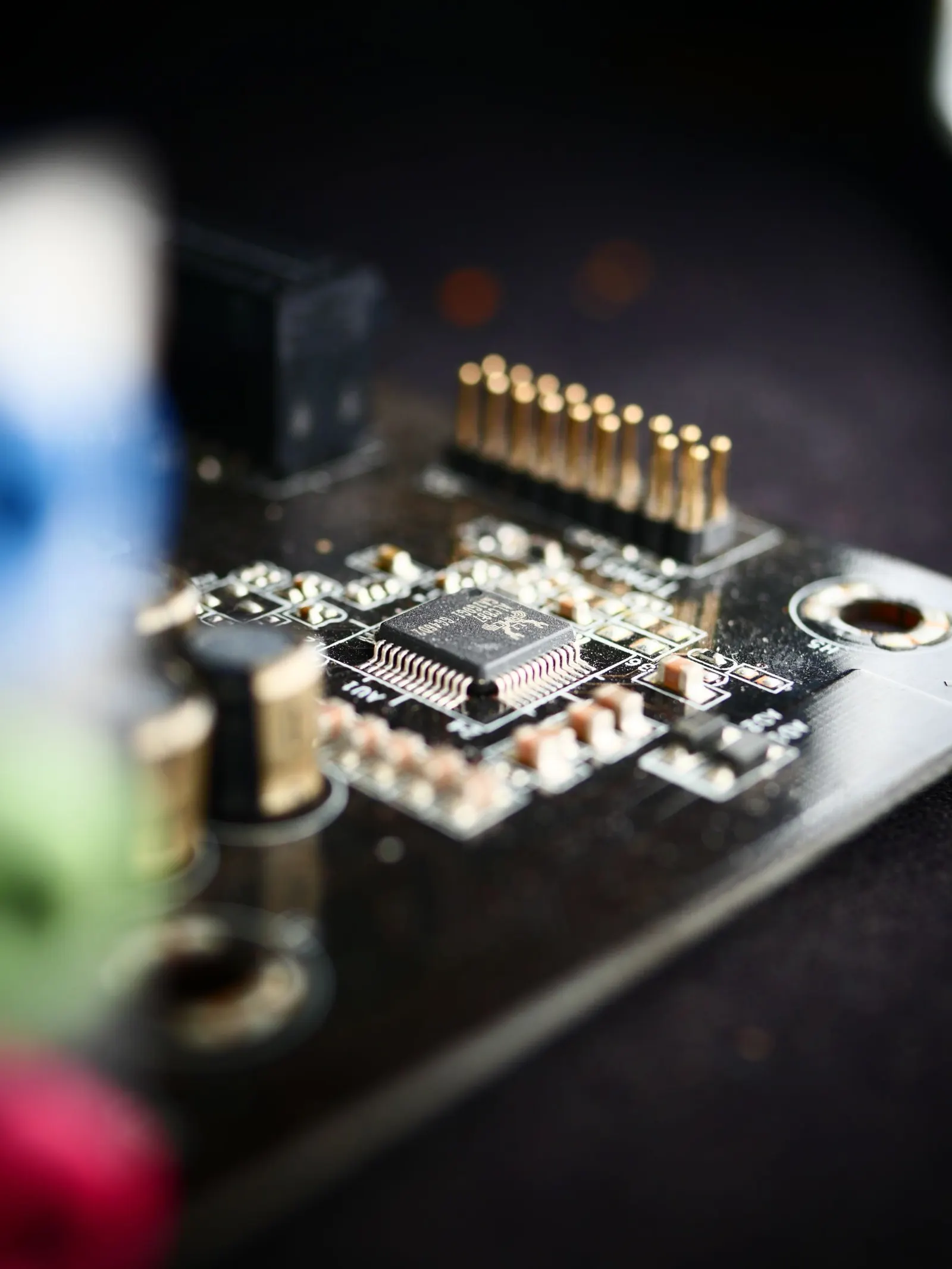
Bluetooth problems can range from mildly annoying, a speaker that will not pair, to a real daily problem when you rely on wireless earphones for calls or music. At our Keshavpura shop in Kota we see Bluetooth issues fairly often, and the majority of them can be sorted with a few software steps before any hardware work is needed.
Quick Software Fixes First
Try these steps in order before assuming the Bluetooth module is damaged.
- Toggle Bluetooth off and on. Pull down the quick settings panel, turn Bluetooth off, wait 10 seconds, then turn it back on.
- Toggle Airplane mode. Turn it on for five seconds, then off. This resets all wireless radios at once.
- Forget the paired device. Go to Bluetooth settings, find the device you are trying to connect to, tap Forget or Unpair, then pair it again from scratch.
- Restart your phone. A reboot clears the Bluetooth cache stack and often resolves temporary glitches.
- Clear Bluetooth cache. On Android: Settings > Apps > show System Apps > Bluetooth > Storage > Clear Cache. This does not delete pairings on newer phones but clears corrupted temporary data.
Check the Other Device Too
Bluetooth pairing is a two-way handshake. Before blaming your phone, check whether the accessory, speaker, earphones, car audio, is in pairing mode and has not reached its maximum paired-device limit. Try pairing your phone with a different Bluetooth device to confirm whether the issue is your phone or the accessory.
Network Settings Reset
If simple toggling does not work, a Network Settings Reset is the next step. On Android this is under Settings > General Management > Reset > Reset Network Settings. On iPhone it is Settings > General > Transfer or Reset > Reset > Reset Network Settings. This clears all Bluetooth pairings along with Wi-Fi passwords, so note those down first. After the reset, try pairing your device again from scratch.
Software Update Conflicts
Kota's coaching students often keep phones for three to four years, which means phones accumulate many software updates. Occasionally a system update introduces a Bluetooth bug, manufacturers usually patch these in a follow-up update. Check if a newer software version is available and update if possible.
When It Is a Hardware Problem
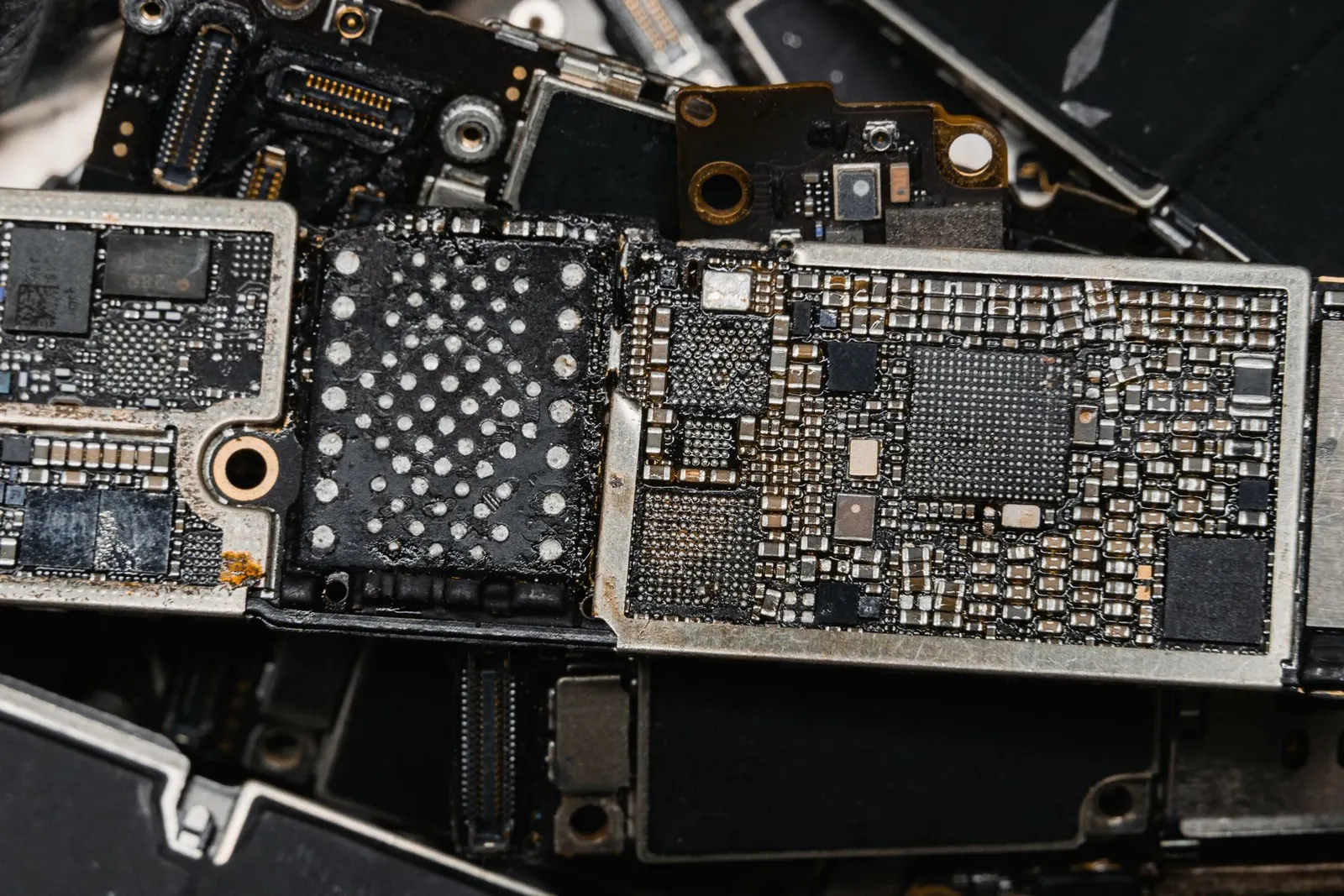
If Bluetooth is completely greyed out or the option has disappeared from settings even after a factory reset, or if the phone fails to detect any Bluetooth devices at all, the Bluetooth chip or its antenna may be physically damaged. This is more common after a drop or water exposure. The Bluetooth and Wi-Fi chips are often the same module on modern phones, so water damage that kills Wi-Fi frequently kills Bluetooth too.
Typical Repair Cost in Kota
| Issue | Typical Price Range |
|---|---|
| Software reset / cache clear | Free, do it yourself |
| Bluetooth / Wi-Fi antenna flex cable | ₹300 - ₹800 |
| Bluetooth / Wi-Fi IC chip repair | ₹800 - ₹2,500 |
As always, we confirm the exact price after a free diagnostic check at our shop. The cost depends on your phone model and whether the issue is the antenna, the chip, or something else entirely. We will not start any work until you have approved the quote.
How to Avoid Bluetooth Problems
- Keep your software updated. Bluetooth bugs are commonly patched in system updates.
- Do not expose your phone to moisture, which damages wireless chips over time.
- Avoid pairing with too many devices and forgetting obsolete pairings; a cluttered Bluetooth list can slow pairing down.
If your Bluetooth is still not working after trying all the steps above, bring your phone to our Keshavpura shop for a free check-up. We will identify the fault and give you an honest estimate with no obligation.
Frequently asked questions
Why does my Bluetooth keep disconnecting randomly?
Random disconnections are usually caused by interference from other wireless devices, low battery on the connected accessory, or a corrupted Bluetooth cache. Try clearing the Bluetooth cache and re-pairing the device. If it still drops, bring the phone in so we can check whether the antenna connection is loose.
My Bluetooth is greyed out and I cannot turn it on. What should I do?
A greyed-out Bluetooth option after a restart usually indicates a hardware fault with the Bluetooth chip or its antenna connection. Try a factory reset first to rule out software. If it is still greyed out after the reset, bring it to us for a hardware diagnosis.
Does Bluetooth drain battery significantly?
Modern Bluetooth Low Energy (BLE) uses very little power, leaving it on all day typically adds only a small drain. However, if Bluetooth is actively streaming audio continuously, battery use increases. If your battery is draining abnormally fast with Bluetooth on, the chip may be malfunctioning.
Can a reset fix Bluetooth without losing my data?
A Network Settings Reset clears Bluetooth pairings and Wi-Fi passwords but does not touch your photos, apps, or contacts. A full factory reset clears everything, so back up first. We recommend trying the network reset first.
Questions & comments
Ask our Kota technicians anything about this repair. All posts are reviewed before they appear. For an urgent quote, WhatsApp us.
No comments yet, be the first to ask a question.
Leave a comment or ask a question
First, verify your email. We send a 6-digit code so we know you are a real person. Your email is never shown publicly.
Enter the 6-digit code we emailed to .