
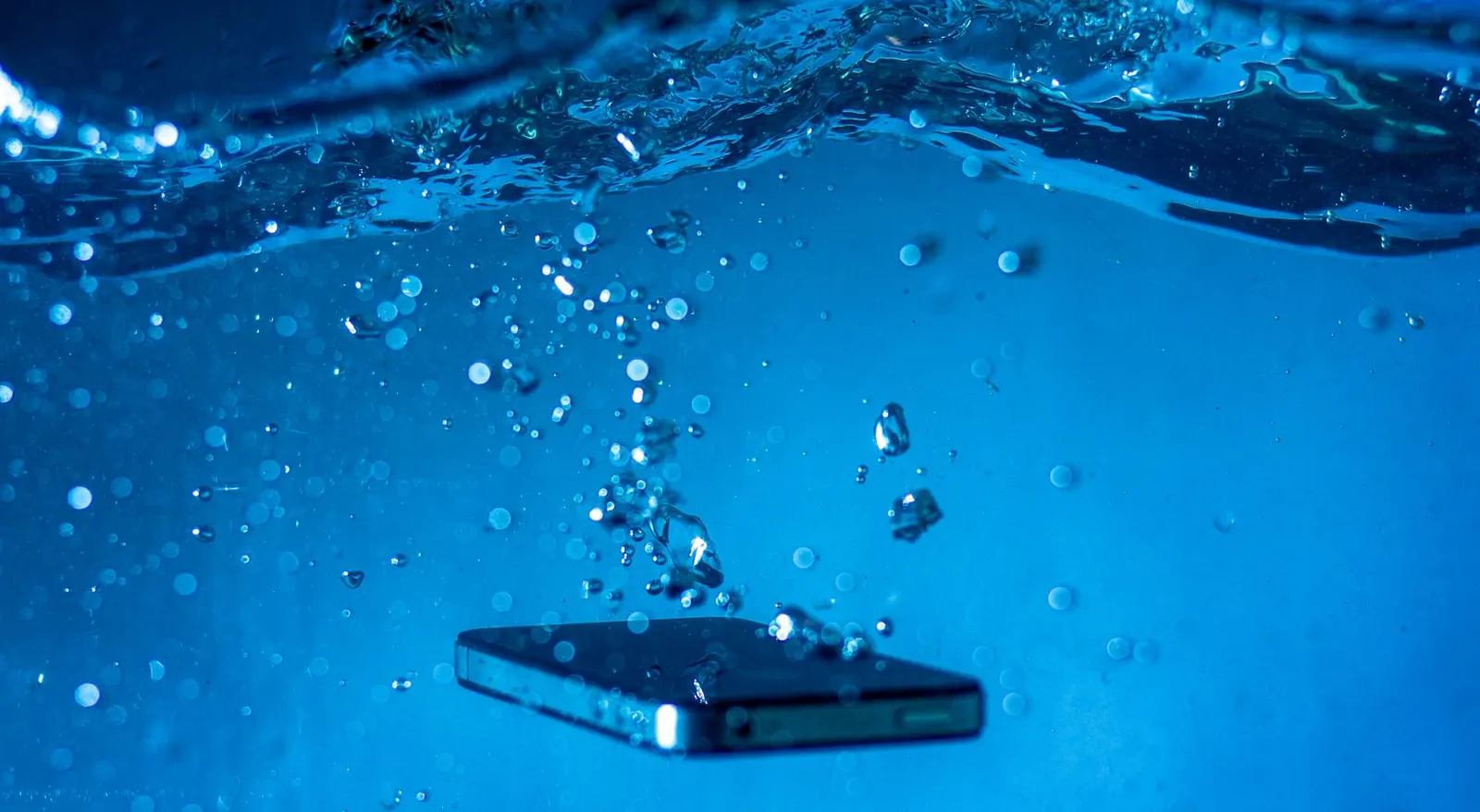
Water damage calls arrive at our Keshavpura shop every week, and the calls that end with a good outcome almost always have one thing in common: the customer acted fast and correctly in the first minutes. Kota's monsoon season brings a flood of wet phones to us every year, and we have learned exactly what helps and what makes things worse.
The First 60 Seconds Matter Most
When a phone enters water, liquid begins moving through the seams, speaker grilles, charging port, and SIM tray. The phone itself may still be running, which means electricity is flowing through components that are now bridged by water. Short circuits at this stage cause the most lasting damage.
Your single most important action in the first 60 seconds is this: power the phone off immediately. Press and hold the power button and turn it off. Do not unlock it to check your notifications. Do not take a quick photo first. Turn it off.
What to Do. Step by Step
- Power off immediately. If the phone is already off, do not turn it on.
- Remove the case. Cases trap water against the phone body.
- Remove the SIM card and tray. This opens a path for liquid to exit and protects the SIM from corrosion.
- Gently shake the phone with the ports facing downward to expel visible water from the ports and speaker grilles. Do not shake violently.
- Pat the outside dry with a clean cloth. Pay attention to ports, speakers, and the SIM slot.
- Do not use a hair dryer or any heat source. Heat damages the screen adhesive, the battery, and internal components. No ovens, no microwaves, these are genuinely dangerous.
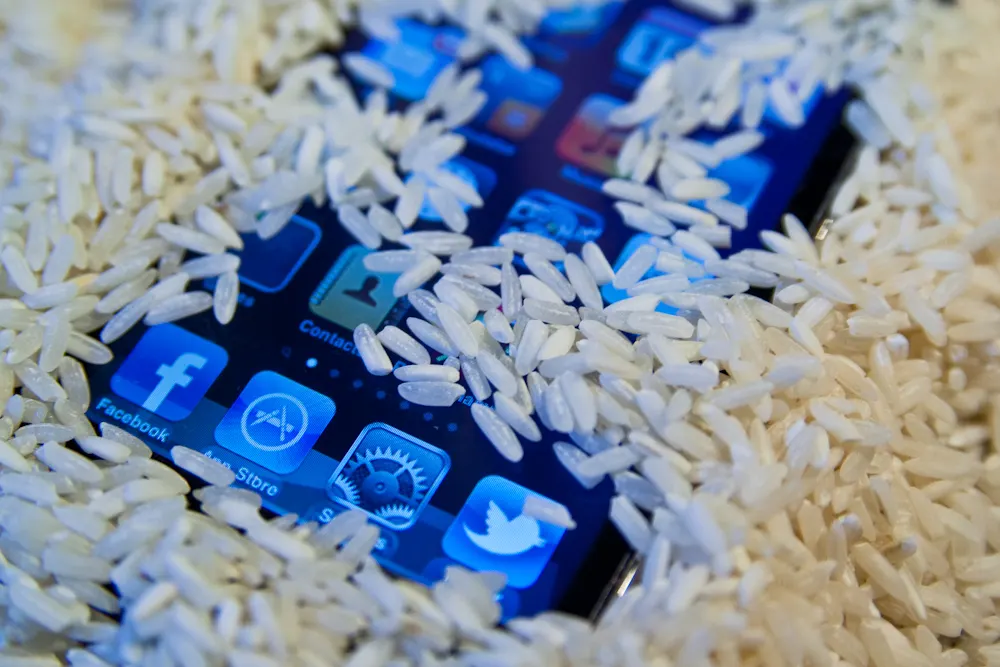
- Do not put it in rice. Rice does not absorb moisture from inside the phone quickly enough to matter, and the starch dust can cause additional problems (see our separate article on this).
- Bring it to us as soon as possible. The faster we can open and professionally dry the board, the better the outcome.
What NOT to Do
- Do not charge the phone, this is dangerous and almost guarantees board damage
- Do not press buttons repeatedly to test if it works, this spreads liquid internally
- Do not leave it for a day or two hoping it will dry on its own, corrosion starts within hours
- Do not put it in an oven or use a heat gun, this causes physical damage on top of water damage
What We Do at Our Shop
When you bring a wet phone to us, our technicians open it, carefully remove the motherboard and key components, and clean the board using an ultrasonic cleaner or isopropyl alcohol and specialist brushes. We then dry the components fully under controlled conditions. The goal is to remove all corrosive mineral deposits before they oxidise the copper traces and component pads.
We have recovered phones that were submerged during Kota's monsoon flooding, brought in within a few hours. We have also seen phones that were dried in rice for two days before arriving, where the corrosion had already done significant damage. Time is genuinely the most important factor.
Honest Expectations
Water damage recovery is never guaranteed. The outcome depends on:
- How long the phone was in water
- What type of liquid (clean water vs. toilet water vs. salt water)
- Whether the phone was on when it entered the water
- How quickly it reached us
We will always tell you honestly what we find and what the realistic chances are before proceeding with any paid repair. A diagnostic is free.
| Water damage service | Typical cost range |
|---|---|
| Board cleaning and drying (diagnosis + cleaning) | ₹500 - ₹1,500 |
| Charging port replacement after water damage | ₹300 - ₹800 |
| Speaker replacement after water damage | ₹400 - ₹900 |
| Display replacement (if screen damaged) | ₹1,200 - ₹6,000 |
These are approximate ranges. The actual cost depends on your phone model and the parts needed. We confirm everything after a free check.
If your phone got wet, stop reading and bring it to our Keshavpura shop. Every hour of delay increases the risk of permanent corrosion. We will do our best.
Frequently Asked Questions
My phone seems to work fine after getting wet. Should I still bring it in?
Yes, especially if it was fully submerged or wet for more than a few seconds. Corrosion can begin on the board without any immediate symptoms. Problems often appear days or weeks later. A preventive clean gives you much better long-term reliability.
Can I charge the phone if it seems dry?
Wait at least 24-48 hours after ensuring the phone is genuinely dry inside before charging. If there is any doubt, bring it to us first, charging a phone with hidden moisture can cause immediate board damage.
Does my phone's IP rating protect it?
IP ratings (like IP68) offer protection under specific test conditions, and that protection degrades with age, previous repairs, and certain liquids. Do not assume an IP-rated phone is fully safe from water damage, we see IP68 phones with genuine water damage regularly.
The phone got wet in Kota's monsoon rain. Is that the same as being submerged?
Rain exposure is generally less severe than submersion, but it is still a risk, especially if the phone was in a rain shower for several minutes, or if rainwater pooled in a bag. Follow the same steps: power off, dry the outside, and check for issues.
What is the Liquid Damage Indicator (LDI) and what does it mean?
It is a small sticker inside most phones that changes colour when exposed to water. When we open a phone, the LDI tells us whether the internals have been exposed to moisture. We have a separate article explaining this in full detail.
Frequently asked questions
My phone seems fine after getting wet. Should I still visit?
Yes. Corrosion can begin without immediate symptoms and cause failure days or weeks later. A preventive board clean is worth doing.
Can I charge the phone if it seems dry on the outside?
Wait at least 24-48 hours if you are sure it is fully dry inside, or bring it to us first. Charging a phone with hidden moisture can cause instant board damage.
Does an IP68 rating mean my phone is safe from water?
IP ratings degrade with age and previous repairs. We regularly repair IP-rated phones with genuine water damage. Do not assume you are fully protected.
Is monsoon rain exposure the same as being submerged?
It is less severe but still a risk if the phone was in rain for several minutes. Follow the same first-aid steps: power off and dry the outside.
What is the Liquid Damage Indicator?
A small sticker inside the phone that changes colour on contact with water. It tells our technicians whether the internals have had moisture exposure.
Questions & comments
Ask our Kota technicians anything about this repair. All posts are reviewed before they appear. For an urgent quote, WhatsApp us.
No comments yet, be the first to ask a question.
Leave a comment or ask a question
First, verify your email. We send a 6-digit code so we know you are a real person. Your email is never shown publicly.
Enter the 6-digit code we emailed to .