
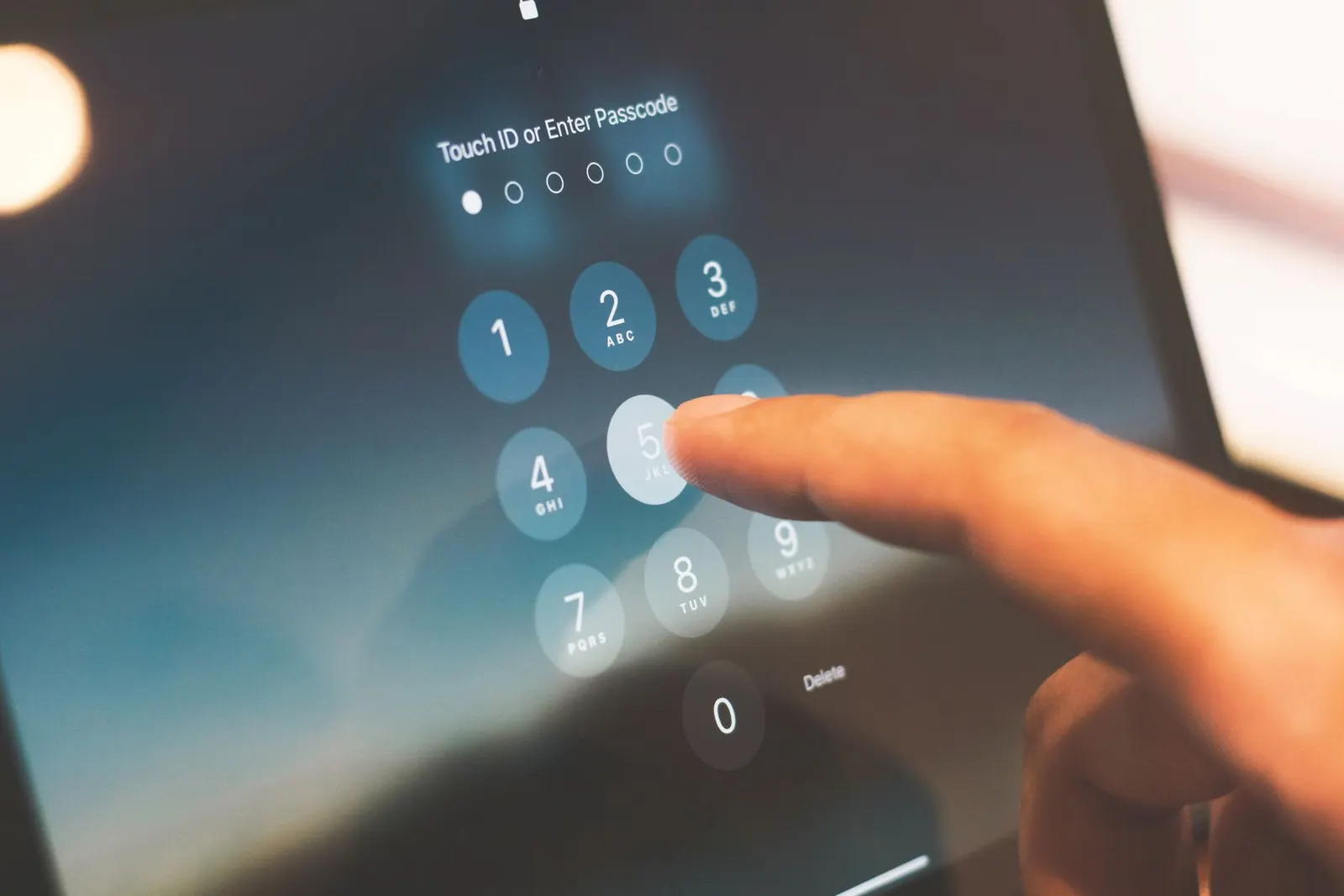
Every mobile phone has an IMEI, International Mobile Equipment Identity, a unique 15-digit number that works like a serial number for your device. It is permanently stored on the phone and is separate from your SIM card or phone number. Understanding your IMEI can protect you from buying a stolen or blacklisted phone, and it is also essential information when making an insurance claim or reporting a theft.
How to Find Your IMEI Number
There are several ways to find your IMEI:
- Dial code: Open the Phone dialler and type *#06#. Your IMEI number appears on screen immediately. Dual-SIM phones will show two IMEI numbers.
- Settings: Go to Settings > About Phone > Status > IMEI Information.
- Phone box: The original box has a sticker with the IMEI printed on it.
- Back of the phone: Some older models have the IMEI printed on a sticker under the battery, or engraved on the rear.
What Is a Blacklisted IMEI?
When a phone is reported stolen or lost, the owner can report it to their network operator. The operator then adds the IMEI to a shared blacklist. A phone on the blacklist cannot make calls, receive calls, or use mobile data on any operator's network in India, even with a different SIM card. It essentially becomes a Wi-Fi-only device.
This is a serious problem if you buy a second-hand phone in Kota's used-device market and do not check the IMEI first. The phone may work perfectly on Wi-Fi in the seller's hands, but the moment you insert your SIM it will show No Service permanently.
How to Check if an IMEI Is Blacklisted
- Visit the official CEIR portal at ceir.gov.in (Government of India's Central Equipment Identity Register). You can check whether a device is blocked or lost.
- Some third-party websites also offer IMEI blacklist checks for a small fee, though the CEIR portal is the most reliable for India.
- Ask the seller to insert your SIM card and make a call before you pay, if it works, the IMEI is not blacklisted for your network.
Why IMEI Matters When Buying a Used Phone
We advise every customer at our Keshavpura shop who is considering a used phone to check the IMEI before handing over any money. Kota's student community sees a large trade of second-hand phones, and while most sellers are honest, a small number of devices are either stolen or have tampered IMEIs. A tampered IMEI is a red flag for a stolen device and is also illegal under Indian law.
When buying used, also cross-check the IMEI shown in *#06# against the IMEI printed on the box and in the settings. All three should match. A mismatch suggests the phone may have had board-level work done, or worse, that the IMEI has been altered.
IMEI and Network Issues After Repair
Poor-quality board repair can sometimes corrupt the IMEI, causing the phone to show a blank or invalid IMEI and lose network connectivity. This is why it is important to choose a trustworthy repair shop. If your phone shows a blank IMEI after a repair done elsewhere, bring it to us for diagnosis, in some cases IMEI restoration is possible, in others it requires deeper board work.
Quick IMEI Reference
| What to Check | Where |
|---|---|
| Dial *#06# to display IMEI | Phone dialler |
| IMEI in settings | Settings > About Phone > Status |
| IMEI on box sticker | Original box |
| Blacklist check | ceir.gov.in |
If you are buying a used phone and are unsure whether it is clean, bring it to our Keshavpura shop before paying. We will check the IMEI, run a quick hardware test, and help you make an informed decision, at no charge for the check.
Frequently asked questions
Can a blacklisted phone ever be unblocked?
In India, an IMEI can be unblocked through the CEIR portal if the original owner confirms the phone has been recovered and requests removal from the blocklist. However, you as a buyer cannot do this yourself, only the person who reported it lost or stolen can. This is why checking before purchase is so important.
If the IMEI shows in settings, is the phone definitely not blacklisted?
No. A valid-looking IMEI in settings only means it has not been tampered with, it does not automatically mean it is not on the blacklist. You need to check the IMEI against the CEIR portal or another blacklist checker to confirm network status.
My phone shows two IMEI numbers. Which one do I use?
Dual-SIM phones have two IMEIs, one per SIM slot. When reporting a stolen phone, report both. When checking on CEIR, you can check either, if the device was reported stolen, both will usually be blocked.
Can someone change the IMEI of a phone?
Altering an IMEI is illegal in India under the Telecom Act. Some unscrupulous technicians do attempt it on stolen devices, which is why you should check that *#06#, settings, and the box all show the same IMEI. A mismatch is a serious warning sign.
My IMEI is showing as blank after a repair. Can you fix it?
A blank IMEI usually means the IMEI data on the baseband chip was lost or corrupted during board-level work. In some models this can be restored; in others it requires deeper repair. Bring it to our Keshavpura shop for a diagnosis and we will tell you honestly what is possible.

Questions & comments
Ask our Kota technicians anything about this repair. All posts are reviewed before they appear. For an urgent quote, WhatsApp us.
No comments yet, be the first to ask a question.
Leave a comment or ask a question
First, verify your email. We send a 6-digit code so we know you are a real person. Your email is never shown publicly.
Enter the 6-digit code we emailed to .