
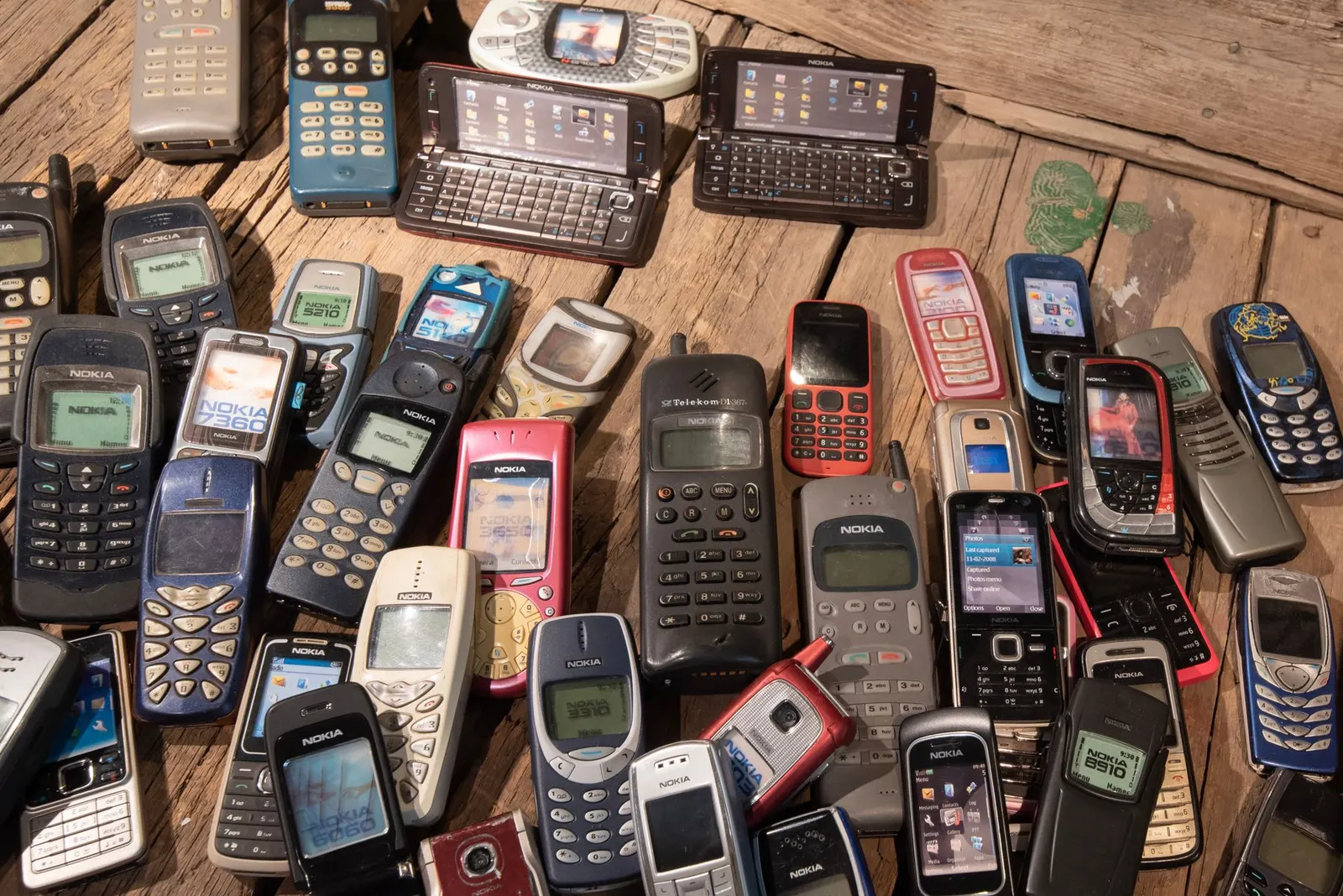
Kota has a busy market for second-hand phones, driven largely by the large coaching student population that looks for budget-friendly devices. A good used phone can save you thousands of rupees compared to buying new, but a bad one can cost you more in repairs than you saved. At our Keshavpura shop we help customers evaluate used phones every week, so here is our complete checklist to protect yourself.
Step 1: Check the IMEI
This is non-negotiable. Dial *#06# on the phone and note the IMEI. Then:
- Compare it against the IMEI on the box and in Settings > About Phone. All three must match.
- Check the IMEI on ceir.gov.in to confirm it is not reported stolen or blocked.
- A mismatch between the IMEI shown on the phone and the box is a serious red flag, the board may have been swapped, or worse, the IMEI tampered with.
Step 2: Physical Inspection
- Inspect the screen carefully under good light, look for cracks, scratches, dead spots, or yellow/purple tinge near edges that indicates prior pressure damage.
- Check the body and frame for dents, bends, or signs of the phone having been opened (scratches around screws or the edge seam).
- Look at the charging port with a torch, it should be clean and undamaged, not blackened or corroded.
- Check speaker grilles and headphone jack for blockage or corrosion.
- Check for water damage indicator, on most phones it is a small white or red sticker visible through the SIM tray slot. Red means water exposure.
Step 3: Test Every Function
Insert your own SIM card and test the following, do not skip any of these, as each takes only seconds:
- Make and receive a call, confirms the SIM slot, earpiece, and microphone all work.
- Speaker, play a YouTube video to test the loudspeaker.
- Camera front and rear, check for blur, dark spots, or purple haze that indicates lens or sensor damage.
- Touch screen, draw across the entire screen in diagonals to check every corner responds.
- Wi-Fi and Bluetooth, connect to a network and pair a device.
- Charging, plug in a known-working charger and confirm it charges.
- Fingerprint or Face ID, register your own fingerprint and test it.
- Headphone jack (if present), plug in earphones and confirm audio works in both channels.
Step 4: Check Battery Health
On iPhone go to Settings > Battery > Battery Health. Below 80 percent means the battery will need replacement soon, factor that cost in. On Android the built-in reading is less reliable, but apps like AccuBattery can give an estimate after a few charge cycles. Alternatively ask us to check it, we can read battery cycle data on many models.
Step 5: Verify Software Is Clean
- Ask the seller to factory reset the phone in front of you, or check during the boot setup that there is no prior Google account (FRP) or Apple ID locked to the device.
- After setup, go through Settings and look for anything unusual, locked SIM settings, unknown apps, or management profiles that could indicate it was a corporate or leased device.
Step 6: Ask for the Bill
An original purchase invoice confirms the phone was bought legitimately and can help with any future warranty claims (some brands allow transfer). Even if there is no bill, the other checks above will tell you most of what you need to know.
Price Sanity Check
| Phone Tier | Reasonable Used Discount off New |
|---|---|
| 1-year-old flagship (Samsung, iPhone) | 30-45% less than new price |
| 2-year-old mid-range | 40-55% less than new price |
| 3+ year old budget phone | 60-70% less than original price |
If the price seems too low, it usually means something is wrong. Trust your checklist over a suspiciously good deal.
If you are not confident doing this check yourself, bring the phone to our Keshavpura shop before paying. We will go through the entire checklist and give you an honest verdict, no charge for the check-up. Coaching students from all over Kota come to us for exactly this service before committing to a used purchase.
Frequently asked questions
Can I check if a second-hand iPhone has an active iCloud lock?
Yes. During initial setup, if it asks for an Apple ID that is not yours, the iCloud lock is active and the phone cannot be used. Always insist the seller remove their Apple ID (Settings > Apple ID > Sign Out) before you buy. You can also check the IMEI on Apple's coverage check page.
Is it safe to buy a used phone without the original box?
The box mainly helps verify that the IMEI matches. Without a box you can still check IMEI via *#06# and the Settings menu, and cross-check on CEIR. The box is helpful but not essential if the other checks pass.
What if the phone has a small scratch, should I negotiate the price?
A few surface scratches are normal on used phones and are cosmetic only. You can and should negotiate based on condition. What you should not overlook is damage that affects function, cracked screen glass near the edges, corroded charging port, or loose SIM tray.
Can I return a used phone if a problem appears after purchase?
Private sales generally have no return policy in India, which is why checking thoroughly before buying is so important. Buying from a shop with a declared return window is safer than buying from an individual online listing.
Questions & comments
Ask our Kota technicians anything about this repair. All posts are reviewed before they appear. For an urgent quote, WhatsApp us.
No comments yet, be the first to ask a question.
Leave a comment or ask a question
First, verify your email. We send a 6-digit code so we know you are a real person. Your email is never shown publicly.
Enter the 6-digit code we emailed to .