
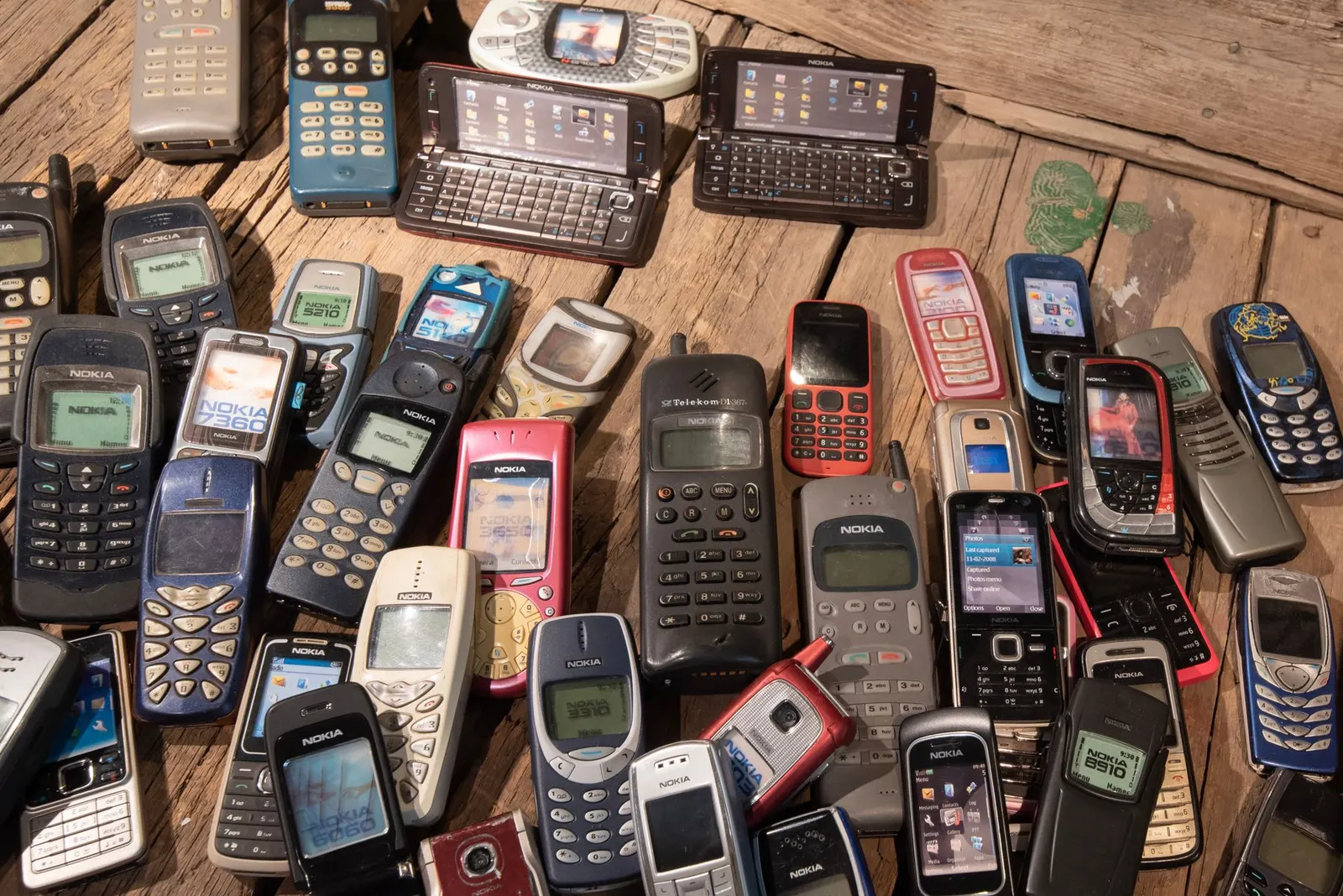
After more than two decades of repairing phones in Kota, we have seen the same patterns repeatedly: phones that last four to five years in excellent condition, and phones that need expensive repairs within twelve months. The difference is almost always how the owner treats the device. Here are ten habits that genuinely make your phone last longer, based on what we see come through our Keshavpura workshop every day.
1. Keep the Charge Between 20% and 80%
Lithium batteries age faster when regularly charged to 100% or drained to 0%. Try to keep your charge in the 20–80% window as a general habit. Many phones now have an "Optimised Charging" or "Battery Care" mode in settings that automatically pauses charging at 80% overnight, enable it.
2. Use the Right Charger
Using a charger not designed for your phone can stress the battery and, in worst cases, damage the charging port or even the charging IC on the motherboard. Use the charger that came with your phone, or a reputable branded third-party charger that supports the same wattage. Cheap local chargers from street stalls, common in Kota's student markets, are a frequent cause of charging port damage we see in the shop.
3. Keep Your Phone Cool
Heat is the single biggest enemy of battery life and overall phone health. Do not leave your phone in direct sunlight, on a hot car dashboard, or under your pillow while charging. If your phone gets hot during a gaming session or while charging, give it a break. Sustained heat above 40 degrees Celsius damages battery cells permanently over time.
4. Clean the Charging Port Regularly
Lint and dust accumulate in the charging port, especially in trouser pockets, something Kota's coaching students experience constantly given how much they carry their phones around. A blocked port causes slow charging, intermittent connections, and eventually connector damage. Clean it gently with a toothpick or soft brush every couple of months. Never use metal objects or blow compressed air at full force.
5. Use a Good Quality Case With a Raised Lip
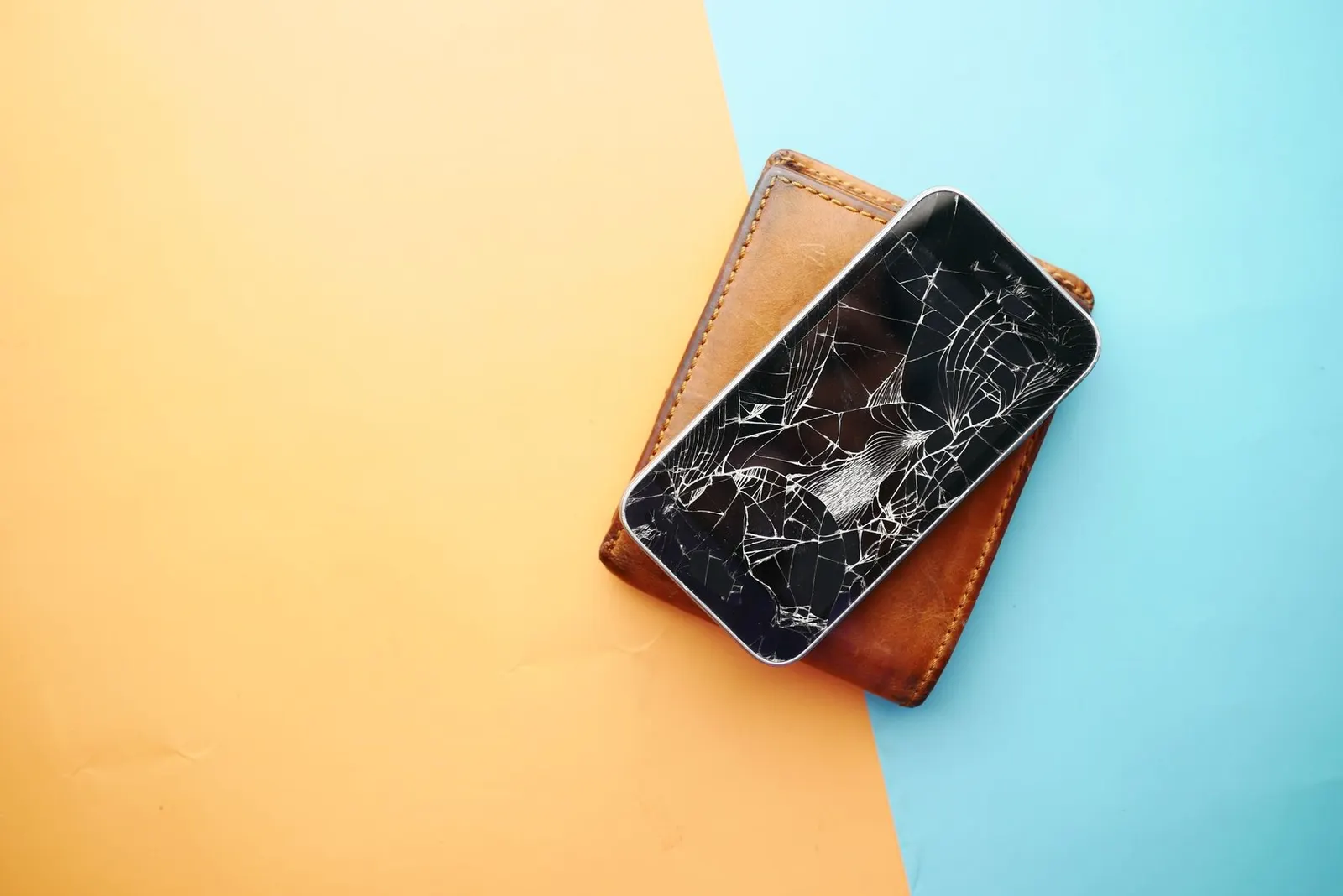
A proper protective case, not a thin decorative cover, absorbs shock from drops before it reaches the phone's internals and screen. Choose a case that has a raised lip around the screen so the glass does not touch the surface when placed face-down. Cases with corner protection are the most effective at preventing screen cracks from drops.
6. Apply a Tempered Glass Screen Protector
Tempered glass takes the scratch and impact energy that would otherwise damage the phone's actual display glass. Replace it when cracked rather than leaving the phone unprotected. A good tempered glass costs ₹150-300, far cheaper than a screen replacement at ₹1,500-8,000.
7. Manage Storage to Stay Below 80% Full
A phone running at full storage slows down because the processor cannot create temporary files needed for smooth operation. Keep at least 15-20% of storage free. Move photos to cloud backup or a computer regularly, and clear WhatsApp media folders, which can consume several gigabytes within a few months of heavy use.
8. Keep Software Updated
Software updates contain security patches and performance improvements. Running outdated software leaves your phone vulnerable and sometimes causes bugs that drain the battery faster or stress the hardware. Enable automatic updates or set a reminder to check monthly.
9. Avoid Using the Phone While Charging
Using the phone intensively, gaming, video calls, heavy apps, while simultaneously charging generates significantly more heat than either activity alone. This accelerates battery ageing. If you must use the phone while plugged in, keep use light and remove any case that traps heat.
10. Protect From Moisture, Especially During Kota's Monsoon
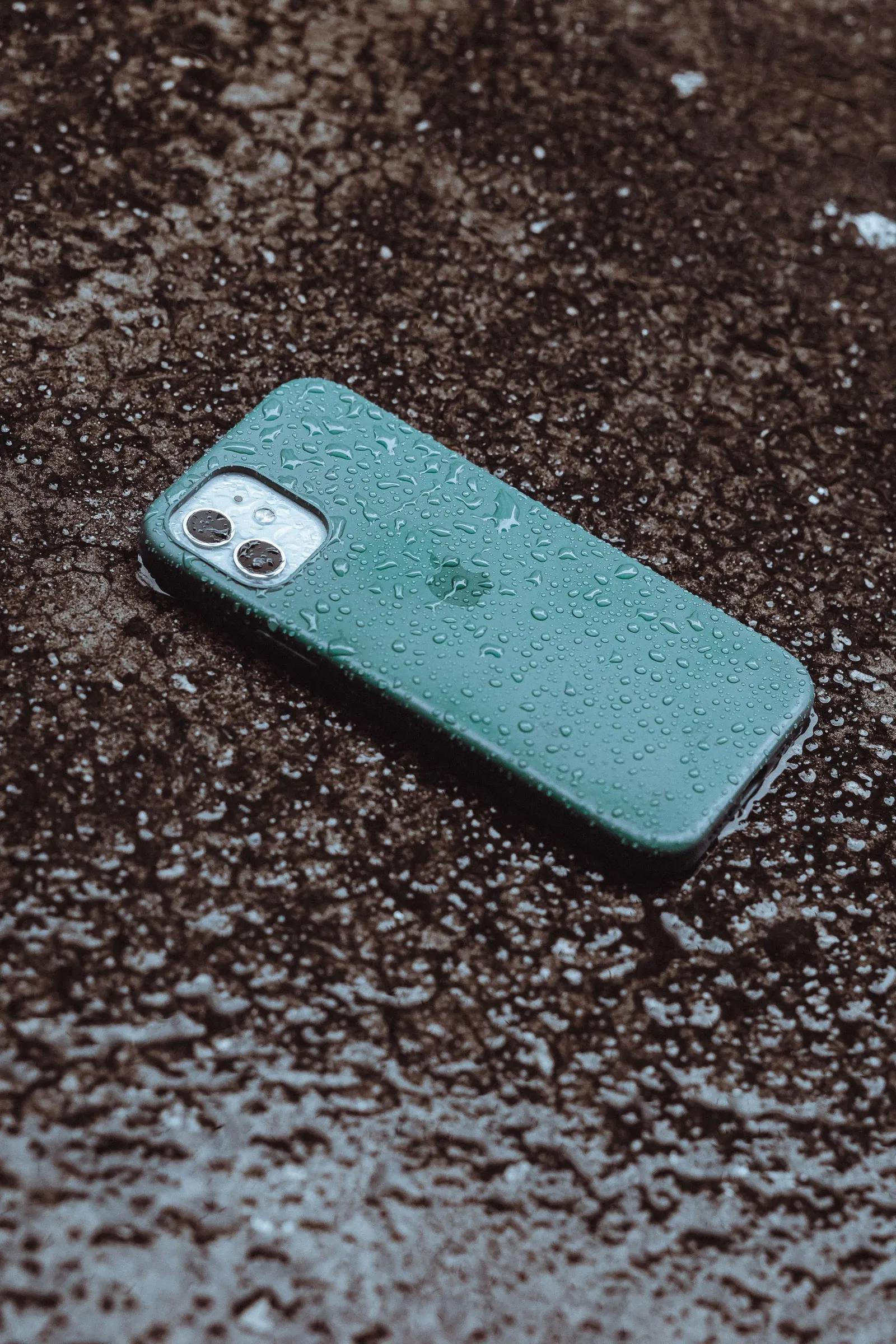
Even phones with an IP rating can suffer moisture damage over time as the seals degrade. During Kota's monsoon season, be especially careful with your phone near rain, wet hands, and humid environments. Even brief contact with moisture in pockets and bags accumulates corrosion on connectors and the charging port over months.
Quick Summary
| Habit | Primary Benefit |
|---|---|
| Charge 20-80%, use Optimised Charging | Longer battery life |
| Use the right charger | Port and battery health |
| Keep cool, avoid sunlight | Battery and processor lifespan |
| Clean charging port regularly | Reliable charging |
| Protective case with raised lip | Drop protection |
| Tempered glass | Screen protection |
| Storage below 80% | Speed and stability |
| Software updates | Security and performance |
| Avoid charging while gaming | Reduces heat, battery ageing |
| Monsoon moisture awareness | Prevents corrosion |
None of these habits require spending much money, they are mostly about attention and routine. A phone well cared for can easily serve you for four to five years with good performance. And when you do need a repair, bring it to our Keshavpura shop, we will get it sorted quickly and honestly.
Frequently asked questions
Does leaving Wi-Fi and Bluetooth on all day damage the phone?
No, it does not damage hardware. Modern Bluetooth Low Energy and Wi-Fi on standby use minimal power. The slight battery drain is the only downside, and it is small. Turning them off when you do not need them is a battery saving tip, not a lifespan tip.
Should I turn my phone off at night to extend its life?
Turning off occasionally is fine and can be good for clearing memory, but you do not need to do it every night. The sleep/standby mode is designed for exactly this purpose and barely uses any power or creates wear.
How often should I replace my tempered glass?
Replace it whenever it cracks, chips, or develops a crack deep enough that it might not protect the screen beneath it properly. Even a small crack in tempered glass means it has already absorbed an impact and will not perform as well for the next one.
Is it bad to use the phone while it is at 1% battery?
Running the battery to 0% regularly does degrade it faster over time. Ideally charge before it drops below 15-20%. Modern phones have low-power protection that cuts off before the true zero to protect cells, but keeping this as a regular habit still causes accelerated ageing.
Questions & comments
Ask our Kota technicians anything about this repair. All posts are reviewed before they appear. For an urgent quote, WhatsApp us.
No comments yet, be the first to ask a question.
Leave a comment or ask a question
First, verify your email. We send a 6-digit code so we know you are a real person. Your email is never shown publicly.
Enter the 6-digit code we emailed to .