
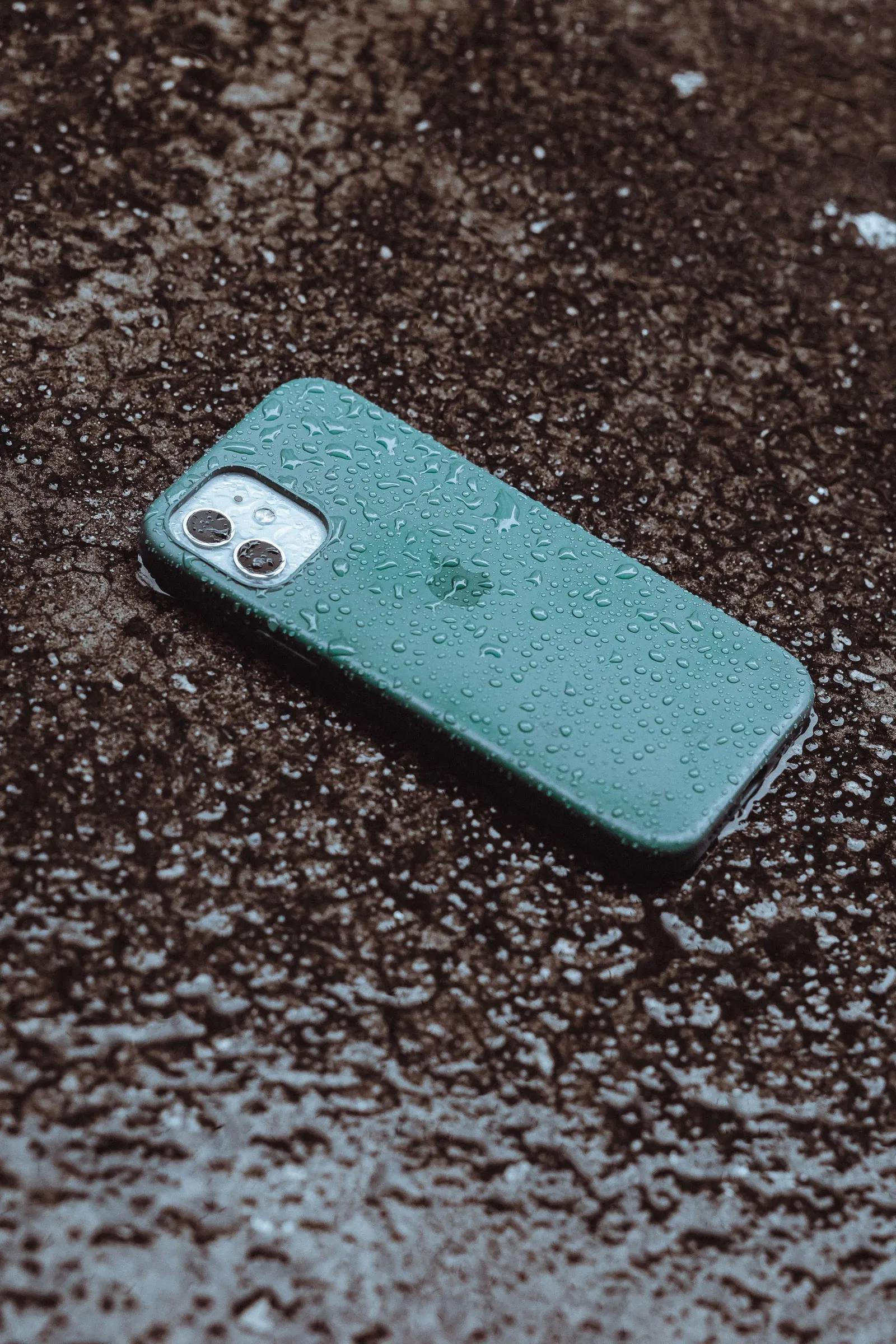
Every year, from July through September, Kota's monsoon season transforms the streets and sends a wave of water-damaged phones to our Keshavpura workshop. It is genuinely the busiest period of the year for water damage repairs, rain-soaked pockets, damp hands, and high humidity take a toll even on phones that were never near a puddle. With some simple precautions, most of this damage is entirely avoidable.
Understand the Real Risks of Monsoon
People often think water damage only happens when a phone falls into water. In reality, the monsoon damages phones in subtler ways too:
- Pocket humidity: Carrying a phone in a trouser pocket while walking in rain leads to significant moisture entering through the charging port and speaker grilles, even without direct splashing.
- Condensation: Moving between an air-conditioned coaching classroom and hot, humid outdoor air causes condensation to form on and inside the phone. This is particularly common for Kota's coaching students who go in and out of buildings multiple times a day.
- Sweaty hands: Extended phone use with sweaty palms during humid months introduces moisture through the SIM tray opening and around buttons over time.
- Wet bags and desks: Placing a phone on a wet surface, inside a bag that got wet, or on a desk near an open window during rain exposes the phone without any dramatic incident.
Protective Steps During Monsoon
Use a Waterproof or Water-Resistant Pouch
A waterproof zip-lock pouch or a dedicated waterproof phone pouch (available in Kota's markets for ₹50-200) is the simplest and most effective protection during heavy rain. Keep the phone in it while commuting in the rain. You can still see and use the screen through most pouches for basic navigation.
Choose a Case That Covers the Ports
Some protective cases include rubber flaps over the charging port and headphone jack. These are a great choice during monsoon months. Even a standard case that covers the sides and back reduces the surface area exposed to humidity and splashes.
Dry Your Hands Before Using the Phone
Simple habit, big impact. Wet fingers pushing water through the charging port over repeated uses does accumulate as corrosion over weeks and months.
Be Careful With the Charging Port During Monsoon
If your phone gets wet or you have been in the rain, let it dry for 30 minutes before plugging it in to charge. Charging a wet port can short the charging pins and cause permanent charging IC damage. Many modern phones will show a moisture warning, take it seriously and wait.
Store the Phone Away From Open Windows
In hostel rooms and coaching institutes, phones left near open windows during rain get splashed or become damp from humidity. Keep the phone on a desk away from windows, ideally in a closed bag or drawer when you are not using it.
What to Do If the Phone Gets Wet
- Power it off immediately, this is the single most important step.
- Do not press any buttons repeatedly or try to charge it.
- Wipe the exterior dry with a soft cloth.
- Remove the SIM tray and any removable covers.
- Do not try to dry it with a hair dryer or in direct sunlight, heat causes its own damage.
- Bring it to our Keshavpura shop as quickly as possible, the faster we can clean the board, the better the outcome.
We have written a detailed guide on water damage first steps (see our related article) but the key message is: speed matters. Every hour that moisture sits on the motherboard, corrosion advances.
Monsoon Damage Risk by Phone Feature
| Phone Feature | Monsoon Risk Level | Tip |
|---|---|---|
| Charging port (USB-C / Lightning) | High | Cover with flap or case; dry before charging |
| Speaker grilles | Medium | Avoid direct splashing; dry face-up |
| SIM tray opening | Medium | Ensure tray is seated firmly |
| Buttons and seams | Medium-Low | A good case covers these |
| Screen glass | Low (if tempered glass applied) | Tempered glass helps prevent moisture ingress from cracks |
After the Monsoon Season
When the rains end, it is a good idea to bring your phone in for a quick check-up if it was frequently exposed to moisture. Corrosion can be invisible for weeks and then suddenly cause charging problems, speaker issues, or worse. A professional clean of the charging port and a visual check of the board costs very little and can catch a problem before it becomes expensive. Our Keshavpura shop offers this check for Kota's residents before and after every monsoon season.
Frequently asked questions
My phone says it is water resistant. Do I still need to protect it in the monsoon?
Yes. IP water resistance ratings are tested under controlled lab conditions with fresh water. Real-world exposure to muddy rainwater, soap residue, or sweat is harder on the seals. IP ratings also degrade as the phone ages and especially after any repair that opens the phone. Treat monsoon protection as necessary regardless of IP rating.
I was caught in the rain but my phone seems fine. Should I still be concerned?
If the phone shows no symptoms, it is likely fine. But do check the charging port for any moisture warning before plugging in, and let the phone sit at room temperature for a couple of hours before charging. If you notice any change in charging speed, speaker volume, or SIM detection in the days after, bring it in for a check.
Is rice still a good way to dry a wet phone?
No. Rice does not absorb moisture effectively from inside a phone, and rice starch particles can enter the ports. The best approach is to wipe the exterior, remove the SIM tray, let it sit at room temperature with good airflow, and bring it to us quickly. We can open and clean the board properly.
What does a monsoon water damage repair typically cost?
It depends entirely on how much corrosion has occurred and which components are affected. Early treatment, brought to us within a few hours, often requires only a board clean and drying, which costs ₹300-800. Phones left wet for days may need component replacements on the motherboard costing ₹1,000-4,000 or more. Speed of treatment makes a large cost difference.
Does a waterproof phone case really work in heavy rain?
A genuine waterproof rated case, with a proper seal and tested IP rating, provides good protection in heavy rain for short durations. Cheap 'waterproof' cases from unknown brands may not seal properly. For commuting in rain, even a waterproof pouch is more reliable than most casual cases.

Questions & comments
Ask our Kota technicians anything about this repair. All posts are reviewed before they appear. For an urgent quote, WhatsApp us.
No comments yet, be the first to ask a question.
Leave a comment or ask a question
First, verify your email. We send a 6-digit code so we know you are a real person. Your email is never shown publicly.
Enter the 6-digit code we emailed to .