
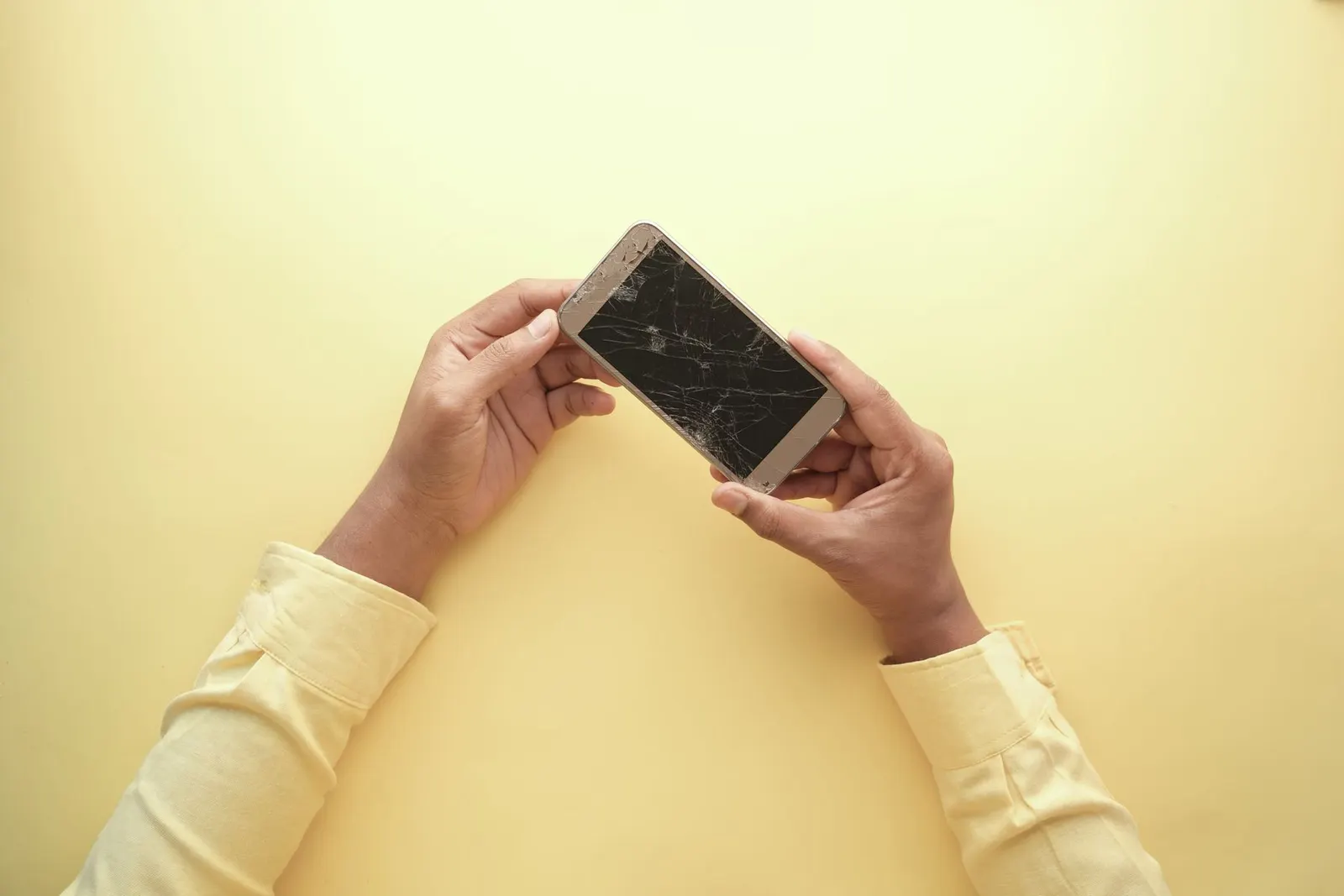
A ghost touch problem in a phone is when the screen acts as if someone is touching it when nobody is. Apps open by themselves, the keyboard types random letters, the screen scrolls, or the phone dials a contact while it sits on the table. Sometimes it happens all the time, sometimes only while charging or when the phone is warm. It is more than annoying: a phone that taps on its own can send messages, change settings or lock you out after wrong passcode attempts. The good news is that not every case needs a new screen. This guide explains the causes, the tests you can do at home, and how to tell when the touch layer itself has failed.
What Ghost Touch Actually Is
Modern phones use a capacitive touch layer, called the digitizer, that senses the small electrical change your finger makes on the glass. The touch controller reads that layer many times a second. Ghost touch happens when the controller registers a change that is not a finger. That false signal can come from outside the phone (moisture, a charger, a protector), from software, or from damage to the digitizer or its connection to the board.
Common Causes
- A charger or cable that adds electrical noise. If the ghost touches appear mainly while charging, the charger or cable is a strong suspect. Apple's own page If the screen isn't working on your iPhone or iPad advises, for a screen that responds intermittently, to disconnect accessories and, if that helps, try a different socket, cable or charger.
- A screen protector or case. Bubbles, dust under the glass, a thick protector or a case that presses on the screen edges can all cause false touches. Both Apple and Google list removing the case and protector as early checks.
- Water, sweat or dirt on the glass. Water droplets conduct and can register as touches, especially near the edges.
- Software. A buggy update, an app with accessibility or overlay permissions, or a stuck process can cause odd touch behaviour that a restart or update clears.
- A cracked screen. Even a small crack can damage the digitizer underneath. Ghost touch often starts days after a drop, as the crack spreads.
- Heat or a swelling battery. A swelling battery can push on the display from behind. Ghost touch that comes with a lifting screen is a safety issue; see our guide on swollen phone batteries.
- A low-grade replacement screen or a loose connector. If the problem started soon after a screen replacement, the part or the fitting is the first suspect. Our guide on touch problems after screen replacement covers this in detail.
How to Fix Ghost Touch: Step by Step
Work through these in order. Each one rules out a cause, and the early steps cost nothing.
- Unplug the charger and any accessories. Use the phone on battery for a while. If the ghost touches stop, try a different cable and charger, preferably the original or a certified one.
- Remove the case and screen protector. Then clean the screen with a soft, slightly damp cloth and dry it. If the problem disappears, the protector or case was the cause. Google notes that you may not be able to reapply a removed protector, so have a replacement ready.
- Restart the phone. If the screen is too erratic to use the power menu, use a forced restart. On most Android phones, holding the power button (or power and volume down) for several seconds forces a restart. On iPhone, press and release volume up, press and release volume down, then hold the side button until the Apple logo appears.
- Install pending updates. Touch bugs are sometimes fixed in system updates. Check Settings for a software update once the phone is usable.
- Check touch settings. Some phones have a touch sensitivity or screen protector mode. On Google Pixel phones, Google's page Fix touch & response issues on your Pixel screen describes these settings and a touch diagnostics test on recent models. Samsung, Xiaomi and other brands have similar options under Display settings.
- Test in safe mode (Android). Safe mode starts the phone with downloaded apps disabled. On most Android phones you enter it by holding the Power off option in the power menu. If ghost touch stops in safe mode, an app is the cause: uninstall recently added apps, starting with any that have accessibility or display-over-other-apps permission.
- Back up, then consider a factory reset. If nothing else helps and the screen is not damaged, a factory reset rules out software completely. Back up first; our phone backup guide explains how.
A Simple Test: Is It Hardware or Software?
A useful way to see what the touch layer is doing is to watch it directly. On Android, enable Developer options (tap Build number several times in About phone), then turn on Pointer location or Show taps. Leave the phone untouched on a table and watch. Lines or dots appearing on their own show where the false touches land. Then use these clues:
| What you see | Likely cause |
|---|---|
| Ghost touches only while charging | Charger, cable or charging port noise |
| Stops after removing protector or case | Protector or case pressure |
| Stops in safe mode or after a reset | An app or software fault |
| False touches always in the same area | Damaged digitizer in that area |
| Started after a drop, crack or water exposure | Damaged digitizer, display or connector |
| Started after a screen replacement | Replacement part quality or a loose connector |
Turn off Pointer location afterwards, because it puts a line across the top of the screen.
Is There a Permanent Fix?
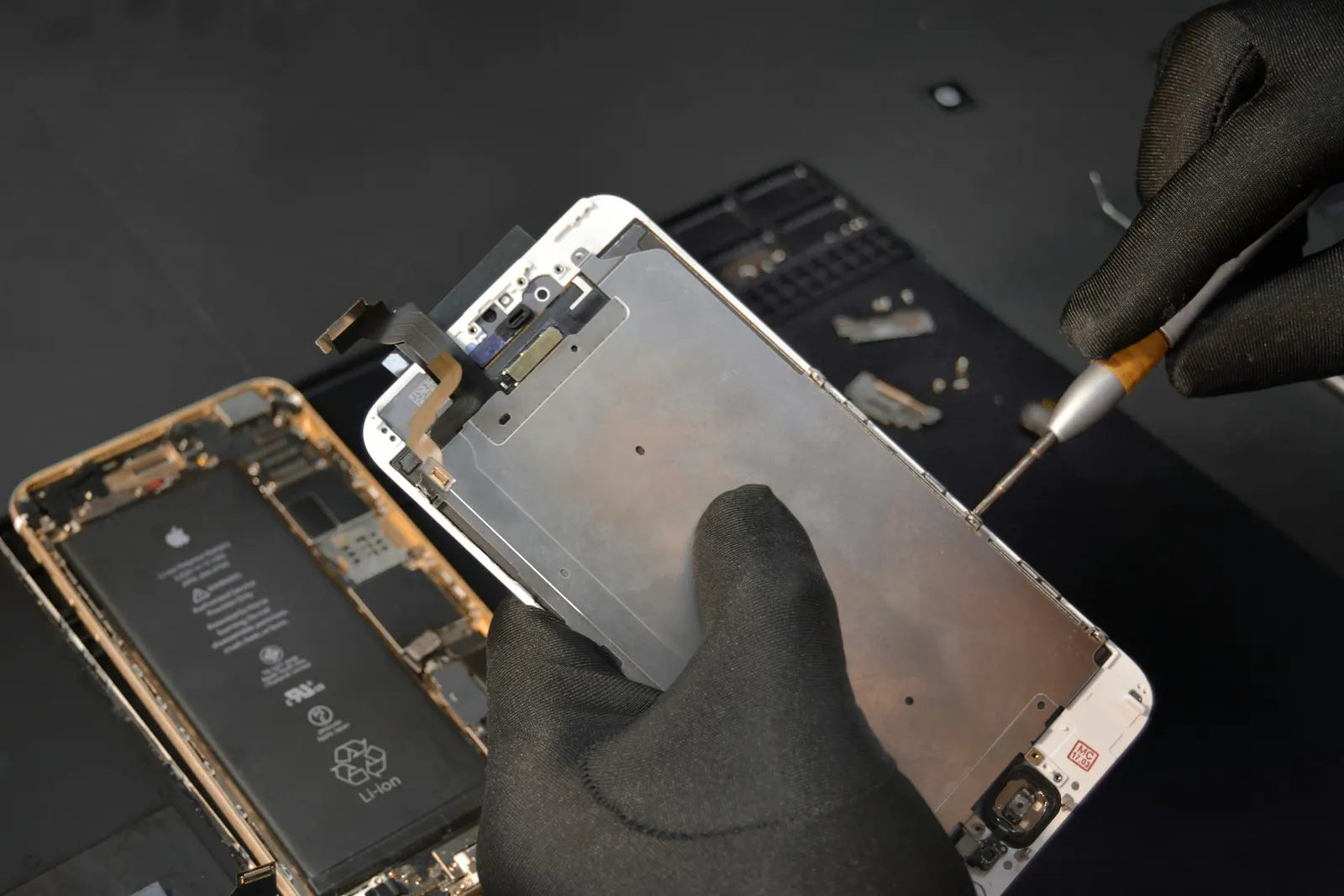
If the cause is a charger, protector, app or software bug, removing that cause is a permanent fix. Apps that claim to fix ghost touch cannot repair hardware; at best they recalibrate settings, and some ask for permissions they do not need. If the digitizer is damaged, the lasting fix is replacing the display assembly. On most current phones the touch layer and display are fused together, so the whole screen assembly is replaced, not just the glass.
Ghost touch is different from a screen that does not respond at all in one area. If part of your screen ignores touches rather than inventing them, read our guide on half touch not working.
What We Check at the Shop
At our Keshavpura shop we repeat the charger and protector tests, run a touch test, inspect the screen for hairline cracks and lifting, and check the display connector and battery. If the phone has had a previous screen replacement, we check the fitting and the part first. We tell you whether the fault is software, the screen or something else, and confirm the exact price after our free check-up, before any work begins. If a new display is needed, we explain the part options; our guide on original vs duplicate screens helps you choose. Every part repair comes with our warranty on the part and labour; the period depends on the part.
Protect Your Data While It Happens
A phone with active ghost touch can make calls, send messages or enter wrong passcodes. Until it is fixed, lock the screen when you put it down, consider turning off lock-screen shortcuts, and back up your data while you still can. If your phone is under the maker's warranty and has no physical damage, contact the maker's authorised service as well.
Frequently asked questions
Is ghost touch a hardware or software problem?
It can be either. If it stops when you unplug the charger, remove the protector, use safe mode or reset the phone, it is not a screen fault. If false touches keep landing in the same area, or started after a drop, crack or water exposure, the digitizer or display is usually damaged.
Why does ghost touch happen only while charging?
A charger or cable that adds electrical noise can confuse the touch controller. Try a different, preferably original or certified, charger and cable. If it still happens with a good charger, the charging port or the screen should be checked.
Can ghost touch be fixed permanently?
Yes. Removing the cause, such as a bad charger, protector or app, fixes it for good. When the digitizer is damaged, replacing the display assembly is the lasting fix. Ghost touch fix apps cannot repair hardware.
Why did ghost touch start after my screen replacement?
The usual causes are a loose or poorly seated display connector, a low-grade replacement part, or pressure from the frame. The shop that fitted the screen should check the connector and the part first.
Is it safe to keep using a phone with ghost touch?
It is risky. False touches can send messages, make calls or trigger repeated wrong passcode attempts. If it comes with a lifting screen or a swollen back, stop using and charging it and get the battery checked.
Questions & comments
Ask our Kota technicians anything about this repair. All posts are reviewed before they appear. For an urgent quote, WhatsApp us.
No comments yet, be the first to ask a question.
Leave a comment or ask a question
First, verify your email. We send a 6-digit code so we know you are a real person. Your email is never shown publicly.
Enter the 6-digit code we emailed to .