
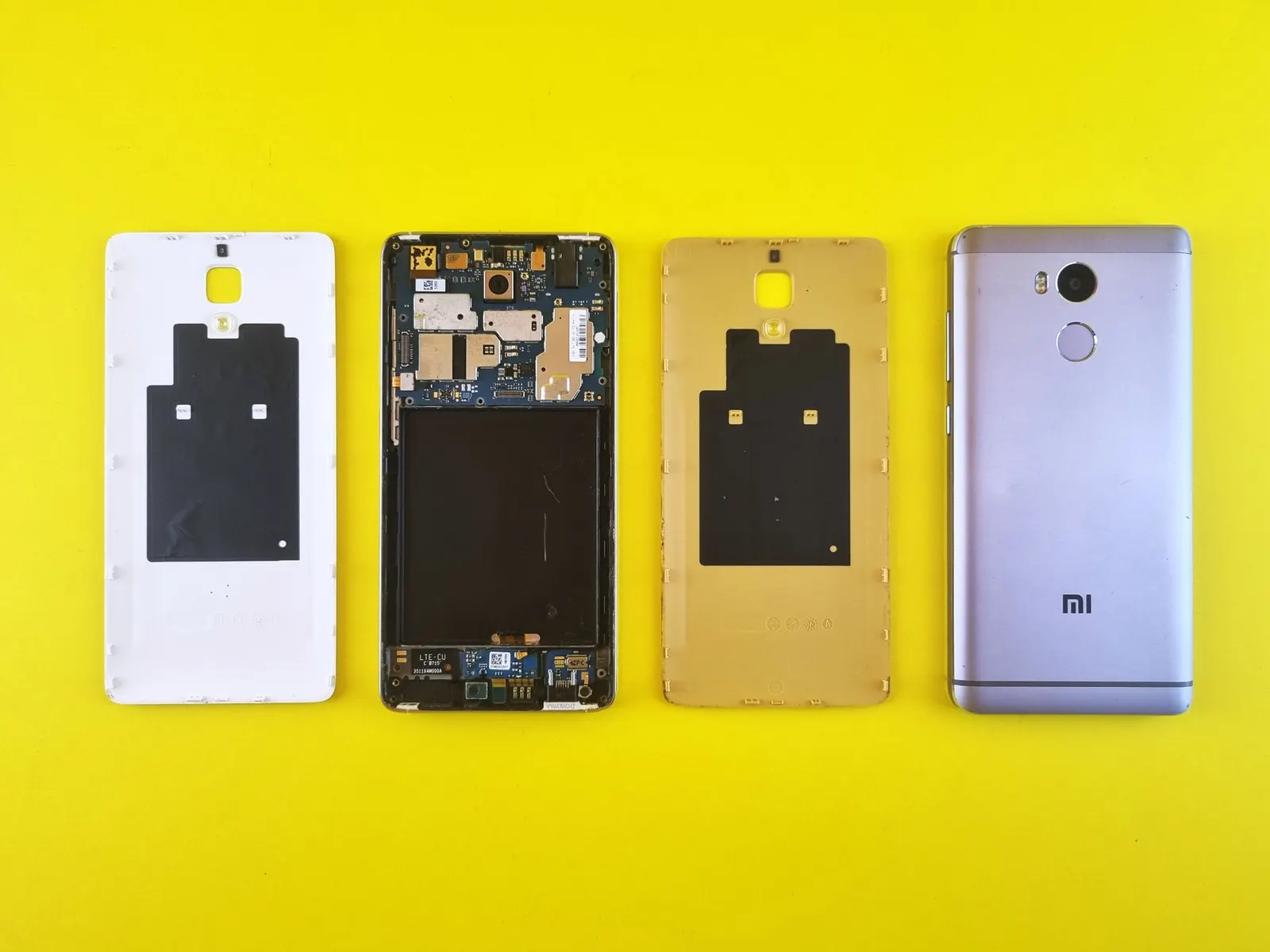
Redmi phones are everywhere in Kota, from Redmi A-series devices used by students watching lectures offline to the Redmi Note and Poco models running demanding study apps and gaming sessions side by side. When the display develops a problem, it can disrupt everything. At our Prince Mobile Service Centre in Keshavpura, Redmi display repairs are among the most common jobs on our bench. Here is a plain-language guide to what causes these problems and what we do about them.
Types of Redmi Display Problems We See
1. Cracked or Shattered Glass
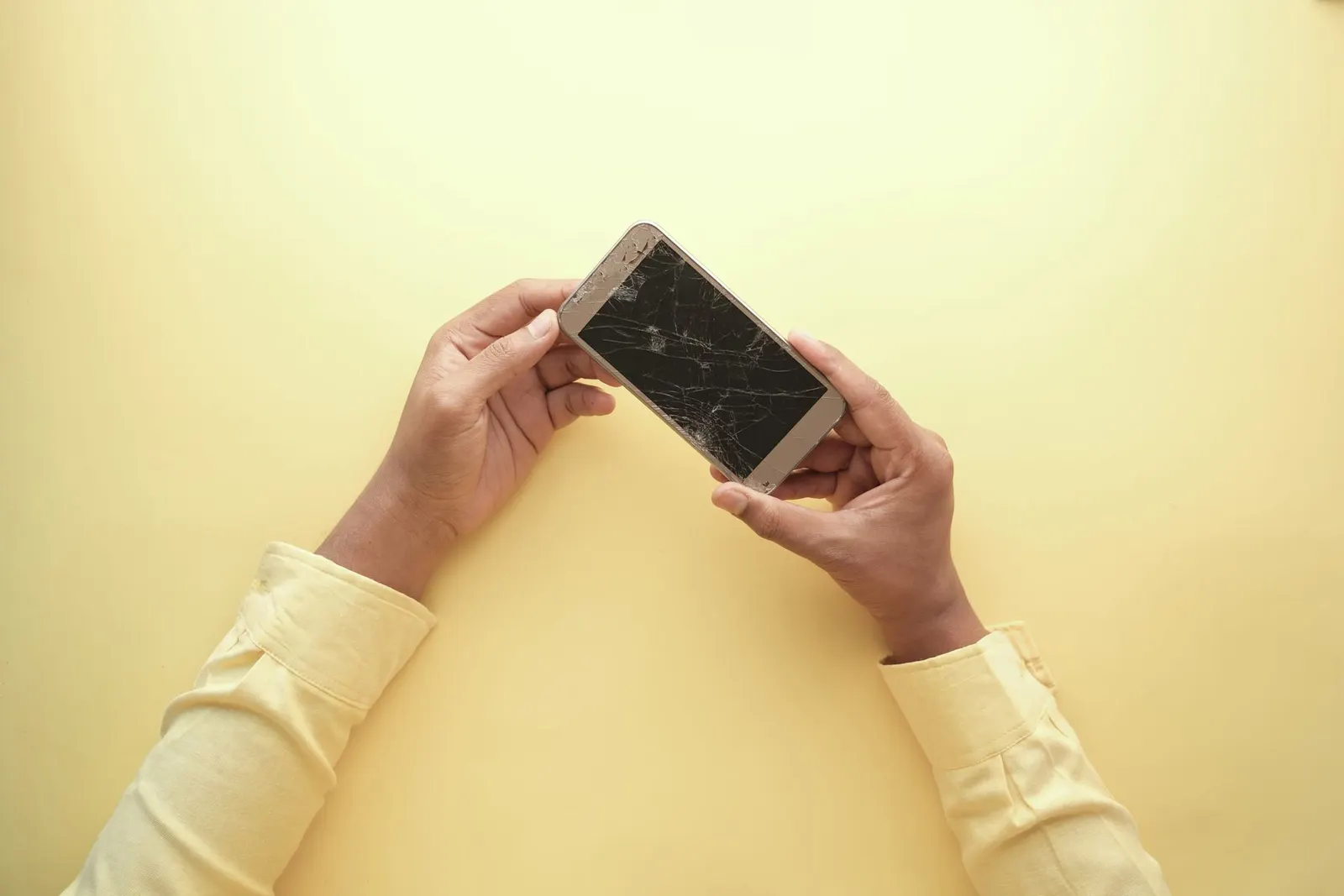
A direct fall on a hard floor is the most frequent cause of display damage on Redmi phones. In many cases the glass alone cracks but the LCD or AMOLED panel underneath is undamaged, you can still see the image and use the touch. In other cases, the impact travels through to the display layer, causing visible lines, dark patches, or complete blackout. Do not use a cracked Redmi phone for too long without getting it assessed, spreading cracks invite moisture and dust into the panel, raising the eventual repair cost.
2. Touch Not Responding or Ghost Touch
Ghost touch, where the screen registers taps that you did not make, is common after a drop, because the digitizer layer (which detects finger position) can crack invisibly even when the glass looks intact. It can also happen when moisture gets under a cracked screen. Conversely, a completely unresponsive area on the screen is usually a sign of digitizer damage or a loose display connector. Both issues require a display replacement in most cases, though sometimes re-seating the connector is all that is needed.
3. Screen Flickering
Flickering on a Redmi phone can have a software or hardware cause. Software-side flickering often appears after a MIUI / HyperOS update and can sometimes be resolved by adjusting the refresh rate or brightness settings, or by clearing the display calibration data. Hardware flickering, where the screen flickers constantly regardless of settings, is usually a sign of a damaged display panel or a failing display connector on the board.
4. Green Line, Pink Line, or Vertical Lines
A solid coloured line running from top to bottom of a Redmi AMOLED screen is a classic sign of panel damage, usually from a significant drop or sustained pressure on the device. This cannot be fixed by software. The display module must be replaced. We see this quite often on Redmi Note AMOLED models after phones are sat on or kept in a back pocket under pressure.
5. Dark Patch or Ink Spreading
If you see a dark, spreading patch, it looks like ink or oil, under your Redmi screen after a crack or a drop, that is liquid crystal from the LCD layer leaking. This is a clear sign that the full display assembly needs to be changed. The longer you wait, the larger the patch grows.
6. Brightness Issues
Some Redmi phones have adaptive brightness that can behave oddly after a software update or if the ambient light sensor is obscured. Clean the sensor area near the front camera. If auto-brightness continues to behave erratically after a clean and a settings reset, the sensor or the display flex cable may need attention.
Typical Display Repair Costs in Kota
| Model Tier | Display Type | Typical Repair Range |
|---|---|---|
| Redmi A / C series | IPS LCD | ₹800 – ₹1,600 |
| Redmi Note (mid-range) | IPS / AMOLED | ₹1,500 – ₹3,000 |
| Poco M / X series | IPS / AMOLED | ₹2,000 – ₹4,000 |
| Poco F / Xiaomi flagship | AMOLED | ₹3,500 – ₹7,000 |
These ranges reflect the cost of a good-quality replacement panel plus our labour. Exact pricing is always confirmed after a free check-up because prices vary by model year, part availability, and whether you choose an OEM-equivalent or a standard compatible panel.
Can I Just Replace the Glass Without Changing the Full Panel?
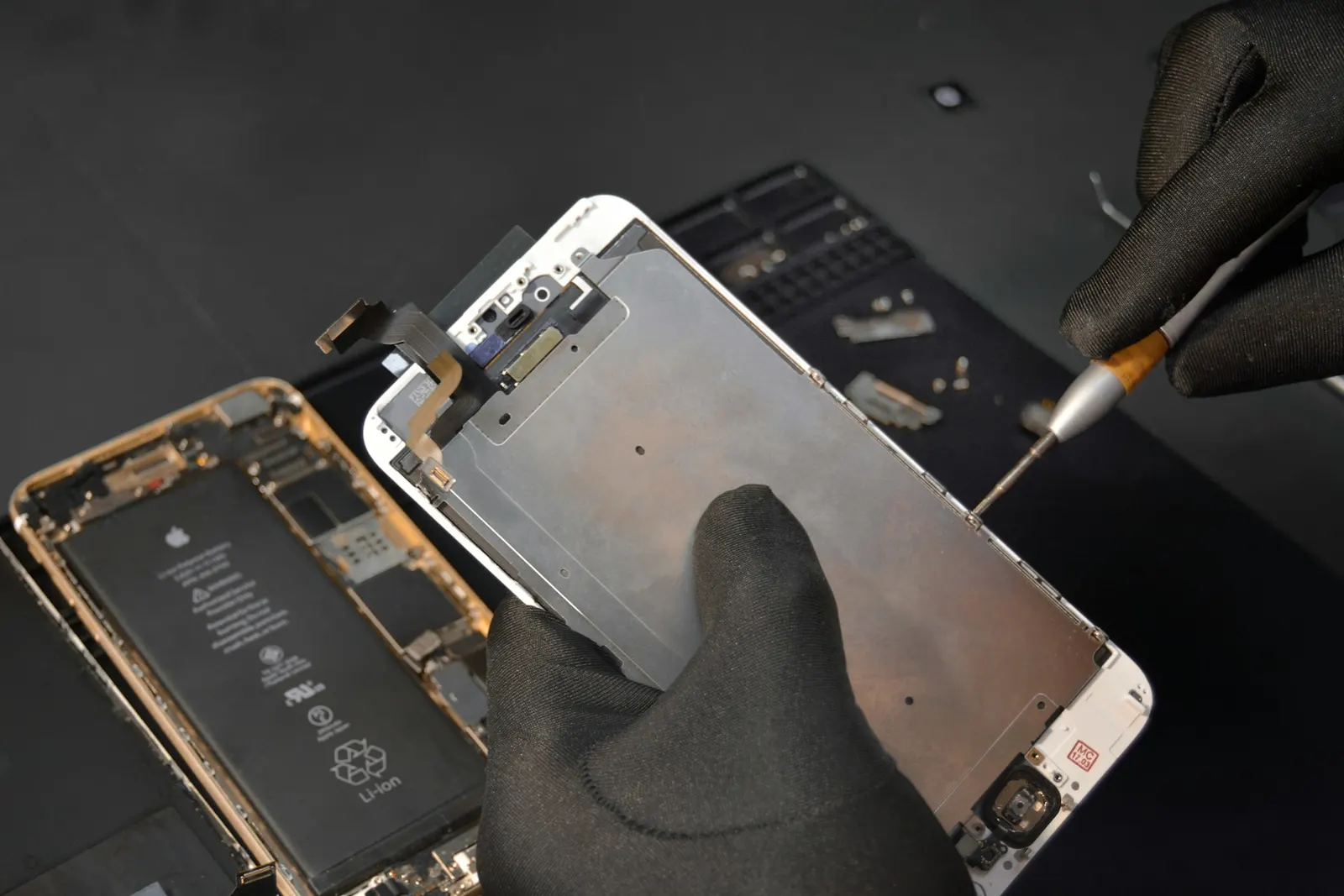
This is a common question. On Redmi LCD models, glass-only replacement is sometimes possible if the LCD beneath is undamaged, it is cheaper and we can do it. However, on AMOLED Redmi and Poco models, the glass is laminated directly onto the display layer, so separating them without specialist equipment risks damaging the panel. We will advise you on the most cost-effective option for your specific model after inspection.
What to Do While You Wait to Visit
If the glass is cracked but the phone is working, apply a clear tape strip over the crack to stop dust and moisture getting in, and avoid pressing on the damaged area. Do not try to peel away loose glass fragments yourself, you can cut your fingers and damage the digitizer underneath. Come to our Keshavpura shop at your earliest convenience and we will handle it safely.
Frequently asked questions
My Redmi Note 12 screen has a green line but was not dropped. How did this happen?
AMOLED panels can develop lines due to sustained pressure, such as being pressed in a tight pocket, or from manufacturing variability. If the phone is relatively new and was not dropped, it may be worth checking if it is still under Xiaomi's warranty before approaching us.
Will the fingerprint sensor work after a Redmi screen replacement?
For Redmi models with a side-mounted fingerprint sensor, the sensor is separate from the screen and continues working normally after a display replacement. For models with an under-display optical sensor (some Poco AMOLED models), it should work, but we will test it before returning the phone to you.
My Redmi screen is cracked at the corner but everything still works. Should I repair it now or wait?
We recommend repairing sooner rather than later. Corner cracks spread over time, especially in Kota's summer heat which causes slight frame expansion. Moisture from the monsoon season can also enter through the crack and damage the digitizer, turning a simple glass job into a full panel replacement.
How long does a Redmi screen replacement take?
Most Redmi display replacements are completed within one to two hours when we have the part in stock. We will give you an estimated completion time when you drop the phone off.
Is there a warranty on the replacement Redmi screen?
Yes, we provide a warranty on the replacement part and on our labour. The duration depends on the part type. We will tell you the warranty terms when we return the repaired phone.
Questions & comments
Ask our Kota technicians anything about this repair. All posts are reviewed before they appear. For an urgent quote, WhatsApp us.
No comments yet, be the first to ask a question.
Leave a comment or ask a question
First, verify your email. We send a 6-digit code so we know you are a real person. Your email is never shown publicly.
Enter the 6-digit code we emailed to .