
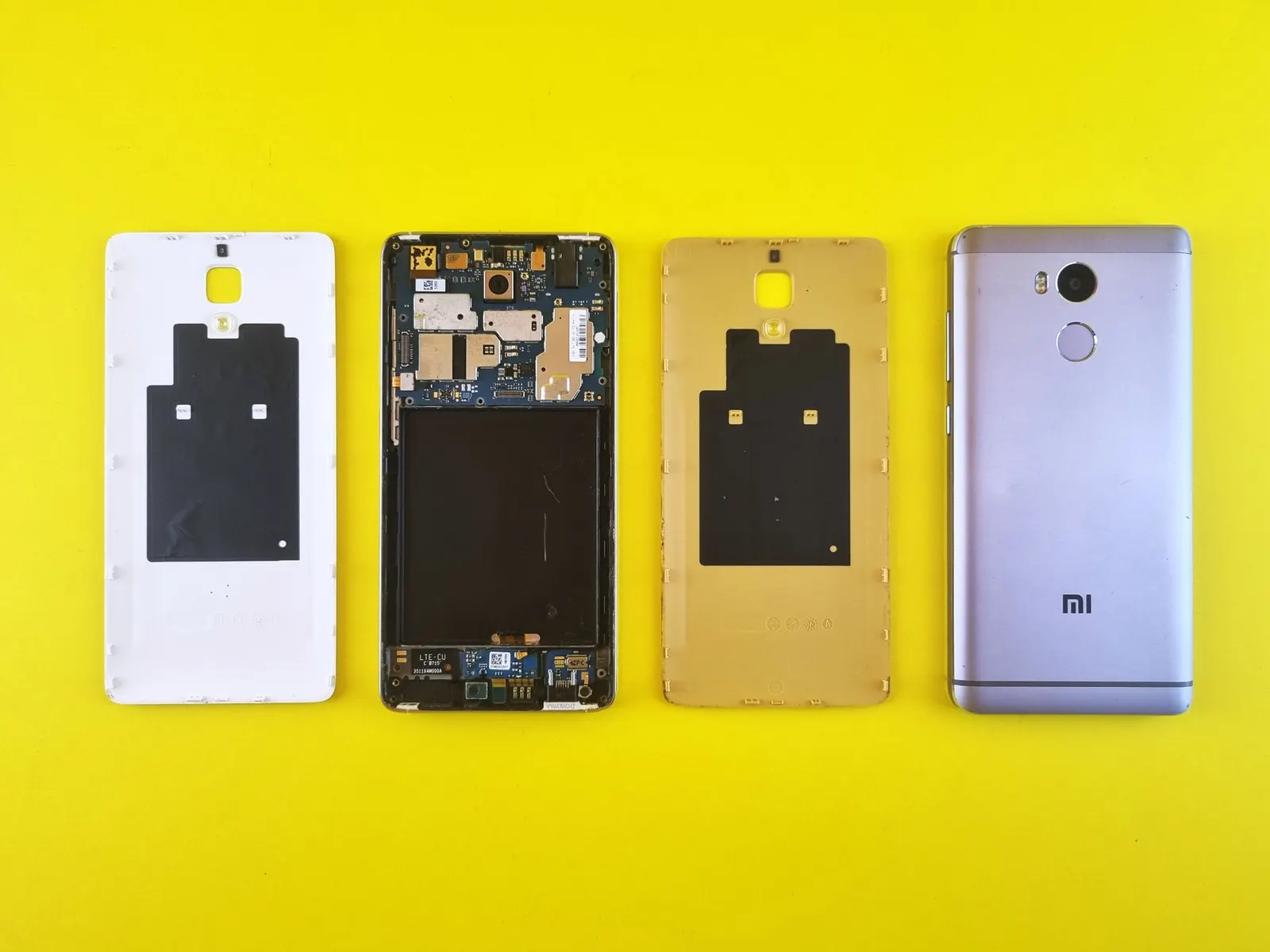
Walk into any coaching hostel in Kota and you will find Redmi and Poco phones everywhere. Xiaomi's sub-brands offer some of the best value for money in the Indian market, which makes them enormously popular with students who need a reliable device on a tight budget. At Prince Mobile Service Centre in Keshavpura, Xiaomi-family phones are among the most frequent handsets on our repair bench, we work on models from the budget Redmi A-series all the way up to the Xiaomi 14 Ultra and Poco F-series flagships.
Most Common Xiaomi / Redmi / Poco Repairs
- Display and touch problems. Redmi IPS LCD panels and the AMOLED displays on Poco and Xiaomi flagships both crack easily on hard falls. Ghost touch, dead touch zones, and flickering after a drop are frequent complaints.
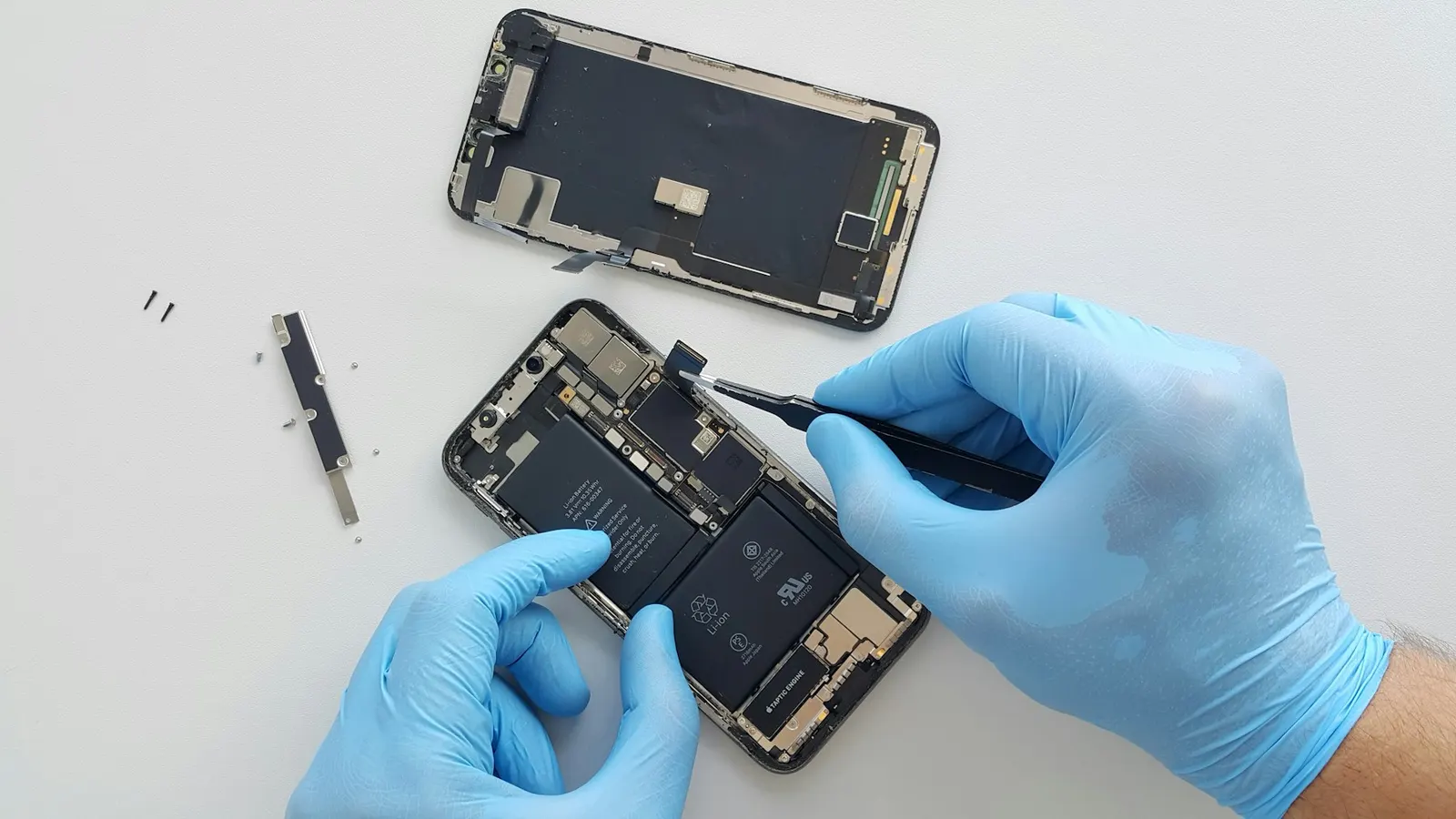
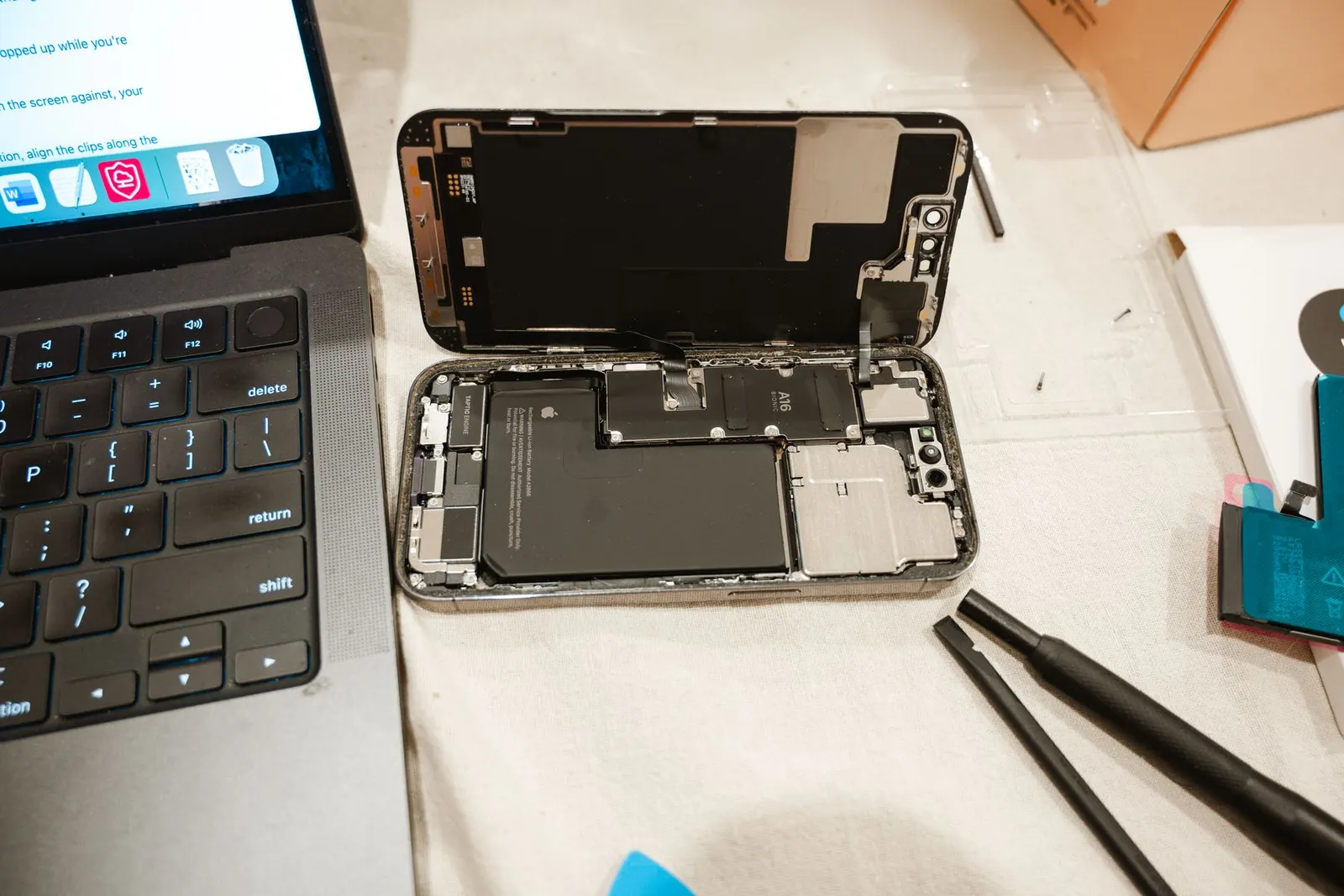
- Battery issues. Redmi phones used heavily for video, gaming, and multiple study apps can show battery ageing within 18 months. We see a lot of devices that drain from full to empty in three to four hours.
- Charging port and cable problems. USB-C and micro-USB ports (on older Redmi models) accumulate lint very quickly in Kota's dusty environment. Students often come in thinking the charger is at fault, but a port clean or port replacement solves it.
- MIUI / HyperOS software bugs. A failed OTA update or an incompatible app can put a Redmi into a boot loop. We handle firmware flashing for most Redmi and Poco models.
- Back cover and frame damage. Redmi's polycarbonate backs are surprisingly tough but do crack on sustained drops. Poco and Xiaomi flagships with glass backs are more vulnerable.
- Camera glass and module. The large camera islands on current Redmi and Poco models are a common cracking point when a phone falls face-up and the camera takes the impact.
Repair Cost Estimates
These are realistic ranges for 2026 in Kota. The exact price depends on your model and which part quality tier you choose, we will give you a clear quote after the free check-up.
| Repair | Typical Price Range |
|---|---|
| Display (Redmi A / C series. LCD) | ₹800 – ₹1,800 |
| Display (Redmi Note / Poco M series) | ₹1,500 – ₹3,000 |
| Display (Poco F / Xiaomi flagship. AMOLED) | ₹3,500 – ₹7,000 |
| Battery replacement | ₹500 – ₹1,200 |
| Charging port repair | ₹350 – ₹800 |
| Back panel replacement | ₹400 – ₹1,500 |
| Camera glass replacement | ₹300 – ₹600 |
MIUI and HyperOS Software Repairs
Xiaomi's software ecosystem has improved greatly over the years, but we still see devices that brick during an update or get stuck in a boot loop after a bad app install. For most Redmi and Poco models we can flash the official firmware using Mi Flash Tool or ADB, which resolves the boot issue without unnecessary data loss in many cases. However, if the partition table is corrupted, a full wipe may be unavoidable. We always attempt the gentlest approach first and will ask for your consent before erasing anything.
What You Can Try at Home First
- For a phone stuck on the MIUI logo, hold the Power and Volume Up buttons together for 10 seconds to attempt a force restart. Sometimes a hung update process restarts cleanly this way.
- If the phone is charging slowly, inspect the USB-C port with a small torch. Visible fluff or lint is very common in Kota's dusty conditions and can be gently removed with a toothpick.
- For ghost touch or an unresponsive screen strip, try a soft restart first. If the issue persists after restart, the display connector may be loose, bring it in rather than pressing on the screen, which can deepen damage.
- For poor battery life, check the Battery page in MIUI / HyperOS settings. If it shows capacity significantly below the rated value, a replacement is warranted.
A Word on Poco Gaming Phones
Poco F and X-series phones are popular for gaming among students. Heavy gaming sessions generate heat, which accelerates battery wear. If your Poco phone is throttling performance or the back feels unusually hot during extended gaming, it may be time for a battery check. We also clean the phone's internal heat dissipation area if dust buildup is contributing to thermal throttling.
Come by our shop on M.D. Mission College Road in Keshavpura, we will take a quick look for free and give you an honest repair quote. Most common Redmi and Poco parts are in stock, so same-day turnaround is usual for screen and battery replacements.
Frequently asked questions
My Redmi Note 13 screen has a green line from top to bottom. What caused it?
A vertical green or pink line on an AMOLED screen is almost always caused by a damaged display panel, usually from a drop or sustained pressure. The display needs to be replaced. This cannot be fixed by software.
Can you flash official MIUI without losing my data?
In many cases we can use the FastBoot method to flash only the system partition while preserving user data. However, this is not guaranteed for every situation, if the phone is severely corrupted, a full clean flash may be necessary. We will try the safe method first.
Is the Redmi fast-charging adapter necessary, or can I use any USB-C charger?
Any USB-C charger will charge your Redmi, but fast charging (Turbo Charge or similar) only activates with a compatible charger and cable. Using a lower-wattage adapter is safe for the battery but simply takes longer.
My Poco X6 Pro got water in it during monsoon. Should I try to dry it with a hair dryer?
No, heat from a hair dryer can damage internal components and void any chance of recovery. Power off the phone, do not attempt to charge it, and bring it to us as quickly as possible. We use safe drying and board-cleaning methods.
Do you repair older Redmi models like the Redmi 9A or Redmi 7?
Yes, we repair older Redmi models. Parts for older budget models are generally very affordable and widely available. Bring it in and we will take a look.
Questions & comments
Ask our Kota technicians anything about this repair. All posts are reviewed before they appear. For an urgent quote, WhatsApp us.
No comments yet, be the first to ask a question.
Leave a comment or ask a question
First, verify your email. We send a 6-digit code so we know you are a real person. Your email is never shown publicly.
Enter the 6-digit code we emailed to .