
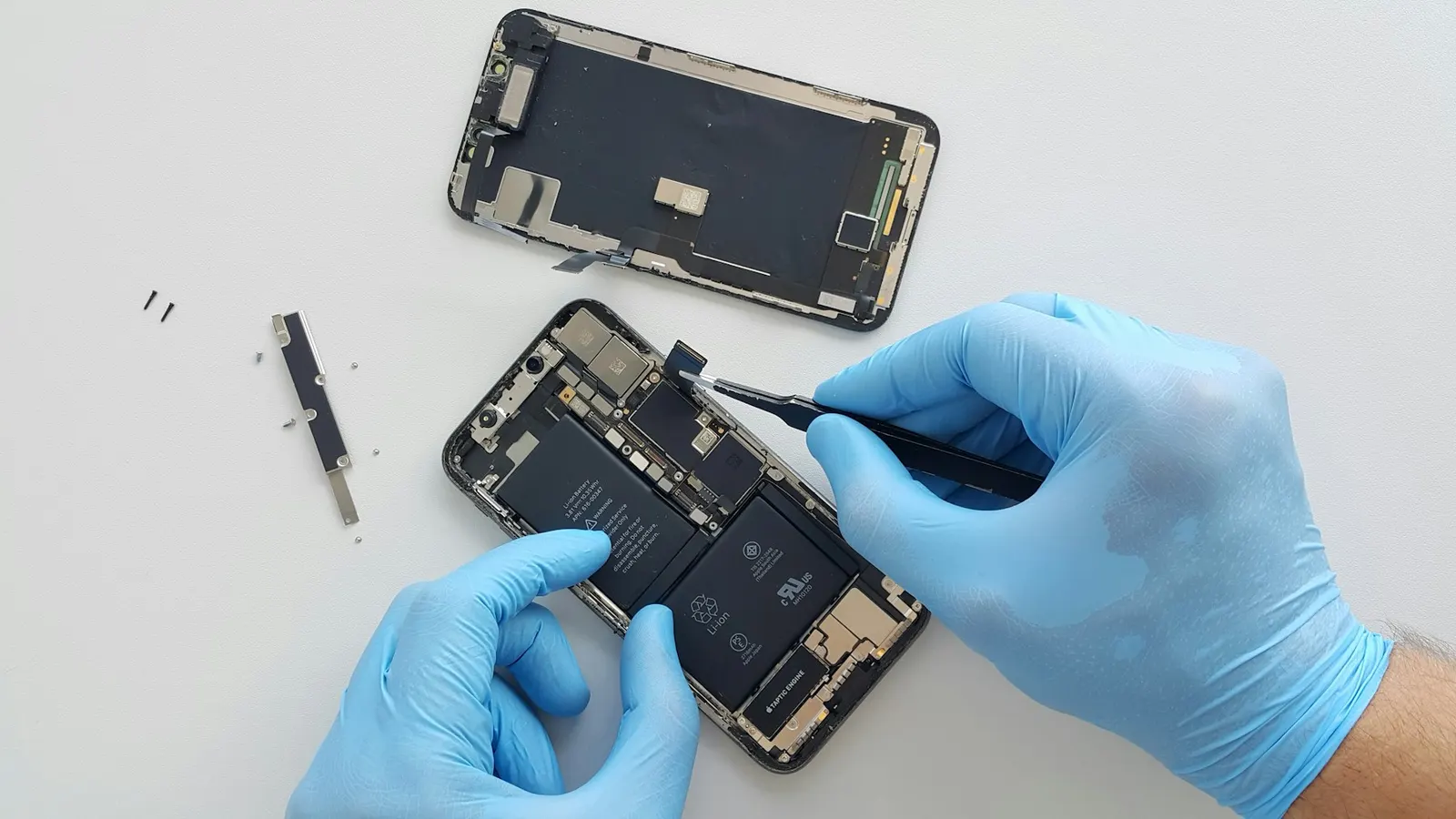
Vivo phones are popular in Kota for their camera quality and sleek design, and the brand has a loyal customer base ranging from school students to working adults. One of the most common complaints we handle at our Prince Mobile Service Centre in Keshavpura is Vivo charging problems, whether the phone refuses to charge at all, charges very slowly, or has lost its FlashCharge speed. Let us walk through the most likely causes and what you can safely try before visiting us.
Why Is My Vivo Not Charging?
Charging problems on Vivo phones can come from several directions. The key is to isolate which component is at fault before spending money on a repair that may not solve the problem.
1. The Cable or Adapter
This is the first thing to rule out. Vivo's FlashCharge and even standard charging requires a decent-quality cable. A frayed, cheap, or incompatible third-party cable will either charge slowly or fail to initiate charging at all. Try your original Vivo charger with a known-good cable. If you can borrow a friend's Vivo charger and cable, do so, it will confirm whether the adapter is at fault within minutes.
2. Lint and Debris in the Charging Port
Kota's environment is dusty throughout most of the year, and pockets are even dustier. The USB-C port on a Vivo phone used for six months or more is very likely to have lint packed inside the port, preventing the cable from seating fully. You will notice the cable feels loose or falls out easily. Use a soft wooden toothpick or a fine brush to gently loosen the lint, do not use a metal pin. After cleaning, try the charger again. This simple step resolves the problem for a surprisingly large number of customers.
3. The Charging Port Itself
If the port looks clean but the cable still does not fit firmly, or if you can see bent pins inside the port, the port itself may be damaged. Charging ports on Vivo phones are replaceable components, this is one of the most common repairs we do at our Keshavpura shop and is usually affordable.
4. Software and Settings
Sometimes a Vivo phone will show "Charging Slowly" even with the correct adapter. This can happen because the phone is using USB Debugging mode (which forces USB charging rather than AC charging), or because a background app is preventing the fast-charge protocol from engaging. Check Settings and turn off USB Debugging if it is on. A simple restart can sometimes reset the charging IC handshake as well.
5. Battery Condition
A degraded battery cell can cause erratic charging, the phone may charge to 80 percent and then stop, or drain rapidly after reaching full charge. Vivo phones do not show battery capacity in a consumer-friendly way by default, but our technicians can read the true remaining capacity using diagnostic tools.
What About FlashCharge Not Working?
Vivo's FlashCharge (and its variants. Ultra Charge, Extended Flash Charge on iQOO models) requires three things to all work correctly: the Vivo FlashCharge adapter, the correct cable, and a functioning charging IC on the phone's motherboard. If the adapter and cable are original and the port is clean but FlashCharge is still not engaging, the charging IC may have a problem. This is a board-level diagnosis that our technicians can handle.
Typical Repair Costs
| Issue | Typical Repair Cost |
|---|---|
| Charging port cleaning (in-shop) | ₹100 – ₹200 |
| Charging port replacement | ₹400 – ₹900 |
| Battery replacement | ₹600 – ₹1,300 |
| Charging IC / board-level repair | ₹800 – ₹2,500 |
These are ranges, your exact cost is confirmed after our free check-up, because it depends on your specific Vivo model and part availability.
Steps to Try at Home
- Try the original Vivo cable and adapter. If you have lost these, test with a friend's Vivo charger before assuming the port is at fault.
- Inspect the port with a torch and gently clean out any lint with a wooden toothpick.
- Restart the phone and try charging again.
- If the phone was exposed to rain or moisture during the Kota monsoon season, power it off and do not attempt to charge it, bring it to us straight away, as charging a wet phone can cause a short circuit.
If none of those steps help, visit our Prince Mobile shop in Keshavpura for a free check-up. We will tell you exactly what is wrong and give you a clear price before we start any repair work.
Frequently asked questions
My Vivo Y series phone shows "Charging Paused" when it gets hot. Is this normal?
Yes, this is a safety feature built into the phone. When the battery or processor gets too warm, the phone pauses charging to prevent damage. Let it cool down in a room-temperature environment (not in front of a fan or AC vent) and charging will resume. If it happens frequently at normal temperatures, the battery may be degrading.
Can you replace just the charging port without replacing the whole board?
In most Vivo models the USB-C charging port is a separate component that can be soldered or replaced individually without changing the motherboard. We will confirm this for your specific model.
My Vivo is stuck at 1 percent and will not charge beyond that. What is happening?
This is often a badly calibrated or ageing battery. The cell may report incorrect charge levels to the software. We can diagnose whether it is a battery issue or a board issue with our tools, and recommend the appropriate fix.
Is it safe to use a fast charger from another brand with my Vivo?
Using a third-party fast charger will not necessarily damage your Vivo, but FlashCharge will not activate, the phone will charge at a standard rate. Avoid very cheap or unbranded fast chargers, as these can deliver unstable voltages that stress the charging IC over time.
Questions & comments
Ask our Kota technicians anything about this repair. All posts are reviewed before they appear. For an urgent quote, WhatsApp us.
No comments yet, be the first to ask a question.
Leave a comment or ask a question
First, verify your email. We send a 6-digit code so we know you are a real person. Your email is never shown publicly.
Enter the 6-digit code we emailed to .