
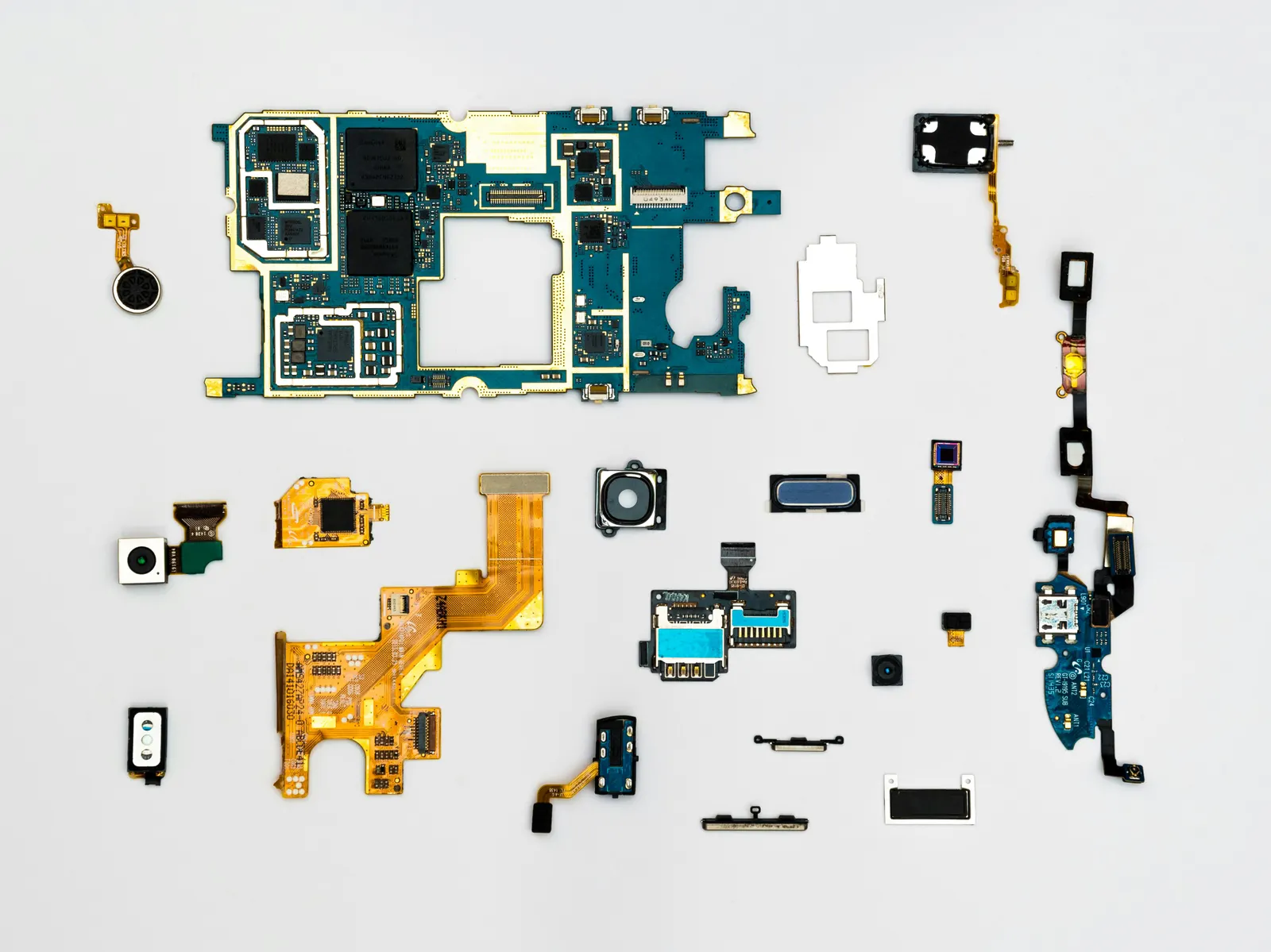
Phone vibration not working is usually caused by a setting: vibration turned off or set to the lowest level, silent or mute mode, Do Not Disturb, or vibration switched off for one app. If vibration has stopped for everything, even when all settings are on, and especially after a fall or water, the vibration motor or its connection is the likely cause. Work through the settings below first, then use the test to decide whether it is hardware.
First, Narrow Down the Problem
- No vibration for calls only: check the ringtone or call vibration setting.
- No vibration for one app, such as WhatsApp: check that app's notification settings.
- No vibration in silent mode only: check the silent mode haptics setting.
- No vibration while typing: keyboard or touch feedback is a separate switch.
- No vibration anywhere, or it buzzes weakly or rattles: likely hardware, after you rule out the settings below.
Quick Checks for Any Phone
- Restart the phone. A simple restart clears a stuck setting or app more often than you might expect.
- Turn off Do Not Disturb or any Focus mode. These can stop calls and alerts from vibrating. Also check schedules, such as a Sleep or Bedtime mode that switches on by itself.
- Check silent or mute mode. On many Android phones, Mute stops sound and vibration, while Vibrate mode keeps vibration on.
- Switch off battery saver for a test. Power-saving modes limit some features on many phones. Turn it off briefly to rule it out.
- Remove a thick case or try it in your hand. A phone lying on a soft bed or inside a heavy case can feel as if it is not vibrating.
- Update the phone. Install any pending system update and app updates.
Android Steps
Menu names change a little between brands and Android versions, but the settings are similar. Google's Android help page on vibration settings gives this route:
- Open Settings.
- Tap Accessibility, then Vibration & haptics.
- Make sure Use vibration & haptics is on.
- Check each option: ring vibration, notification vibration, touch feedback and alarm vibration.
On Pixel phones you can also find vibration options under Settings, Sound & vibration, Vibration & haptics. On phones from other brands, search for "vibration" in the Settings search bar; it is the quickest way to find the right page.
Samsung Galaxy phones
Samsung's own help page, solutions for when your Galaxy phone won't vibrate, lists these checks:
- Go to Settings, Sounds and vibration. If the mode is Mute, change it to Sound or Vibrate.
- Open Call vibration and Notification vibration. Make sure a pattern is chosen and Silent is not selected.
- Open Vibration intensity and raise the levels for calls, notifications, system and media.
- Go to Settings, Notifications, Do not disturb, and turn it off if it is on.
- Check App notifications and turn on any app that is switched off.
- Go to Settings, Modes and Routines, and check modes such as Sleep for Do not disturb times.
Vibration missing for one app
Android lets each app, and even each type of notification inside an app, have its own sound and vibration. Long-press the app icon, tap App info, then Notifications, and check that notifications are allowed and vibration is not turned off for the category you care about, such as messages or calls.
iPhone Steps
Apple's page If your iPhone doesn't vibrate in Silent Mode gives two checks, and the iPhone has a few more switches worth looking at.
- Go to Settings, Sounds & Haptics, Haptics, and choose to play haptics in Silent Mode, or always.
- Open Control Centre, tap Focus, and if Do Not Disturb is highlighted, tap it to turn it off.
- In Sounds & Haptics, make sure System Haptics is on. Then tap Ringtone, then Haptics or Vibration, and make sure it is not set to None. Check the same for text tones.
- Go to Settings, Accessibility, Touch, and make sure Vibration is on. When this switch is off, the iPhone does not vibrate at all, including for emergency alerts.
- Restart the iPhone and test again.
How to Test the Vibration Motor
Once the settings are right, test the motor directly. This tells you whether the problem is in software or hardware.
- Change the vibration pattern for your ringtone or notifications. On most phones, choosing a pattern plays a short preview vibration.
- Ask someone to call you while the phone is in Vibrate mode and in your hand.
- On many Samsung phones, the dialler code *#0*# opens a test menu with a vibration test. If it does nothing on your model, use the pattern preview instead.
- Note what you feel: nothing at all, a weak buzz, a rattle or a buzz that comes and goes when you tap the phone.
If the preview and test calls give no vibration at all with every setting on, or the vibration is weak, rattling or comes and goes, the fault is almost certainly in the hardware.
Hardware Causes: Motor, Flex and Drops
The vibration comes from a small motor inside the phone. Older and budget phones use a tiny spinning motor with an off-centre weight. Many newer phones use a linear motor, often called a haptic engine, which gives sharper taps. Both connect to the main board through spring contacts or a small flex cable.
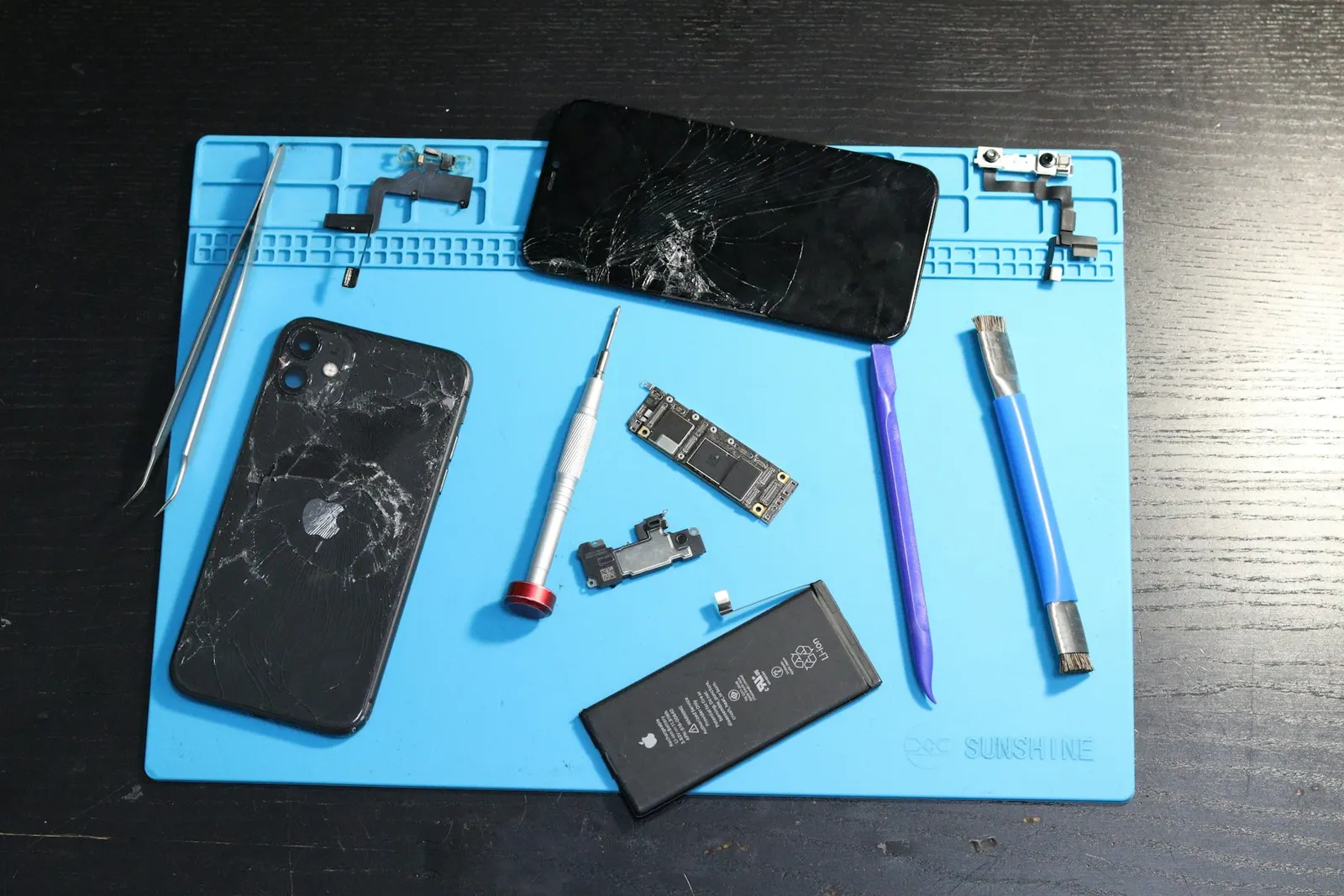
- Vibration not working after falling. A drop can shift the motor, bend its contacts or loosen the connector. A rattle when you shake the phone gently, or vibration that returns when you press on the back, points to a loose motor or connection.
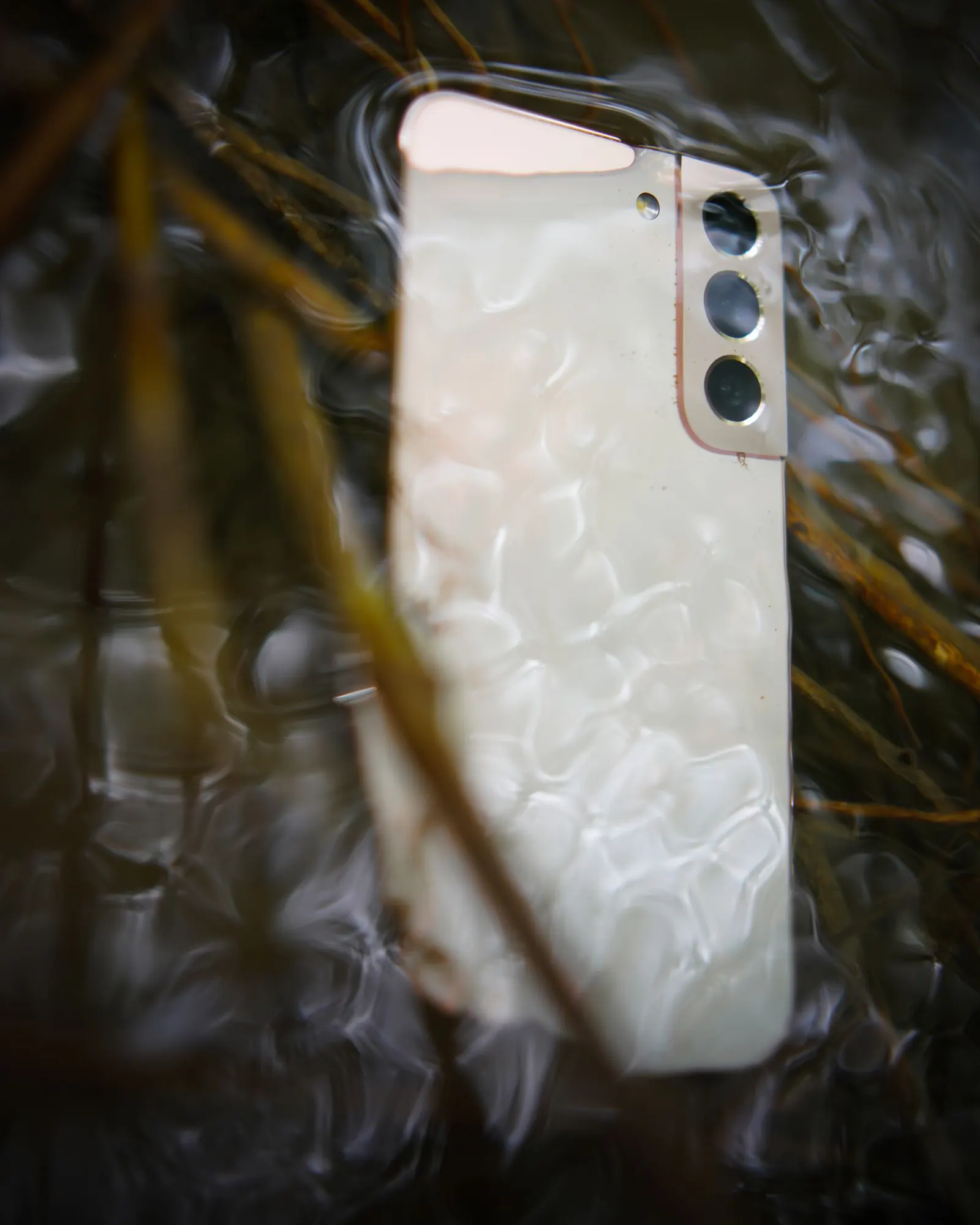
- Water or sweat. Liquid can corrode the motor's contacts. If the phone has been wet, read our guide on signs of water damage in a phone.
- Worn or failed motor. Motors can simply wear out over years of use.
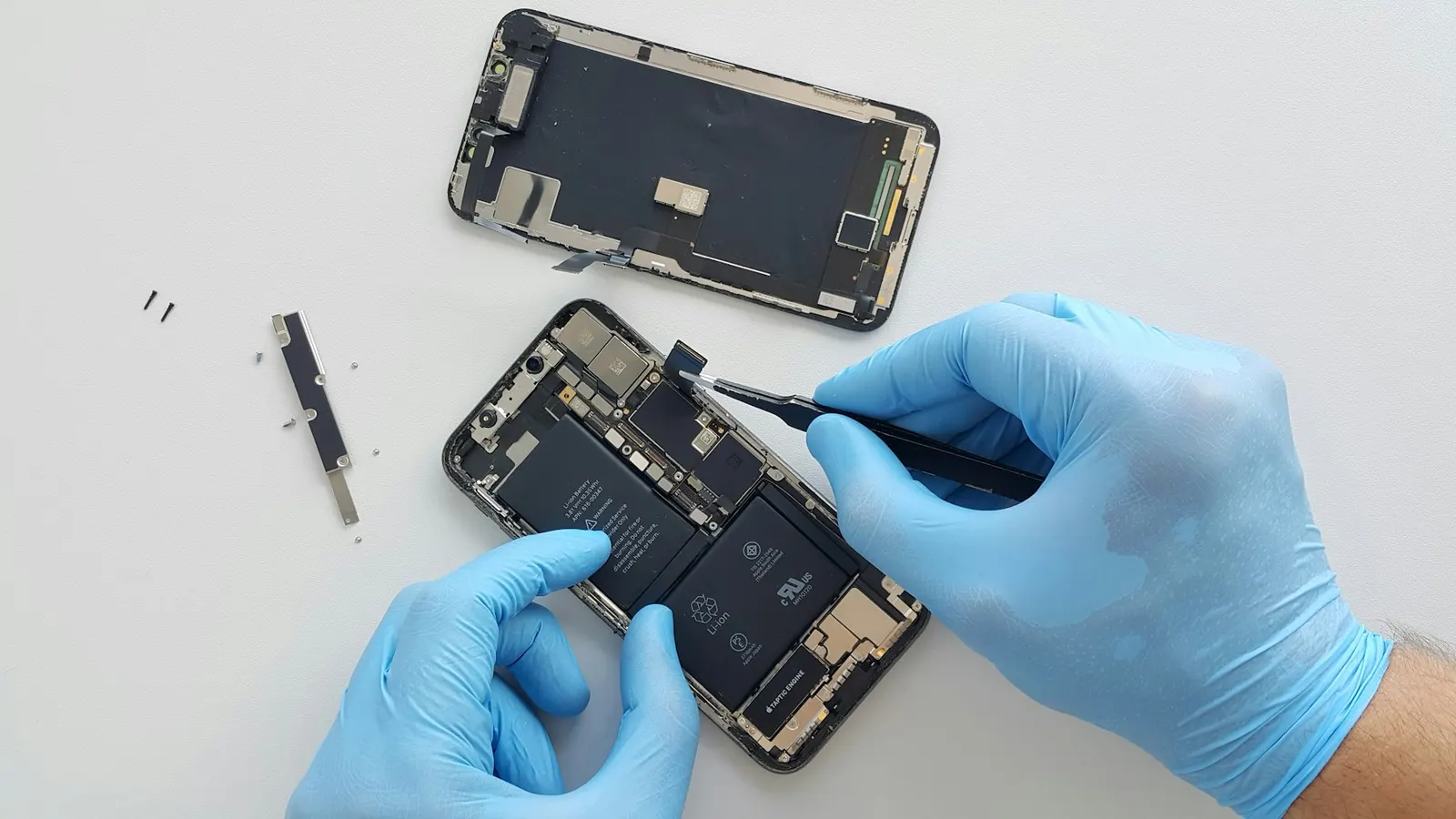
- After a repair. If vibration stopped after a screen, battery or charging port repair, the motor connector or contacts may not have been refitted correctly. This is quick to check once the phone is open.
A drop that kills the vibration can also affect other small parts. If the speaker or buttons misbehave too, see our guides on the phone speaker not working and power button not working.
Repair Options
| Finding | Typical repair |
|---|---|
| Setting, mode or app notification issue | Settings fix, no parts needed |
| Motor or connector loose after a drop | Re-seat the motor and clean the contacts |
| Motor dead, weak or rattling | Replace the vibration motor |
| Corroded contacts or flex after liquid | Clean the contacts, replace the flex or motor if needed |
If your phone is still under the maker's warranty and has no physical or liquid damage, contact the brand first. Authorised brand service centres exist and should be used for in-warranty repairs; you can find them through the brand's official support website. For out-of-warranty phones, the exact price depends on the model and part and is confirmed after the free check-up. You can see the prices the site lists on our spare parts page and brand pages such as iPhone repair.
How Our Keshavpura Shop Handles It
Bring the phone to our Keshavpura shop in Kota for a free check-up and diagnosis. We first confirm the settings, then test the motor. If a part is needed, the exact price is confirmed before any work begins, and the phone is opened in front of you. The repair comes with our warranty on part and labour, and the period depends on the part. Doorstep pickup is available in Kota.
Frequently asked questions
Why is my phone not vibrating for calls but it vibrates for other things?
The motor is working, so the cause is a setting. Check the ringtone or call vibration pattern, the call vibration intensity, and whether Do Not Disturb or a sleep mode is silencing calls.
Why did my phone stop vibrating after falling?
A drop can loosen the vibration motor or its contacts, or damage the motor. If all settings are on and you feel nothing or a rattle, the motor needs to be checked inside the phone.
Can a software update fix vibration not working?
It can fix a software bug, so it is worth installing pending updates. It cannot fix a loose, corroded or dead motor.
Does turning off vibration in iPhone Accessibility affect emergency alerts?
Yes. When the Vibration switch under Accessibility and Touch is off, the iPhone does not vibrate at all, including for emergency alerts, so keep it on unless you need it off.
Is a vibration motor replacement a big repair?
On most phones the motor is a small separate part, but the phone still has to be opened carefully. The exact price depends on the model and is confirmed after the free check-up.
Questions & comments
Ask our Kota technicians anything about this repair. All posts are reviewed before they appear. For an urgent quote, WhatsApp us.
No comments yet, be the first to ask a question.
Leave a comment or ask a question
First, verify your email. We send a 6-digit code so we know you are a real person. Your email is never shown publicly.
Enter the 6-digit code we emailed to .