
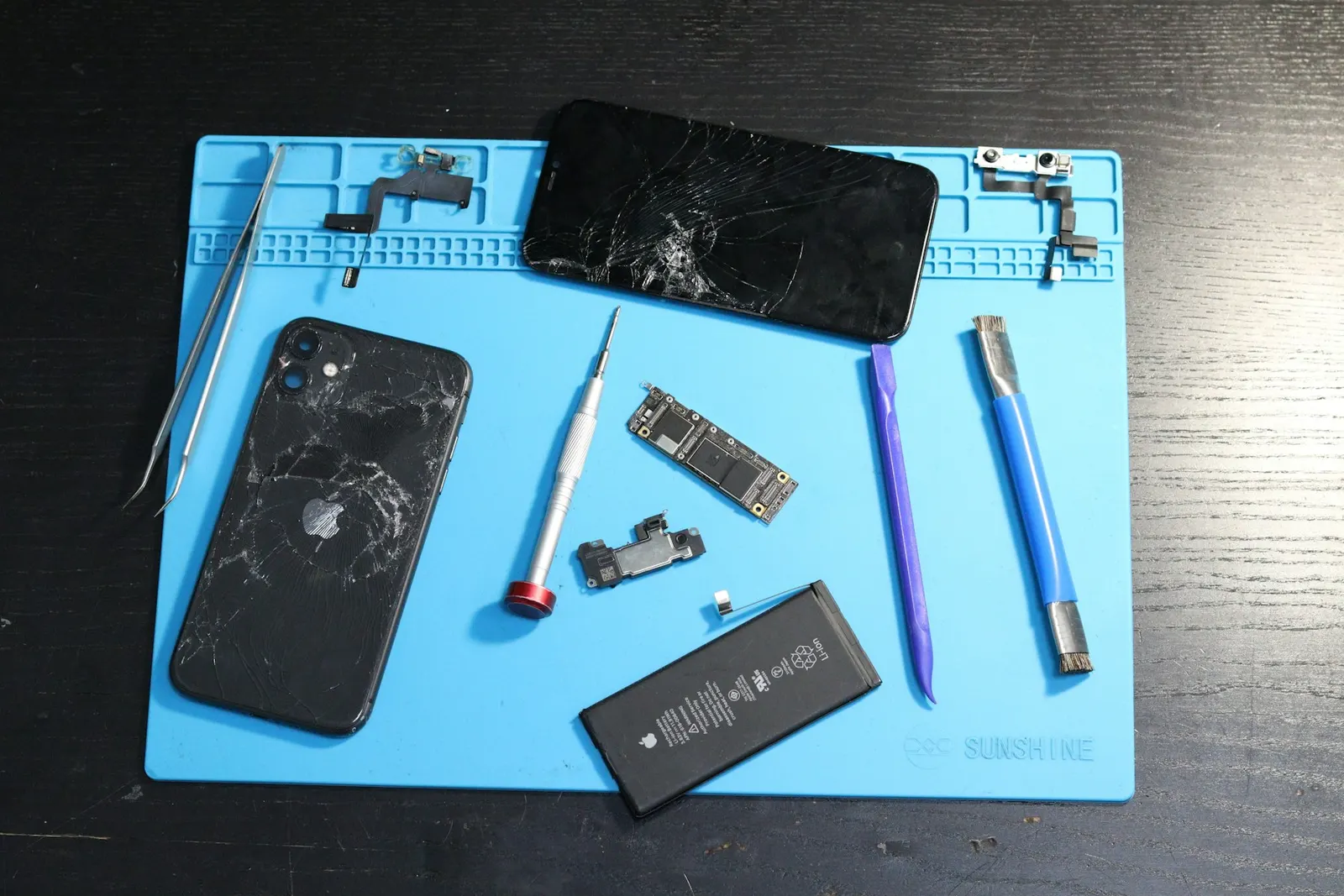
When your phone's loudspeaker stops working, no music, no video sound, no speakerphone audio, it feels serious. But in our experience at our Keshavpura shop, the majority of silent speaker cases are not caused by a failed speaker at all. Dust, water residue, a software setting, or a stuck headphone jack are the most common culprits. This guide walks you through the checks to try before bringing your phone in for repair.
Check the Obvious Settings First
Before anything else, verify these basic settings:
- Volume: Press the volume-up button and check that media volume (not just call volume) is turned up. On many phones, call volume and media volume are separate sliders.
- Do Not Disturb / Silent mode: A DND profile or a silent mode toggle can mute all sound. Check your quick settings panel and notification shade.
- Bluetooth: If your phone is paired to a Bluetooth speaker or earphones and those are turned on elsewhere in the room, audio may be routing to them instead of the built-in speaker. Turn Bluetooth off and test again.
- Headphone mode: If the phone thinks headphones are plugged in (due to a software glitch or a dirty 3.5mm port), audio is routed to the headphone output instead of the speaker. Try inserting and removing headphones a few times, or insert them, adjust volume, then remove them.
Clean the Speaker Grille
The speaker grille, that small mesh of holes at the bottom or back of your phone, collects dust and pocket lint over time. In Kota's dusty environment, this happens faster than in most cities. When the grille is fully blocked, sound becomes very faint or disappears entirely. Use a clean, dry toothbrush to gently brush across the speaker grille in one direction. Do not blow compressed air directly into the grille at high pressure, as this can push dust further in or damage the speaker membrane.
If the speaker recently got wet, caught in the monsoon rain or splashed near a sink, the water may be partially blocking the grille and muffling the sound. The speaker membrane may also have residual water on it. Many phones have a built-in "water eject" feature in the settings or as a shortcut, try this if your phone supports it. Do not try to push water out with a pin or tool.
Test With a Different App and a Phone Call
Sometimes a single app has its audio muted or routed incorrectly. Test the speaker by playing audio from a different app, try a phone call on speakerphone, a YouTube video, and a music app. If sound works in one app but not another, the issue is the app's settings, not the speaker hardware.
Also try making a regular call and switching to speakerphone. The earpiece (top speaker used for calls) and the loudspeaker (bottom or rear speaker used for media) are separate components. If the earpiece works but the loudspeaker does not, you have pinpointed which component needs attention.
Restart and Check for Software Issues
A simple restart resolves speaker problems caused by audio driver glitches or apps that have captured the audio output. Restart the phone fully, then test the speaker. If the speaker was working fine and suddenly stopped without any physical damage, a software restart is the fastest fix to try.
If a recent system update coincided with the speaker failure, check online for reports from other users of the same phone model, sometimes an update introduces an audio routing bug that is fixed by a subsequent patch.
When Is the Speaker Actually Broken?
If all the software and cleaning steps fail, the speaker itself may be damaged. Signs of a physically failed speaker include:
- Completely silent even at maximum volume after a restart
- Distorted, crackling output at low volumes that gets worse at higher volumes
- No sound specifically after the phone was dropped or got wet
A physically blown speaker membrane cannot be repaired, it needs replacement. The speaker unit in most phones is an inexpensive component and replacement is usually affordable.
Typical Speaker Repair Costs in Kota
| Repair | Typical Price Range |
|---|---|
| Speaker grille cleaning (no parts) | ₹100 - ₹300 |
| Loudspeaker replacement | ₹300 - ₹1,200 |
| Earpiece replacement | ₹250 - ₹900 |
| Audio IC repair (board-level) | ₹1,200 - ₹3,500 |
Exact pricing depends on your phone model and whether the fault is in the speaker component or deeper in the audio circuit. We confirm pricing after a free check-up at our Keshawpura shop.
Come See Us
If the simple checks above do not restore your speaker, bring your phone to us. We will clean the grille properly, test the speaker with diagnostic tools, and tell you exactly what needs to be done and what it will cost, before any repair starts. Speaker issues are among the quickest repairs we do, and most are sorted out the same day.
Frequently asked questions
My phone makes sound through headphones but not the speaker. What is wrong?
This usually means the phone is stuck in headphone mode due to a dirty or damaged 3.5mm port, or a software glitch. Try inserting and removing headphones several times. If that does not help, bring it in for a port inspection.
Can water permanently damage a phone speaker?
Yes. If water gets into the speaker cavity and the membrane is not dried quickly, it can corrode or warp the membrane, resulting in permanent distortion or silence. The speaker would then need replacement.
Is replacing a phone speaker a quick repair?
In most phones, yes. Speaker replacement is typically done in under an hour and the parts are inexpensive for most popular Android models.
My speaker crackles at high volume but is silent at low volume. Is it broken?
A speaker that crackles at high volume is usually starting to fail, the membrane is damaged. It will likely get worse. Bring it in before it stops working altogether.
Can a phone speaker get damaged from playing music too loudly?
Repeated use at maximum volume for extended periods can stress the speaker membrane over time, but this takes a long while. A single incident of loud music is unlikely to cause damage unless the speaker was already weakened.
Questions & comments
Ask our Kota technicians anything about this repair. All posts are reviewed before they appear. For an urgent quote, WhatsApp us.
No comments yet, be the first to ask a question.
Leave a comment or ask a question
First, verify your email. We send a 6-digit code so we know you are a real person. Your email is never shown publicly.
Enter the 6-digit code we emailed to .