
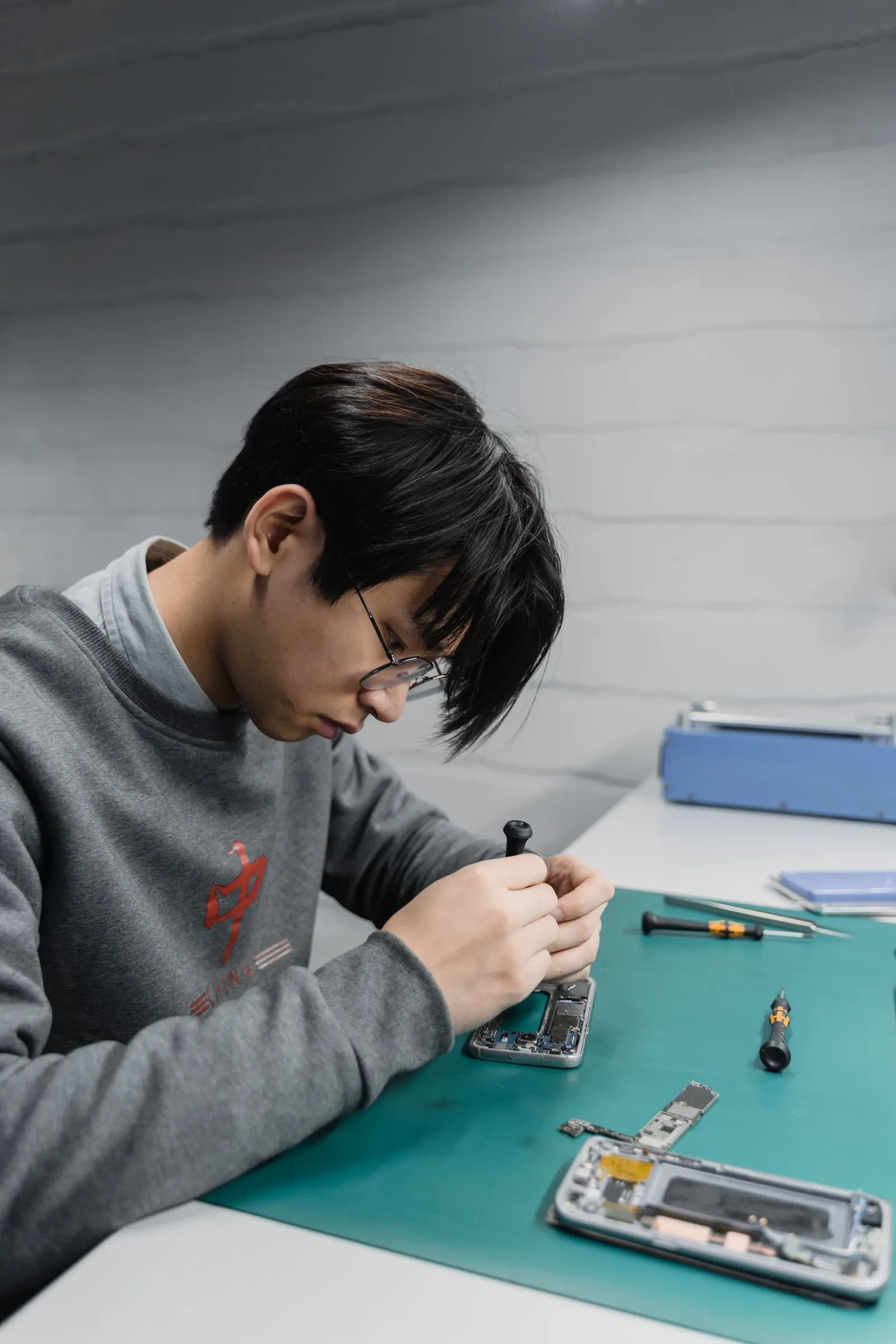
Struggling to hear the person on the other end of a call, even with volume at maximum? This is one of the most frequent complaints we hear from customers at our Keshavpura shop, and in the majority of cases the fix is straightforward. The earpiece, the small speaker at the top of your phone's screen that you hold to your ear during calls, is protected by a fine mesh grille. That mesh is the first thing to check.
Why the Earpiece Gets Blocked
The earpiece mesh is designed to protect the tiny speaker driver inside from dust and debris. However, the same mesh that protects also accumulates material over time. Oil from your skin, dust from your environment, and microscopic lint from pockets all lodge in the mesh and reduce how much sound passes through. In Kota's dusty climate, this happens noticeably faster than in cleaner cities. Coaching students who carry their phones in trouser pockets alongside keys and coins tend to see this issue earlier.
Water is the other common cause. If your phone got splashed, went through the Kota monsoon, or even just had a drop of sweat fall into the top speaker area, the moisture can sit in the mesh and muffle the sound. The speaker membrane itself may also have absorbed some moisture, temporarily reducing its output.
How to Clean the Earpiece at Home
Use a clean, dry toothbrush with soft bristles. Brush gently across the earpiece mesh in one direction to dislodge surface dust and debris. This is safe and effective for light blockage. Do not use pins, needles, or any pointed tool, the mesh is delicate and the speaker membrane just behind it can be punctured.
If you suspect water in the earpiece, use your phone's built-in water eject feature if available (some phones have this in settings or as a sound-eject shortcut). Alternatively, hold the phone with the earpiece facing down and tap it gently on your palm, surface tension sometimes allows water to drain out. Do not use a hairdryer on the earpiece.
Check Your Software Settings
Before assuming a hardware problem, go through these software checks:
- During a call, press the volume-up button repeatedly and verify that call volume (not media volume) is at maximum
- Check if any accessibility features like hearing aid compatibility mode are enabled, these can sometimes reduce call volume unintentionally
- Disable any third-party equaliser or audio enhancement apps and test call volume again
- Try a call after a full phone restart to rule out a software audio routing glitch
Test With Speakerphone and Headphones
This is the fastest way to narrow down the fault. Make a call and switch to speakerphone. If the caller's voice is now clearly audible through the main speaker but was inaudible through the earpiece, you have confirmed the earpiece is the problem. Next, plug in wired headphones and take a call, clear audio through headphones points to the earpiece, while continued muffled audio in headphones suggests a different audio path issue or call routing problem.
When the Earpiece Needs Replacement
If cleaning does not help and the volume is genuinely very low even after all software checks, the earpiece speaker driver itself may be damaged. Signs that replacement is needed:
- Volume is near-zero at maximum setting even after thorough cleaning
- Sound is heavily distorted or crackles at all volumes
- The problem appeared immediately after a drop or water exposure
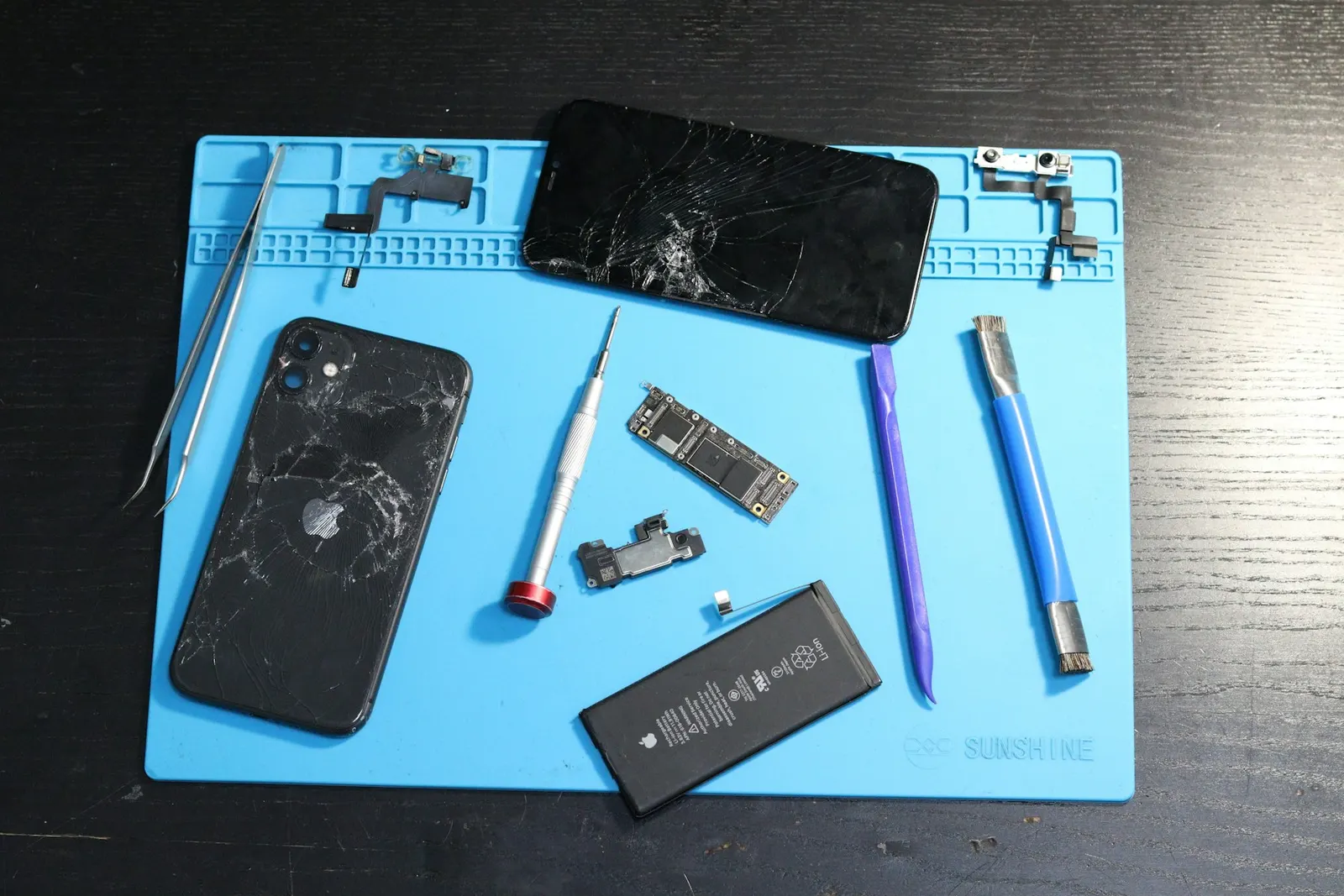
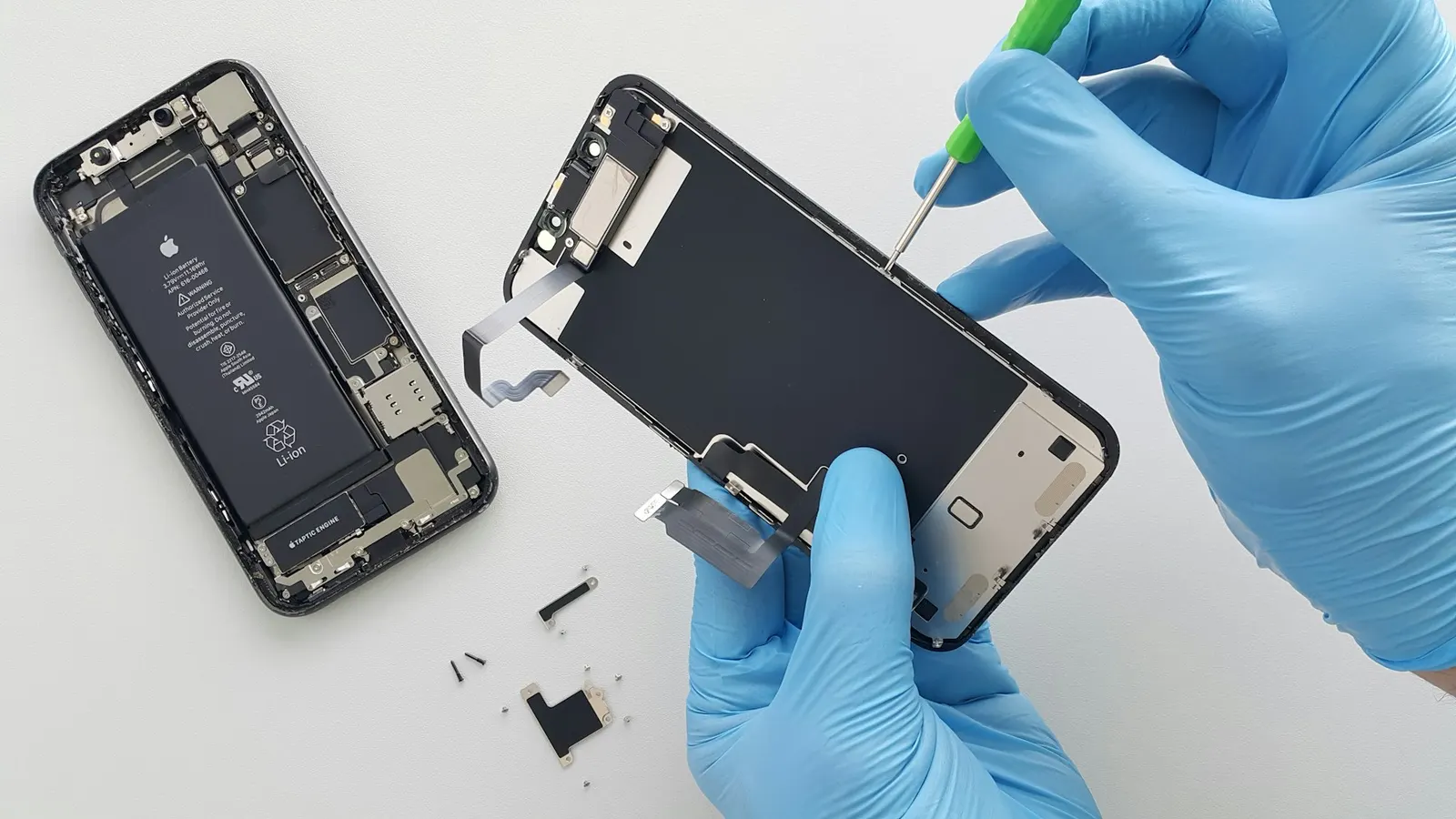
Earpiece replacement is one of the more affordable repairs we do. The component is small and on most phone models the replacement can be done the same day.
Typical Repair Costs in Kota
| Service | Typical Price Range |
|---|---|
| Earpiece grille cleaning (no parts) | ₹100 - ₹250 |
| Earpiece speaker replacement | ₹250 - ₹900 |
| Audio IC repair (if board-level fault) | ₹1,200 - ₹3,500 |
Prices vary by phone model. We give a clear quote after a free check-up, you pay nothing just to have us look at it and tell you what is wrong.
When to Come to Us
If brushing the mesh and checking settings does not restore clear call audio, bring your phone to our Keshavpura shop. We clean the earpiece professionally with the right tools, test call volume with diagnostic equipment, and replace the speaker if needed. Most earpiece issues are sorted out quickly and at a low cost.
Frequently asked questions
My earpiece is muffled only on calls but Bluetooth headset is fine. Is that the earpiece?
Yes. If audio is clear through Bluetooth or wired headphones but muffled through the earpiece, the earpiece speaker or its mesh is the most likely cause.
Can I use a vacuum to clear the earpiece mesh?
A gentle vacuum at low power held over the earpiece is safer than blowing into it, as blowing can push debris deeper. A soft toothbrush remains the safest DIY method.
Will cleaning the earpiece void my warranty?
Surface cleaning with a dry brush does not open the phone and will not affect any warranty. Only avoid inserting anything into the mesh itself.
Is earpiece low volume a sign of water damage even if the phone seems dry?
Yes. Water residue can linger in the earpiece area and cause muffling even after the phone appears dry externally. A professional cleaning of the earpiece area can help if this is suspected.
How long does an earpiece replacement take?
Usually under an hour at our shop for most phone models.
Questions & comments
Ask our Kota technicians anything about this repair. All posts are reviewed before they appear. For an urgent quote, WhatsApp us.
No comments yet, be the first to ask a question.
Leave a comment or ask a question
First, verify your email. We send a 6-digit code so we know you are a real person. Your email is never shown publicly.
Enter the 6-digit code we emailed to .