
Kota summers are harsh, regularly crossing 45 degrees Celsius in May and June. When your phone is already working hard running video lectures, streaming content, or processing a game, the ambient temperature pushes it further. We receive a steady stream of customers at our Keshavpura shop complaining about phones that become uncomfortably hot to the touch. In most cases, the root cause is a combination of software behaviour and environmental factors, not a faulty chip or battery. Here is how to address both.
Understanding Normal vs Dangerous Heat
Some warmth during charging or during intensive tasks is normal. A processor and battery naturally generate heat as a byproduct of their work. The concern begins when the phone becomes genuinely uncomfortable to hold, too hot to keep in your palm without shifting it, or when it displays a temperature warning and automatically throttles performance or shuts down. On most phones, this critical temperature is around 43-48 degrees Celsius for the processor. In Kota's peak summer, reaching this threshold is easier than it would be in a cooler climate.
Software Causes of Overheating
Background Apps and Runaway Processes
The most common software cause of persistent overheating is a runaway background process, an app that is stuck in a loop, failing to close properly, and consuming CPU resources continuously even when you are not using it. Signs include heat that starts immediately after unlocking, even with no apps visibly open, and a battery that drains abnormally fast at the same time. Restarting the phone usually stops this temporarily.
Charging While Using Intensively
Using the phone for gaming, video streaming, or navigation while simultaneously charging it generates heat from two sources at once: the processor doing heavy work and the battery receiving charge current. This combination can raise temperatures significantly higher than either activity alone. During peak Kota summer heat, avoid this combination, charge the phone first, then use it, or use it without charging.
Excessive Screen Brightness
Running the screen at maximum brightness for long periods contributes meaningfully to heat. The display panel itself generates heat, and the processor works harder managing maximum backlight output. Auto-brightness, set to a sensible level, reduces screen-related heat without making the phone harder to use.
Unoptimised or Poorly Coded Apps
Some apps, particularly poorly coded third-party apps, aggressive social media apps, or apps that access the camera continuously in the background, hold the CPU awake far longer than necessary. On Xiaomi, Redmi, and Realme phones, which are very widely used by students in Kota, MIUI and HyperOS sometimes have specific apps that run excessive background sync. Restricting background activity for these apps in Battery Settings reduces heat meaningfully.
Software Updates Gone Wrong
Occasionally a firmware update introduces an inefficient driver or a bug that causes the CPU to run at higher frequencies than needed. This presents as sudden overheating that starts after an update the phone received recently. Clearing the cache partition after a major update can help; if not, a firmware reflash at our shop may be needed.
Step-by-Step Software Fixes
- Restart the phone to kill any runaway background processes immediately.
- Check battery usage. Go to Settings, then Battery, then Battery Usage. If any app is consuming an unusually high percentage in the background, restrict it or uninstall it.
- Restrict background activity for heavy apps: Settings, then Apps, select the app, then Battery, then Restrict.
- Turn off features you are not using: GPS, Bluetooth, and mobile hotspot all generate heat when active. Turn them off when not needed.
- Reduce screen brightness and set it to auto-brightness.
- Avoid direct sunlight. Placing the phone in sunlight, on a desk near a window or in a vehicle dashboard, raises its temperature rapidly, even if the phone itself is doing nothing intensive.
- Remove the phone case during charging if the phone gets hot while charging. Thick cases trap heat; removing the case during charging lets the phone dissipate heat more effectively.
- Update all apps. Developers regularly release patches that fix CPU inefficiency bugs. Ensure the Play Store has updated everything.
When to Suspect Hardware
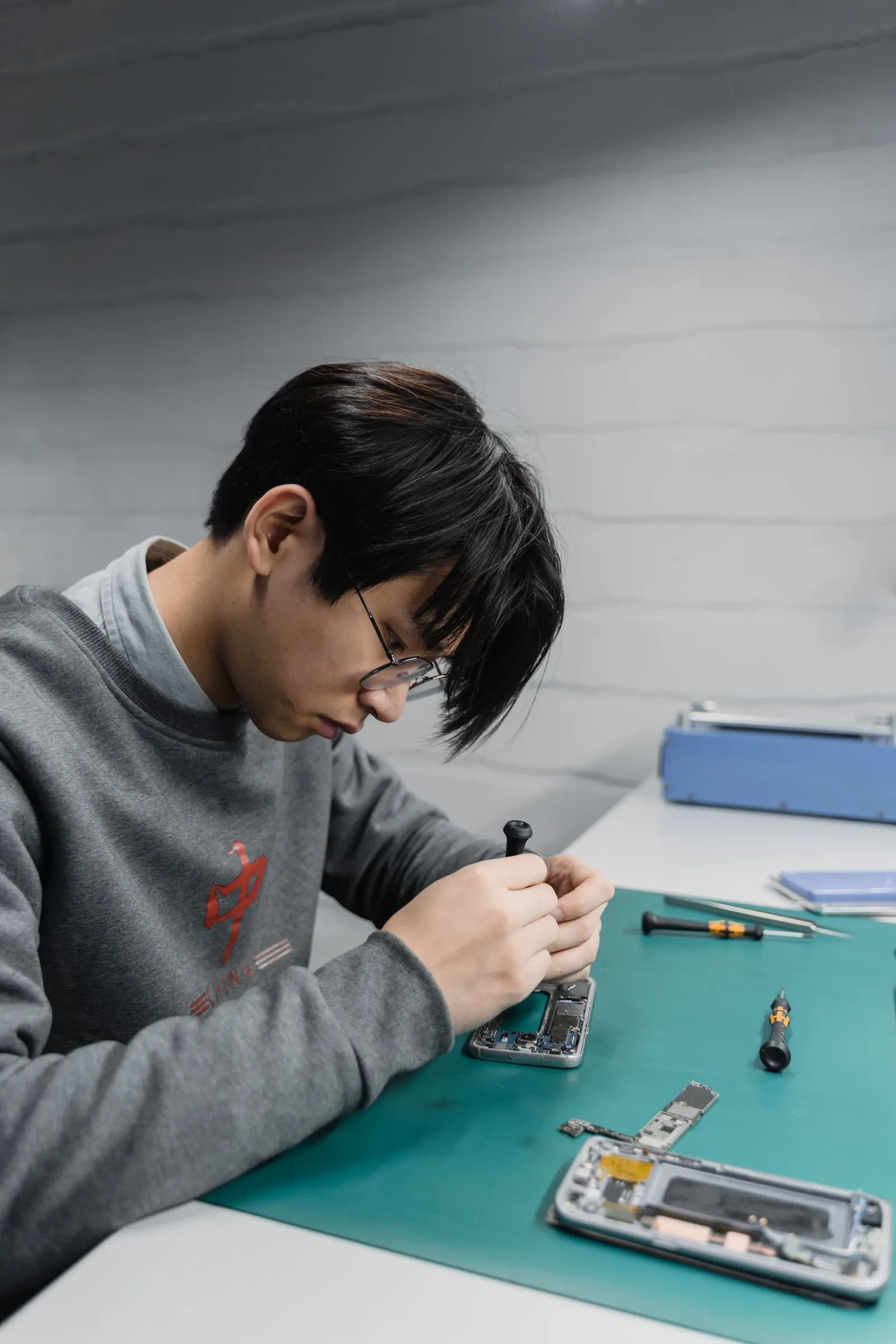
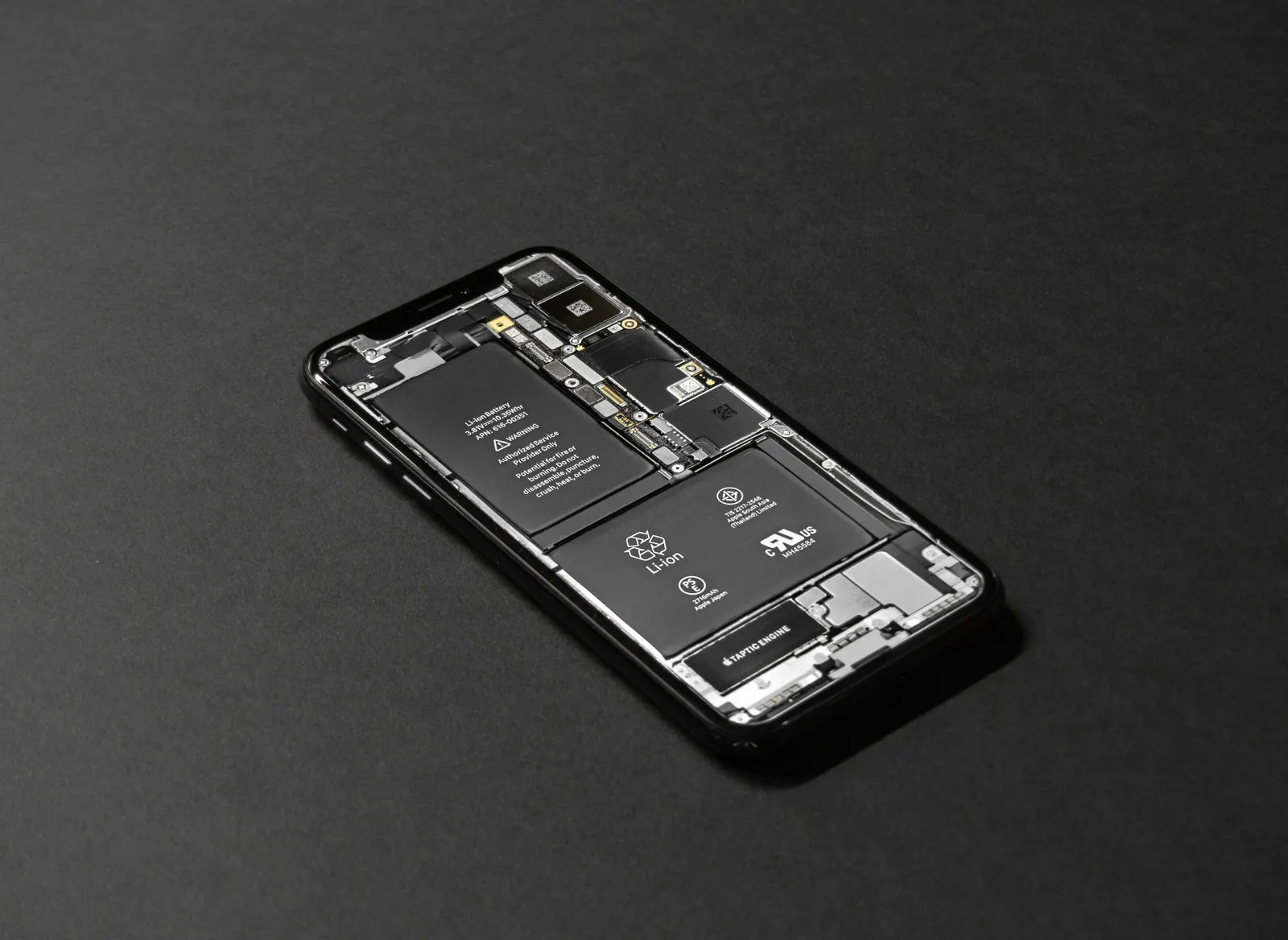
If the phone overheats even during simple tasks like texting or making phone calls, tasks that should barely tax the processor, hardware may be contributing. A degraded battery generates more heat during discharge. A damaged cooling system (thermal paste dried out or heat-spreader displaced after a drop) reduces the phone's ability to shed heat. Water damage that caused partial corrosion on the motherboard can also result in components running hotter than normal.
| Overheating Scenario | Likely Cause | First Action |
|---|---|---|
| Hot only during gaming or video | Normal processor load | Take breaks, lower brightness |
| Hot even on standby or texting | Runaway background app | Check Battery Usage, restart |
| Hot during every charge cycle | Battery degradation or charger issue | Use original charger, visit shop |
| Hot after water exposure | Corrosion on board | Visit shop, do not ignore |
| Started after a software update | Update bug or driver issue | Clear cache partition, then shop if persists |
Battery Impact of Long-Term Overheating
Heat is the primary enemy of lithium battery health. A phone that regularly runs very hot will see its battery capacity degrade faster, meaning your battery health drops from 100% to 80% in 12 months instead of the usual 18-24 months. Keeping the phone cool, especially during charging, meaningfully extends battery life. During Kota's peak summer, charging in an air-conditioned room rather than in a hot hostel room without a fan can make a noticeable difference over time.
If after trying all the above steps the phone still overheats routinely, bring it to our Keshavpura service centre. Our technicians will run a diagnostic to check whether the battery is degraded, whether the processor is throttling due to a hardware fault, or whether there is underlying damage causing the heat. We will give you a clear, honest assessment and a repair cost estimate before touching anything.
Frequently asked questions
Is it dangerous to use a phone that gets hot?
Occasional warmth during intensive use is normal. Sustained high heat is harmful to the battery and can, over time, damage other components. If the phone shows a temperature warning or shuts itself down due to heat, stop using it and let it cool before investigating the cause.
My phone heats up only while charging, is that a battery problem?
Some warmth during charging is normal, especially with fast chargers. If the heat is extreme (too hot to hold), check whether you are using the original or a compatible charger and cable. A degraded battery also generates more heat during charging, if the battery is more than two years old, get it checked.
Will a cooler phone case help with overheating?
Passive cooling cases (with small fins or mesh) marginally help. Active cooling fans (clip-on gaming coolers) reduce temperature noticeably during gaming sessions. However, these address the symptom rather than the software or hardware cause, fixing the root problem is more effective.
My phone never used to heat up but suddenly started, what changed?
A sudden change is often due to a recent app installation or an OS update that introduced a background process issue. Check Battery Usage for apps that were recently installed or updated, and consider clearing the cache partition if a firmware update is recent.
Can overheating permanently damage my phone?
Yes, over time. Sustained high temperatures degrade battery capacity, can cause display adhesive to loosen, and in severe cases can damage board components. Addressing overheating early prevents long-term damage.
Questions & comments
Ask our Kota technicians anything about this repair. All posts are reviewed before they appear. For an urgent quote, WhatsApp us.
No comments yet, be the first to ask a question.
Leave a comment or ask a question
First, verify your email. We send a 6-digit code so we know you are a real person. Your email is never shown publicly.
Enter the 6-digit code we emailed to .