
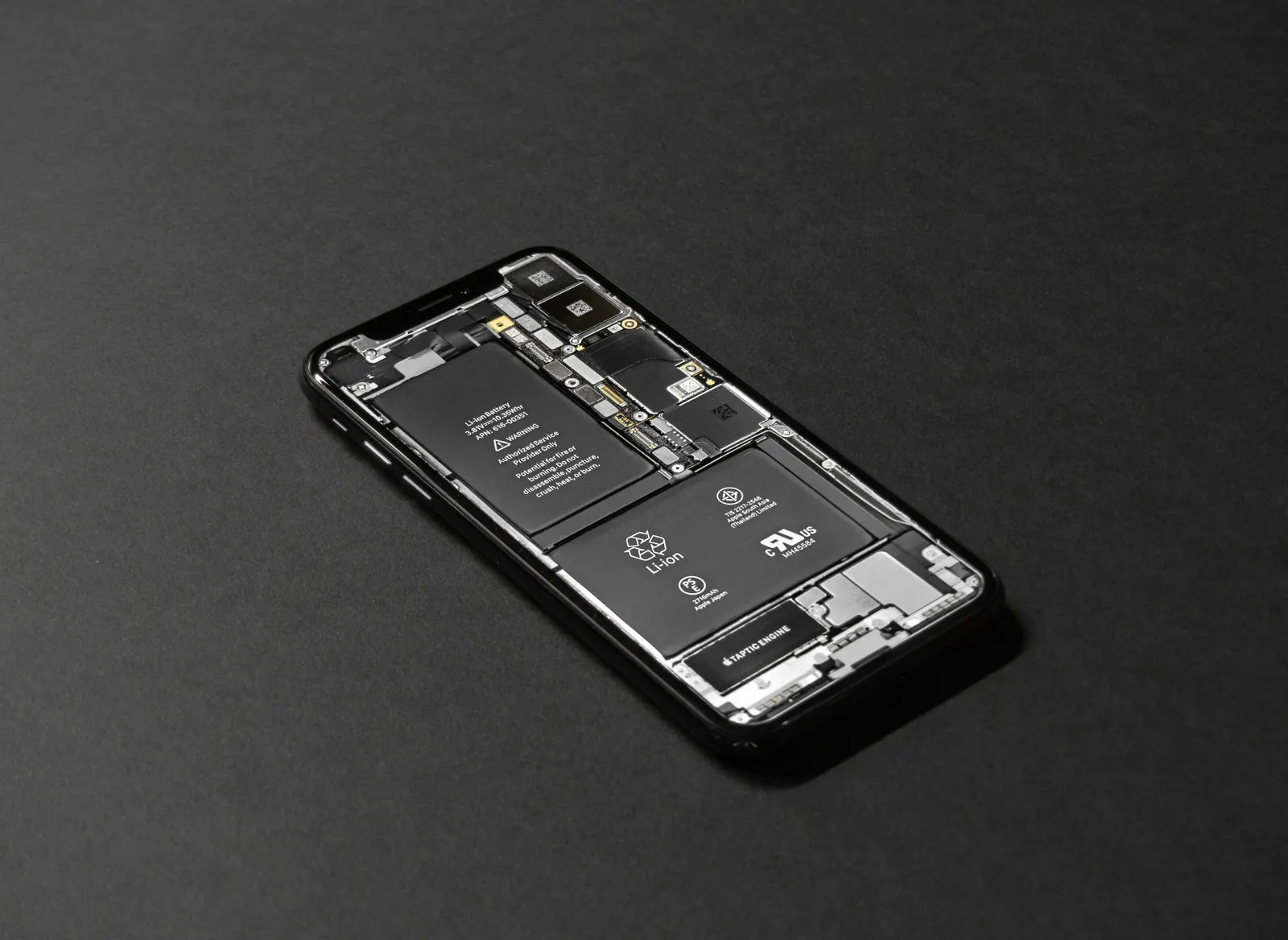
Almost every phone gets slightly warm while charging, this is completely normal and is a straightforward consequence of the chemistry involved in charging a lithium battery and the electrical conversion happening in the charger. However, there is a clear difference between a phone that is warm and one that is genuinely hot, and knowing that difference can prevent damage to your battery, your phone, and in extreme cases your home.
At our Keshavpura service centre, we see overheating complaints spike in summer. When Kota temperatures climb above 40 degrees and phones are being charged in warm rooms, the heat combination can become a real issue.
What Is Normal Warmth While Charging?
A temperature between 30 and 40 degrees Celsius on the phone's back or screen during charging is normal for most smartphones. You will feel this as mild warmth, comfortable to hold. This is the result of the charging circuit converting electrical energy, and the battery chemistry releasing a small amount of heat as it accepts charge. Fast charging generates somewhat more warmth than standard charging because more energy is being transferred per second.
What Is Worrying Heat?
If the phone becomes uncomfortable to hold, distinctly hot rather than warm, or if it shows an overheating warning and reduces its own charging speed or displays a "charging paused to cool down" notification, the temperature has climbed too high. Lithium batteries operating above 45-50 degrees Celsius during charging suffer accelerated degradation. Sustained operation above 60 degrees is damaging and potentially dangerous.
Common Causes of Excessive Heating While Charging
Using the Phone Heavily During Charging
Gaming, video calling, or watching high-resolution video while charging is one of the most common causes of overheating. The processor and screen are generating heat, the charger is generating heat, and the battery is generating heat, all at once. This combination pushes temperatures well above what any individual activity would cause alone.
Fast Charging With a Case On
Phone cases trap heat. A thick rubber or plastic case prevents the natural dissipation of heat from the back of the phone. During fast charging especially, removing the case can drop the phone's temperature by 5-8 degrees. We recommend charging without the case if you notice excessive heat.
Charging in a Hot Environment
Charging a phone on a bed (blankets trap heat), in direct sunlight, inside a car on a hot day, or in a room without airflow during Kota's summer will make any phone run hot. The phone's thermal management assumes an ambient temperature around 25 degrees, charging in 40-degree ambient heat starts from an already elevated baseline.
A Faulty or Poor-Quality Charger
Cheap unbranded chargers sometimes deliver unregulated power, outputting higher voltage than rated, or not adjusting output cleanly. This can cause the charging circuit inside the phone to work harder than intended, generating excess heat. Always use the original charger or a quality branded replacement.
Aged Battery
A battery that has degraded significantly generates more heat during charging than a healthy cell. If your phone has always run warm but has been getting progressively hotter over the past few months, battery degradation is likely a contributing factor.
| Heat Level | What It Suggests | Action |
|---|---|---|
| Slightly warm (30-40 C) | Normal charging | No action needed |
| Noticeably warm, uncomfortable (40-50 C) | Environment or usage issue | Move to cooler spot, remove case, stop heavy use |
| Hot, difficult to hold (above 50 C) | Fault or severe environment issue | Stop charging, let cool, bring for check |
| Overheating warning on screen | Phone protecting itself | Unplug, cool down, check charger |
Safe Charging Habits to Prevent Overheating
- Charge on a hard flat surface, wood, stone, or metal, not on bedding or upholstered furniture that traps heat.
- Remove the phone case while fast charging if you notice heat building up.
- Avoid using the phone intensively while it charges, lock the screen if you need a quick top-up.
- Keep the phone out of direct sunlight and away from heat sources (stove, heater, sunny windowsill).
- Use the original charger; avoid charging from low-quality adapters.
When to Bring It In
If your phone runs extremely hot during charging even in a cool room with the correct charger and no heavy use, bring it in for a check. A battery health test will show whether the cell is degraded enough to be generating excess heat. A faulty charging IC can also cause abnormal heat. Both are diagnosable and fixable. We offer a free check at our Keshavpura shop, no obligation, no cost for the initial diagnosis.
Frequently asked questions
Will my phone be damaged if it gets hot while charging once?
A single episode of moderate overheating is unlikely to cause permanent damage. The phone's thermal management will throttle charging to protect the battery. Repeated overheating over time does accelerate battery degradation.
Is it safe to charge my phone while it is in a pouch or bag?
We recommend against it. Enclosed spaces trap heat, and a charging phone in a sealed bag or pouch can reach temperatures that damage the battery. Always charge in open air.
My phone shows a temperature warning and charging has stopped. What do I do?
Unplug the charger, move the phone to a cool area, and let it cool down for 15-20 minutes before resuming charging. If this happens regularly, bring the phone in for a diagnosis.
Does wireless charging generate more heat than wired charging?
Yes, typically. Wireless charging is less efficient, some energy is lost as heat during the transfer. Most fast wireless chargers generate noticeably more heat than a wired connection. Remove the case when wireless charging for best results.
My phone heats up even when just sitting and not being charged. Is that related?
If the phone overheats during normal idle use it points to a software or hardware issue separate from charging, possibly a runaway background process, failing battery, or a board-level fault. Bring it in for a free check.
Questions & comments
Ask our Kota technicians anything about this repair. All posts are reviewed before they appear. For an urgent quote, WhatsApp us.
No comments yet, be the first to ask a question.
Leave a comment or ask a question
First, verify your email. We send a 6-digit code so we know you are a real person. Your email is never shown publicly.
Enter the 6-digit code we emailed to .