
If your phone used to last a full day and now you are hunting for a charger by early afternoon, something has changed. At our Keshavpura shop we diagnose fast battery drain almost every day. The good news is that many causes are software or settings related, things you can often fix yourself before spending anything on a repair.
Software and Settings Causes (Fix These First)
Background Apps Running Continuously
Apps that refresh in the background, social media, email, news, consume battery even when you are not using them. On Android, go to Settings, then Battery, and look for background app restriction options. On iPhone, turn off Background App Refresh for apps that do not need it under Settings, then General.
Screen Brightness Too High
The display is one of the biggest battery consumers on any smartphone. If your brightness is always at maximum, you are burning through battery quickly. Enable adaptive brightness and keep it in the 30-50% range indoors. This alone can extend daily battery life by 1-2 hours on many phones.
Location Services Always On
GPS is power-hungry. Many apps, including ones you rarely open, quietly use your location in the background. Check your location permissions and set apps to "While Using" rather than "Always". On Android, go to Settings, then Location, then App Permissions.
Poor Mobile Signal
When your phone is in a weak signal area it constantly ramps up its radio power to maintain a connection. This drains the battery faster than almost anything else. In areas of Kota with weak signal inside buildings, put the phone on Wi-Fi to reduce this drain, or enable Airplane Mode when signal is consistently poor.
Push Email and Notifications
If your email is set to push notifications in real time rather than fetching every 30 or 60 minutes, the radio chip is working frequently. Switching to scheduled fetch intervals can reduce drain noticeably.
Outdated Software or a Runaway App
A buggy app or an outdated OS version can sometimes cause abnormally high battery consumption. Check your battery usage breakdown (Settings, then Battery) and look for any app consuming far more than expected. Update or reinstall that app. Keeping your phone's software updated also ensures battery management is optimised.
When the Battery Itself Is the Problem
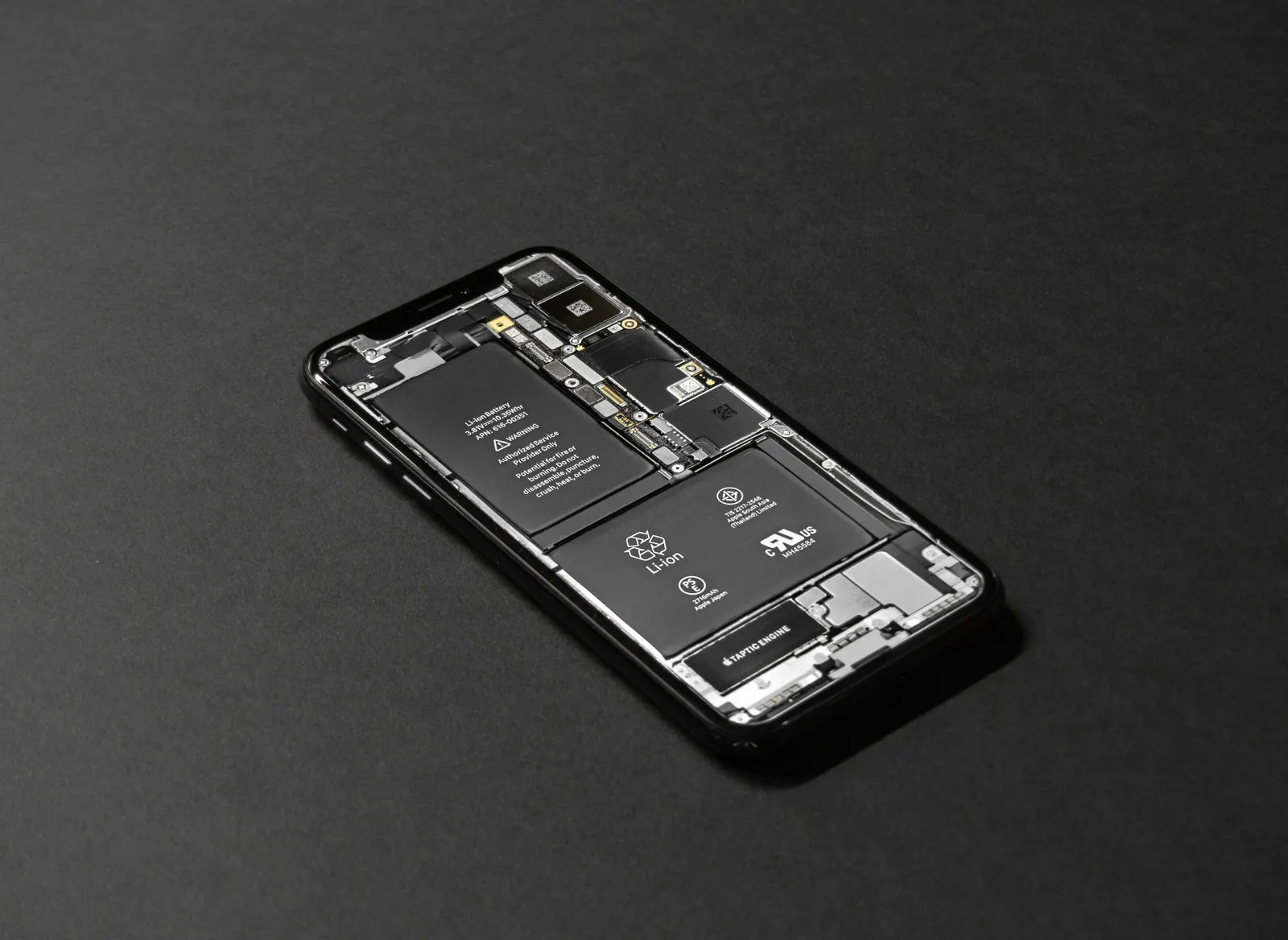
If you have tried the above and the phone still drains fast, the battery cell itself may have aged beyond its useful capacity. Lithium batteries degrade with every charge cycle, after 500-800 full cycles the capacity can drop to 70-80% of the original, and you will notice it in daily use.
| Symptom | Likely Cause |
|---|---|
| Drains fast but no specific app is to blame | Aged battery cell |
| Sudden shutdown at 20-40% | Battery voltage instability |
| Phone warm even at idle | Runaway app or background process |
| Only drains fast on mobile data | Weak signal area |
| Drains fast overnight with screen off | Background app or sync issue |
Charging Habits That Accelerate Drain Over Time
Fast charging frequently and leaving the phone at 100% for long periods both add stress to the battery. Keeping charge between 20% and 80% extends cell life. Overnight charging every night on an older phone with no optimised charging feature can gradually reduce the battery's maximum capacity.
During Kota's summer months, charging a phone in direct sunlight or in a hot room also degrades the battery faster. Heat is the main enemy of lithium cells, keep the phone cool while charging.
What We Do at the Shop
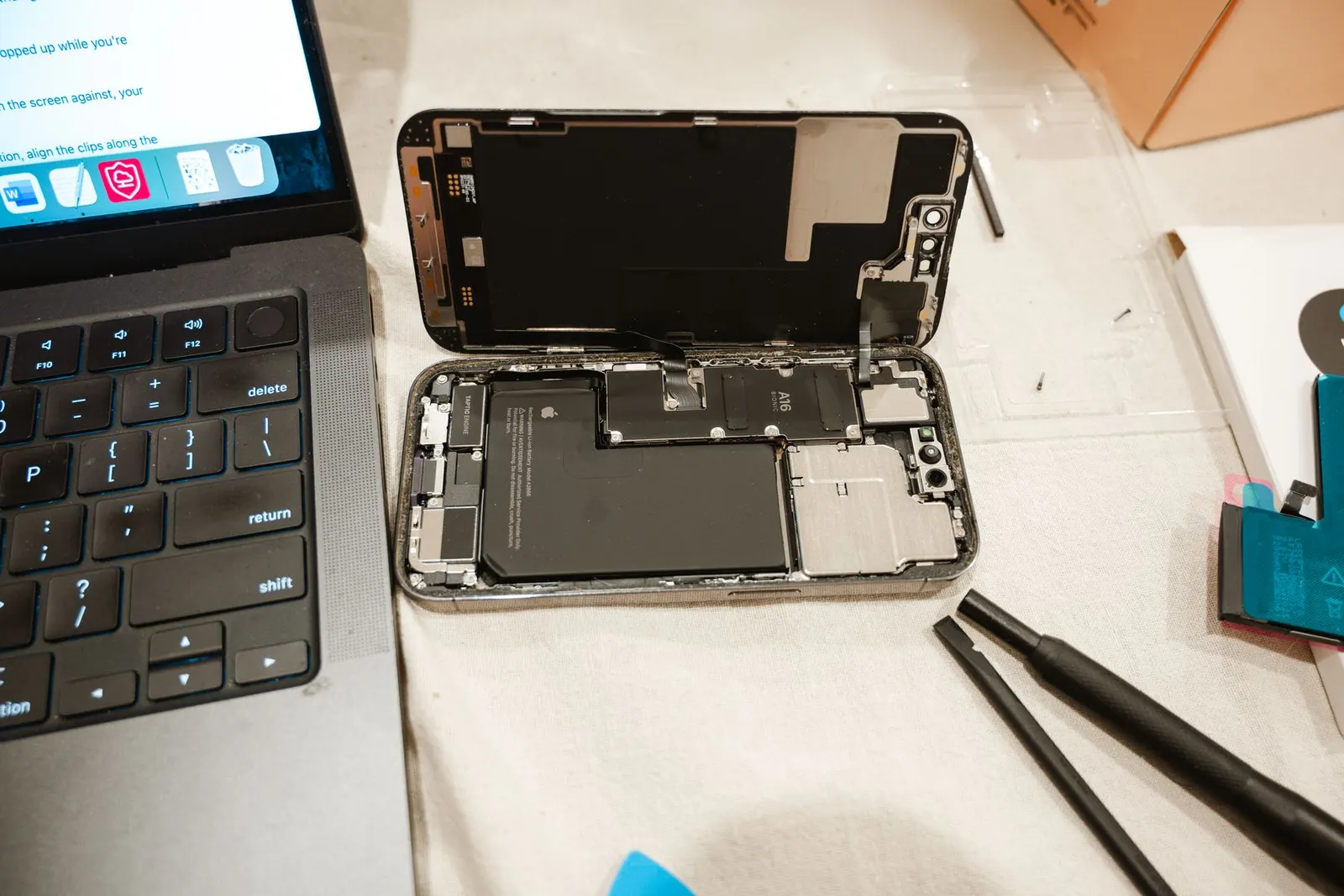
When a customer brings in a phone with fast battery drain, we start with a free diagnosis. We check the battery capacity with diagnostic tools to see how much it has degraded from its original rating. If capacity is below 80% of original, replacement is almost always worth it. If capacity is acceptable, we look at the software, background processes, runaway apps, and settings.
Most fast-drain problems are solved either by a software fix (free) or a battery replacement (reasonably priced and usually done the same day). If you are struggling with battery life in Kota and the tips above have not helped, bring the phone to our Keshavpura centre for a free check.
Frequently asked questions
Should I let the battery drain to zero to recalibrate it?
This is an outdated tip from the nickel-cadmium battery era. Modern lithium batteries should not be fully drained regularly, it adds stress. A partial drain-and-charge once a month for calibration is fine, but do not make it a daily habit.
Does dark mode really save battery?
On AMOLED and OLED screens, yes, noticeably so, because true black pixels are turned off entirely. On LCD screens, the difference is minimal. If your phone has an AMOLED display, enabling dark mode is a genuine battery saving.
My phone is new but the battery drains fast. Is it defective?
New phones sometimes consume more battery during the first few days as they index photos and sync data. If the drain does not improve after 3-5 days of normal use, bring it in for a check, it could be a defective cell.
How much battery life should a phone have on a full charge?
A healthy mid-range phone in 2026 should give 14-20 hours of mixed use on a full charge. Flagships with large batteries can exceed this. If you are getting under 8 hours with light use, the battery likely needs attention.
Questions & comments
Ask our Kota technicians anything about this repair. All posts are reviewed before they appear. For an urgent quote, WhatsApp us.
No comments yet, be the first to ask a question.
Leave a comment or ask a question
First, verify your email. We send a 6-digit code so we know you are a real person. Your email is never shown publicly.
Enter the 6-digit code we emailed to .