
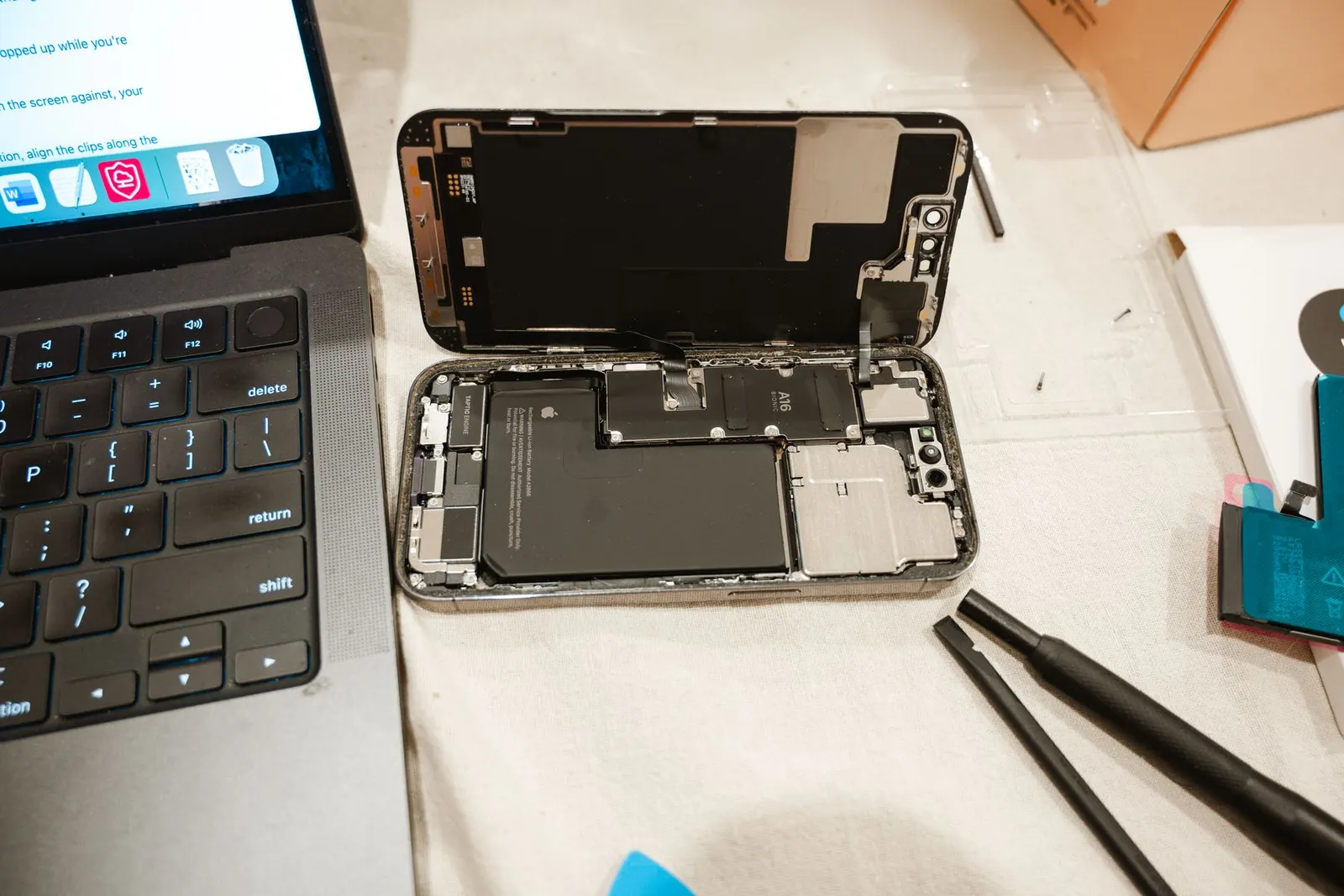
One of the frustrations Android users have compared to iPhone owners is that battery health information is not always front and centre in the settings menu. Apple shows Maximum Capacity clearly in one place; Android manufacturers each do it differently, and some entry-level phones do not show it at all. At our Keshavpura shop we use professional tools to read battery health accurately, but there are several things you can check yourself first.
Method 1: Built-in Settings (Samsung, OnePlus, and Some Others)
Several manufacturers have added battery diagnostics directly to their settings menus:
- Samsung. Go to Settings, then Battery and Device Care, then Diagnostics, then Phone Diagnostics. This runs a test that includes battery status. Some Samsung models also show a basic "Good / Normal / Replace" status.
- OnePlus. Go to Settings, then Battery, then Battery Health. This shows a percentage similar to iPhone's Maximum Capacity display.
- Xiaomi / Redmi / MIUI. Go to Settings, then Battery. You may see a capacity indicator on some MIUI versions. Alternatively, dial *#*#6485#*#* on some Redmi models to access a hardware information page that lists battery capacity.
- Realme / ColorOS. Go to Settings, then Battery, then Battery Health. Realme has added this in recent ColorOS versions.
If your phone does not show battery health directly, try the methods below.
Method 2: Dial Codes for Hardware Info
Some Android phones respond to diagnostic dial codes that display internal hardware readings. Open the phone app and dial:
- *#*#4636#*#*. Works on many Android phones. Goes to a Testing menu that includes Battery Information, showing current charge level, voltage, temperature, and sometimes capacity.
- *#*#6485#*#*. Works on some Xiaomi and Redmi devices; shows battery capacity in mAh relative to the design capacity.
These codes do not work on all phones, whether they work depends on the manufacturer and Android version. If the code does nothing, try Method 3.
Method 3: Third-Party Apps
Several reputable battery health apps read data from Android's battery API. We recommend AccuBattery as a trustworthy option, it reads battery capacity over time (not instantly on first launch) by analysing charge cycles, and gives an accurate picture of your battery's current health percentage and remaining mAh capacity. Avoid apps that claim to show 100% health instantly or that offer "battery boost" features, these are either inaccurate or unnecessary.
AccuBattery needs a week or two of data before its health reading becomes reliable. Install it, charge and discharge normally, and check back after several cycles.
What the Numbers Mean
| Battery Health Reading | What It Means |
|---|---|
| 95-100% | Excellent, battery is nearly new |
| 85-94% | Good, normal after regular use |
| 75-84% | Noticeable degradation, daily life shorter |
| Below 75% | Replacement recommended |
| Below 60% | Battery is significantly degraded, replace soon |
Professional Battery Testing at Our Shop
If you want an accurate, model-specific reading rather than an app estimate, bring your phone to our Keshavpura centre. We use diagnostic tools that read the battery's design capacity versus current capacity directly from the battery management IC, the same method manufacturers use. This gives you a precise percentage and a clear recommendation on whether replacement is worth it for your phone and usage pattern.
Coaching students in Kota who rely on their phones throughout long study days often come to us after noticing their battery no longer lasts through the day. A quick free check tells you whether a software tweak is enough or a new battery will genuinely help. There is no charge for the diagnosis.
How to Preserve Battery Health Going Forward
Avoid charging in very hot environments, heat is the main driver of battery degradation. Keeping the phone between 20% and 80% charge for daily use reduces stress on the cell. Use the original or a quality fast charger, and enable optimised charging if your phone offers it, this learns your schedule and slows the final charge phase to reduce heat build-up at 100%.
Frequently asked questions
Can Android battery health reach above 100%?
Some apps report slightly above 100% for new batteries because manufacturers build in a small buffer capacity. This is normal and not a concern.
My Android shows 80% battery health. Should I replace it now?
At 80% you will notice shorter battery life but the phone is still usable. Whether to replace depends on how much the shorter life inconveniences you. Below 75% we generally recommend replacement for daily-use phones.
Does resetting my phone restore battery health?
No. Battery health is a physical characteristic of the cell, it cannot be improved by software reset. A factory reset may clear background apps that drain battery faster, but the cell's maximum capacity does not change.
How many charge cycles should a phone battery last?
Most lithium batteries are rated for 500-800 full charge cycles before significant degradation. With partial charging (topping up from 50% rather than from 0%), the cycle count can be stretched further.
Questions & comments
Ask our Kota technicians anything about this repair. All posts are reviewed before they appear. For an urgent quote, WhatsApp us.
No comments yet, be the first to ask a question.
Leave a comment or ask a question
First, verify your email. We send a 6-digit code so we know you are a real person. Your email is never shown publicly.
Enter the 6-digit code we emailed to .