
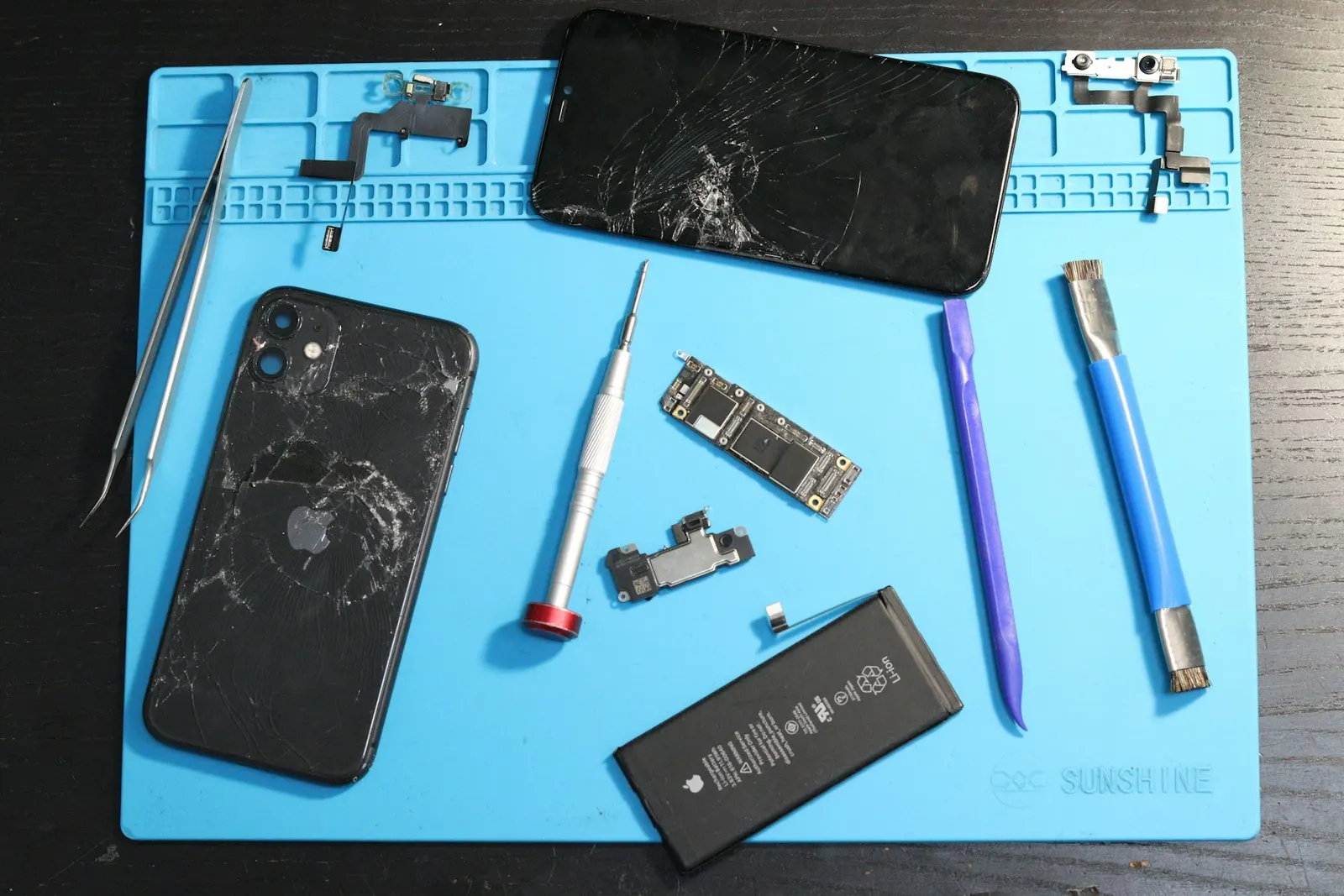
Apple introduced a battery health feature in iOS that gives iPhone users one of the clearest pictures of battery condition available on any smartphone. We explain what the numbers mean, why they matter for your phone's performance, and what to do when your battery health has dropped, at our Keshavpura service centre we replace iPhone batteries regularly and we want you to understand exactly what you are getting.
Where to Find Battery Health on iPhone
Go to Settings, then Battery, then Battery Health and Charging. You will see two key pieces of information: Maximum Capacity and a note about peak performance capability.
What Is Maximum Capacity?
Maximum Capacity is expressed as a percentage of the battery's original design capacity. A brand-new iPhone shows 100%. After a year of normal use, many iPhones drop to 90-95%. After two years, 80-88% is typical. The number tells you how much of the original battery capacity remains, if your iPhone shows 85%, the battery can now only hold 85% of the charge it held when it was new, which translates directly to a shorter day on a single charge.
What Is Peak Performance Capability?
Apple's iOS monitors the battery's ability to deliver the instantaneous power bursts the processor demands under heavy load. When a degraded battery cannot meet those demands, the phone would otherwise shut down unexpectedly. iOS manages this by slightly reducing the maximum processor speed, this is what was called "performance throttling" when Apple first disclosed it.
If your iPhone's battery health has fallen enough to trigger performance management, you will see a note on the Battery Health screen. The phone may feel slower in demanding tasks, camera processing, gaming, launching heavy apps, than it did when the battery was new. A replacement battery removes this limitation entirely.
The 80% Guideline
Apple's own guidance states that iPhone batteries are designed to retain up to 80% of their original capacity after 500 charge cycles under normal conditions. When health falls below 80%, iOS explicitly recommends battery replacement. In practice, many users find the phone feels noticeably less reliable below 80%, unexpected shutdowns, faster drain, and performance management all become more common at this point.
We see plenty of iPhones in Kota with battery health in the 60-70% range that have been running this way for a year or more. These users often do not realise how much better the phone would perform with a new battery, for most of them, a replacement is the single most impactful thing they can do short of buying a new phone.
What Affects How Fast Battery Health Drops?
- Charging habits, frequent fast charging and leaving the phone at 100% for hours both accelerate degradation. iOS Optimised Battery Charging (Settings, Battery, Battery Health) helps by delaying the final charge phase.
- Heat exposure, charging in a hot room or leaving the phone in sunlight degrades the cell faster than almost anything else. Rajasthan's summers are particularly hard on batteries.
- Number of charge cycles, each complete charge cycle (100% discharged and recharged) reduces maximum capacity slightly. More cycles means faster health drop over time.
- Using the phone while charging, heavy use during charging generates more heat, which accelerates degradation.
| Maximum Capacity | Expected Behaviour | Our Recommendation |
|---|---|---|
| 95-100% | Full performance, full day life | No action needed |
| 85-94% | Slightly shorter battery life, no throttling | Monitor; no replacement needed yet |
| 80-84% | Noticeably shorter life, possible throttling | Consider replacement |
| Below 80% | Significant drain, likely throttling, shutdowns | Replacement recommended |
iPhone Battery Replacement at Our Keshawpura Shop
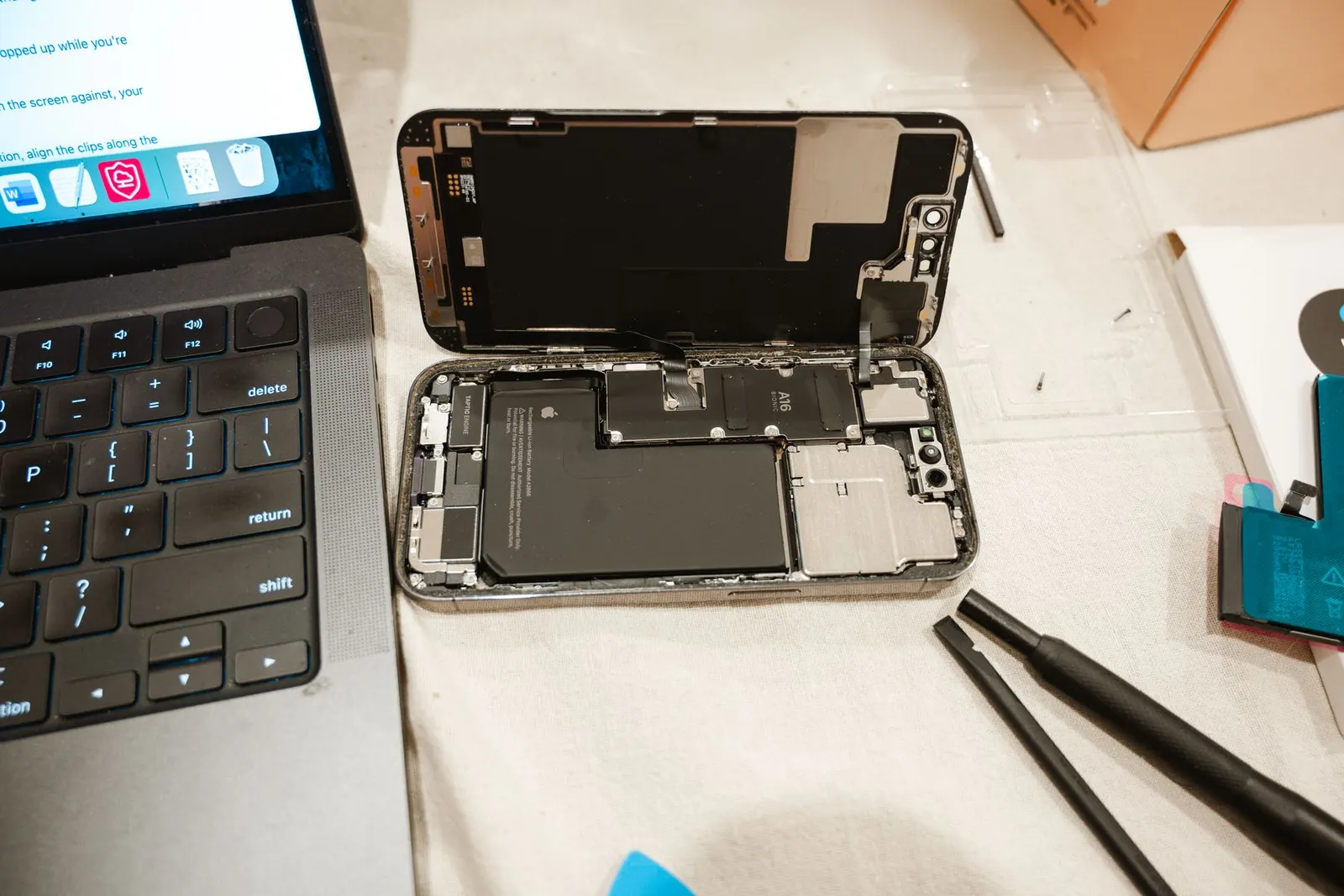
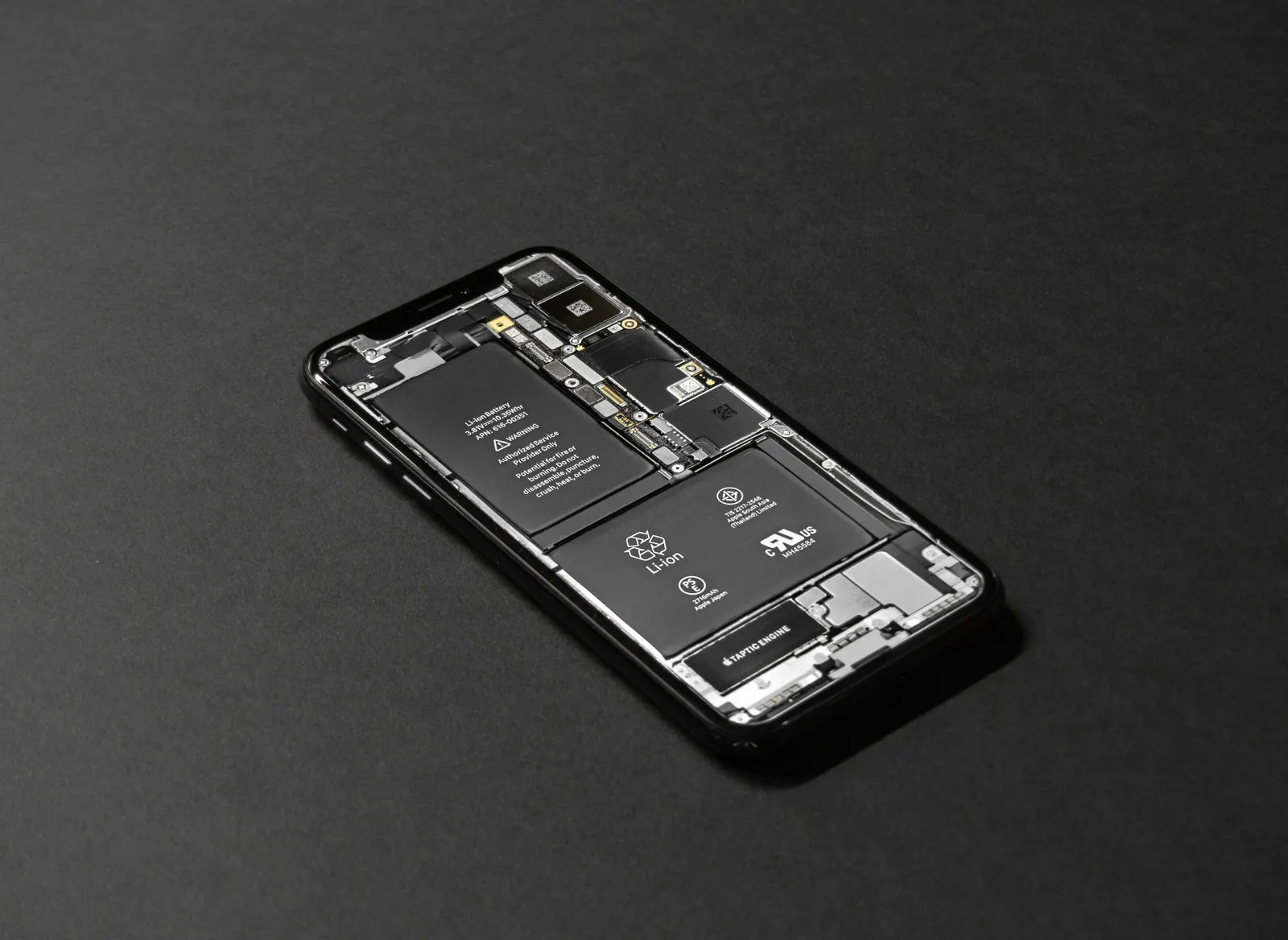
We replace iPhone batteries for models from the iPhone 7 through the latest series. We source quality cells that preserve battery health reporting in iOS, after replacement, your battery health screen will show a high maximum capacity and peak performance will be restored. We always test the phone fully, including Face ID, Touch ID, and camera, before returning it.
The replacement cost depends on the model. We confirm the exact price after a free check-up. Most iPhone battery replacements are completed on the same day. If your iPhone is feeling sluggish, running out of charge by mid-afternoon, or shutting off unexpectedly, bring it to our Keshavpura centre and we will check the battery health and advise you honestly.
Frequently asked questions
Will replacing the battery reset the battery health to 100%?
A quality replacement cell will show a high maximum capacity reading in iOS, typically 97-100% when new. The exact reading depends on the cell's rated capacity relative to Apple's original specification.
Does Apple's warranty cover battery replacement under 80%?
Apple's standard warranty covers battery defects but not normal capacity degradation. AppleCare Plus covers a free replacement if battery health drops below 80%. For out-of-warranty phones, third-party replacement is a cost-effective option.
My battery health is 79% but the phone still feels fine. Do I need to replace it?
If performance feels acceptable to you, you can continue using it. The 80% threshold is a guideline, not a hard cutoff. However, degradation accelerates at lower capacity, so it is worth replacing soon to avoid unexpected shutdowns.
Can iPhone battery health drop suddenly after an iOS update?
Battery health percentage does not change with a software update. If the phone feels slower after an update, check whether performance management is newly active on the battery health screen, this would mean the battery degradation crossed a threshold that triggered throttling.
How long does an iPhone battery replacement take at your shop?
Most iPhone battery replacements take 45-90 minutes depending on the model. We test fully before returning the phone. Call ahead to confirm part availability for your specific model.
Questions & comments
Ask our Kota technicians anything about this repair. All posts are reviewed before they appear. For an urgent quote, WhatsApp us.
No comments yet, be the first to ask a question.
Leave a comment or ask a question
First, verify your email. We send a 6-digit code so we know you are a real person. Your email is never shown publicly.
Enter the 6-digit code we emailed to .