
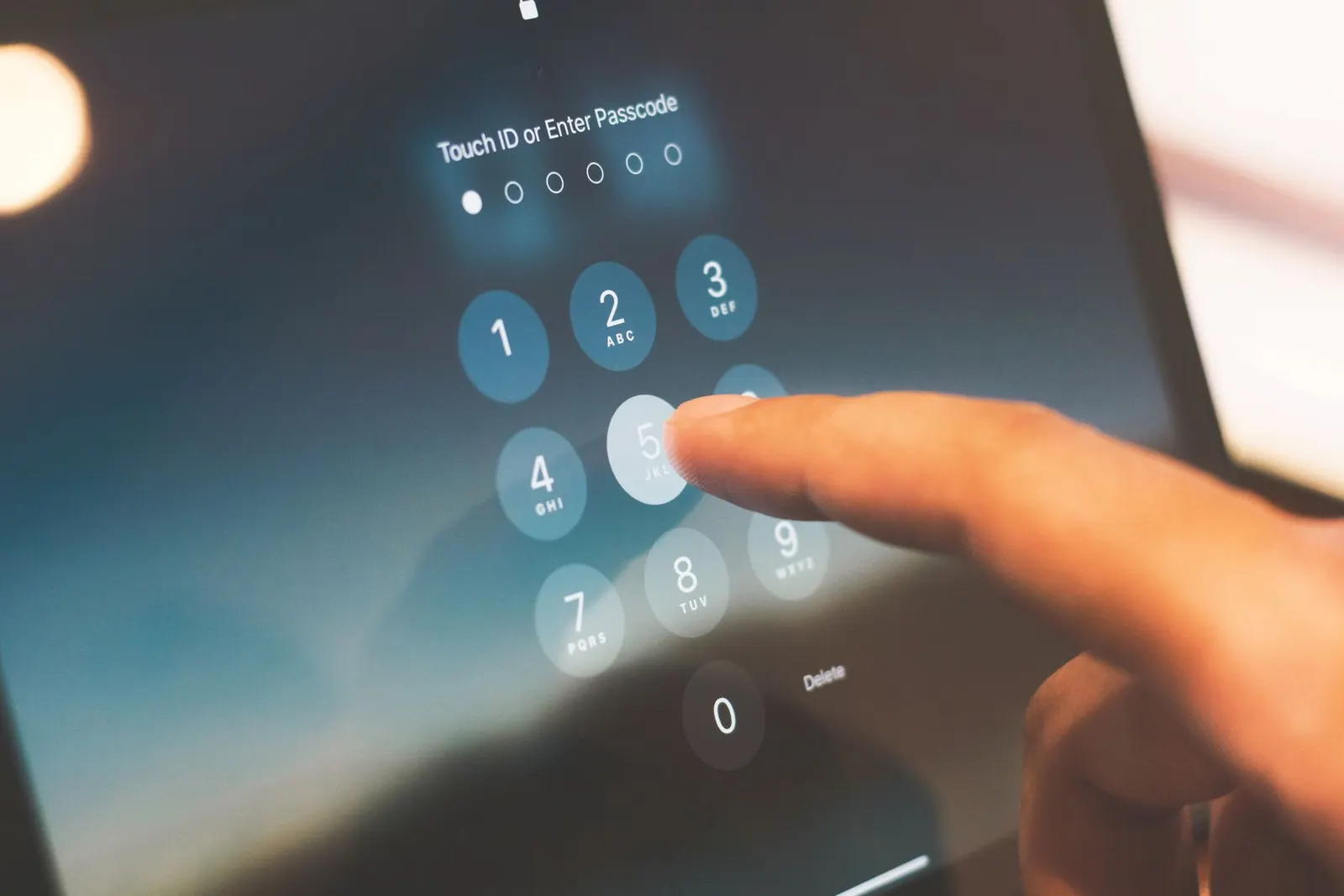
Few things are more frustrating than a phone that freezes mid-sentence or takes five seconds to open WhatsApp, especially when you are a coaching student in Kota trying to quickly check a study schedule or share notes with your batch. At our Keshavpura shop, slow and hanging phones are among the most common complaints we receive. The good news: the majority of hanging issues are software or storage-related and can be fixed without replacing any hardware.
Why Phones Slow Down Over Time
Phones slow down for several interconnected reasons. Storage filling up is the most common, when internal storage is more than 80-85% full, the phone struggles to create temporary files for apps, causing lag. The processor also has to work harder as background apps pile up, system updates change how RAM is managed, and old cached data accumulates. None of these are hardware faults; they are normal wear patterns that build up over one to two years of use.
Step-by-Step Fix: Do These First
- Check your storage. Go to Settings and look at storage usage. If you are above 80%, move photos to Google Photos or a laptop, delete downloaded files and videos, and clear WhatsApp media from the Manage Storage section inside WhatsApp itself. Kota coaching students often have hundreds of PDF notes downloaded, archive these to Google Drive.
- Clear app caches. Go to Settings, then Apps, select each heavy app (Chrome, Instagram, YouTube, WhatsApp), and clear the cache. On most Androids you can also go to Settings, then Storage, then Cached Data, and clear all at once.
- Uninstall apps you no longer use. Extra apps sitting in the background consume RAM and occasionally run background processes even when you are not using them.
- Restart the phone. A proper shutdown and restart clears RAM and resets background processes. Many users never actually restart their phones, they just lock and unlock.
- Limit background app refresh. In Settings, go to Battery or App Management and restrict background activity for apps that do not need to run constantly (social media, shopping apps).
- Reduce animations. In Developer Options (tap Build Number seven times in About Phone), set Window Animation Scale, Transition Animation Scale, and Animator Duration Scale all to 0.5x. The phone will feel noticeably snappier immediately.
- Check for pending software updates. A known bug in the OS or a specific app version can cause persistent lag. Go to Settings, then System, then Software Update.
Is This a Storage Hardware Problem?
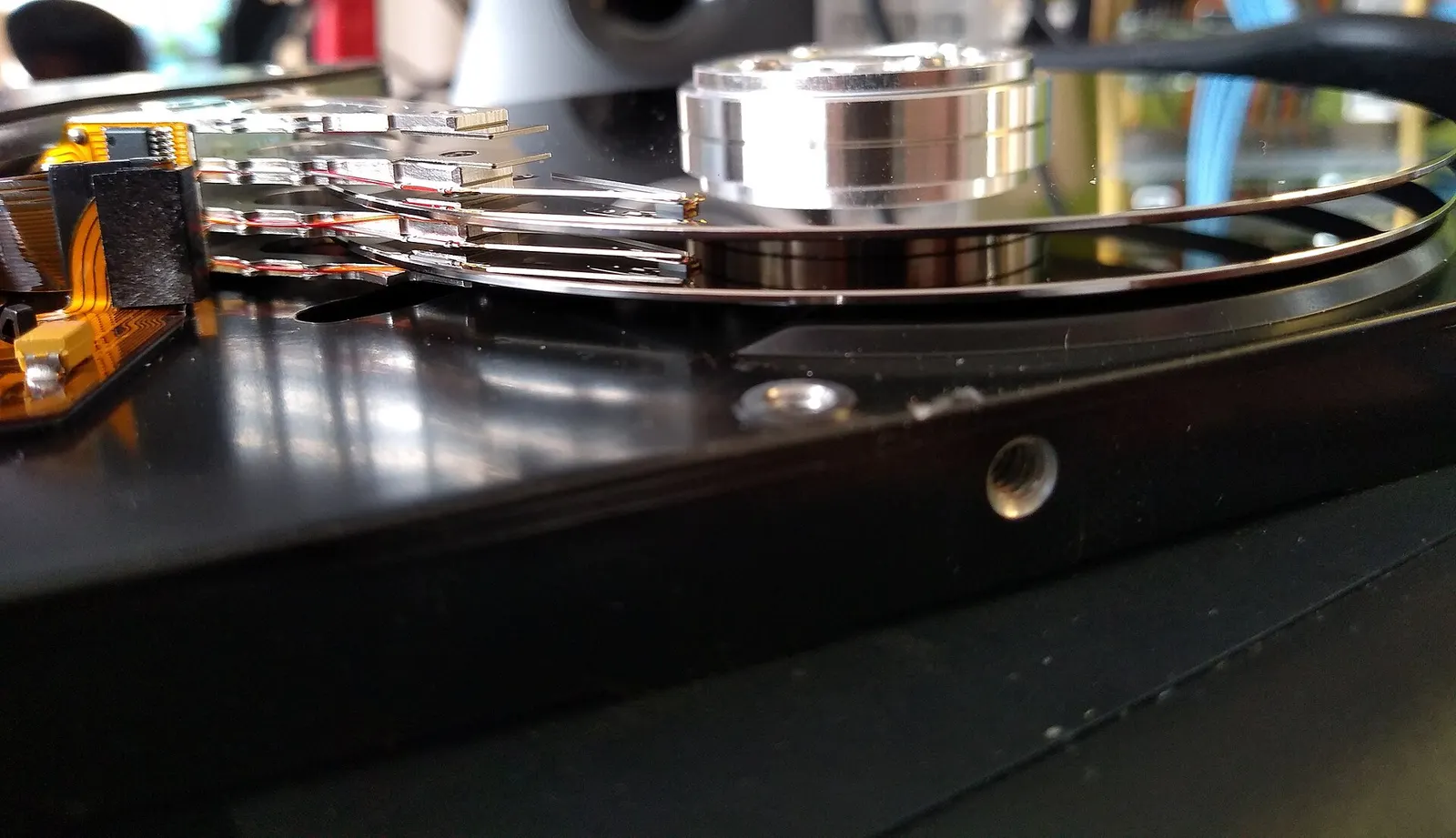
If your phone hangs even after clearing storage to well below 80%, or if apps crash during launch rather than just loading slowly, the internal storage (eMMC or UFS flash chip) may be degrading. This is a hardware issue we can diagnose. Warning signs include apps that fail to install despite enough space, photos that refuse to save, or the phone getting stuck for five or more seconds when switching apps, even after a fresh restart with minimal apps installed.
RAM and Processor: What You Can and Cannot Change
If your phone has 3 GB of RAM or less, it will struggle noticeably with modern apps in 2026. No software trick can change this, those phones were designed for lighter app ecosystems. Similarly, an entry-level processor ages faster under the demands of newer, heavier apps. In these cases, the honest answer is that a phone upgrade is more practical than any repair or tune-up.
Typical Service Cost in Kota
| Service | Typical Price Range |
|---|---|
| Software cleanup, cache clear, optimisation | ₹200 - ₹500 |
| OS reinstallation (flashing firmware) | ₹500 - ₹1,000 |
| Storage (eMMC) diagnosis | ₹300 - ₹600 |
| Storage chip repair or reballing (if feasible) | ₹1,500 - ₹4,000 |
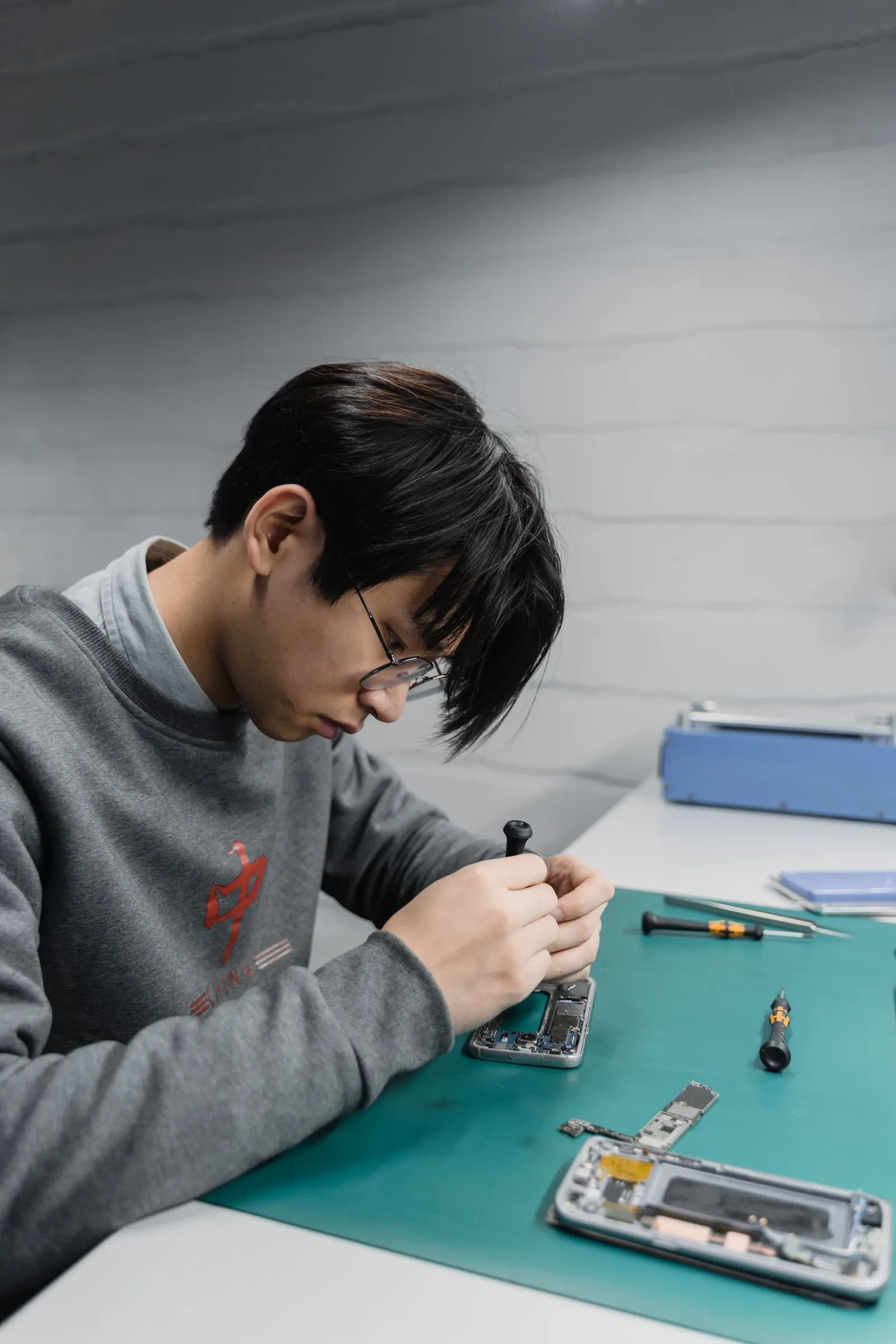
Software-only slowness can usually be resolved in an hour or less. Hardware storage issues take longer to diagnose and may not always be economical to repair depending on the phone's age. We give you an honest assessment, and always confirm the cost before starting.
When a Factory Reset Is the Right Move
If software cleanup does not help enough and storage diagnostics show the chip is fine, a factory reset is often the most effective solution for persistent lag. It returns the phone to a clean state. Before doing this, back up everything, contacts, photos, WhatsApp chats, and app data. We have a separate guide on backing up your phone before a reset, which we recommend reading first.
Signs It Is Time to Visit Us
- Phone hangs even on the lock screen or the home screen with no apps open
- Apps crash immediately on launch rather than loading slowly
- Phone becomes very hot during normal tasks like texting or browsing
- Photos and files fail to save despite available space
- Hanging started suddenly after a drop or after getting wet in the monsoon
Bring it to our shop at Keshavpura, Kota, and we will run a proper diagnosis. Most software-related slowness is resolved the same day.
Frequently asked questions
Will clearing cache delete my photos or messages?
No. Clearing an app's cache removes only temporary files the app created. Your photos, messages, and personal data are stored separately and are not affected.
My phone has plenty of storage free but still hangs, why?
Enough free space is necessary but not the only factor. Low RAM, too many background apps, a corrupted OS installation, or failing storage hardware can all cause lag even with space available.
Does a factory reset make the phone faster?
In most cases, yes, it removes accumulated junk data, badly optimised apps, and conflicting background services. However, it erases everything on the phone, so a full backup is essential first.
Can the storage chip actually fail and cause hanging?
Yes. The eMMC or UFS flash chip that stores your data can develop bad sectors or slow write speeds over time, similar to a failing hard drive in a laptop. We can diagnose this with testing tools.
My Redmi phone hangs a lot, is that a known issue?
MIUI (now HyperOS) runs many background processes and can fill storage quickly. Restricting background apps, clearing MIUI's own cache, and keeping at least 20% storage free makes a large difference on Redmi and Xiaomi devices.

Questions & comments
Ask our Kota technicians anything about this repair. All posts are reviewed before they appear. For an urgent quote, WhatsApp us.
No comments yet, be the first to ask a question.
Leave a comment or ask a question
First, verify your email. We send a 6-digit code so we know you are a real person. Your email is never shown publicly.
Enter the 6-digit code we emailed to .