
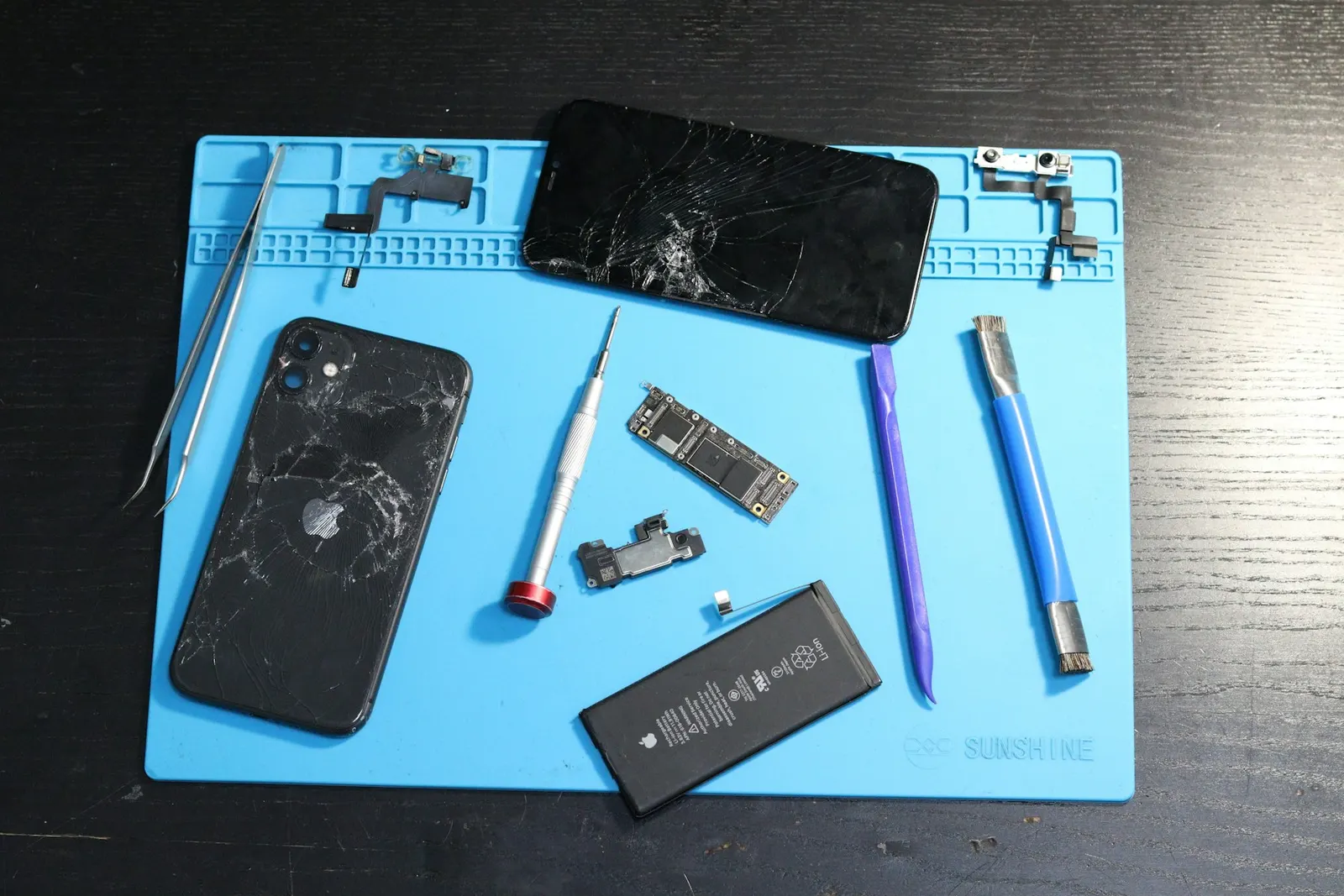
The front camera, used for selfies, video calls, and face unlock, is something many people rely on every day. When it stops working, it disrupts both personal communication and, for many coaching students in Kota, their online classes and study group calls. At our Keshavpura shop we see front camera problems regularly, and the approach is methodical: software first, hardware second.
Is It Only the Front Camera?
The first thing to establish is whether only the front camera is affected or whether the rear cameras are also failing. Open the camera app and switch to the front camera (selfie mode). Then switch to the rear camera. If the rear camera shows a live view but the front does not, the issue is specific to the front camera module or its software path. If both cameras fail, the problem may be at the OS level or in a shared hardware component.
Software Checks to Do First
Before assuming a hardware fault, work through these steps:
- Force-stop and reopen: Go to Settings, then Apps, find Camera, tap Force Stop, then reopen the camera and switch to the front camera.
- Restart the phone: A full power-off and restart resets hardware drivers and clears temporary faults. This resolves a surprising number of front camera failures.
- Clear camera app cache: Settings, Apps, Camera, Storage, Clear Cache. A corrupted cache file can cause specific cameras to fail on launch.
- Check permissions for video call apps: If the front camera fails only inside WhatsApp, Zoom, or Google Meet but works in the stock camera app, those apps may have lost their camera permission. Check each app's individual permission settings.
- Try a third-party camera app: Download any free camera app and switch to its front camera. If it works there but not in the stock app, the stock app has a settings issue rather than a hardware fault.
Front Camera Failing After a Drop
If the front camera stopped working immediately after you dropped the phone, a hardware cause is far more likely. The front camera module, located at the top edge of the phone, is one of the components most exposed to impact in a face-down drop. The damage is usually one of:
- A loose or partially disconnected ribbon cable between the front camera module and the motherboard, this is actually the most common cause and is inexpensive to fix
- A cracked or shattered front camera module, which requires full module replacement
- Physical damage to the connector on the motherboard in severe drops
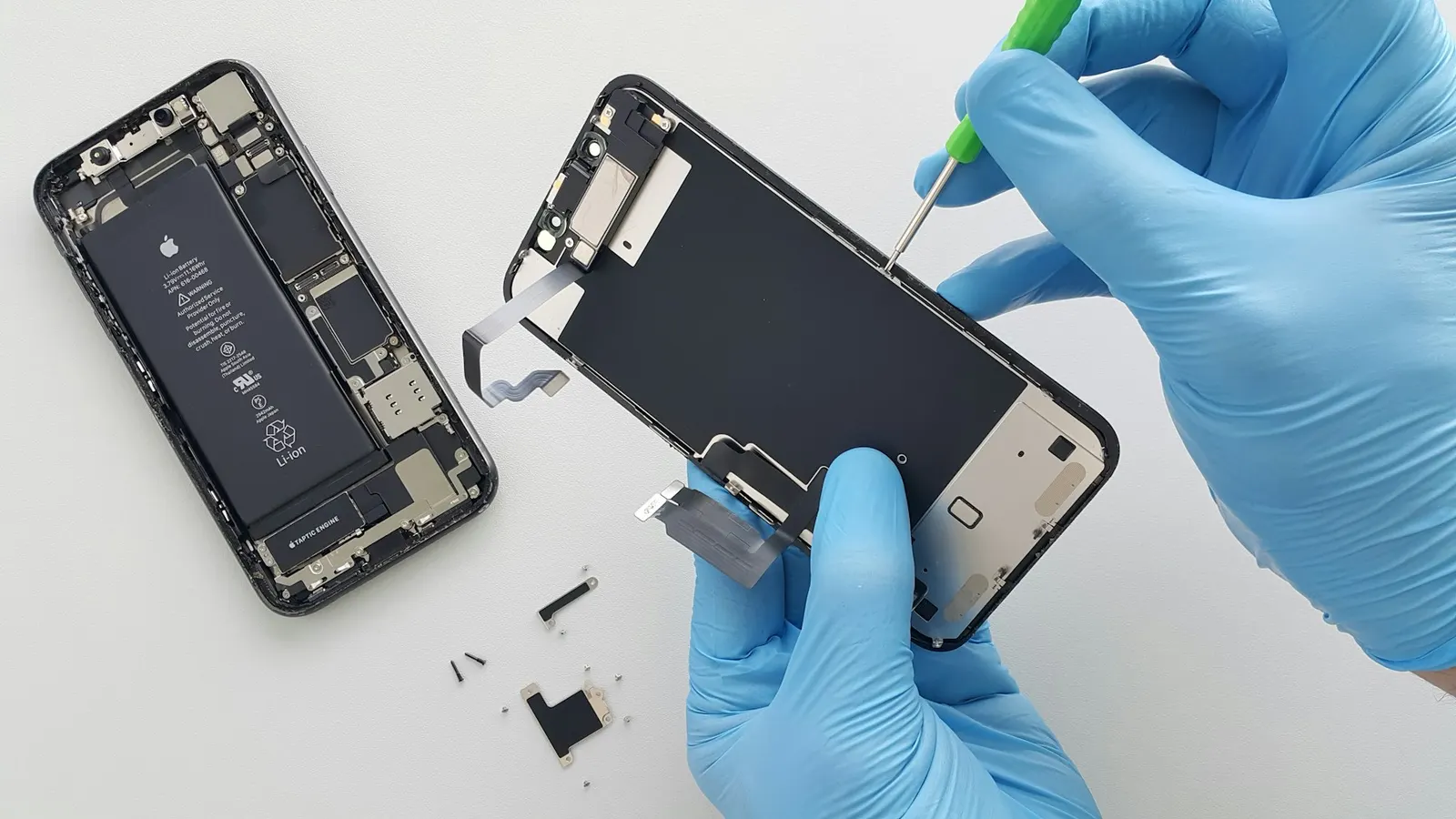
On phones with an under-display camera or a punch-hole design, the camera sits very close to the display assembly. A screen replacement done by an inexperienced technician can inadvertently disconnect or damage the front camera flex cable, so if your front camera stopped working after a screen repair elsewhere, the cable is the most likely suspect.
Front Camera Failing After Getting Wet
Water that reaches the front camera module, through the earpiece grille, the screen edge, or any gap after a monsoon downpour, can corrode the module contacts or the connector on the board. We see this especially during Kota's monsoon months. If the camera stopped working after water exposure, bring the phone to us as soon as possible. We clean the board and connectors and assess whether the module itself is damaged.
Under-Display and Punch-Hole Cameras
Modern phones use a punch-hole cutout in the screen or, increasingly, an under-display camera. These designs make the front camera more integrated with the display assembly, which means replacement is slightly more involved than on older phones with a separate camera notch. However, repair is still straightforward for our technicians.
Typical Repair Costs in Kota
| Repair | Typical Price Range |
|---|---|
| Connector reseating (no parts) | ₹200 - ₹500 |
| Front camera module replacement | ₹400 - ₹1,800 |
| Front camera flex cable replacement | ₹300 - ₹1,200 |
| Board-level camera IC fault | ₹1,200 - ₹3,500 |
Prices vary by phone model and the specific fault found. We do not charge for the diagnosis, you only pay once we have identified the fault and you approve the repair.
Come to Our Keshavpura Shop
If the software steps above have not restored your front camera, bring your phone to us. We will open the device, reseat the front camera connector, and test the module with diagnostic tools. Most front camera repairs are quick and affordable, and we give you a clear, honest assessment before any work begins.
Frequently asked questions
My front camera works in Instagram but not in the native camera app. Why?
This is a stock camera app issue rather than a hardware fault. Try clearing the stock camera app's cache and data, then test again. If the problem persists, a software update or reinstall of the app may be needed.
My front camera stopped working after a screen replacement. Is it related?
Very likely yes. The front camera flex cable runs near the display assembly and can be accidentally disconnected during a screen replacement. Take it back to whoever replaced the screen, or bring it to us for a connector check.
Can face unlock stop working if the front camera is broken?
Yes. Face unlock relies on the front camera. If the camera is not working, face unlock will also fail. You would need to use your PIN or fingerprint instead until the camera is repaired.
Is front camera replacement more expensive on iPhones?
Yes. iPhone front camera assemblies often include Face ID sensors (on older models) or other components, making them more expensive and delicate to replace than Android front cameras. We advise caution and confirm pricing for your specific model before proceeding.
How do I know if I need just the module or the full flex cable?
We determine this during our free diagnosis. We will open the phone and trace the fault to the specific component before quoting.
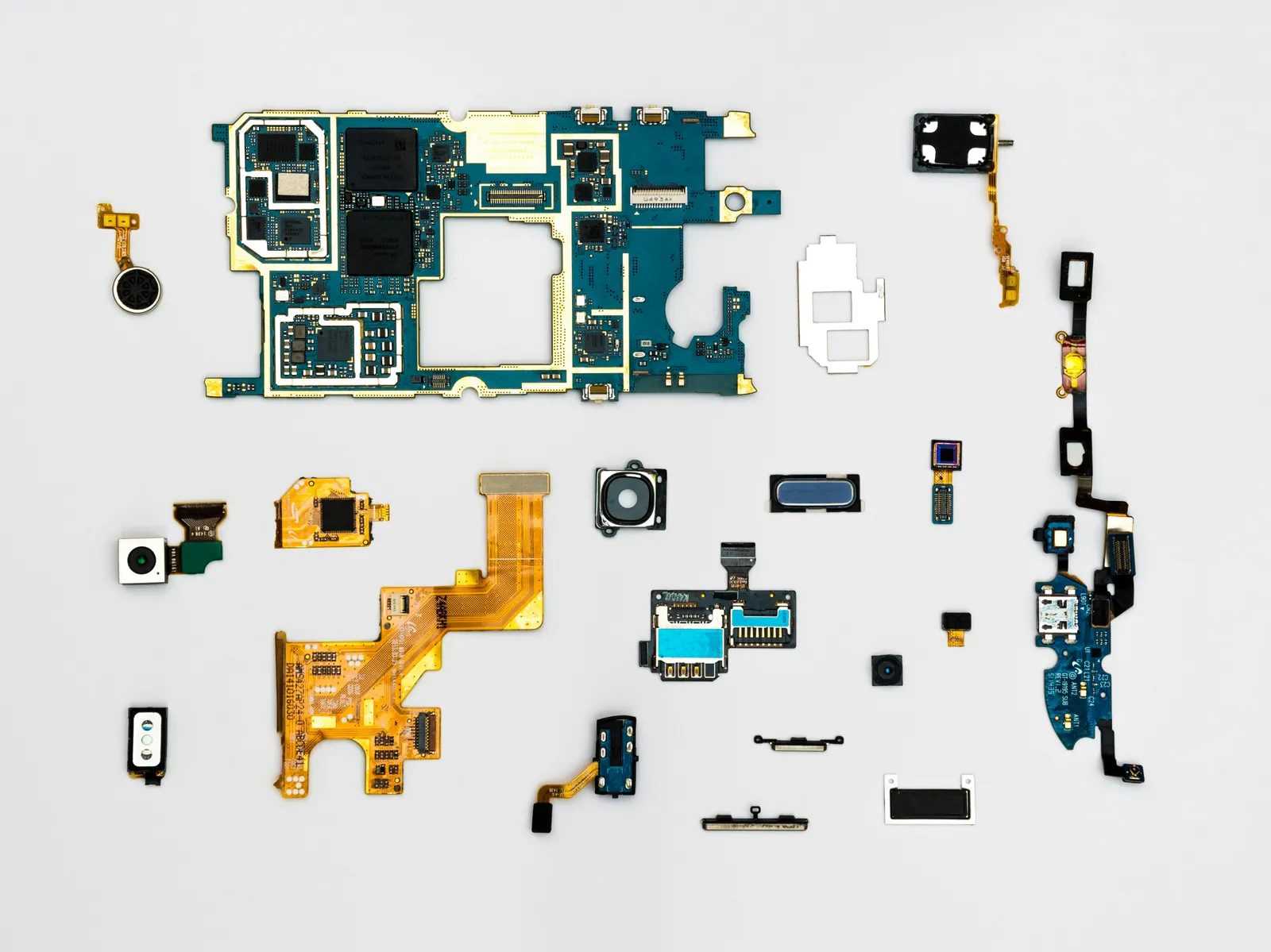
Questions & comments
Ask our Kota technicians anything about this repair. All posts are reviewed before they appear. For an urgent quote, WhatsApp us.
No comments yet, be the first to ask a question.
Leave a comment or ask a question
First, verify your email. We send a 6-digit code so we know you are a real person. Your email is never shown publicly.
Enter the 6-digit code we emailed to .