
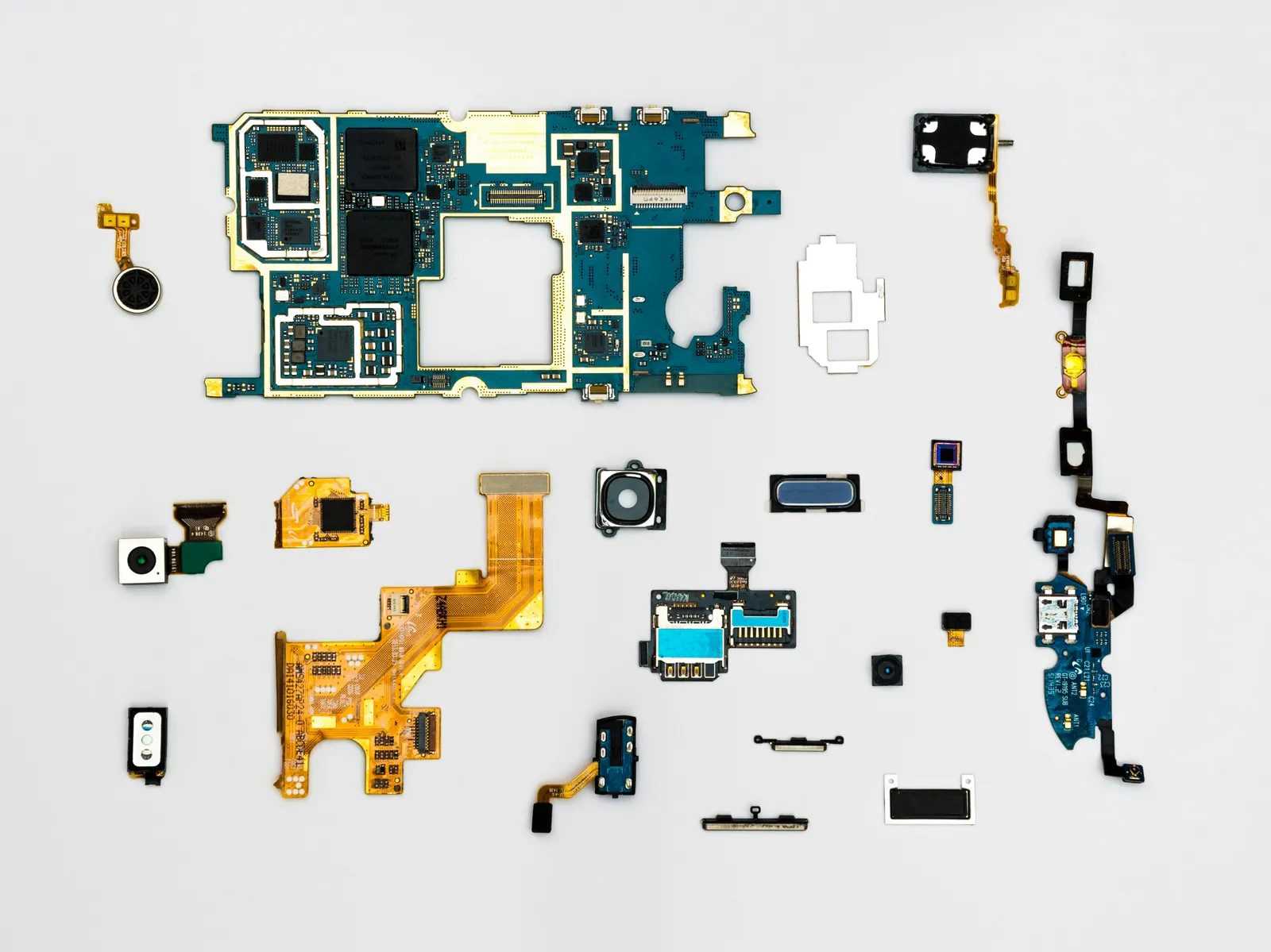
You open your camera app and instead of a live viewfinder you see a completely black screen. Sometimes the app crashes immediately; sometimes it stays black indefinitely. This is a surprisingly common issue and, importantly, it is almost always a software problem the first time it happens. Our technicians at Keshavpura work through a clear sequence of steps before touching any hardware, and we will share that sequence with you here.
Step 1: Force-Stop and Restart the Camera App
The simplest fix: go to Settings, then Apps (or Application Manager), find the Camera app, and tap Force Stop. Wait a few seconds, then open the camera again. A temporary software glitch, caused by the app not closing cleanly last time, accounts for a large share of black-screen reports. If this works, no further action is needed.
Step 2: Restart Your Phone
A full power-off and restart clears memory, closes all background processes, and resets hardware drivers that communicate with the camera module. This fixes black screens that persist across multiple app opens. Hold the power button and choose Restart, do not just lock and unlock the screen.
Step 3: Clear the Camera App's Cache
Go to Settings, then Apps, then Camera, then Storage. Tap "Clear Cache." A corrupted cache can cause the camera to fail on launch. Clearing the cache does not delete your photos, it only removes temporary files the app stored. Reopen the camera after clearing.
Step 4: Check App Permissions
On Android, the camera requires explicit permission to access the camera hardware. Go to Settings, then Apps, then Camera, then Permissions. Ensure Camera permission is granted. This may have been toggled off by a system update or a privacy feature. Similarly, if a third-party video call app shows a black camera, check that app's permissions specifically, it needs its own camera permission separate from the stock camera app.
Step 5: Test With a Third-Party Camera App
Download a free third-party camera app and see if it shows a live view. If it does, the problem is specific to your stock camera app, possibly a corrupt app install or a settings conflict. In this case, clearing data (not just cache) from the stock camera app, or a software update, usually resolves it. If the third-party app also shows black, the problem is at the hardware level.
Step 6: Check for a Recent Software Update or App Install
Black camera screens sometimes appear immediately after a system update or after installing a new app that accesses the camera in the background. Check if there is a pending update for the camera app or the phone's operating system. Also check which apps have camera permission and revoke it from any you do not recognise, some poorly written apps can hold the camera open and block the stock app from accessing it.
When It Is a Hardware Problem
If all the software steps above fail and both the stock camera and a third-party app show black, the fault is hardware. Common hardware causes include:
- A loose or damaged ribbon cable connector between the camera module and the motherboard, often after a drop
- A failed camera module (the physical sensor has stopped working)
- Water damage that has shorted the camera circuit
- A faulty camera IC on the motherboard in rare cases
Coaching students in Kota who carry their phones constantly in bags with books are more prone to connector damage from the repeated compression. If your camera suddenly went black after dropping the phone or during Kota's monsoon season when moisture is high, hardware damage is more likely.
Typical Repair Costs in Kota
| Repair | Typical Price Range |
|---|---|
| Connector reseating (no parts) | ₹200 - ₹500 |
| Rear camera module replacement | ₹800 - ₹3,500 |
| Front camera module replacement | ₹400 - ₹1,800 |
| Software / flashing (if OS-level fault) | ₹300 - ₹800 |
Exact pricing depends on your phone model and what diagnosis reveals. We confirm the cost after a free inspection, no charge just for us to look at it.
What to Do Next
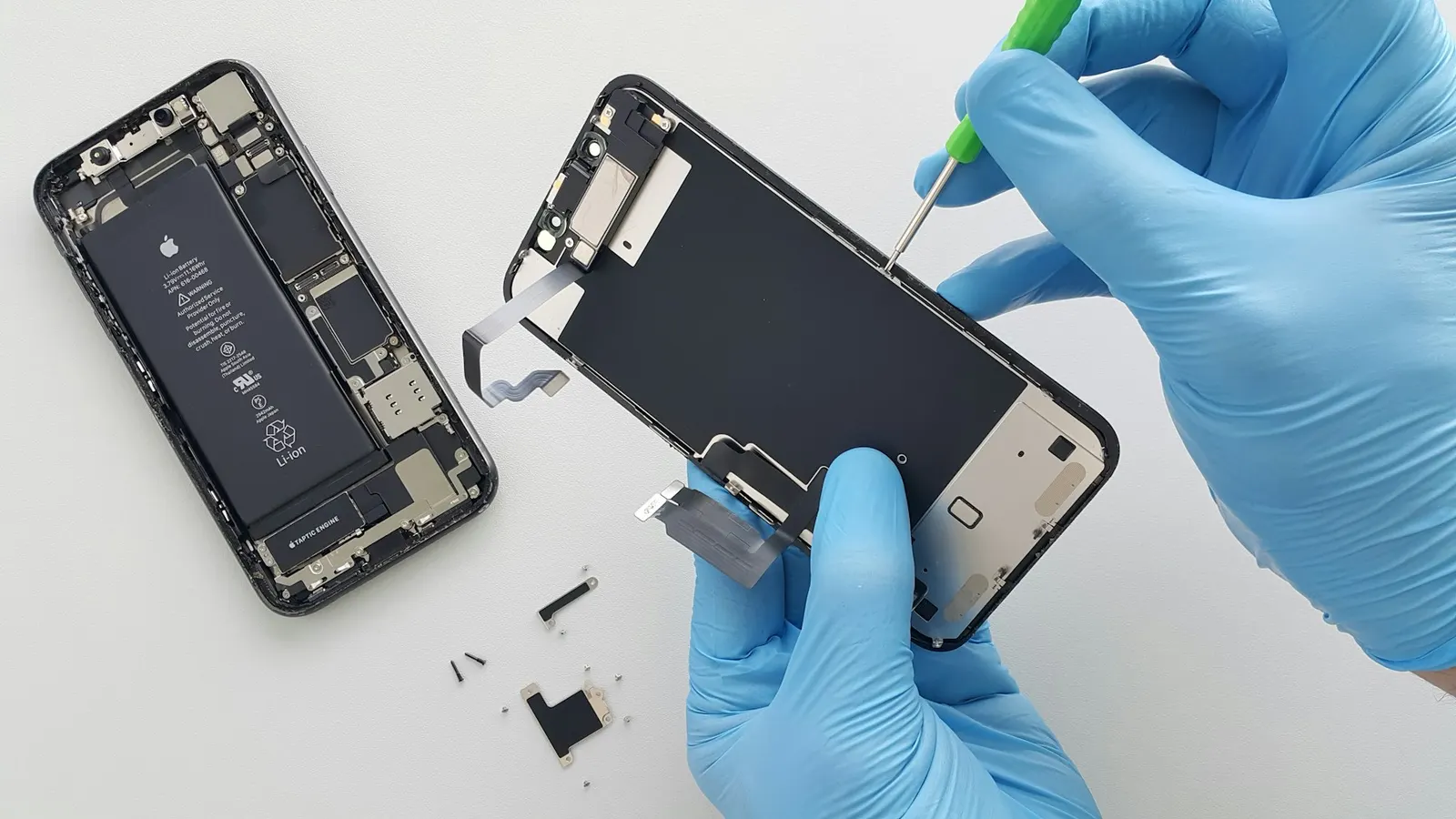
Work through the software steps above in order. If none of them restore the camera, bring your phone to our Keshavpura shop. We will open the device, reseat the camera connector, and test the module. In most hardware cases the repair is quick and affordable, and we will tell you plainly if it is not.
Frequently asked questions
My front camera works but rear camera is black. Is that a software problem?
If one camera works and another does not, it is more likely a hardware fault with the specific module or its connector rather than a software issue, since software affects all cameras equally.
The camera shows black only in WhatsApp video calls. What is wrong?
Check camera permissions specifically for WhatsApp in your phone settings. WhatsApp needs its own camera permission separately from the stock camera app.
Can a factory reset fix a black camera screen?
It can, if the cause is a deep software conflict. However, a factory reset erases all data, so back up everything first. Try the other software steps before resorting to a reset.
The camera worked this morning and is now black. What changed?
An automatic background app update or system update is the most common cause of a sudden camera failure when the phone has not been physically damaged. Check for recent updates in your app store.
How long does a camera module replacement take?
Usually one to two hours at our shop, depending on the phone model. We stock modules for most popular phones.
Questions & comments
Ask our Kota technicians anything about this repair. All posts are reviewed before they appear. For an urgent quote, WhatsApp us.
No comments yet, be the first to ask a question.
Leave a comment or ask a question
First, verify your email. We send a 6-digit code so we know you are a real person. Your email is never shown publicly.
Enter the 6-digit code we emailed to .