
If you have ever factory-reset an Android phone and then seen a screen asking you to sign in with the Google account that was previously on the device, you have encountered Factory Reset Protection (FRP). It is one of the most common issues that arrives at our Keshavpura shop, and also one of the most misunderstood. Let us explain what it is and what you can legitimately do about it.
What Is FRP Lock?
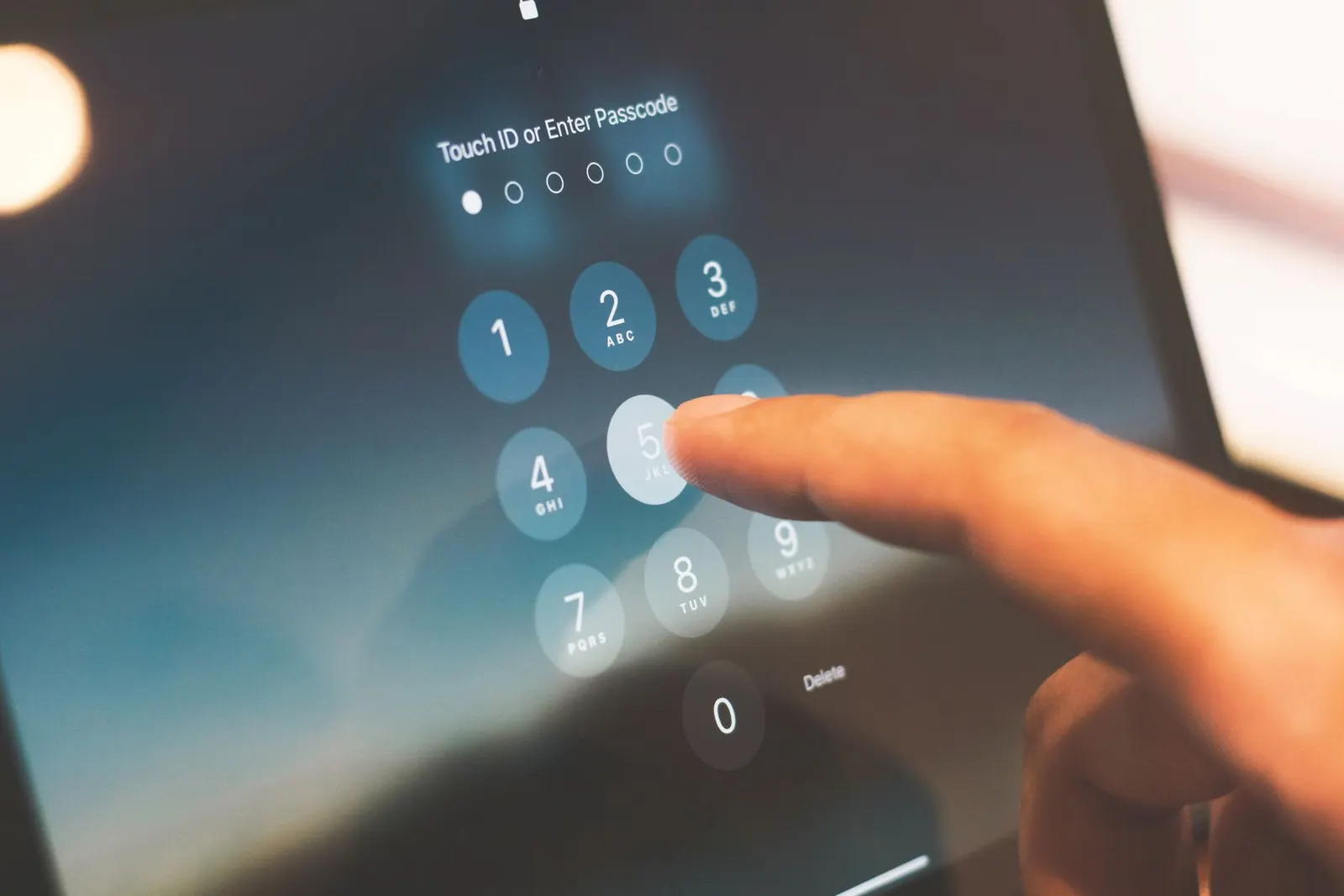
Factory Reset Protection is a Google security feature built into all Android phones running Android 5.1 and above. When a Google account is signed in on a phone and someone performs a factory reset, from Settings or via recovery mode, the phone locks and demands that the person sign in with that same Google account during setup. The intention is to make stolen phones useless to thieves, because even wiping the phone does not clear the lock.
FRP is a genuinely good security feature. The problem arises when you forget the Google account credentials, buy a second-hand phone where the previous owner forgot to remove their account, or send a phone for repair at a shop that factory-resets it without warning you first.
How to Avoid Getting Locked Out
The simplest prevention is to remove your Google account before any factory reset. Go to Settings > Accounts > Google, tap your account, and select Remove Account. Do this before you do a reset, sell your phone, or give it for repair. Once removed, FRP will not trigger.
This is especially important for coaching students in Kota who frequently buy and sell second-hand phones, always ask the seller to remove their Google account in front of you before you pay.
The Only Legitimate Way Out: Prove You Own the Account
If FRP is triggered and you know the Google account email and password, simply enter them when prompted, the phone will unlock and proceed with setup. If you have forgotten the password, use the Google account recovery process on a PC or another phone first. Go to accounts.google.com, click Forgot Password, and use your recovery email, phone number, or by answering security questions to regain access. Then use those credentials on the locked phone.
If you genuinely cannot remember the Google account, for example, the phone was set up years ago with an old email, contact Google Support directly. They have a legitimate account recovery pathway that may involve verifying your identity through previous device activity or recovery options you set up earlier.
What About FRP Bypass Methods?
A quick internet search returns dozens of "FRP bypass" videos and tools. We need to be honest here: most of these exploit software vulnerabilities that have since been patched, or they involve methods that could compromise your device's security. We do not perform FRP bypass using unauthorised tools at our shop, and we strongly advise against downloading unknown software claiming to bypass FRP, many of these are malware themselves.
The only tools we use are official authorised diagnostic software from the phone manufacturer, which require proof of purchase or identity. If you have your original bill and photo ID, bring them along, some manufacturers' service tools can verify ownership.
Common Situations and What They Mean
| Situation | What to Do |
|---|---|
| You know the Gmail and password | Enter them, problem solved |
| You forgot the Gmail password | Recover at accounts.google.com first |
| You bought a phone with FRP already on it | Ask seller to sign in and remove account; or return the phone |
| You have the original bill and ID | Visit our shop, manufacturer tools may help |
| No recovery info at all | Phone may be unrecoverable; this is the security working as intended |
A Note on Second-Hand Phones in Kota
Kota's large student population means there is a busy second-hand phone market. Before buying any used Android phone, always ask the seller to do a full reset in front of you, remove their Google account, and then confirm the phone boots past setup without triggering FRP. Buying a phone that is already in someone else's FRP lock is a common trap, some sellers claim the previous account holder is "unavailable", which leaves you with an expensive paperweight.
If you are stuck and unsure about your situation, come to our Keshavpura shop. We will check the phone, explain honestly what can be done, and help you navigate the legitimate recovery options. We never charge for the initial diagnosis.
Frequently asked questions
I did a factory reset from the Settings menu and now FRP is asking for my old account. I know the password, how do I proceed?
On the FRP screen, connect to Wi-Fi when prompted, then enter your Google account email and password. The phone will verify with Google's servers and unlock. If the Wi-Fi option is not shown, look for an accessibility or emergency call menu, the path varies slightly by phone brand.
My old Google account was deleted. Is there any way to unlock the phone?
This is very difficult. If the account was deleted less than a few weeks ago, Google may still be able to restore it, try the Google account recovery page immediately. If the account has been fully purged, your options are limited to manufacturer support with original purchase proof.
The repair shop reset my phone without asking, and now I am locked out of my own account. What do I do?
If you remember your Google account credentials, sign in normally. If not, use Google's account recovery process. A responsible repair shop should always warn customers before performing a reset and advise them to remove their Google account first, we always do this at our shop.
Does FRP lock apply to iPhones too?
iPhones have an equivalent called Activation Lock, tied to your Apple ID. The same principles apply, know your Apple ID and password before resetting, and always ask a seller to sign out of iCloud before buying a used iPhone.
How much do you charge to help with FRP issues?
The initial check is free. If we can resolve it using legitimate manufacturer tools, the service fee is typically ₹300 - ₹700 depending on the phone model and method required.
Questions & comments
Ask our Kota technicians anything about this repair. All posts are reviewed before they appear. For an urgent quote, WhatsApp us.
No comments yet, be the first to ask a question.
Leave a comment or ask a question
First, verify your email. We send a 6-digit code so we know you are a real person. Your email is never shown publicly.
Enter the 6-digit code we emailed to .