
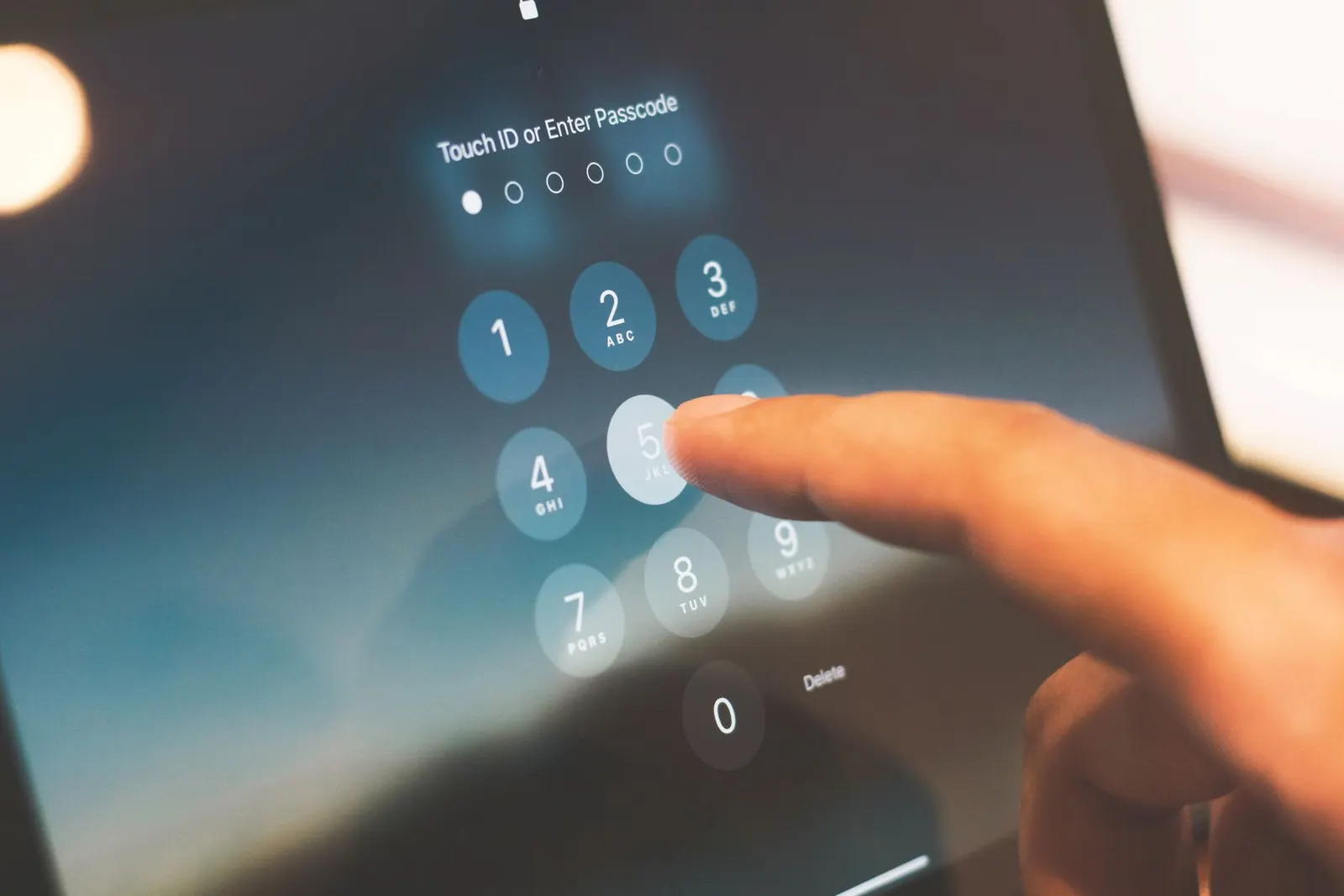
Getting locked out of your own phone is one of the more stressful experiences a smartphone user can face, particularly for coaching students in Kota who depend entirely on their devices for study schedules, notes, and communication. At our Keshavpura shop, we see several lock-out cases every week. Here is an honest breakdown of every option available, what each one can and cannot do, and what you should realistically expect.
Why This Happens
Android phones lock themselves after a set number of wrong PIN, password, or pattern attempts, typically five to ten consecutive failures. This is a security feature, not a bug. The phone is protecting your data from someone who should not have it. Unfortunately, it works just as effectively against the rightful owner who has forgotten their own pattern.
Option 1: Google Account Unlock (Older Android Versions)
On Android 4.4 and earlier, a "Forgot Pattern?" link appeared on the lock screen after several failed attempts. Tapping it allowed you to sign in with your Google account and reset the lock screen. This feature was removed in Android 5.0 onwards for security reasons. If your phone is running Android 5 or higher, which is virtually every phone bought in the last several years, this option does not exist anymore.
Option 2: Smart Lock and Trusted Devices
If you had Smart Lock enabled before getting locked out, the phone may unlock automatically when it detects a trusted device (like a Bluetooth watch or car system), a trusted location (like your home Wi-Fi), or your face/fingerprint. Check whether any of these are active, if they are, you can get in this way and then reset your PIN from inside the phone.
Option 3: Samsung Account Unlock (Samsung Phones Only)
Samsung phones have an additional layer through Samsung's Find My Mobile service. If you registered a Samsung account on the device before getting locked out, visit findmymobile.samsung.com on another device, log in, and use the Unlock option remotely. This sends an unlock command to your phone over the internet and works without wiping data, as long as the phone has an active internet connection. This is the most convenient option for Samsung users and we recommend trying it first.
Option 4: Google Find My Device
Google's Find My Device (findmydevice.google.com) does not have a direct screen-unlock feature. It allows you to locate, ring, lock, or erase the phone remotely. Erasing remotely is effectively a factory reset, it clears your data and removes the lock screen, but your data goes with it.
Option 5: Factory Reset (Last Resort)
If no other option is available, a factory reset via recovery mode will clear the lock screen, but it will also erase all data on the phone. This is the unfortunate reality of modern Android security design. The reset is done via the hardware button combination in recovery mode (Volume Down + Power on most phones), and then selecting Wipe Data from the menu.
Important: after the reset, the phone will still ask you to sign in to the Google account that was previously logged in, this is Factory Reset Protection (FRP). If you do not know that Google account's password, you will need to reset it through Google's account recovery process before the phone becomes usable. We strongly recommend having this ready.
What About Third-Party Unlock Tools?
You will find many third-party tools advertised online that claim to unlock Android phones without data loss. Be very cautious here. Most of these require your phone to be connected to a computer, and many require either ADB debugging to have been enabled beforehand (which it almost certainly was not) or they use exploits that only work on specific, older Android versions. We do not recommend downloading random unlock software from unknown sources, several of these are scams or carry malware.
Can the Repair Shop Unlock Without Data Loss?
In most cases on modern Android phones, no. The lock screen encryption on Android 6 and higher makes it genuinely impossible to bypass the lock without the credentials or a wipe. We will always be honest with you about this. On certain older phones or specific models, special diagnostic tools can help, but we will tell you upfront what is possible for your specific device before charging anything.
| Method | Data Safe? | Works On |
|---|---|---|
| Samsung Find My Mobile | Yes | Samsung phones with Samsung account |
| Smart Lock trusted device | Yes | Any Android with Smart Lock active |
| Factory reset via recovery | No, data erased | All Android phones |
| Google remote erase | No, data erased | All phones with Find My Device |
How to Avoid This in Future
- Use a PIN rather than a pattern, patterns are easier to forget and easier for others to guess from smudge marks.
- Register a Samsung account on Samsung phones so the remote unlock option is available.
- Enable biometrics (fingerprint or face unlock) as a primary method with PIN as backup, you are far less likely to forget your fingerprint than a pattern you draw half-asleep.
- Store your PIN in a secure password manager or note it somewhere safe, not on the phone itself.
If you are locked out and in Kota, bring the phone to our shop at Keshavpura. We will assess exactly which options are open for your specific model, be upfront about whether a data wipe is unavoidable, and walk you through the Google account recovery process if needed.
Frequently asked questions
Can a repair shop unlock my phone without deleting my data?
On modern Android phones (Android 6 and above), bypassing the lock screen without the correct credentials is generally not possible due to storage encryption. The most likely outcome is a factory reset. Samsung users with a Samsung account registered can use Find My Mobile to unlock remotely without losing data.
Will a factory reset unlock my phone?
Yes, a factory reset removes the lock screen, but it also erases all your data. After the reset, you will still need to sign in to the Google account that was on the phone before, due to Factory Reset Protection (FRP).
I forgot my Google account password too, what do I do?
Use Google's account recovery process at accounts.google.com on another device before attempting the phone reset. Recovery options include a backup email, a recovery phone number, or answering security questions. Complete Google account recovery first, then reset the phone.
My phone is locked and it says try again in 30 seconds, is this different from a permanent lockout?
No, a timed lockout is temporary, just wait out the countdown and try again carefully. A permanent lockout only occurs after the maximum number of attempts is reached (usually ten). Take your time and think carefully before the next attempt.
I have a Samsung phone, is there a way to unlock without losing data?
Yes, if you registered a Samsung account on the device. Go to findmymobile.samsung.com on another device, log in, and use the Unlock option. This works remotely over the internet as long as the phone has a data connection.

Questions & comments
Ask our Kota technicians anything about this repair. All posts are reviewed before they appear. For an urgent quote, WhatsApp us.
No comments yet, be the first to ask a question.
Leave a comment or ask a question
First, verify your email. We send a 6-digit code so we know you are a real person. Your email is never shown publicly.
Enter the 6-digit code we emailed to .