
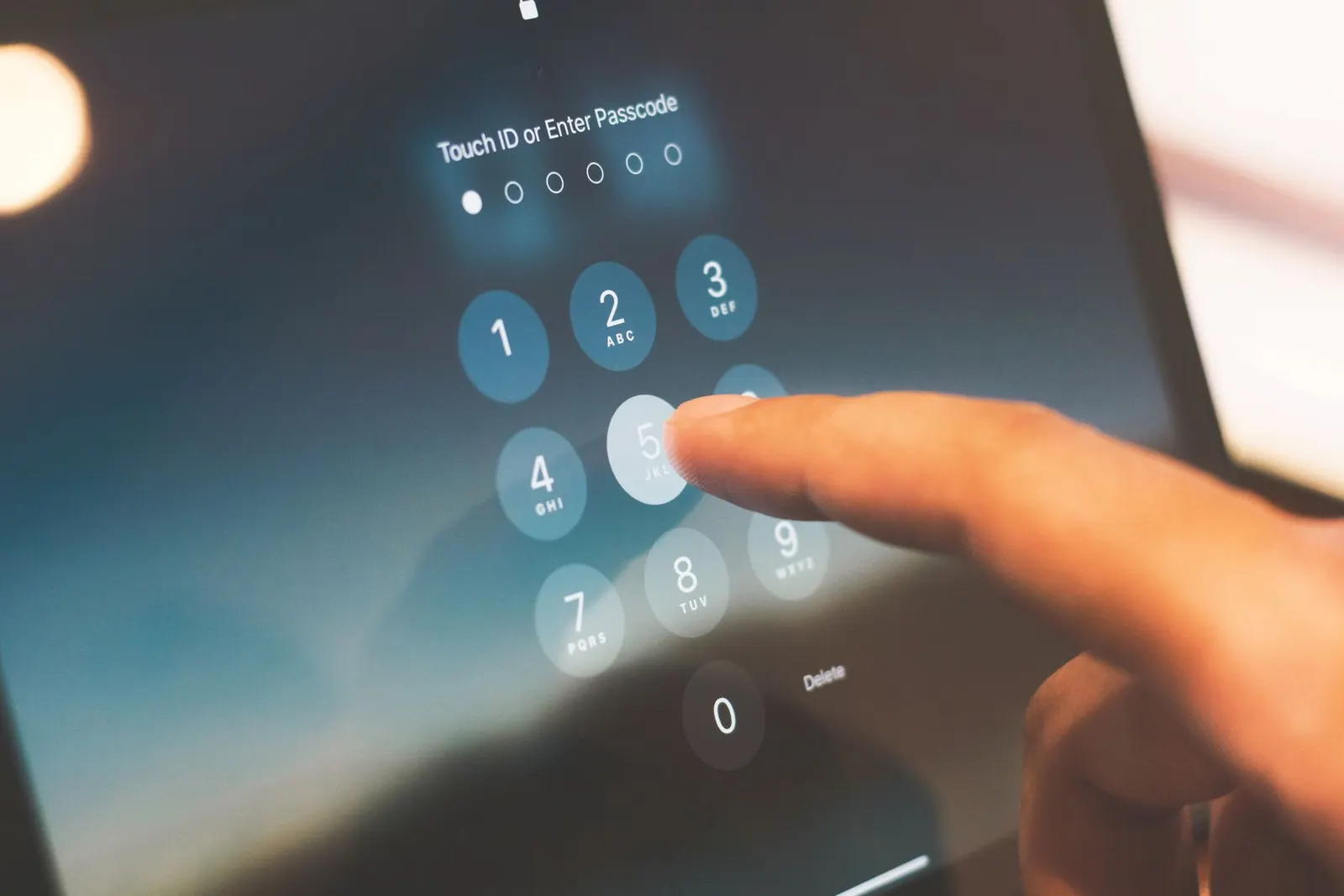
Strict warning first: most phones that come to us at our Keshavpura shop with a suspected "virus" turn out to have a performance issue, not actual malware. But real malware does exist on Android, usually from installing APKs outside the Play Store or tapping suspicious links. Here is how to tell the difference and what to do about it safely.
Real Signs That Your Phone May Have Malware
- Pop-up ads appearing outside any app, even on the home screen or during calls.
- Apps you never installed showing up in your app drawer.
- Browser homepage or default search engine changed without your permission.
- Battery draining unusually fast even when the phone is idle.
- Mobile data being used when you are not actively browsing, check Settings > Data Usage.
- Phone overheating while idle, something is running in the background.
- Flashlight or camera turning on by itself.
Signs That Are Usually NOT Malware
Slow performance, hanging, or apps crashing are almost always caused by low storage, outdated software, or ageing hardware, not a virus. Many students in Kota install "cleaner" or "booster" apps after seeing ads that claim to detect viruses; ironically, these fake cleaners are often the actual malware. Uninstall them.
Step 1: Uninstall Suspicious Apps Immediately
Go to Settings > Apps and sort by install date. Look for apps installed around the time problems started that you do not recognise. Uninstall anything suspicious. If an app will not uninstall normally, it may have Device Admin privileges, go to Settings > Security > Device Admin Apps, remove its privilege, then uninstall.
Step 2: Do Not Install Fake Security Apps
The Play Store has many legitimate antivirus tools (Bitdefender, Malwarebytes) but also hundreds of fake ones. Avoid any app that claims to find dozens of viruses in seconds, demands payment, or shows alarming red screens. If you want a scan, use Google Play Protect, it is already on your phone. Go to Play Store > Profile > Play Protect > Scan.
Step 3: Change Your Passwords
If you believe your phone was compromised, change your Google account, banking, and social media passwords from a clean device or PC first. Enable two-factor authentication wherever possible.
Step 4: Check Browser Extensions and Default Apps
Open Chrome, go to Settings > Search Engine and confirm it is Google or your preferred choice. Also check Settings > Apps > Default Apps, browser hijackers sometimes change your default browser.
Step 5: Factory Reset If Infection Persists
If pop-ups or suspicious behaviour continues after removing bad apps, a factory reset is the safest cure. Back up photos and contacts to Google Drive first, then go to Settings > General Management > Reset > Factory Data Reset. Do NOT restore from a backup that includes the time the malware was active, reinstall apps manually from the Play Store.
How to Avoid Malware in Future
- Only install apps from the official Google Play Store.
- Never download APK files from unknown websites, especially "free premium app" sites.
- Do not tap pop-ups claiming your phone is infected, these are almost always scams.
- Keep your Android OS and apps updated; security patches close known vulnerabilities.
- Be cautious of charging at public USB ports, use your own charger or a data-blocking cable.
| Symptom | Malware? | Action |
|---|---|---|
| Pop-up ads on home screen | Very likely | Check recently installed apps |
| Unknown app installed | Likely | Uninstall immediately |
| Phone just slow | Unlikely | Clear cache, free storage |
| Battery draining fast | Possible | Check data usage + battery stats |
| Alerts from a "cleaner" app | Often the malware itself | Uninstall the cleaner |
If you have tried all these steps and are still worried, bring the phone to us. We will do a thorough software check, and if a clean OS flash is needed, we will handle it carefully while preserving your contacts and photos where possible.
Frequently asked questions
Can iPhones get viruses?
iPhones are significantly harder to infect than Android phones because Apple restricts app installation to the App Store. Real iOS malware is extremely rare for non-jailbroken phones. However, phishing links and scam calls still work on iPhones, stay alert.
Is Google Play Protect good enough or do I need a separate antivirus?
For most users, Play Protect combined with cautious app installation habits is sufficient. A reputable third-party scanner like Malwarebytes can be useful for a one-time check, but constant background antivirus apps often slow phones down more than they help.
My phone shows a warning saying I have viruses, is it real?
Almost certainly not. These are browser pop-ups or ads designed to scare you into tapping them or calling a fake support number. Close the browser tab, do not tap anything in the pop-up, and clear your browser cache. Legitimate virus warnings never appear as browser pop-ups.
Will a factory reset definitely remove malware?
Yes, a factory reset wipes the phone back to its original state and removes virtually all malware. The only exception is extremely rare firmware-level malware, which almost never affects consumer phones in India.

Questions & comments
Ask our Kota technicians anything about this repair. All posts are reviewed before they appear. For an urgent quote, WhatsApp us.
No comments yet, be the first to ask a question.
Leave a comment or ask a question
First, verify your email. We send a 6-digit code so we know you are a real person. Your email is never shown publicly.
Enter the 6-digit code we emailed to .