
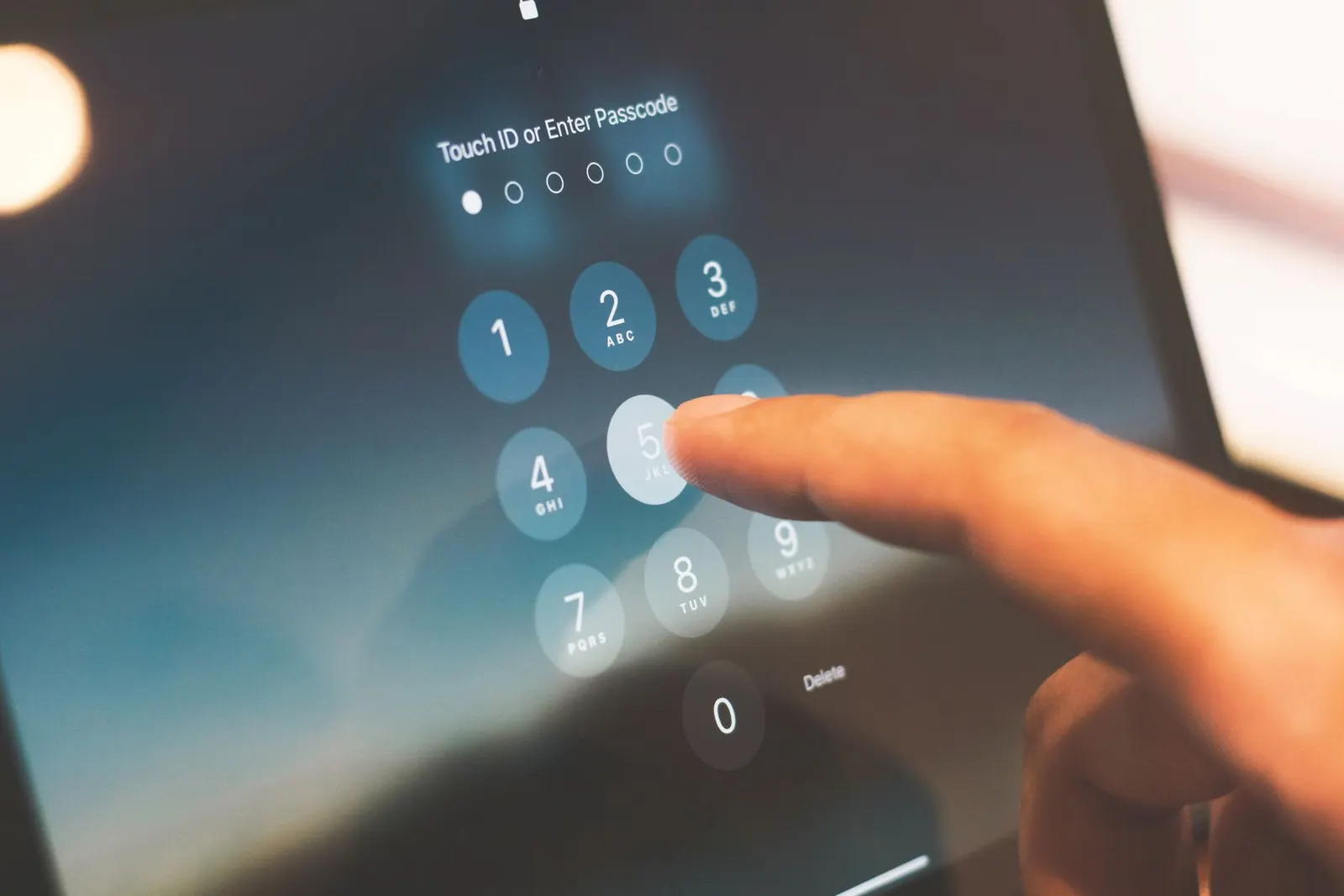
You started a software update before going to sleep or leaving for class, and now the phone is frozen on a progress bar or stuck on a logo with a percentage that has not moved in thirty minutes. In Kota, where power fluctuations and interrupted internet connections are more common than in metro cities, we see update-related issues fairly regularly at our Keshavpura shop. Here is how to handle them calmly and correctly.
First: Be Patient. Updates Take Time
A software update, especially a major Android version upgrade or a large security patch, can legitimately take 20 to 45 minutes from start to finish. During this process the phone may appear completely frozen, show a static progress bar, or display a logo with no visible movement for long stretches. This is normal behaviour, the system is rewriting partitions, verifying files, and migrating data in the background. Before concluding the update has failed, wait at least 30 to 45 minutes past the point where progress appeared to stop.
Why Updates Fail or Get Stuck
- Insufficient storage: Most updates require 2-5 GB of free space to download and expand the update package. If storage was nearly full before the update began, the process may freeze or fail at the installation stage.
- Low battery during download: If the battery dropped below the minimum threshold (usually 30-40%) mid-update, some phones pause or fail the process to avoid a shutdown during a critical write operation.
- Network interruption during download: The update file may have downloaded incompletely due to a connection drop, which is more likely during heavy monsoon weather in Kota when connectivity can be unstable. An incomplete file causes the installation to fail or hang.
- Background app conflict: An app running in the background occasionally interferes with the update installer on certain phones, particularly on heavily customised Android skins like MIUI.
Safe Steps When an Update Appears Stuck
- Wait 45 minutes minimum from the point where you noticed it was stuck. Set a timer and do not touch the phone.
- If still frozen after 45 minutes, hold the Power button for 10-15 seconds to force a restart. This is safe to do after the waiting period.
- Check what happened after the restart. In many cases the phone simply boots normally and you will find the update either applied or rolled back to the previous version. Check Settings, then About Phone, to see the current OS version.
- If the update partially applied and the phone behaves strangely (wrong settings, missing apps, unusual behaviour), a factory reset may be required to restore stability, back up first if the phone will allow it.
- If the phone boots into a recovery or error screen, look for an option to apply the update from local storage or to wipe and restart. Do not select options you do not understand, bring it to a technician at this point.
Retry the Update Properly
If the phone rolled back and is working normally, you can retry the update. Before doing so:
- Free up at least 5 GB of storage space.
- Charge the battery to at least 70% and keep the charger plugged in during the update.
- Connect to a stable Wi-Fi network, not mobile data, and not a network that drops frequently.
- Close all apps before starting the update.
- Do not use the phone during the update and do not disconnect the charger.
When the Phone Will Not Boot After a Failed Update
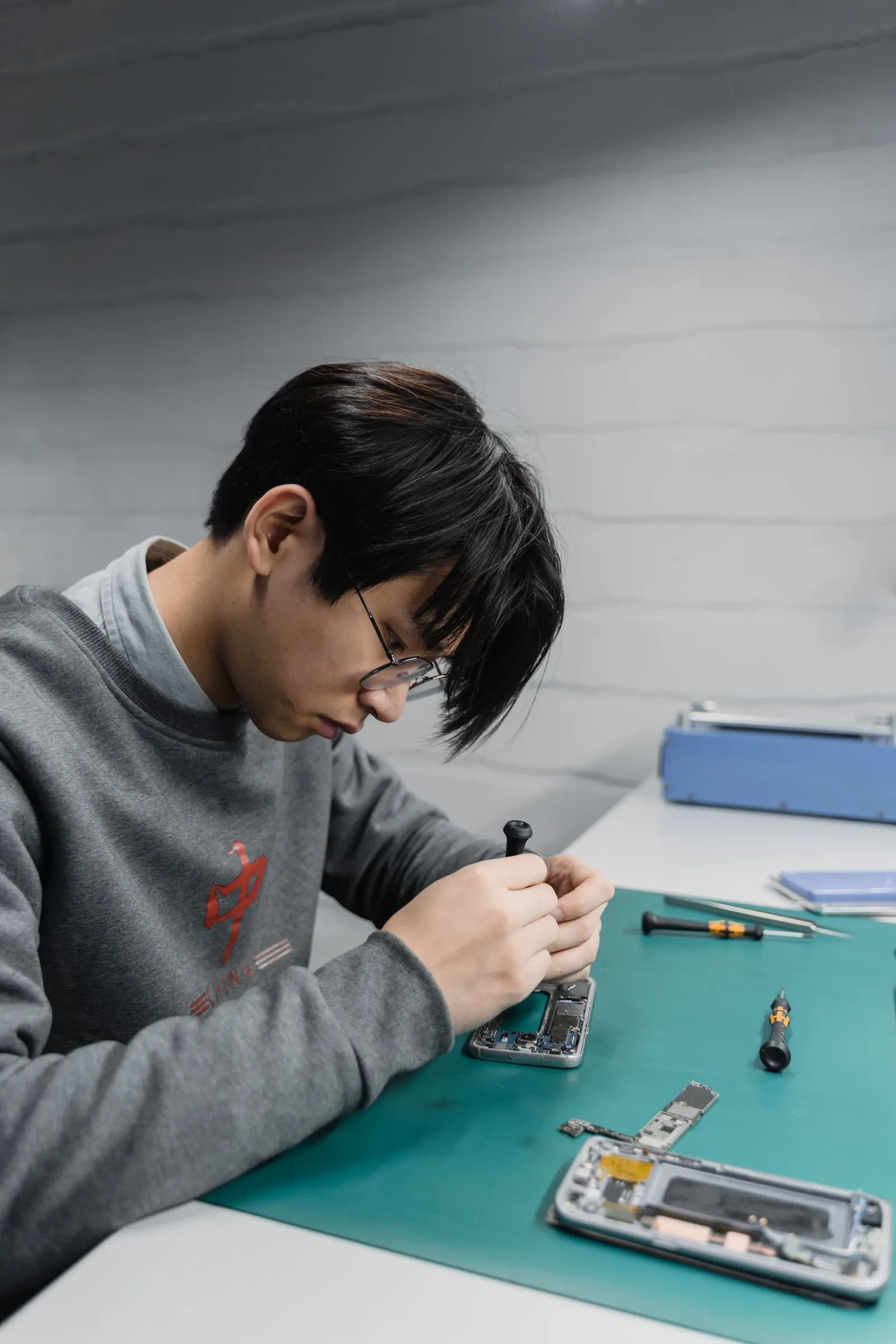
If the phone is stuck in a boot loop or shows only an error screen after a forced restart, the update may have partially overwritten the system partition in an inconsistent state. This is a situation that requires reflashing the firmware, reinstalling the entire operating system from scratch. This is a job for a technician, as using the wrong firmware version can cause further issues. At our Keshavpura shop, we handle firmware reflashing for most Android brands and can usually complete it within a few hours.
| Symptom After Update | Likely Cause | Recommended Action |
|---|---|---|
| Progress bar frozen for over 45 min | Normal long update or minor stall | Wait, then force restart |
| Phone boots normally after force restart | Update rolled back safely | Retry with storage and battery prepared |
| Boot loop after restart | Partial system write failure | Recovery mode or technician |
| Phone works but apps crash | Incomplete update applied | Clear cache partition or factory reset |
Clearing the Cache Partition After an Update
After a major update, clearing the system cache partition can resolve odd behaviour, sluggishness, app crashes, or battery drain, that sometimes follows large OS updates. This is done from the recovery menu (Power off, then Volume Up + Power on Samsung, or Volume Down + Power on most other brands), then selecting Wipe Cache Partition. This does not delete personal data, it only clears the system's temporary file cache.
If you are at all uncertain about navigating recovery mode, bring the phone to our shop at Keshavpura, Kota. We will handle the cache wipe or firmware reflash safely and have the phone back to full working order without unnecessary data loss.
Frequently asked questions
My phone update has been on 70% for over an hour, should I force restart it?
Wait 45 minutes from when you first noticed it was stuck, then yes, a force restart (hold Power for 10-15 seconds) is safe at that point. Most of the time the phone will boot normally and either apply the update or roll back safely.
Will forcing a restart during an update damage my phone?
There is a small risk of corrupting the system partition if the restart happens at a critical write moment. However, waiting indefinitely is also not productive. After 45 minutes of no progress, the risk of forcing a restart is lower than the risk of a battery dying mid-update with no intervention.
The update finished but now my battery drains faster, is that normal?
Yes, temporarily. After a major update, Android re-indexes apps and re-optimises processes in the background for 24-48 hours, which consumes more battery than usual. If excessive drain continues beyond two days, clear the cache partition or contact our shop.
Can I stop an update once it has started downloading?
During the download phase, yes, you can usually cancel. Once the installation phase begins (the phone restarts into the update screen), it is safer to let it complete rather than interrupt it.
My phone is stuck on a firmware flash at the repair shop, what does that mean?
Firmware flashing occasionally stalls on specific phones due to USB connection issues or driver conflicts. A reputable shop like ours will retry with a stable connection and verified firmware files. It is not a sign of permanent damage in most cases.
Questions & comments
Ask our Kota technicians anything about this repair. All posts are reviewed before they appear. For an urgent quote, WhatsApp us.
No comments yet, be the first to ask a question.
Leave a comment or ask a question
First, verify your email. We send a 6-digit code so we know you are a real person. Your email is never shown publicly.
Enter the 6-digit code we emailed to .