
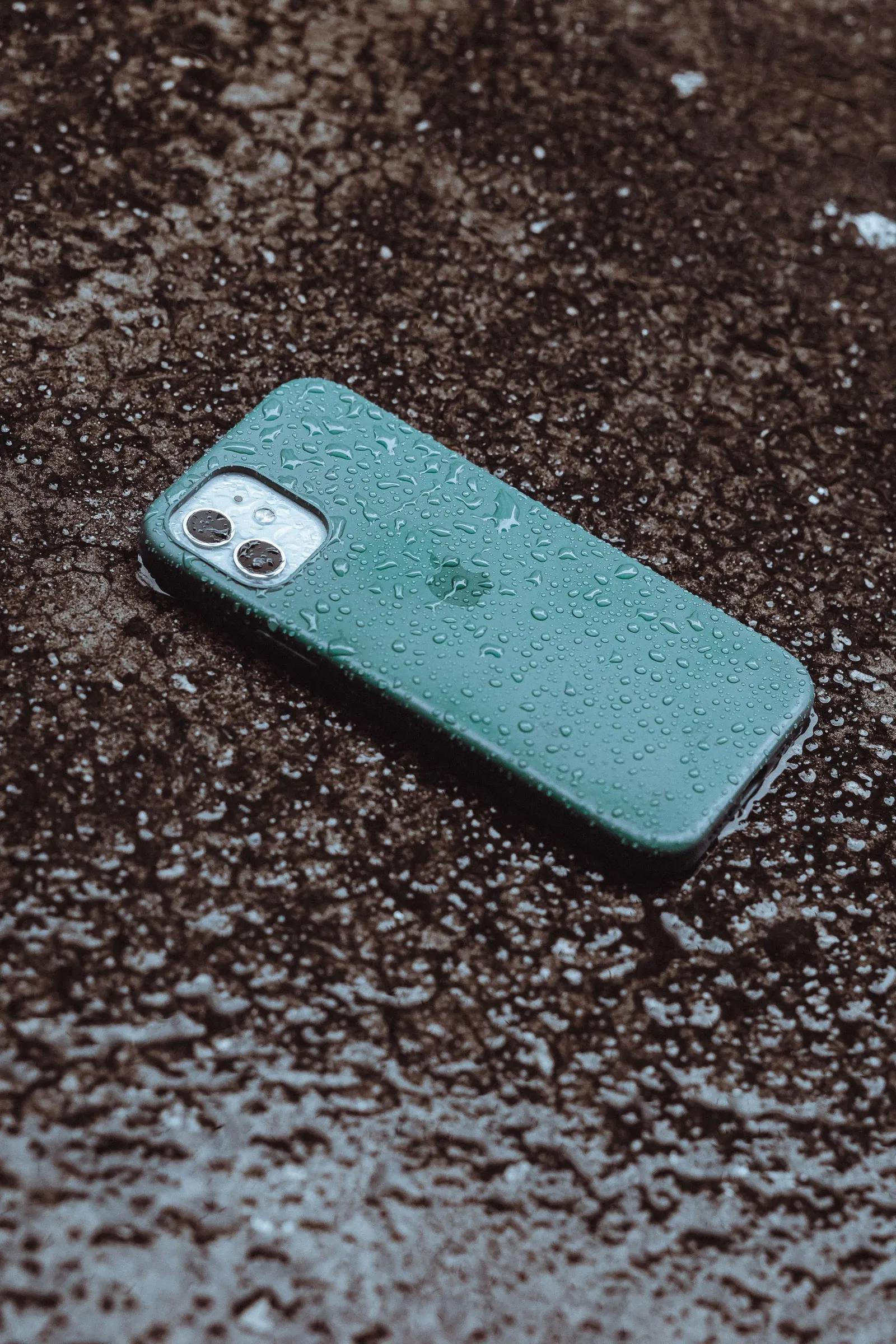
A phone drop is one of the most common reasons customers visit our Keshavpura shop. Most of the time, a cracked screen is the main visible result. But a hard drop can cause damage you cannot see from the outside, and checking these things early can save you from unexpected failures down the line, or help you understand why a repair is more involved than just the glass.
First: Check These Things Before Anything Else
Before worrying about the repair cost, do a quick damage assessment. You want to know not just what broke, but what is still working.
1. Is the Display Working?
There is an important difference between the glass and the display beneath it. The glass (digitizer layer) can crack while the display itself remains intact. Turn on the screen and check:
- Is the display showing colours correctly, or are there dark patches, discolouration, or a black area spreading from the crack?
- Are there vertical or horizontal lines across the display?
- Is the image flickering?
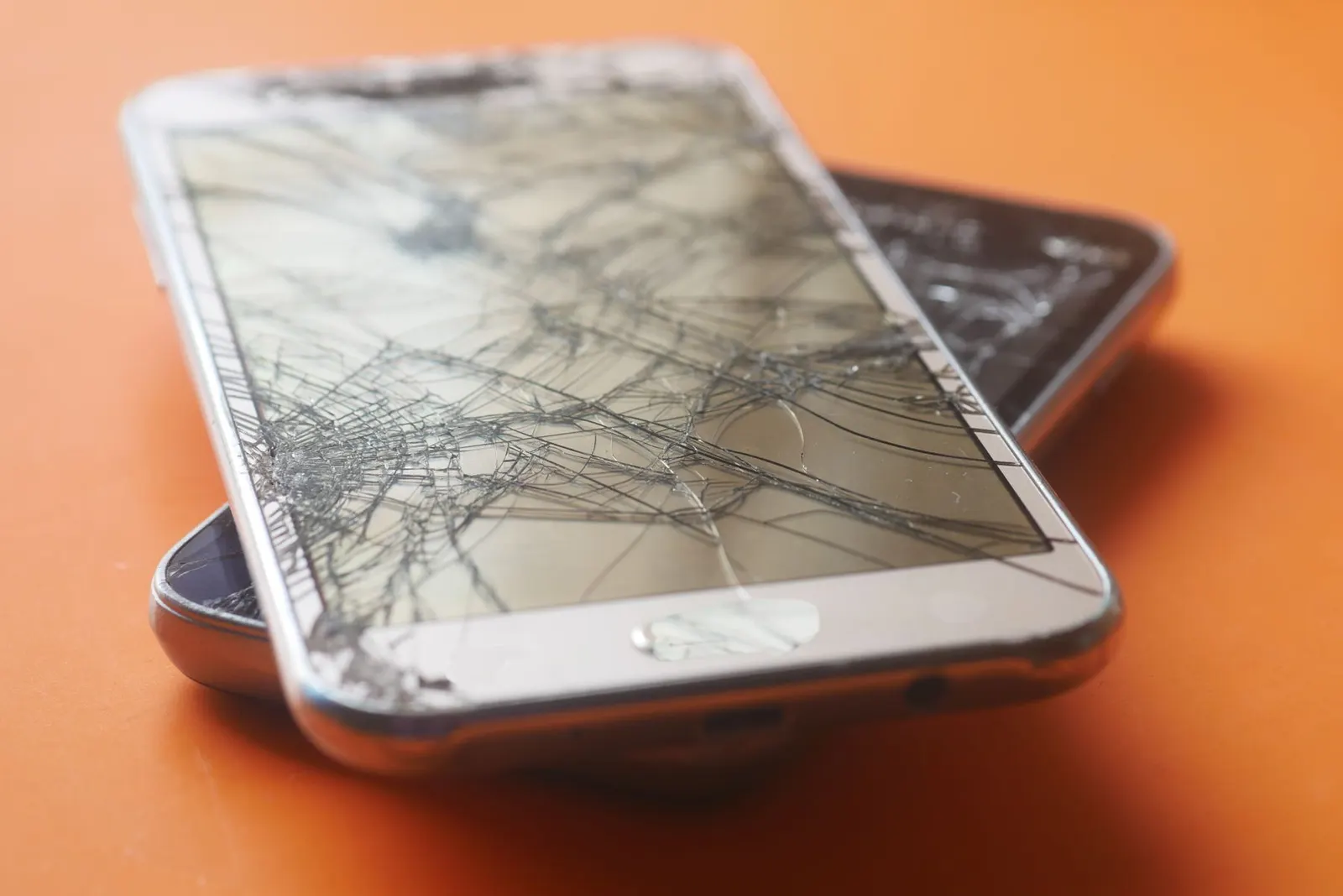
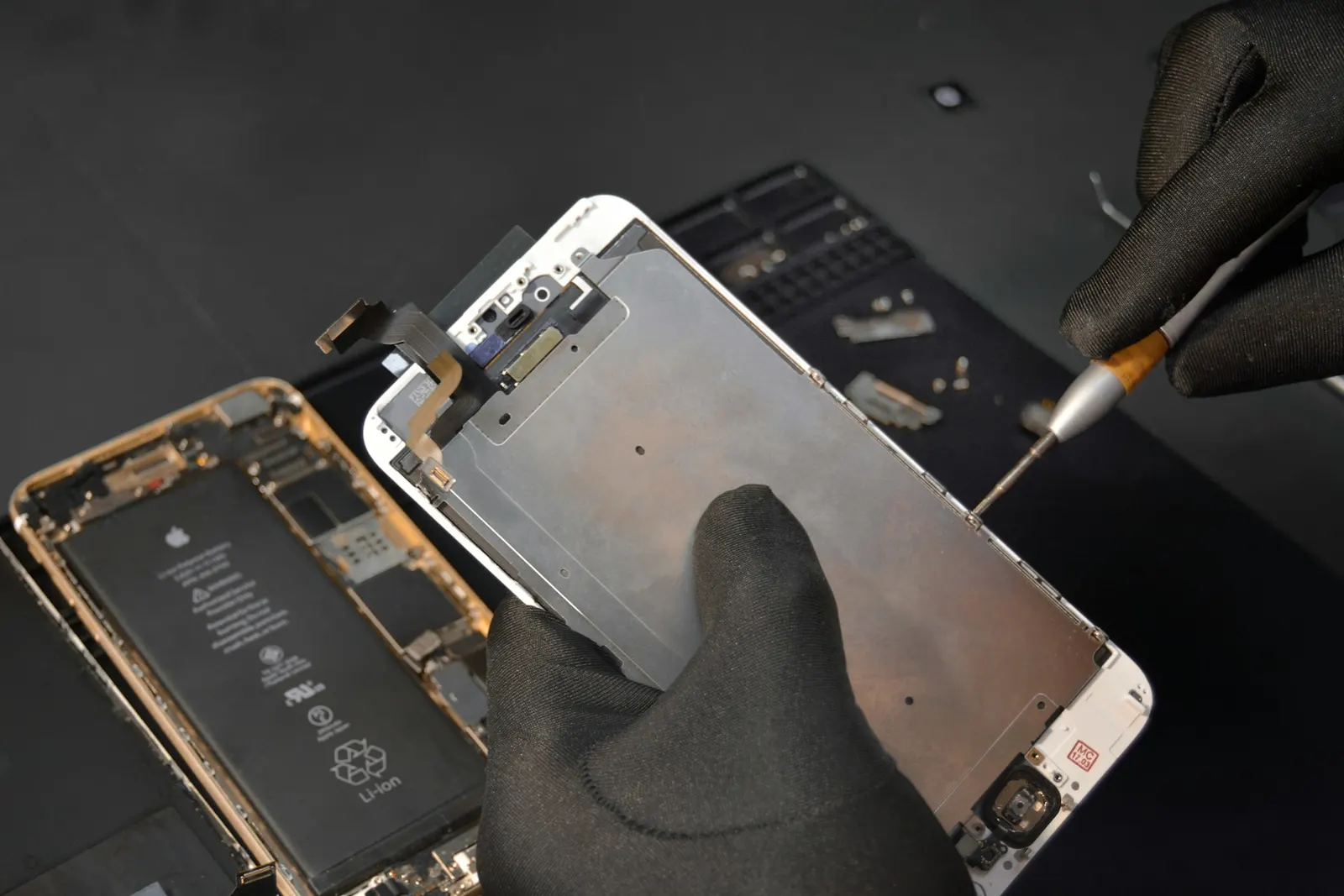
If the display image is normal with only the glass cracked, a glass-only replacement may be possible on some models, though many modern phones require the full display assembly. If the display is damaged (lines, black patches, discolouration), the full screen assembly needs replacement.
2. Is the Touch Still Fully Responsive?
Test all areas of the screen, including corners and edges near the crack. Tap, scroll, and type something. Points to check:
- Are there areas where touch does not register?
- Is the phone registering phantom touches you are not making?
- Does the screen work in all four corners?
Digitizer damage from a drop can leave dead zones or cause ghost touches. This affects usability immediately and will typically worsen over time if left unaddressed.
3. Check the Frame and Body
Look at the metal or plastic frame around the phone:
- Is the frame bent at any corner or edge? A bent frame means the internal components may have been compressed or misaligned.
- Has the back cover cracked or separated? On phones with glass backs, the back can crack in a drop too, which exposes the internals to dust and moisture.
- Is the screen sitting slightly raised or not flush? This can indicate internal pressure from the drop or a swollen battery.
4. Check the Cameras
Open the camera app and check both front and rear cameras. Look for:
- Blurry or hazy images that were not present before
- Black screen in the camera app
- Cracked rear camera glass (separate from the main screen)
The rear camera module can be damaged by a drop even without the camera glass visibly cracking, particularly if the phone landed at an angle.
5. Test Audio and Charging
Play some audio through the speaker and try a phone call. Then plug in your charger. Sometimes a hard impact damages a speaker connector, the charging port, or the solder points on the board. These issues may not be obvious immediately but are worth catching early.
6. Check Network and Connectivity
Confirm that your SIM signal, Wi-Fi, and Bluetooth are all functioning normally. In severe drops, antenna connectors on the board can come loose.
When to Repair It and When Not to Ignore It
A small crack in a corner with no display or touch damage is less urgent, many people use phones in this state for weeks without issue. But you should still repair it because:
- Exposed glass edges are a cut risk
- The crack weakens the glass further, a second small drop can shatter it completely
- Moisture can enter through even a hairline crack, particularly during Kota's monsoon season
If the display image is damaged, touch is unreliable, or you notice any of the other issues above, repair is urgent. A damaged display typically gets worse with use, not better.
| Damage type | Typical repair cost |
|---|---|
| Glass-only crack (display intact) | ₹400 - ₹1,500 |
| Full screen assembly replacement (mid-range) | ₹1,200 - ₹3,500 |
| Full screen assembly replacement (flagship) | ₹3,000 - ₹8,000 |
| Rear camera glass | ₹200 - ₹800 |
| Frame / housing replacement | ₹800 - ₹2,500 |
All costs depend on the specific model and what parts are required. We confirm the exact cost after a free inspection.
Bring your phone to our Keshavpura shop and we will go through this checklist with you in front of you, tell you everything we find, and give you an exact quote before any work begins. No surprises.
Frequently Asked Questions
My screen is cracked but everything works fine. Is it okay to wait?
You can wait if the crack is minor and there is no moisture risk. However, every subsequent drop carries a much higher risk of full display failure, and Kota's monsoon makes moisture ingress through cracks a real concern.
Can a cracked screen cause harm if I keep using it?
Sharp glass edges can cause small cuts. Cracks can also spread into the display layer over time. And as mentioned, moisture and dust entry through the crack can damage internal components.
My phone has lines on the display after the drop. Can it be fixed without replacing the whole screen?
No, lines on the display indicate the display panel itself is damaged, not just the glass. The full screen assembly (glass + display) needs replacement.
The camera glass is cracked but the photos look fine. Should I repair it?
Yes, fairly soon. Dust entering through the cracked camera glass will reach the lens and degrade photo quality over time. The camera glass itself is usually an affordable repair.
My phone fell but the screen looks perfect. Could there still be damage?
Yes, internal damage from impact (battery, board connectors, charging port) is possible without visible screen damage. Run through the checklist above, and if anything seems off, bring it in for a free check.
Frequently asked questions
My screen is cracked but everything works fine. Is it okay to wait?
You can wait if the crack is minor, but every subsequent drop carries higher risk of full display failure. Moisture through the crack is also a concern during monsoon.
Can a cracked screen cause physical harm?
Yes, sharp glass edges can cause small cuts on your fingers. The cracks can also spread into the display layer over time.
My phone has lines on the display after the drop. Can just the glass be replaced?
No. Lines indicate display panel damage, the full screen assembly (glass and display together) needs replacement.
The camera glass is cracked but photos look fine. Should I repair it?
Yes, fairly soon. Dust through the cracked glass will degrade photos over time. Camera glass replacement is usually an affordable fix.
My phone fell and looks fine. Could there still be internal damage?
Yes. Battery, board connectors, and charging port can be damaged by impact without visible screen damage. Run through the checklist and visit us if anything seems off.

Questions & comments
Ask our Kota technicians anything about this repair. All posts are reviewed before they appear. For an urgent quote, WhatsApp us.
No comments yet, be the first to ask a question.
Leave a comment or ask a question
First, verify your email. We send a 6-digit code so we know you are a real person. Your email is never shown publicly.
Enter the 6-digit code we emailed to .