
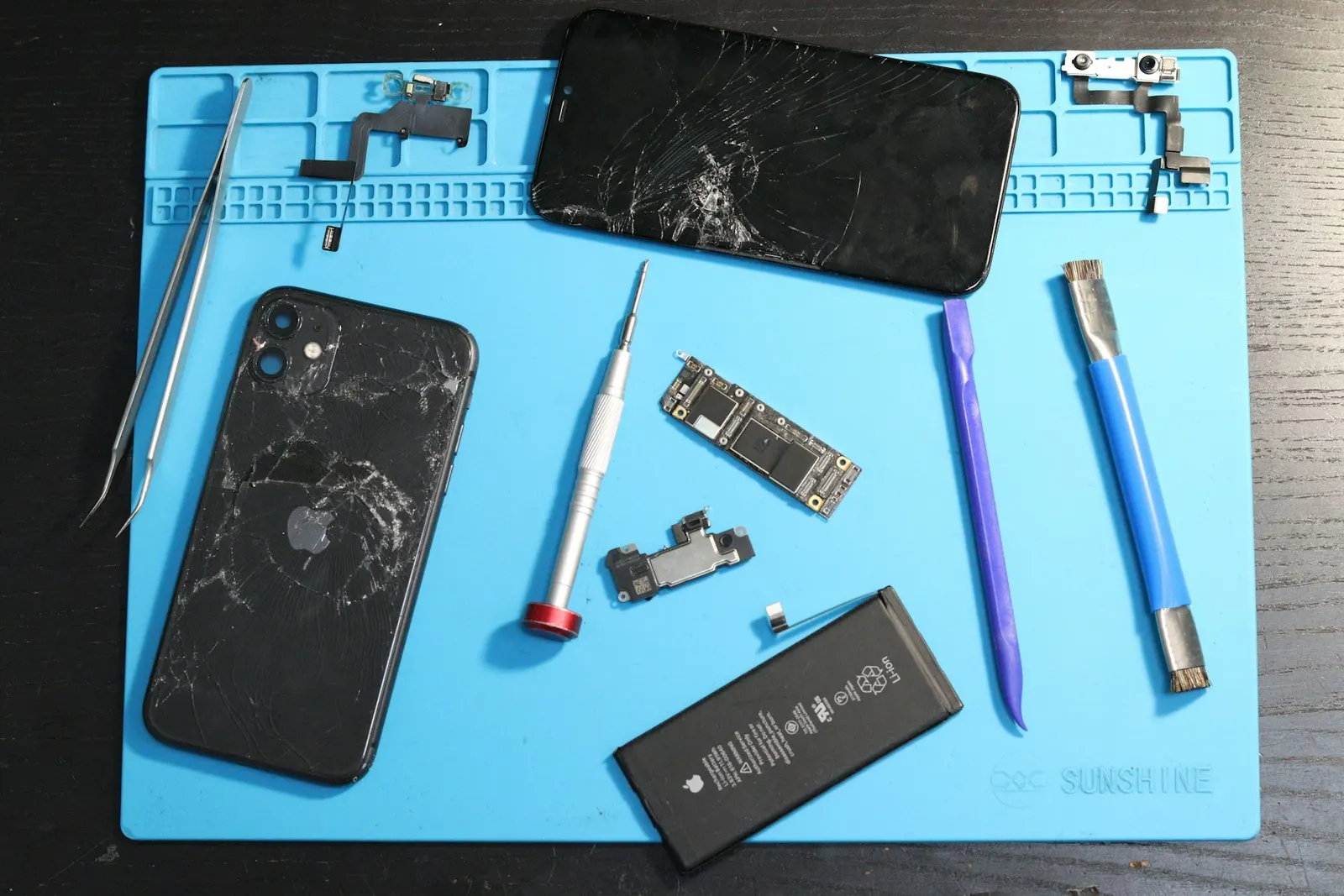
An iPhone that refuses to charge is one of the most frustrating problems a smartphone owner can face, especially if you are a coaching student in Kota with back-to-back lectures and mock tests scheduled. At our Prince Mobile Service Centre in Keshavpura we handle iPhone charging problems daily, and we have found that a good number of cases are actually resolved by simple checks before any repair is needed. Let us walk through the steps in the right order.
Step 1. Check the Cable and Adapter
This sounds obvious but it is the most common culprit. Apple's Lightning cables (used by iPhone 14 and older) and USB-C cables (iPhone 15 onwards) are prone to fraying near the connectors after months of daily use. Inspect the cable closely near both ends. Look for:
- Visible fraying, kinking, or broken insulation near the plug
- Bent or discoloured pins inside the Lightning connector
- Corrosion or dark staining on the USB-C tip
Try a different Apple MFi-certified cable if you can borrow one. Cheap non-certified cables from the market often cause "Accessory Not Supported" alerts and trickle charge or refuse to charge altogether. Similarly, try a different power adapter, a faulty wall adapter is another common cause that gets overlooked.
Step 2. Clean the Charging Port
The Lightning port on older iPhones and the USB-C port on newer models collect lint at an impressive rate, especially when the phone lives in a pocket. If the cable feels loose or does not click in as firmly as it used to, a lint plug inside the port is very likely. Here is the safe way to clean it:
- Use a wooden toothpick or a soft plastic tool, never a metal pin or paper clip, as these can scratch the contacts or cause a short.
- Angle the toothpick along the bottom of the port (where lint gathers) and gently scoop outward. Do not poke straight in.
- Use a small torch to see inside the port clearly before and after cleaning.
After cleaning, try the charger again. You will often feel the cable click in more firmly, and charging will resume.
Step 3. Software Checks
Sometimes iOS itself interferes with charging behaviour:
- Optimised Battery Charging. This feature intentionally pauses charging at 80 percent if your phone predicts you do not need a full charge yet. Check Settings, Battery, Battery Health and Charging to see if this is active and whether pausing is the cause.
- Accessory Alerts. If iOS shows an alert saying the accessory is not supported, the cable is either non-certified or damaged. Use a genuine Apple or certified cable.
- Force Restart. A hung iOS process can occasionally prevent charging from initiating. On iPhone 8 and later: press and quickly release Volume Up, press and quickly release Volume Down, then press and hold the Side button until the Apple logo appears. Try the charger again after restart.
Step 4. Check for Physical Port Damage
If the above steps do not resolve the issue, the port itself may be physically damaged, bent pins inside the Lightning port are not rare on phones that have been dropped or had cables yanked out sideways. Inspect the port with a torch. If you can see bent or missing pins, the port needs to be replaced by a technician.
Step 5. Battery or Board Issue
If the port and cable are both fine but the phone still will not charge, the problem may be the battery or the charging IC on the motherboard. A completely dead battery (one that has been fully discharged and left for a long period) sometimes will not respond to a charger at all until it receives a tiny trickle charge to wake the cell, we have tools to do this in the shop. A faulty charging IC requires board-level repair.
Typical Repair Costs in Kota
| Issue | Typical Repair Range |
|---|---|
| Lightning port replacement | ₹700 – ₹1,800 |
| USB-C port replacement (iPhone 15+) | ₹900 – ₹2,200 |
| Battery replacement | ₹1,200 – ₹3,500 |
| Charging IC / board repair | ₹1,500 – ₹4,000 |
As always, the exact cost is confirmed after a free check-up at our Keshavpura shop. If the problem is simply a lint-packed port, we clean it on the spot at no charge.
If you have been through all the steps above and the iPhone is still not charging, bring it to our Prince Mobile Service Centre in Keshavpura. We will diagnose the problem for free and give you a clear quote before any repair begins.
Frequently asked questions
My iPhone shows the charging symbol but the battery percentage is not increasing. What is wrong?
This often means the phone is drawing more power than the charger is supplying, usually because the adapter is too low wattage, or because the battery is so depleted it cannot accept charge at a normal rate. Try a higher wattage Apple adapter. If the problem persists with the correct charger, bring it in for a battery and port check.
My iPhone 15 says 'Charging Not Supported With This Accessory'. The cable is new.
iPhone 15 uses USB-C, but not all USB-C cables support Apple's charging protocols. Use the cable that came in the iPhone 15 box, or a USB-C cable that is Apple MFi certified. Generic USB-C cables from the market may not trigger this message every time, but some do.
Can I use a Samsung fast charger with my iPhone?
You can use a USB-C power adapter from Samsung or other brands with an iPhone 15 or later, as long as it is a genuine, good-quality adapter. The phone will charge, though Apple's proprietary fast-charging speed may vary. Avoid very cheap or unbranded fast chargers.
I dropped my iPhone in the Kota monsoon rain and now it is not charging. What should I do?
Do not try to charge it. Power it off and bring it to us as soon as possible. Water in the Lightning or USB-C port, or on the board, needs to be cleaned before charging is attempted, charging a wet iPhone can cause a short circuit and permanent damage.
My iPhone 12 charges wirelessly but not with a cable. What does this tell us?
This is a strong indicator that the problem is specifically the Lightning port, either lint blocking the connection, bent pins, or a damaged port component. The battery and charging IC are likely fine since wireless charging works. A port clean or port replacement should resolve it.
Questions & comments
Ask our Kota technicians anything about this repair. All posts are reviewed before they appear. For an urgent quote, WhatsApp us.
No comments yet, be the first to ask a question.
Leave a comment or ask a question
First, verify your email. We send a 6-digit code so we know you are a real person. Your email is never shown publicly.
Enter the 6-digit code we emailed to .