
A non-functional flashlight is surprisingly inconvenient, especially during Kota's frequent evening power cuts or when navigating badly lit stairwells in student hostels. The torch on your phone shares hardware with the rear camera's flash module, so when one stops working, both are often affected. Here is a practical guide to diagnosing and resolving the problem.
Why the Flashlight Stops Working
The flashlight function uses the LED flash unit mounted next to the rear camera. This is the same LED that fires when you take a photo in low light. Because the flash and torch share the same hardware component, damage or failure in one usually affects the other. Problems fall into two main categories: software and hardware.
Software Causes
- A conflicting app has locked the camera: If another app, like a video recording app, a scanner, or a social media app, is using the camera in the background, Android may block torch access to that flash module.
- A recent OS or MIUI/ColorOS update changed permissions: On Xiaomi, Realme, and Oppo phones, all very common among coaching students in Kota, a system update can occasionally reset the torch toggle or break the quick-settings shortcut.
- Cache corruption in the camera system: The flashlight and camera share system processes. A corrupted cache can cause both to misbehave.
- A third-party flashlight app is conflicting: Phones come with a built-in torch. Installing a separate flashlight app from the Play Store sometimes causes conflicts over flash hardware access.
Hardware Causes
- Blown or damaged flash LED: The LED can fail due to a drop, water exposure, or simply end-of-life burn-out after years of use.
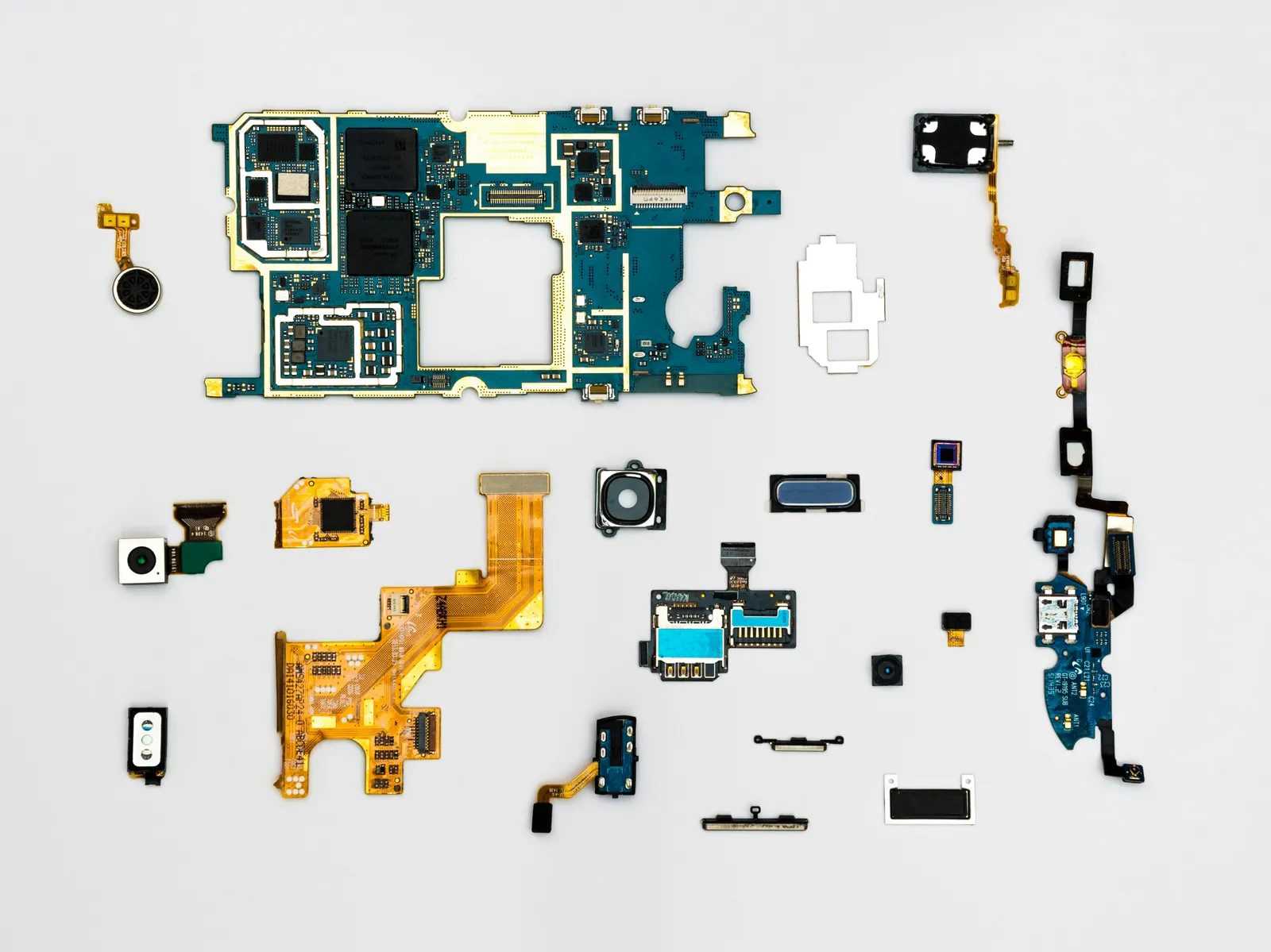
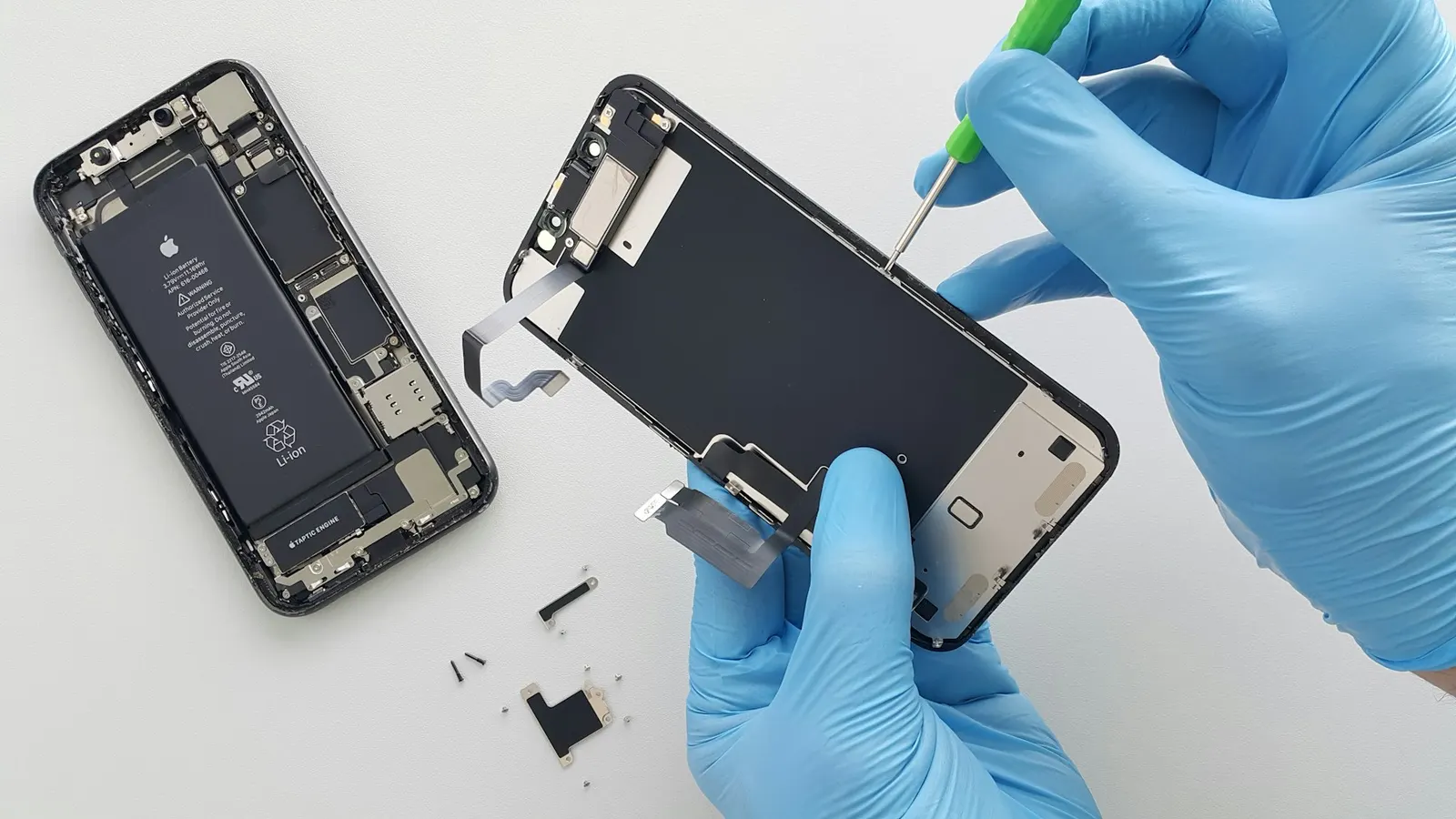
- Loose or damaged flex cable: The flash module is connected via a flex cable. A drop or an improperly done camera replacement can dislodge this connection.
- Water or monsoon moisture damage: During heavy monsoon rains in Kota, moisture that seeps into the camera area can corrode the flash contacts over time, even if the phone seemed fine immediately after getting wet.
- Camera module failure: If the rear camera also stopped working at the same time as the torch, the entire camera module may need replacement.
What to Try Before Visiting a Shop
- Restart the phone. This clears temporary software locks on the camera hardware. Try the torch from the quick-settings panel after restarting.
- Close all camera apps. Pull up recent apps and close every app that might be using the camera. Then try the torch again.
- Uninstall third-party flashlight apps. If you have any installed, remove them and use the phone's built-in torch only.
- Clear the camera app cache. Go to Settings, then Apps, find the Camera app, tap Storage, and clear the cache. This does not delete photos.
- Check in the camera app itself. Open the camera and try switching on the flash manually. If the camera app shows the flash as unavailable or gives an error, the hardware is likely at fault.
- Try a third-party camera app. If the built-in camera cannot trigger the flash but a different app can, the issue is software-level in the default app.
When the Flash Module Needs Replacement
If none of the software steps above restore the torch, the flash LED or its connection is physically faulty. At our Keshavpura service centre, we inspect the flash module connection first, a loose flex cable is a ten-minute fix. If the LED itself is burned out, we source a matching replacement module for your specific model.
Typical Repair Cost in Kota
| Repair Type | Typical Price Range |
|---|---|
| Software reset / cache fix (no parts) | ₹100 - ₹300 |
| Flash flex cable reconnection | ₹300 - ₹700 |
| Flash LED or module replacement | ₹500 - ₹1,500 |
| Full rear camera module replacement | ₹1,000 - ₹4,000 |
The exact cost depends on whether it is a standalone flash unit or a combined camera-and-flash module for your model. We confirm the price after a free diagnosis before starting any work.
Avoid These Mistakes
- Do not keep tapping the torch toggle repeatedly hoping it will suddenly work, this does not help and in some cases can stress an already-weak LED.
- Do not use a random flashlight app downloaded from unverified sources, some request unnecessary permissions and can slow down other camera functions.
- If your phone got wet recently, tell our technicians when you bring it in, corrosion on the flash contacts needs cleaning rather than just a module swap.
In most cases, restoring a dead torch takes less than a day at our shop. If you are in Kota and the phone's flashlight has stopped working, bring it in and we will diagnose it for free and give you an honest repair quote.
Frequently asked questions
My phone torch stopped working but the camera flash also does not fire, are they related?
Yes, they use the same LED flash module. If both stopped at the same time, the hardware, LED, flex cable, or module, is likely at fault rather than a software setting.
Can a software update cause the flashlight to stop working?
It can happen, especially on phones running MIUI, ColorOS, or FunTouchOS. Clearing the camera app cache and restarting usually resolves update-related torch issues.
Is it safe to keep using the phone if the torch does not work?
Yes, a non-functional torch does not affect calling, data, or other features. However, if the rear camera is also affected, get it checked to avoid the issue worsening.
How long does a flash module replacement take?
Usually one to two hours, depending on the model and whether the part is in stock. We keep common modules for Redmi, Realme, Samsung, and Vivo readily available.
Will clearing the camera cache delete my photos?
No. Clearing an app's cache removes temporary files only. Your photos remain in your gallery because they are stored separately, not in the cache.
Questions & comments
Ask our Kota technicians anything about this repair. All posts are reviewed before they appear. For an urgent quote, WhatsApp us.
No comments yet, be the first to ask a question.
Leave a comment or ask a question
First, verify your email. We send a 6-digit code so we know you are a real person. Your email is never shown publicly.
Enter the 6-digit code we emailed to .